跳转到主内容
加入维修社区 - 创建账户

Rival CM4015 Heating Element Replacement

你所需要的

    1. Rival CM4015 Heating Element Replacement, Base Plate: 步骤 1 中的图像 1,2 Rival CM4015 Heating Element Replacement, Base Plate: 步骤 1 中的图像 2,2
      • Remove the three 16 mm tri-point screws from the base plate.

      询问修复机器人

      添加评论

    2. Rival CM4015 Heating Element Replacement: 步骤 2 中的图像 1,2 Rival CM4015 Heating Element Replacement: 步骤 2 中的图像 2,2
      • Remove the base plate by pressing the plastic body away from the metal plate with your thumbs.

      询问修复机器人

      添加评论

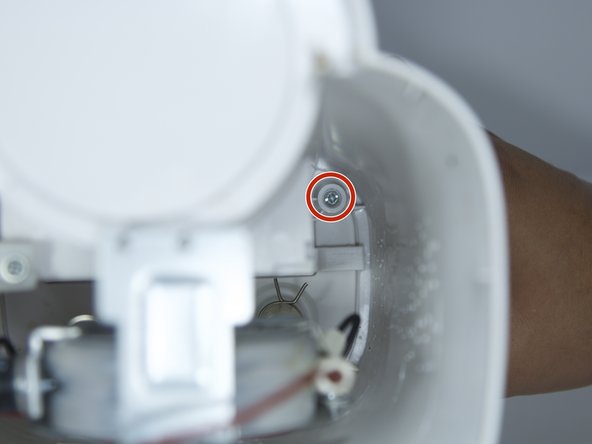
    1. Rival CM4015 Heating Element Replacement, Power Button: 步骤 3 中的图像 1,1
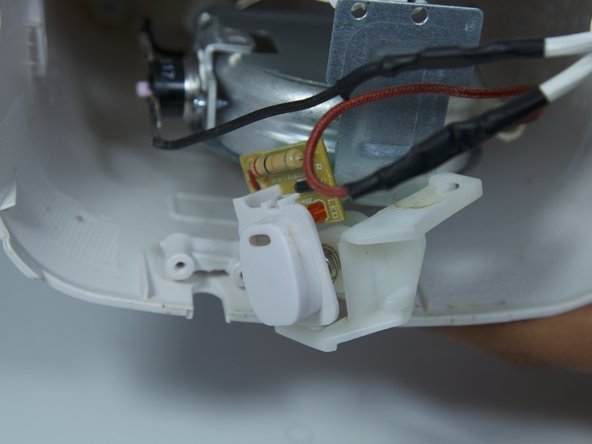
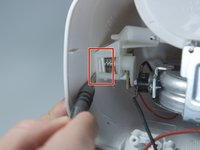
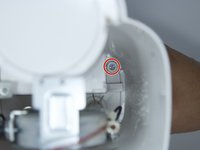
      • Remove the 8mm Phillips screw that attaches the power button to the inside of the coffee maker.

      询问修复机器人

      添加评论

    2. Rival CM4015 Heating Element Replacement: 步骤 4 中的图像 1,2 Rival CM4015 Heating Element Replacement: 步骤 4 中的图像 2,2
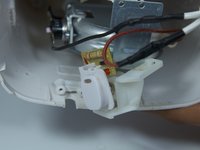
      • Use a flat head screwdriver to pry the power button from its slot in the body of the device.

      • Make sure the tool is pressed securely under the plastic clip, in order to not break it.

      询问修复机器人

      添加评论

    3. Rival CM4015 Heating Element Replacement: 步骤 5 中的图像 1,2 Rival CM4015 Heating Element Replacement: 步骤 5 中的图像 2,2
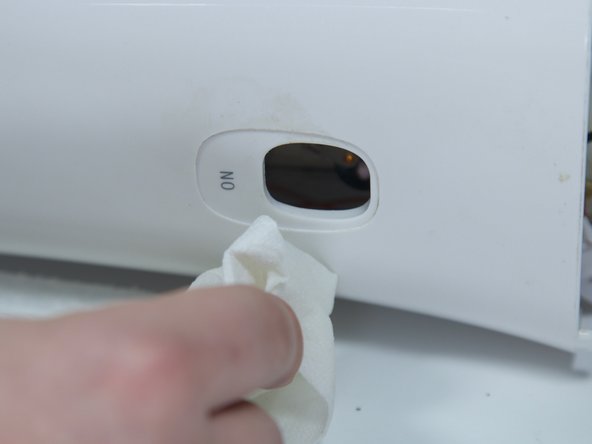
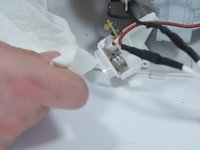
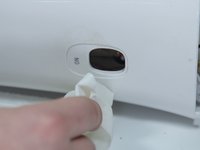
      • Clean both the button and its slot before replacing the power button.

      询问修复机器人

      添加评论

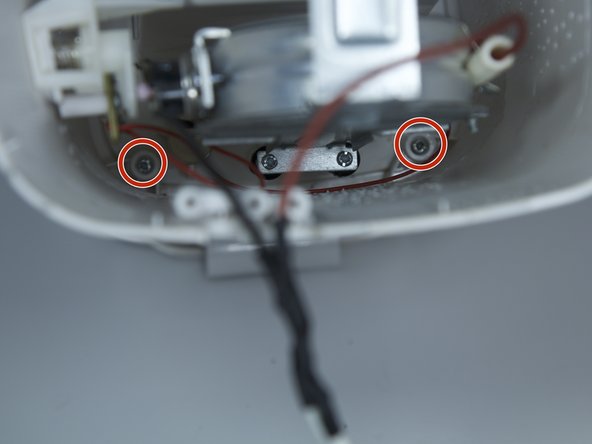
    1. Rival CM4015 Heating Element Replacement, Heating Element: 步骤 6 中的图像 1,1
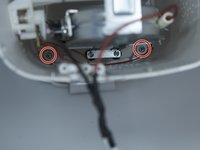
      • Remove the two 8 mm Phillips screws from the plastic body.

      询问修复机器人

      添加评论

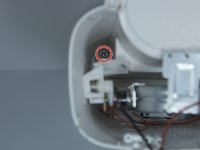
    2. Rival CM4015 Heating Element Replacement: 步骤 7 中的图像 1,2 Rival CM4015 Heating Element Replacement: 步骤 7 中的图像 2,2
      • Remove the two 8 mm Phillips screws from the chassis of coffee maker.

      • Pull back the metal backing from the plastic body.

      询问修复机器人

      添加评论

    3. Rival CM4015 Heating Element Replacement: 步骤 8 中的图像 1,3 Rival CM4015 Heating Element Replacement: 步骤 8 中的图像 2,3 Rival CM4015 Heating Element Replacement: 步骤 8 中的图像 3,3
      • Remove the four 8 mm Phillips screws from the inner plastic body.

      • You will need a long, thin Phillips screw driver to get this deep into the device.

      询问修复机器人

      添加评论

    4. Rival CM4015 Heating Element Replacement: 步骤 9 中的图像 1,2 Rival CM4015 Heating Element Replacement: 步骤 9 中的图像 2,2
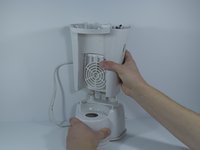
      • Flip the device upside down and remove the outer plastic body from the device by pulling straight up.

      • Take your time to make sure the thin cables within the device don't tear.

      询问修复机器人

      添加评论

    5. Rival CM4015 Heating Element Replacement: 步骤 10 中的图像 1,1
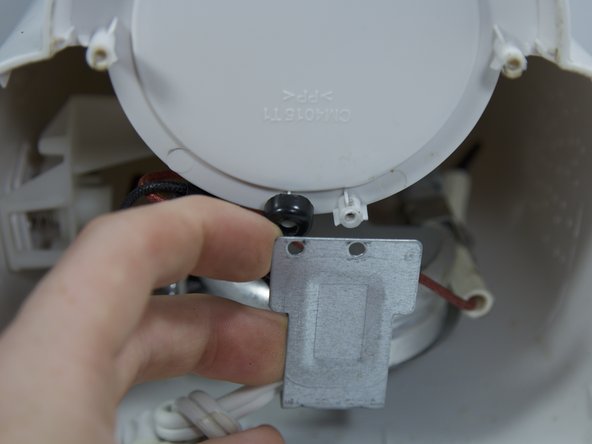
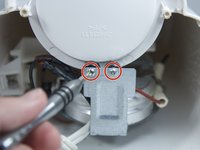
      • Remove the two 8 mm Phillips screws from the metal backing.

      询问修复机器人

      添加评论

    6. Rival CM4015 Heating Element Replacement: 步骤 11 中的图像 1,1
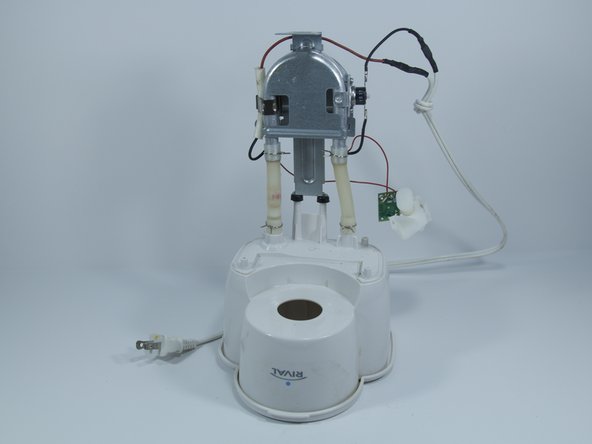
      • Remove the 4 springs holding the water tubes by squeezing the 2 prongs together.

      • You may also use pliers for this step if the springs are too strong.

      询问修复机器人

      添加评论

    7. Rival CM4015 Heating Element Replacement: 步骤 12 中的图像 1,1
      • Bend the heating element back and forth to wiggle the water tubes loose from the plastic.

      询问修复机器人

      添加评论

结论

To reassemble your device, follow these instructions in reverse order.

取消:我没有完成这个指南。

另外一个人完成了本指南。

团队

Cal Poly, Team 10-6, Livingston Fall 2016 Cal Poly, Team 10-6, Livingston Fall 2016 的会员

CPSU-LIVINGSTON-F16S10G6

5 名成员

创作了18篇指南

0指南评论

添加评论

浏览统计数据:

过去 24 小时: 0

过去 7 天: 1

过去 30 天: 21

总计 664