此翻译由机器生成,尚未经过人工审核。 会说这种语言吗? 查看评论。

Ring Video Doorbell 摄像头更换

最后更新于 2026年8月14日
浏览量: 2.1万
浏览统计数据:
- 过去24小时
- 8
- 过去 7 天:
- 49
- 过去 30 天:
- 206
- 总计
- 21,159
评论: 14
3 comments on steps, 11 guide comments.
Go to guide comments已完成: 3 4
3 人已将本指南标记为“已完成”。你会是下一个完成的人吗?
4 人已将本指南标记为“已完成”。包括你——干的漂亮!
收藏: 1 2
1 人收藏(并订阅)了本指南。你会是下一个吗?
2 人收藏(并订阅)了本指南——这其中包括你!
简介
转到步骤 1 ↓本指南将向你展示如何逐步拆卸并更换 Ring Video Doorbell 的摄像头。你需要一把 PH00 型号的 Phillips 螺丝刀和一个塑料撬棒工具。
你所需要的
工具


 询问修复机器人


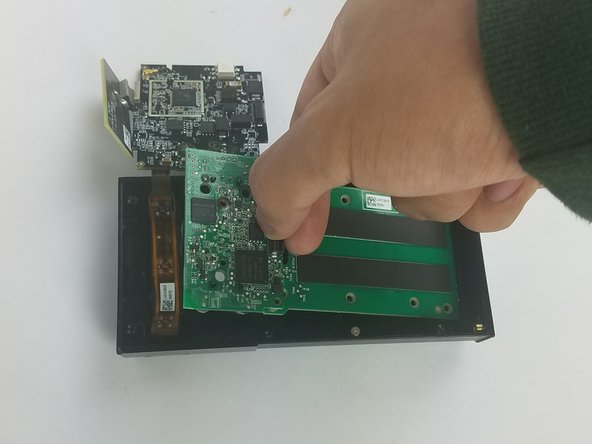

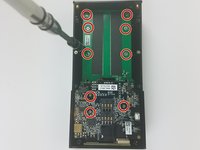
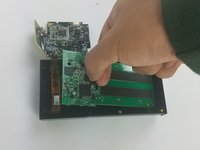
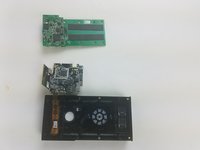

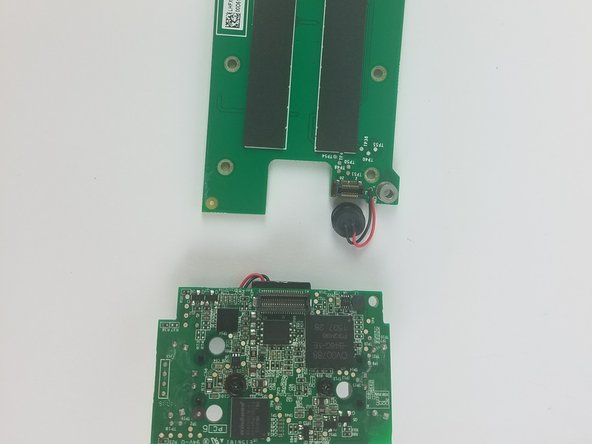

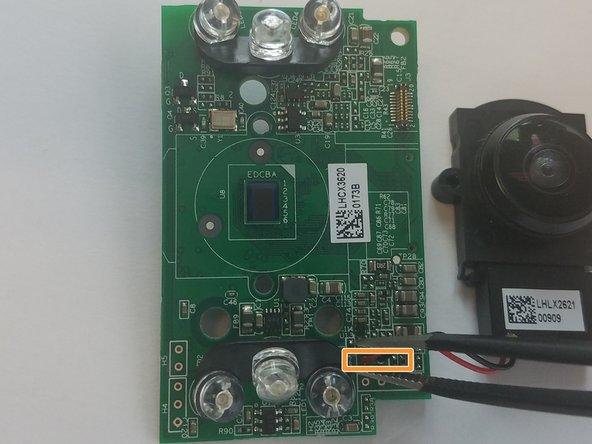

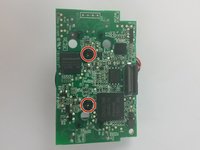
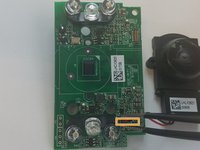
要重新组装设备,请按相反顺序执行这些说明。
3等其他人完成本指南。

团队

USF Tampa, Team S11-G5, Cheng Spring 2018 USF Tampa, Team S11-G5, Cheng Spring 2018 的会员
USFT-CHENG-S18S11G5
3 名成员
创作了60篇指南
11指南评论
What camera should I use to replace a malfunctioning camera in the ring video doorbell? And where do I buy it?
Bump. What camera should I use to replace? (Scratched Lens.) Is the lens you can touch, a lens, or is it just a cover? Mine fell at there is chip right in the center that make the image unusable.
I have a scratch dead center of mine too. Have no clue how it got there as I’m super careful when I take it off to charge. Ugh. did you find out where to buy a replacement?
Kim Townsend - 回复 分享
What camera should I use to replace? (Scratched Lens.) I have the right 1st generation with a 740p camera
meanltltoo - 回复 分享
Has anyone found a replacement camera online?
