跳转到主内容
加入维修社区 - 创建账户

Porter-Cable PCE211 Grip Replacement

你所需要的

    1. Porter-Cable PCE211 Grip Replacement, Gearcase: 步骤 1 中的图像 1,2 Porter-Cable PCE211 Grip Replacement, Gearcase: 步骤 1 中的图像 2,2
      • Using the Hex Security SAE 7/32", remove the four 10 mm socket screws at the base of the gearcase.

      询问修复机器人

      添加评论

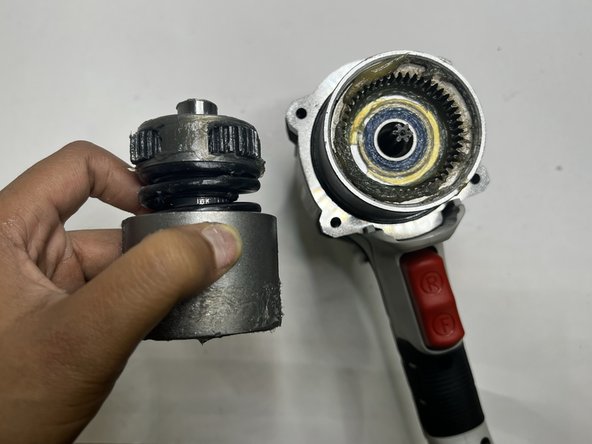
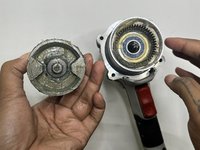
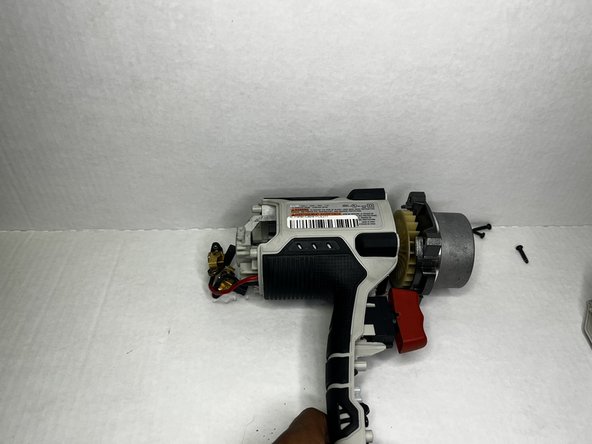
    2. Porter-Cable PCE211 Grip Replacement: 步骤 2 中的图像 1,3 Porter-Cable PCE211 Grip Replacement: 步骤 2 中的图像 2,3 Porter-Cable PCE211 Grip Replacement: 步骤 2 中的图像 3,3
      • Grip the body of the impact wrench with one hand and the gearcase in the other and firmly pull to remove it.

      • Be careful about any loose parts when removing the head.

      询问修复机器人

      添加评论

    1. Porter-Cable PCE211 Grip Replacement, Rear Housing: 步骤 3 中的图像 1,2 Porter-Cable PCE211 Grip Replacement, Rear Housing: 步骤 3 中的图像 2,2
      • Remove the four 6 mm screws using a Phillips #2 screwdriver.

      • The screws are tight so you will need to use a bit of arm strength.

      询问修复机器人

      添加评论

    2. Porter-Cable PCE211 Grip Replacement: 步骤 4 中的图像 1,2 Porter-Cable PCE211 Grip Replacement: 步骤 4 中的图像 2,2
      • Pull the rear housing off the back of the impact wrench.

      • Be careful when removing the rear case that loose parts don't get damaged.

      询问修复机器人

      添加评论

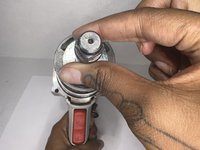
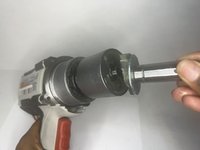
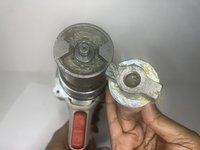
    1. Porter-Cable PCE211 Grip Replacement, Anvil: 步骤 5 中的图像 1,3 Porter-Cable PCE211 Grip Replacement, Anvil: 步骤 5 中的图像 2,3 Porter-Cable PCE211 Grip Replacement, Anvil: 步骤 5 中的图像 3,3
      • Firmly pull the to remove drill bit holder also known as the anvil.

      • Before replacing the anvil, lubricate the base for the best performance.

      询问修复机器人

      添加评论

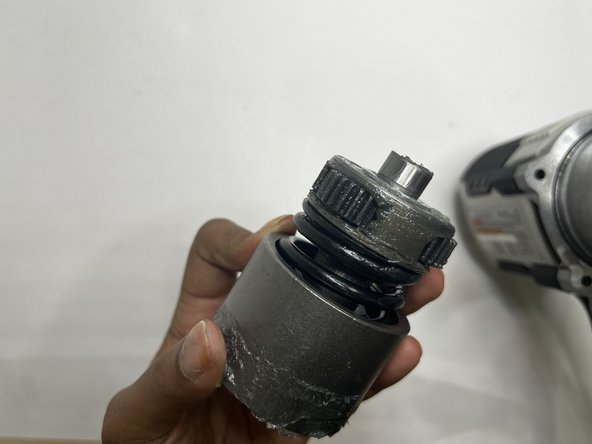
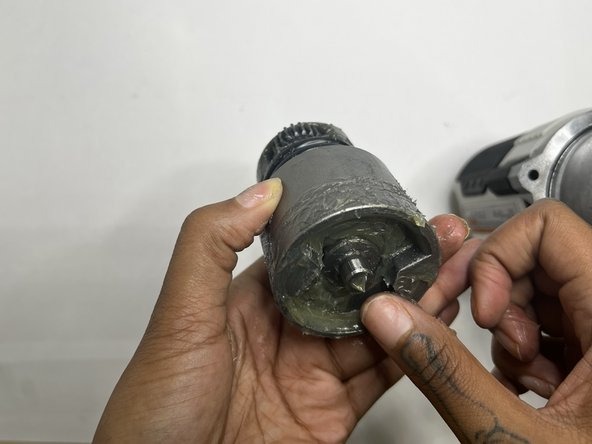
    1. Porter-Cable PCE211 Grip Replacement, Motor: 步骤 6 中的图像 1,3 Porter-Cable PCE211 Grip Replacement, Motor: 步骤 6 中的图像 2,3 Porter-Cable PCE211 Grip Replacement, Motor: 步骤 6 中的图像 3,3
      • This section tends to get messy so it would be best to have a paper towel or microfiber towel handy.

      • Pull the motor out with your hands.

      询问修复机器人

      添加评论

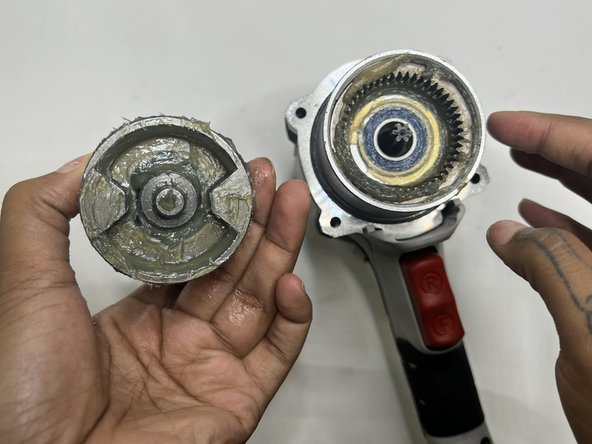
    2. Porter-Cable PCE211 Grip Replacement: 步骤 7 中的图像 1,3 Porter-Cable PCE211 Grip Replacement: 步骤 7 中的图像 2,3 Porter-Cable PCE211 Grip Replacement: 步骤 7 中的图像 3,3
      • Wipe out the old grease with a towel. Use the appropriate motor grease for electric tools to lubricate the top area, base of the motor, and the space the motor sits.

      询问修复机器人

      添加评论

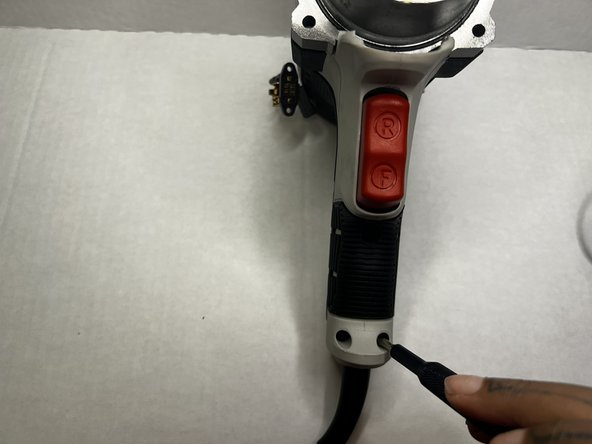
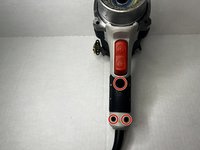
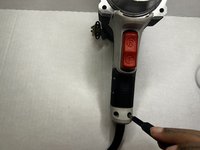
    1. Porter-Cable PCE211 Grip Replacement, Grip: 步骤 8 中的图像 1,2 Porter-Cable PCE211 Grip Replacement, Grip: 步骤 8 中的图像 2,2
      • Using the Phillips #2 screwdriver, remove the three 8 mm screws from the grip of the impact wrench.

      询问修复机器人

      添加评论

    2. Porter-Cable PCE211 Grip Replacement: 步骤 9 中的图像 1,2 Porter-Cable PCE211 Grip Replacement: 步骤 9 中的图像 2,2
      • Pull the grip from the body of the impact wrench.

      询问修复机器人

      添加评论

结论

To reassemble your device, follow these instructions in reverse order.

取消:我没有完成这个指南。

另外一个人完成了本指南。

Layla Berry

于09/19/22注册

678 声望

创作了7篇指南

团队

0指南评论

添加评论

浏览统计数据:

过去 24 小时: 1

过去 7 天: 4

过去 30 天: 18

总计 436