跳转到主内容
加入维修社区 - 创建账户

Playstation 3 Optical Drive Replacement

已存档的指南
本指南只作为历史记录保留。请使用指南的最新版本来进行维修。

你所需要的

  1. Playstation 3 Optical Drive Replacement, Top Cover: 步骤 1 中的图像 1,2 Playstation 3 Optical Drive Replacement, Top Cover: 步骤 1 中的图像 2,2
    • Remove the rubber screw cover near the hard drive cover with a spudger.

  2. Playstation 3 Optical Drive Replacement: 步骤 2 中的图像 1,1
    • Remove the screw holding the top cover in place with a Torx T10 screwdriver.

  3. Playstation 3 Optical Drive Replacement: 步骤 3 中的图像 1,2 Playstation 3 Optical Drive Replacement: 步骤 3 中的图像 2,2
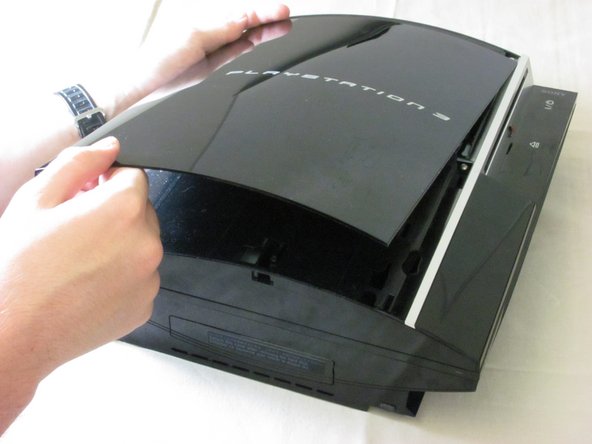
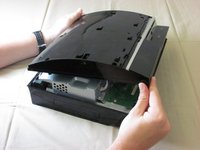
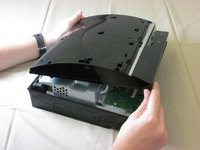
    • Slide the top cover down about half an inch.

    • Lift the cover off of the PS3.

  4. Playstation 3 Optical Drive Replacement: 步骤 4 中的图像 1,2 Playstation 3 Optical Drive Replacement: 步骤 4 中的图像 2,2
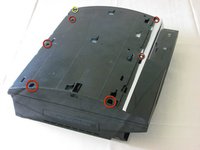
    • Remove the seven screws in the top cover with a Phillips #2 screwdriver.

    • One of the screws is shorter than the others. The short screw is marked in yellow.

  5. Playstation 3 Optical Drive Replacement: 步骤 5 中的图像 1,3 Playstation 3 Optical Drive Replacement: 步骤 5 中的图像 2,3 Playstation 3 Optical Drive Replacement: 步骤 5 中的图像 3,3
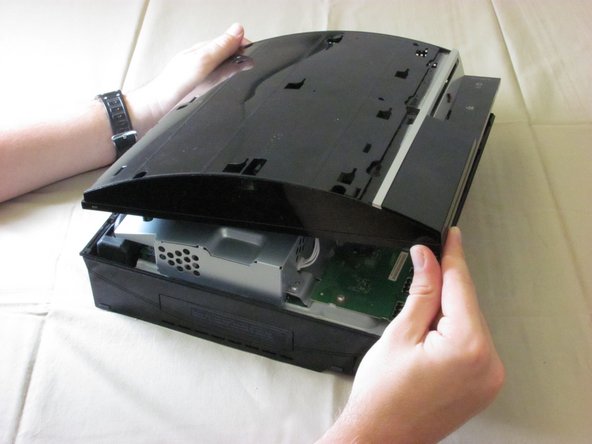
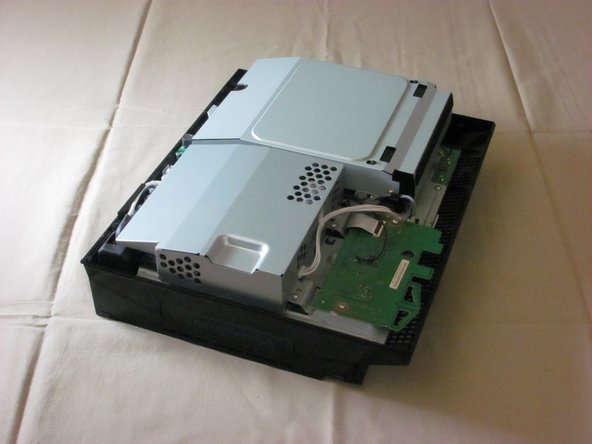
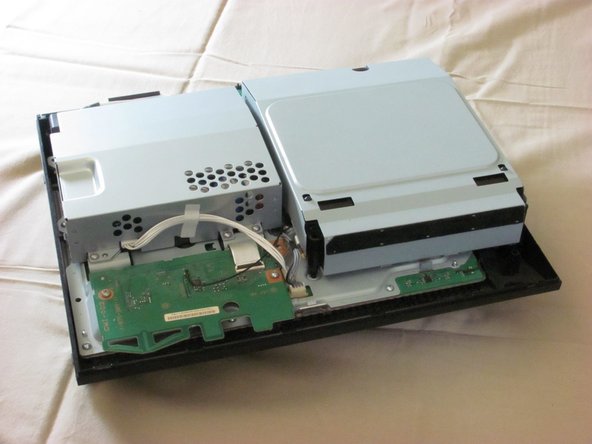
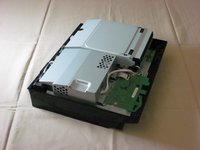
    • You can now lift off the top cover.

  6. Playstation 3 Optical Drive Replacement, Optical Drive: 步骤 6 中的图像 1,3 Playstation 3 Optical Drive Replacement, Optical Drive: 步骤 6 中的图像 2,3 Playstation 3 Optical Drive Replacement, Optical Drive: 步骤 6 中的图像 3,3
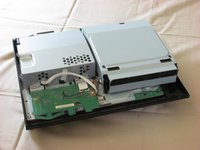
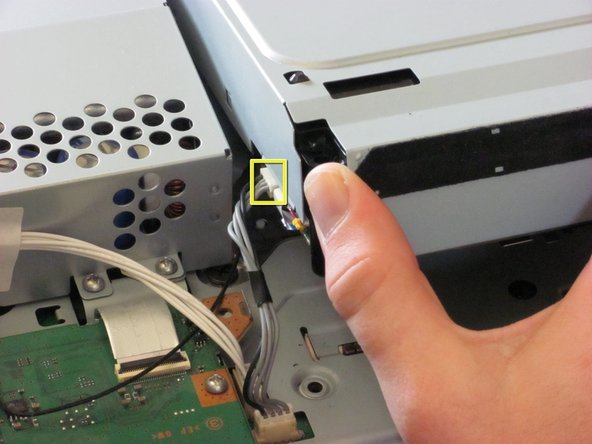
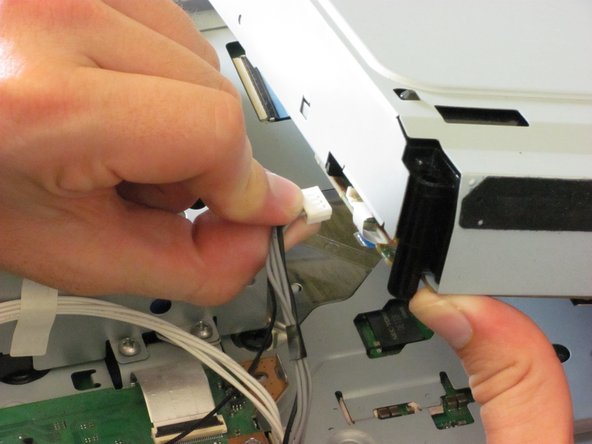
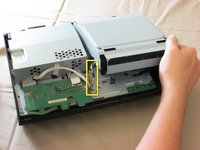
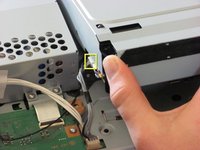
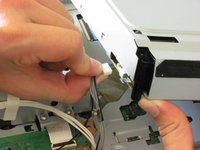
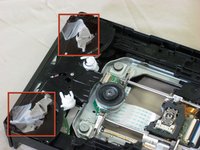
    • Lift the optical drive enclosure and disconnect the grey wires.

    • Do not lift it too far up before disconnecting the wires.

  7. Playstation 3 Optical Drive Replacement: 步骤 7 中的图像 1,3 Playstation 3 Optical Drive Replacement: 步骤 7 中的图像 2,3 Playstation 3 Optical Drive Replacement: 步骤 7 中的图像 3,3
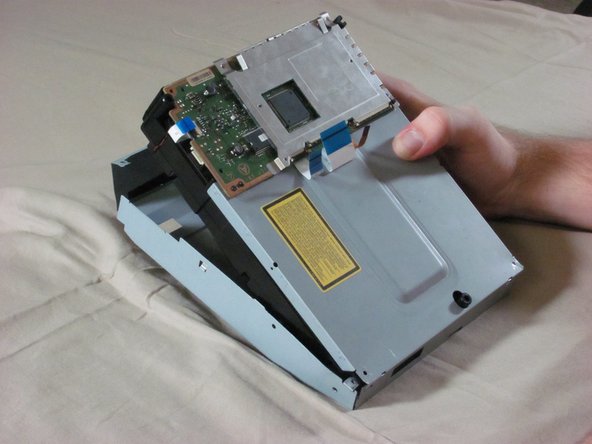
    • Tilt the front of the optical drive enslosure upwards.

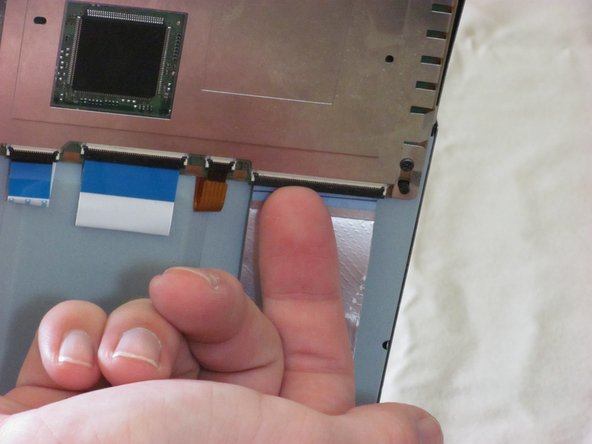
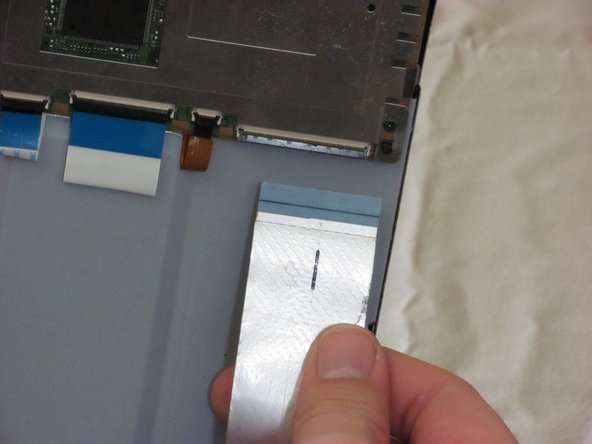
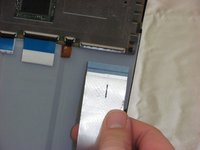
    • Lift the black ribbon cable latch on the back side with your finger or a spudger.

    • Disconnect the ribbon cable.

  8. Playstation 3 Optical Drive Replacement: 步骤 8 中的图像 1,1
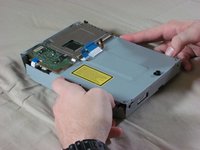
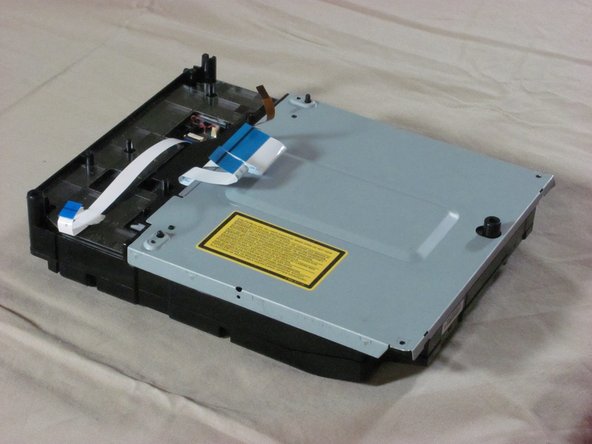
    • Remove the optical drive enclosure from the PS3.

  9. Playstation 3 Optical Drive Replacement: 步骤 9 中的图像 1,3 Playstation 3 Optical Drive Replacement: 步骤 9 中的图像 2,3 Playstation 3 Optical Drive Replacement: 步骤 9 中的图像 3,3
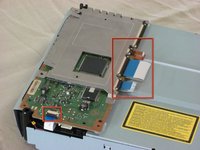
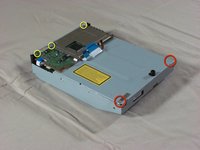
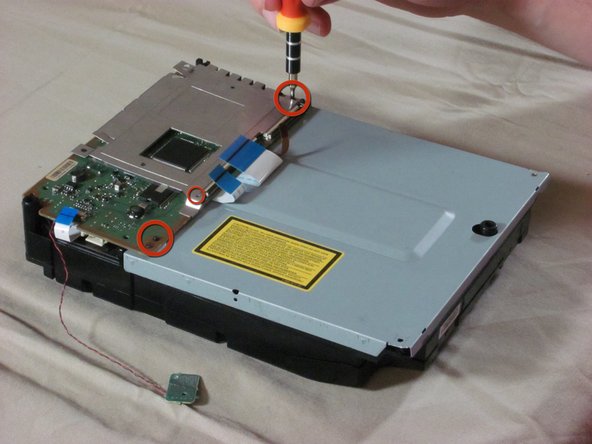
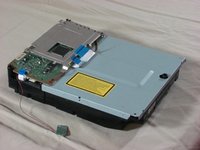
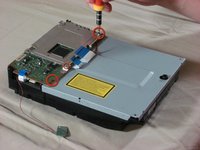
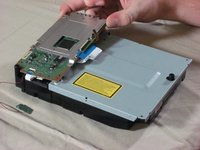
    • Flip over the optical drive enclosure. There are four ribbon cables connected to the circuit board. Using a spudger or your finger, lift each ribbon cable latch and disconnect each ribbon cable.

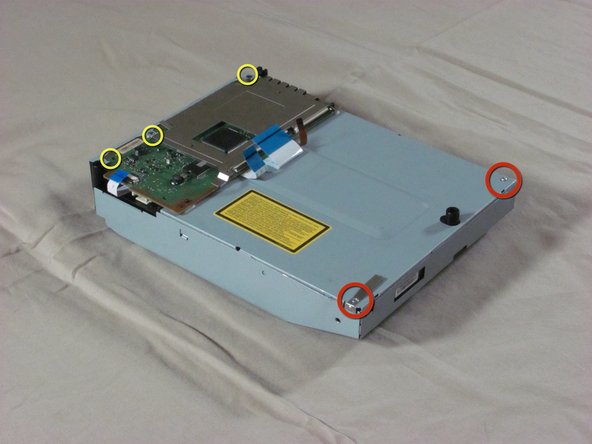
    • Remove the three screws on the board with a Phillips #00 screwdriver.

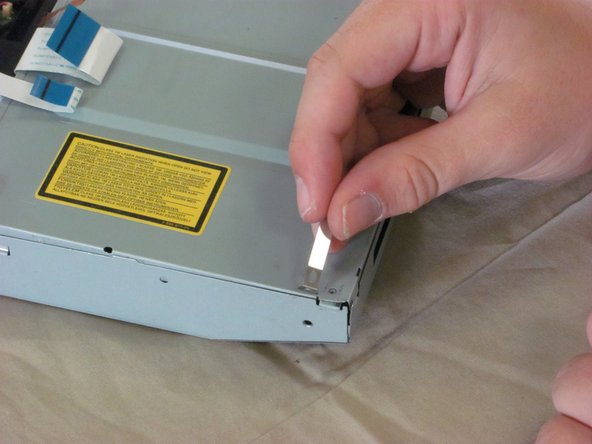
    • Remove the two silver screws on the bottom of the case. These screws are different from the ones on the board and should be kept separate.

    • Note: The longer of these two screws holds down a metal tab that comes loose as seen in the third picture.

  10. Playstation 3 Optical Drive Replacement: 步骤 10 中的图像 1,2 Playstation 3 Optical Drive Replacement: 步骤 10 中的图像 2,2
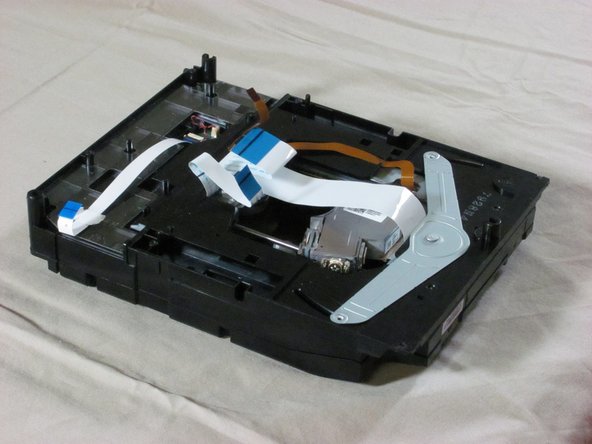
    • Using your thumbs, carefully bend out the sides of the metal enclosure.

    • Lift the plastic enclosure out of the metal enclosure.

  11. Playstation 3 Optical Drive Replacement: 步骤 11 中的图像 1,3 Playstation 3 Optical Drive Replacement: 步骤 11 中的图像 2,3 Playstation 3 Optical Drive Replacement: 步骤 11 中的图像 3,3
    • Flip over the enclosure so that the circuit board is on the bottom and the optical sensor is on top.

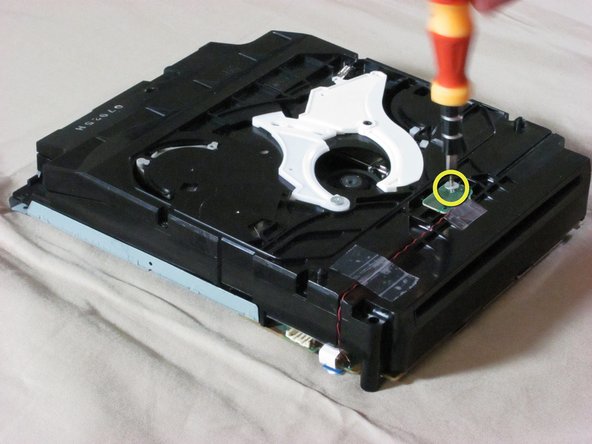
    • Remove the screw on the optical sensor using a Phillips #00 screwdriver.

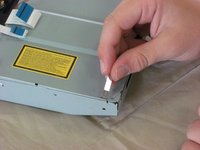
    • Remove the tape on the red and black wires that connect to the optical sensor. With the wires still attached, take the sensor off the ensclosure.

    • The wires on the optical sensor are very weak. They will break easily if excessive force is applied to them.

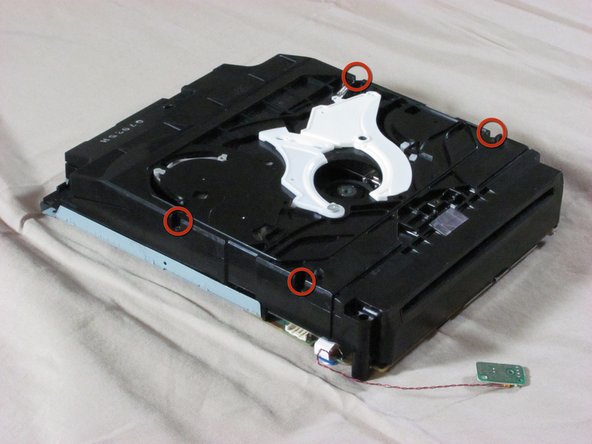
    • Remove the four black screws on the edges of the enclosure using a Phillips #00 screwdriver.

    • After taking out the screws, you don't have to open the enclosure just yet.

  12. Playstation 3 Optical Drive Replacement: 步骤 12 中的图像 1,2 Playstation 3 Optical Drive Replacement: 步骤 12 中的图像 2,2
    • Flip over the enclosure again.

    • Remove the rest of the screws in the corners of the circuit board.

  13. Playstation 3 Optical Drive Replacement: 步骤 13 中的图像 1,3 Playstation 3 Optical Drive Replacement: 步骤 13 中的图像 2,3 Playstation 3 Optical Drive Replacement: 步骤 13 中的图像 3,3
    • Lift the circuit board off the enclosure.

    • The metal EM shield on the circuit board is loose, so make sure to keep it together with the circuit board.

    • Remove the metal plate.

  14. Playstation 3 Optical Drive Replacement: 步骤 14 中的图像 1,2 Playstation 3 Optical Drive Replacement: 步骤 14 中的图像 2,2
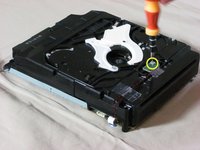
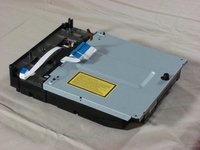
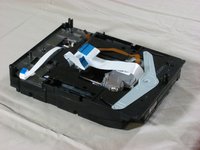
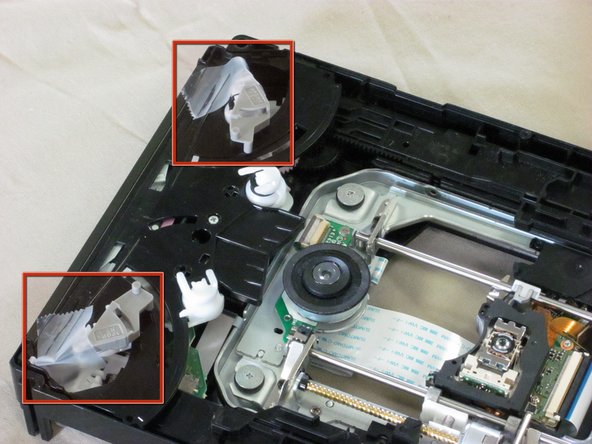
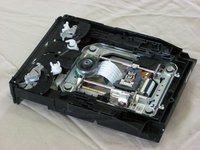
    • Flip over the enclosure. Remove the black, plastic cover so that the drive and its enclosure match the first picture.

    • Proceed carefully. There are loose parts inside the optical drive. We recommend that you tape these parts.

  15. Playstation 3 Optical Drive Replacement: 步骤 15 中的图像 1,2 Playstation 3 Optical Drive Replacement: 步骤 15 中的图像 2,2
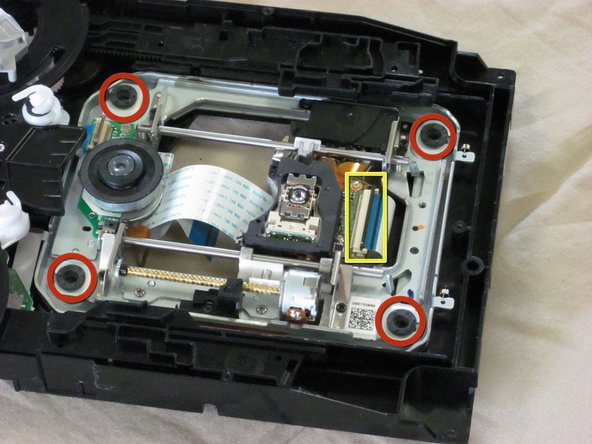
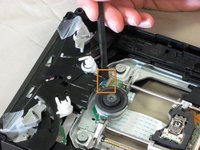
    • Using a spudger, lift the brown latch and disconnect the small ribbon cable.

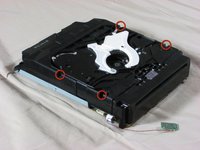
    • Remove the four fat screws in the corners of the optical drive.

    • Using a spudger, lift the black latch and disconnect the larger ribbon cable.

  16. Playstation 3 Optical Drive Replacement: 步骤 16 中的图像 1,2 Playstation 3 Optical Drive Replacement: 步骤 16 中的图像 2,2
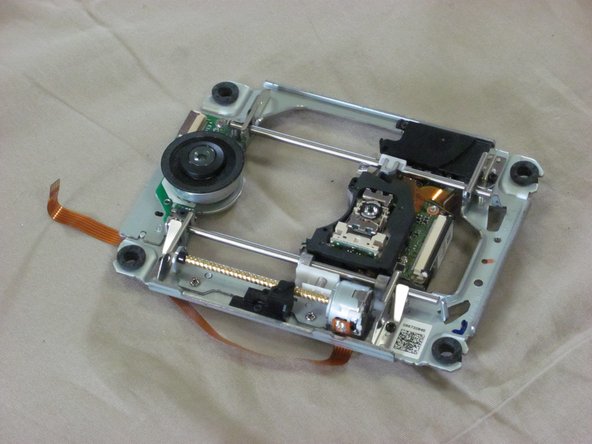
    • Carefully lift the optical drive out of the enclosure.

结论

To reassemble your device, follow these instructions in reverse order.

2等其他人完成本指南。

iDeleted

于07/07/10注册

2,101 声望

创作了39篇指南

1指南评论

When reassembling it there is a key part that needs to be exactly inline. see this video for help: http://www.youtube.com/watch?v=hzHPRGHFj...

Paddy - 回复 分享

添加评论

浏览统计数据:

过去 24 小时: 0

过去 7 天: 4

过去 30 天: 14

总计 7,509