跳转到主内容
加入维修社区 - 创建账户

PlayStation Move LED Light Replacement

你所需要的

    1. PlayStation Move LED Light Replacement, Battery: 步骤 1 中的图像 1,3 PlayStation Move LED Light Replacement, Battery: 步骤 1 中的图像 2,3 PlayStation Move LED Light Replacement, Battery: 步骤 1 中的图像 3,3
      • Using a Phillips #0 screwdriver, remove the four 10mm screws located on the back of the device.

      询问修复机器人

      添加评论

    2. PlayStation Move LED Light Replacement: 步骤 2 中的图像 1,2 PlayStation Move LED Light Replacement: 步骤 2 中的图像 2,2
      • Insert the plastic opening tool at the indent.

      • Gently use a forward and backward motion to safely pop open the cover.

      • Using your hands to further pull it apart.

      询问修复机器人

      添加评论

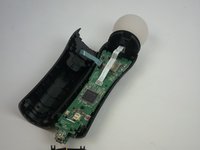
    3. PlayStation Move LED Light Replacement: 步骤 3 中的图像 1,2 PlayStation Move LED Light Replacement: 步骤 3 中的图像 2,2
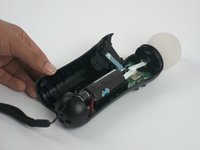
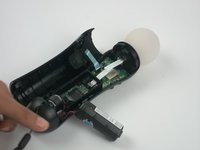
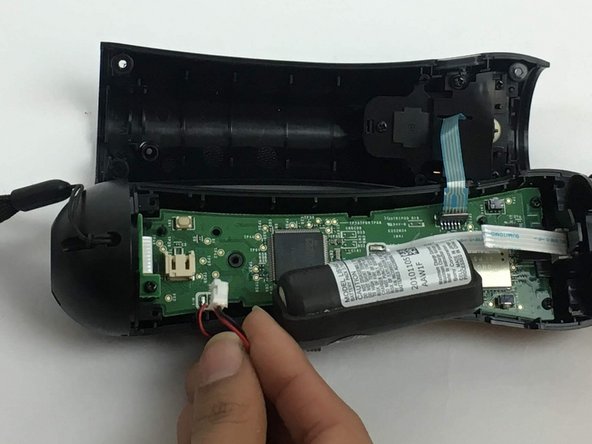
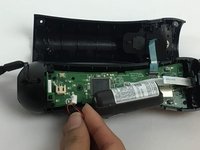
      • Once the device is opened, lift the battery out of the black plastic holder.

      • Carefully pull the battery out and ensure that it's wires are still connected to the inside.

      添加评论

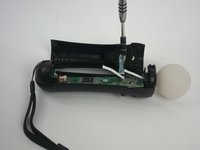
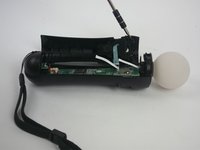
    4. PlayStation Move LED Light Replacement: 步骤 4 中的图像 1,3 PlayStation Move LED Light Replacement: 步骤 4 中的图像 2,3 PlayStation Move LED Light Replacement: 步骤 4 中的图像 3,3
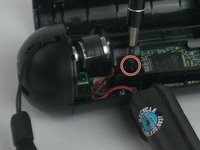
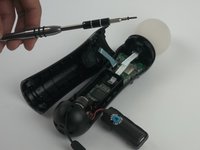
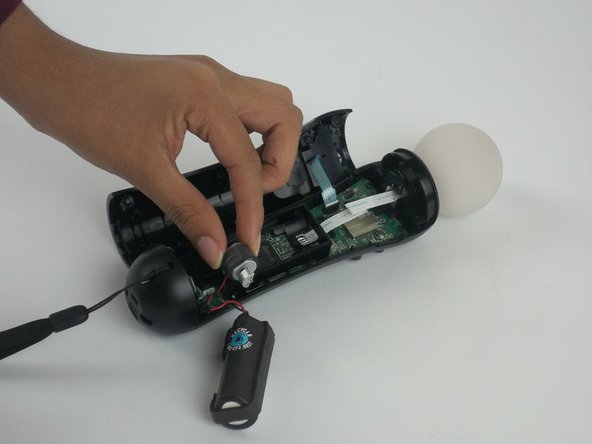
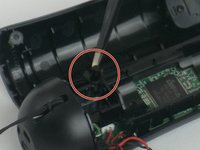
      • Using a Phillips head screwdriver, remove the 9mm screw located to the right of the battery, which is connected to the inner plastic frame.

      • Using the plastic opening tool carefully take out the grey cylindrical piece (vibrator) that is also attached to a wire.

      询问修复机器人

      添加评论

    5. PlayStation Move LED Light Replacement: 步骤 5 中的图像 1,2 PlayStation Move LED Light Replacement: 步骤 5 中的图像 2,2
      • Gently pull out the small grey cylindrical piece (vibrator).

      • Removing this piece makes it easier to access the wire connection of the battery and remove it.

      询问修复机器人

      添加评论

    6. PlayStation Move LED Light Replacement: 步骤 6 中的图像 1,2 PlayStation Move LED Light Replacement: 步骤 6 中的图像 2,2
      在这个步骤中使用的工具:
      Tweezers
      $4.99
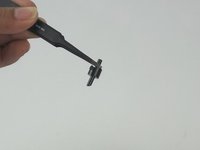
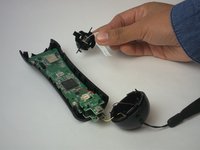
      • Using tweezers, remove the small piece with a cylindrical top that is located to the left of the inner plastic frame.

      询问修复机器人

      添加评论

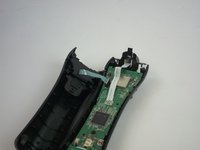
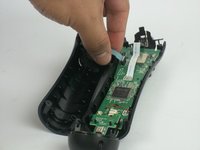
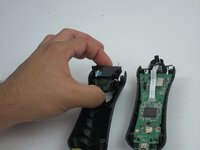
    7. PlayStation Move LED Light Replacement: 步骤 7 中的图像 1,3 PlayStation Move LED Light Replacement: 步骤 7 中的图像 2,3 PlayStation Move LED Light Replacement: 步骤 7 中的图像 3,3
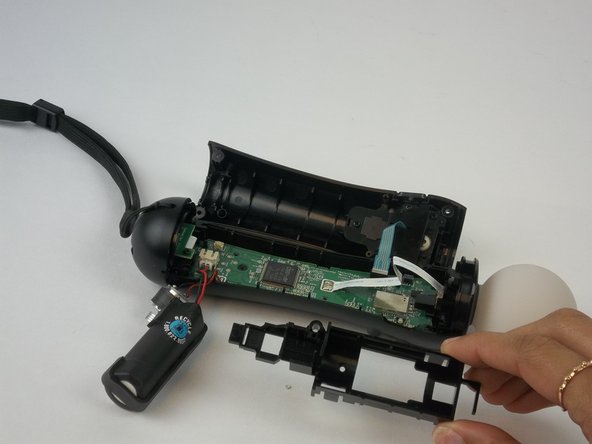
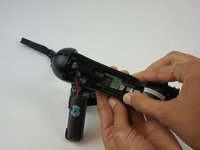
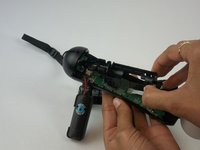
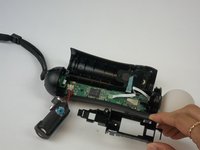
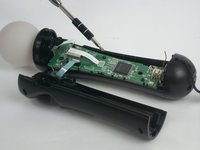
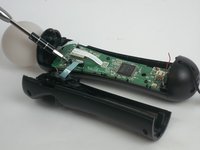
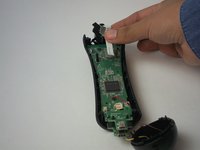
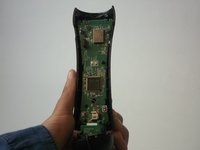
      • Using one hand to hold the device, and the other hand to squeeze the inner plastic frame.

      • Remove by squeezing the inner plastic frame, lift and pull it towards you.

      • While removing the frame, be extremely careful because it could damage the frame or the motherboard.

      询问修复机器人

      添加评论

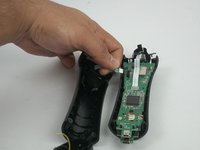
    8. PlayStation Move LED Light Replacement: 步骤 8 中的图像 1,2 PlayStation Move LED Light Replacement: 步骤 8 中的图像 2,2
      • Gently pull on the white piece connecting the battery and the connector.

      询问修复机器人

      添加评论

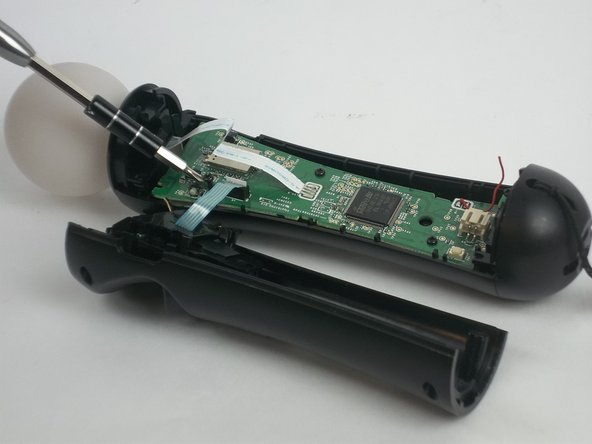
    1. PlayStation Move LED Light Replacement, Motherboard: 步骤 9 中的图像 1,3 PlayStation Move LED Light Replacement, Motherboard: 步骤 9 中的图像 2,3 PlayStation Move LED Light Replacement, Motherboard: 步骤 9 中的图像 3,3
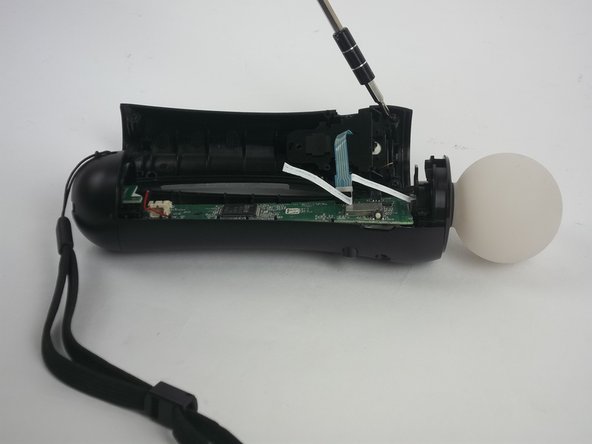
      • Remove the five 1.2 mm screws from upper portion of the controller.

      • If you are replacing the trigger button, continue to step 13.

      询问修复机器人

      添加评论

    2. PlayStation Move LED Light Replacement: 步骤 10 中的图像 1,2 PlayStation Move LED Light Replacement: 步骤 10 中的图像 2,2
      • Remove the two 1.2mm Phillips #1 screws.

      询问修复机器人

      添加评论

    3. PlayStation Move LED Light Replacement: 步骤 11 中的图像 1,3 PlayStation Move LED Light Replacement: 步骤 11 中的图像 2,3 PlayStation Move LED Light Replacement: 步骤 11 中的图像 3,3
      • Cautiously remove the circular white piece at the top without removing the LED inside.

      添加评论

    4. PlayStation Move LED Light Replacement: 步骤 12 中的图像 1,3 PlayStation Move LED Light Replacement: 步骤 12 中的图像 2,3 PlayStation Move LED Light Replacement: 步骤 12 中的图像 3,3
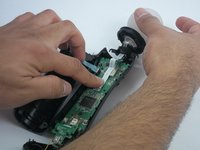
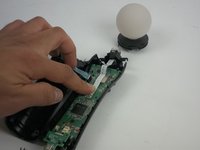
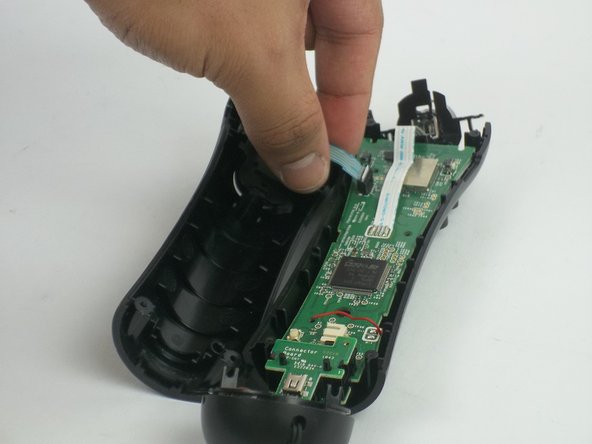
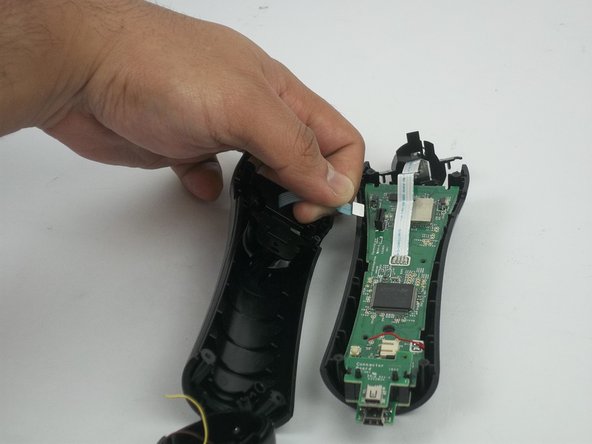
      • Remove the blue strip that is connected to the trigger button from the motherboard.

      • Be careful to gently detach it from the motherboard. The strip may rip if too much strength is applied.

      询问修复机器人

      添加评论

    5. PlayStation Move LED Light Replacement: 步骤 13 中的图像 1,2 PlayStation Move LED Light Replacement: 步骤 13 中的图像 2,2
      • Remove the trigger button from the controller.

      询问修复机器人

      添加评论

    6. PlayStation Move LED Light Replacement: 步骤 14 中的图像 1,3 PlayStation Move LED Light Replacement: 步骤 14 中的图像 2,3 PlayStation Move LED Light Replacement: 步骤 14 中的图像 3,3
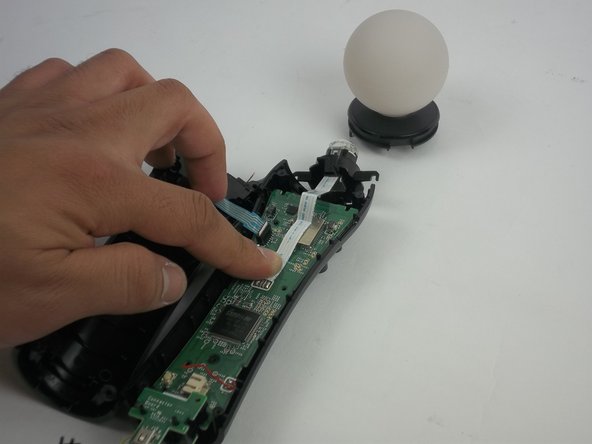
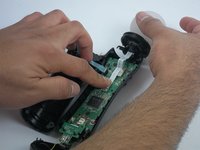
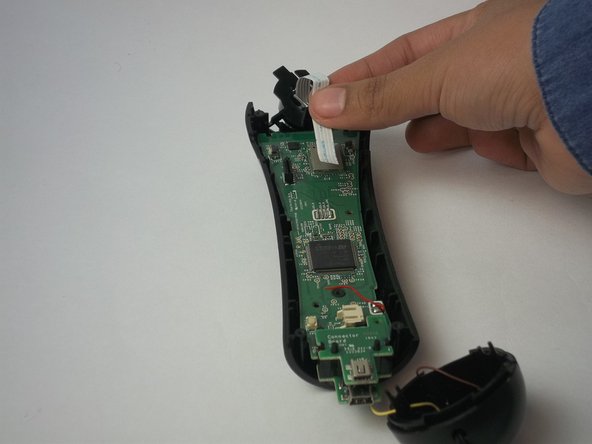
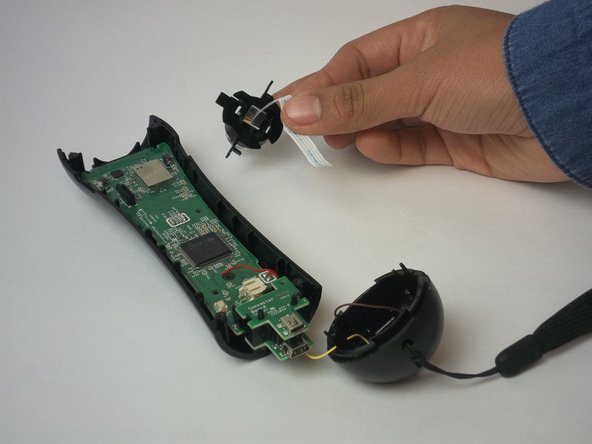
      • Remove the LED light by removing the white strip.

      • If you are replacing the LED light, continue to Step 17.

      添加评论

    7. PlayStation Move LED Light Replacement: 步骤 15 中的图像 1,2 PlayStation Move LED Light Replacement: 步骤 15 中的图像 2,2
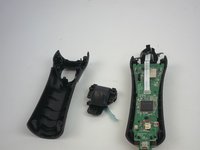
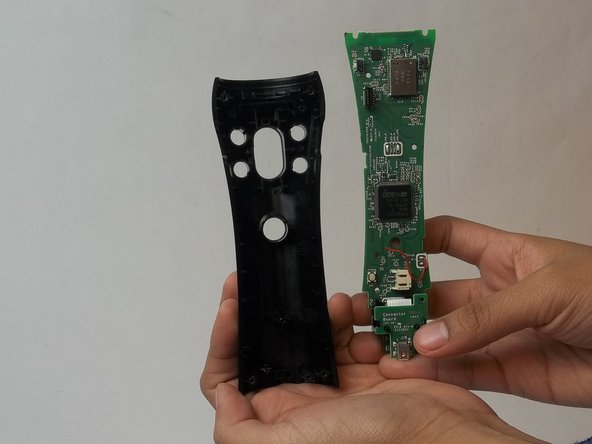
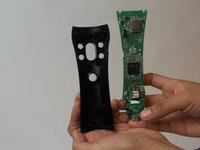
      • Remove the motherboard from the plastic case.

      询问修复机器人

      添加评论

    1. PlayStation Move LED Light Replacement, LED Light: 步骤 16 中的图像 1,2 PlayStation Move LED Light Replacement, LED Light: 步骤 16 中的图像 2,2
      在这个步骤中使用的工具:
      Tweezers
      $4.99
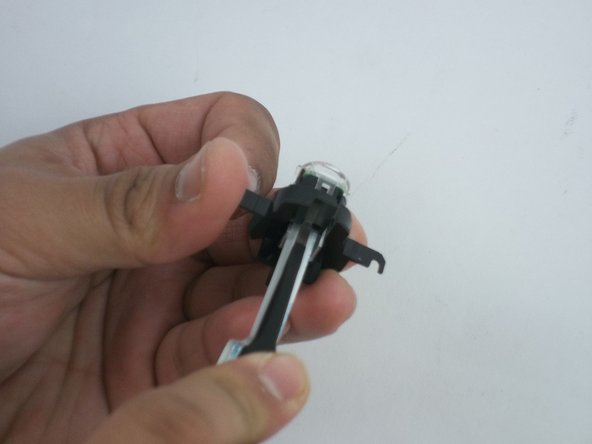
      • Insert tweezers between the LED case and the LED clear plastic cover.

      • Lift the edge of the LED clear cover clip to be able to remove the cover.

      • Repeat the previous step to the other side.

      • Remove the LED cover.

      询问修复机器人

      添加评论

    2. PlayStation Move LED Light Replacement: 步骤 17 中的图像 1,2 PlayStation Move LED Light Replacement: 步骤 17 中的图像 2,2
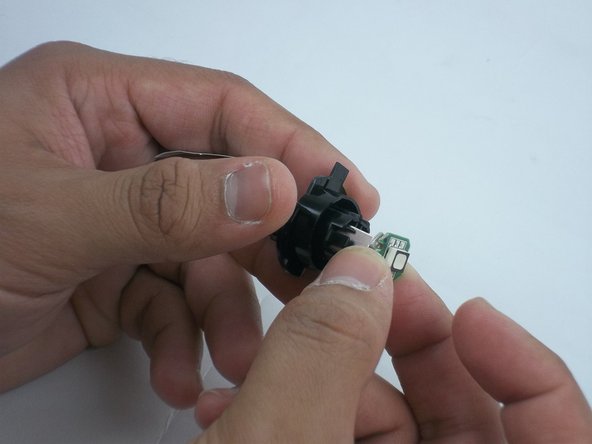
      • Remove the LED board using a blue opening tool to lift the board.

      • After the board is loose, remove the LED board.

      询问修复机器人

      添加评论

结论

To reassemble your device, follow these instructions in reverse order.

取消:我没有完成这个指南。

2等其他人完成本指南。

团队

USF Tampa, Team 3-3, Passmore Fall 2016 USF Tampa, Team 3-3, Passmore Fall 2016 的会员

USFT-PASSMORE-F16S3G3

4 名成员

创作了48篇指南

5指南评论

Okay, going to try this. Do I have to solder the white strip back onto the board?

randallrigdonjr - 回复 分享
did you ever get this done? need to know the same.

[deleted] - 回复 分享
très clair, mais où trouver une led ? et en enlevant le cable de la led, il faut le dessourder, non ?

Pierrot - 回复 分享

This is BEYOND useless without the information as to where to get the LED unit itself. It's not a standard LED board I can find anywhere.

Also, on the PS3 Move controller the cable from the main board to the LED is soldered both ends and doesn't simply lift away from the circuit.

As to the "beyond useless" comment, this isn't meant to be directed towards the kind people who have spent their time to help others with their knowledge and, their LED cable may have simply lifted away from the board if the Move controller was the later PS4 model, I don't know, I haven't pulled a PS4 Move controller apart (yet).

The guide however would be so much better with that one tiny bit of information, where can I find the LED module and the 1039 number on the LED board itself is of no help in my search.

I stripped my controller down before I found the link to this article (qualifications in electronics), my main need is identifying the faulty LED module so I can replace it.

Leo Anon - 回复 分享

Sorry, how do I reconnect the white cable I've just cut away from the circuit board solder joints as you've done?

Butchers!

SERIOUSLY??

No, I'm NOT stupid enough to cut cables and magically think they reconnect using the reverse disassembly instructions as suggested (just poke them in like a magician and they magically connect themselves, if only). Someone needs to rethink their idea of an article to "HELP" people.

Leo Anon - 回复 分享

添加评论

浏览统计数据:

过去 24 小时: 0

过去 7 天: 9

过去 30 天: 37

总计 5,605