跳转到主内容
加入维修社区 - 创建账户

Palm Treo 650 LCD Screen Replacement

你所需要的

    1. Palm Treo 650 LCD Screen Replacement, Battery and Stylus: 步骤 1 中的图像 1,1
      • Position the phone so the screen faces down.

      • Remove the stylus found on the back of the phone.

      询问修复机器人

      添加评论

    2. Palm Treo 650 LCD Screen Replacement: 步骤 2 中的图像 1,1
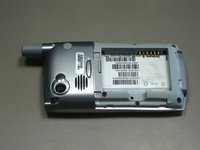
      • Hold the button in the middle of the phone's back to remove the battery cover.

      • Slide the cover down to remove it, and set the cover aside.

      询问修复机器人

      添加评论

    3. Palm Treo 650 LCD Screen Replacement: 步骤 3 中的图像 1,2 Palm Treo 650 LCD Screen Replacement: 步骤 3 中的图像 2,2
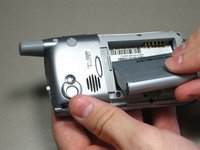
      • Lift the edge of the battery, separating contact points, and pull out as pictured.

      询问修复机器人

      添加评论

    1. Palm Treo 650 LCD Screen Replacement, Case: 步骤 4 中的图像 1,1
      • Remove the round, rubber cover to expose a screw that will be removed in the next step.

      询问修复机器人

      添加评论

    2. Palm Treo 650 LCD Screen Replacement: 步骤 5 中的图像 1,2 Palm Treo 650 LCD Screen Replacement: 步骤 5 中的图像 2,2
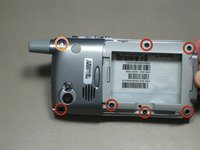
      • Remove the six 6.9 mm screws as pictured with a T5 Torx screwdriver.

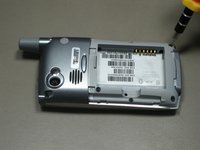
      • Remove the single 9.8 mm screw next to the antenna on the back plate, using a Phillips #00 screwdriver.

      询问修复机器人

      添加评论

    3. Palm Treo 650 LCD Screen Replacement: 步骤 6 中的图像 1,1
      • Pull the antenna outward to remove the antenna from the body of the phone.

      询问修复机器人

      添加评论

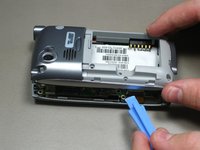
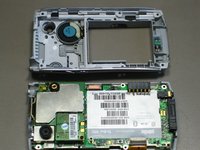
    4. Palm Treo 650 LCD Screen Replacement: 步骤 7 中的图像 1,2 Palm Treo 650 LCD Screen Replacement: 步骤 7 中的图像 2,2
      • Pry the back cover off using an iFixit opening tool.

      • Several small clips on the inside attach to the back cover.

      询问修复机器人

      添加评论

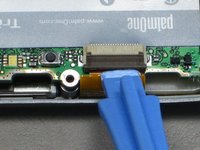
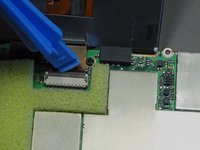
    1. Palm Treo 650 LCD Screen Replacement, Motherboard: 步骤 8 中的图像 1,3 Palm Treo 650 LCD Screen Replacement, Motherboard: 步骤 8 中的图像 2,3 Palm Treo 650 LCD Screen Replacement, Motherboard: 步骤 8 中的图像 3,3
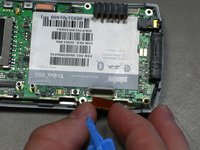
      • Disconnect the ribbon cable before removing the motherboard.

      • Unclip the gray tab.

      • Pull out the orange ribbon cable.

      询问修复机器人

      添加评论

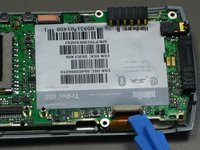
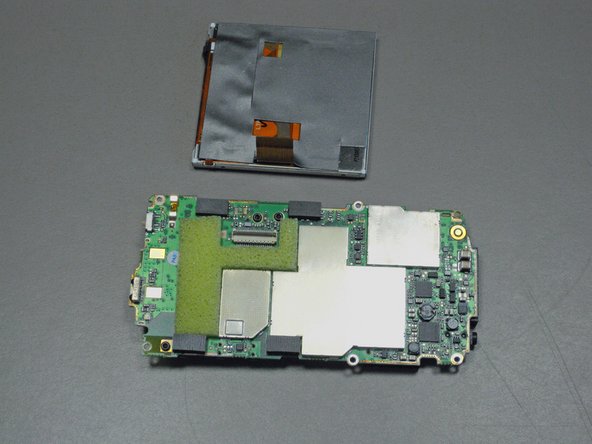
    2. Palm Treo 650 LCD Screen Replacement: 步骤 9 中的图像 1,2 Palm Treo 650 LCD Screen Replacement: 步骤 9 中的图像 2,2
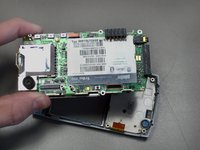
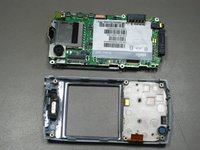
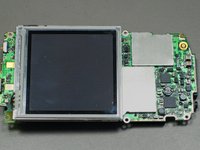
      • Pull off the motherboard.

      询问修复机器人

      添加评论

    1. Palm Treo 650 LCD Screen Replacement, LCD Screen: 步骤 10 中的图像 1,3 Palm Treo 650 LCD Screen Replacement, LCD Screen: 步骤 10 中的图像 2,3 Palm Treo 650 LCD Screen Replacement, LCD Screen: 步骤 10 中的图像 3,3
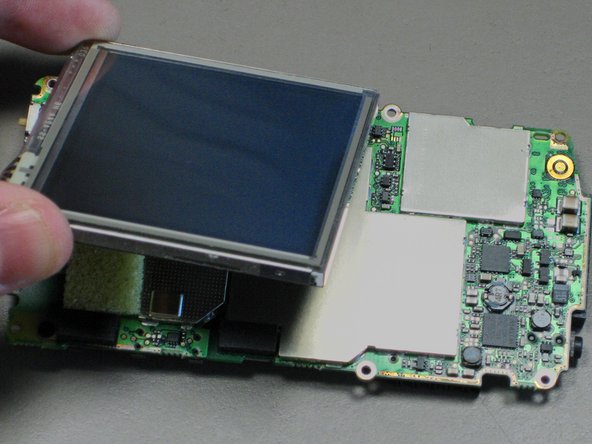
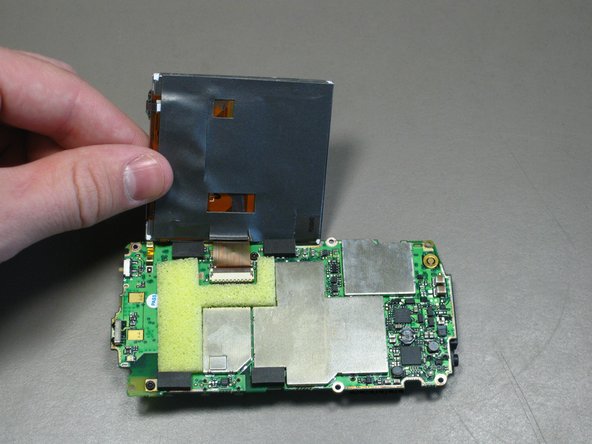
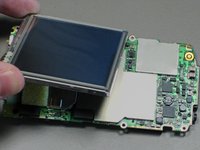
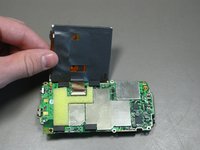
      • Lift up the LCD screen so that the ribbon strip connecting it to the motherboard can be accessed.

      • Only lift the screen high enough to access the ribbon cable.

      询问修复机器人

      添加评论

    2. Palm Treo 650 LCD Screen Replacement: 步骤 11 中的图像 1,2 Palm Treo 650 LCD Screen Replacement: 步骤 11 中的图像 2,2
      • Unclip the gray tab.

      • Pull out the orange ribbon strip.

      • Remove the LCD screen.

      询问修复机器人

      添加评论

结论

To reassemble your device, follow these instructions in reverse order.

取消:我没有完成这个指南。

4等其他人完成本指南。

cgood

于10/28/09注册

134 声望

创作了7篇指南

团队

Cal Poly, Team 19-3, Maness Fall 2009 Cal Poly, Team 19-3, Maness Fall 2009 的会员

CPSU-MANESS-F09S19G3

4 名成员

创作了63篇指南

0指南评论

添加评论

浏览统计数据:

过去 24 小时: 1

过去 7 天: 6

过去 30 天: 34

总计 5,592