跳转到主内容
加入维修社区 - 创建账户

Onda V701 Screen Replacement

你所需要的

    1. Onda V701 Screen Replacement, Back Panel: 步骤 1 中的图像 1,3 Onda V701 Screen Replacement, Back Panel: 步骤 1 中的图像 2,3 Onda V701 Screen Replacement, Back Panel: 步骤 1 中的图像 3,3
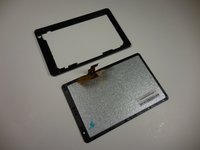
      • Ensure device is powered off before disassembly.

      • Remove the 4 rubber screw plugs using a spudger.

      询问修复机器人
      添加评论

    2. Onda V701 Screen Replacement: 步骤 2 中的图像 1,3 Onda V701 Screen Replacement: 步骤 2 中的图像 2,3 Onda V701 Screen Replacement: 步骤 2 中的图像 3,3
      • Remove the four 4.8mm mounting screws using a PH00 screwdriver.

      询问修复机器人
      添加评论

    3. Onda V701 Screen Replacement: 步骤 3 中的图像 1,2 Onda V701 Screen Replacement: 步骤 3 中的图像 2,2
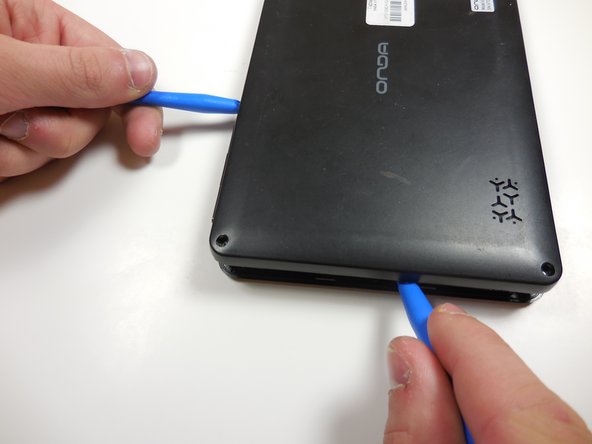
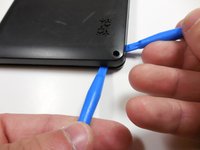
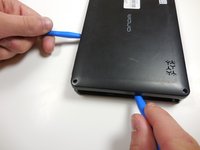
      • Starting at one corner, gently pry the back panel assembly from the screen assembly using two plastic opening tools.

      • Slide the opening tools around the perimeter of the device to separate the back panel assembly from the screen assembly.

      询问修复机器人
      添加评论

    4. Onda V701 Screen Replacement: 步骤 4 中的图像 1,2 Onda V701 Screen Replacement: 步骤 4 中的图像 2,2
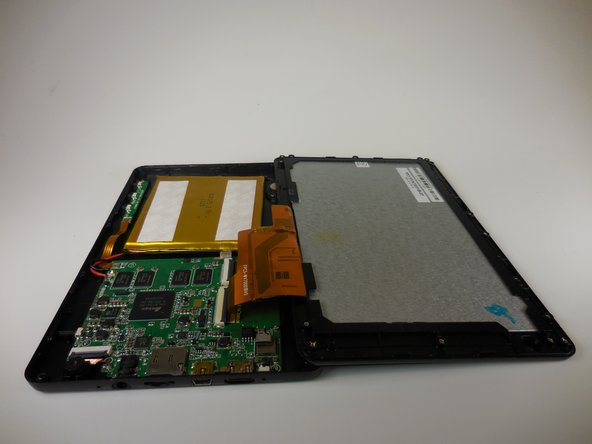
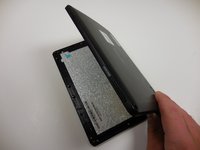
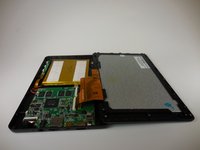
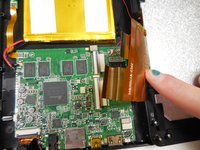
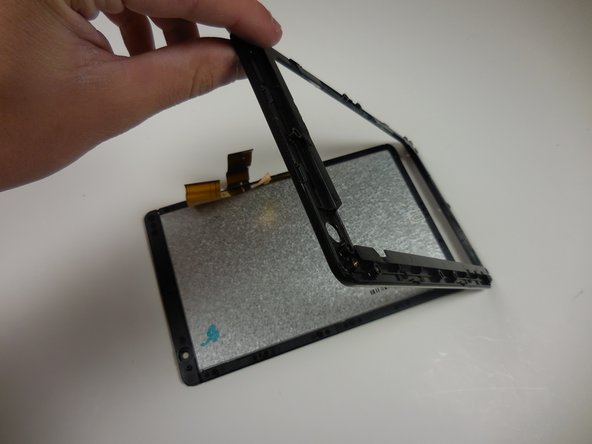
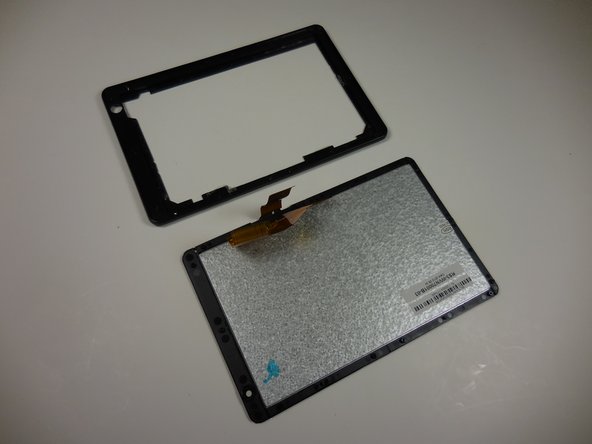
      • Gently lift the screen assembly away from the back cover assembly.

      • Be careful when separating the two pieces as the screen assembly is still connected to the mother board by two ribbon cables.

      询问修复机器人
      添加评论

    5. Onda V701 Screen Replacement: 步骤 5 中的图像 1,3 Onda V701 Screen Replacement: 步骤 5 中的图像 2,3 Onda V701 Screen Replacement: 步骤 5 中的图像 3,3
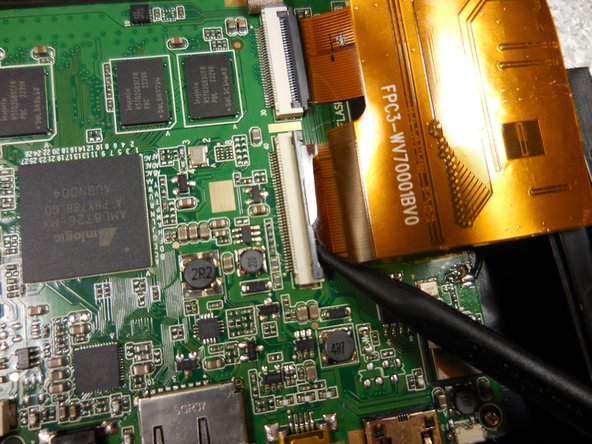
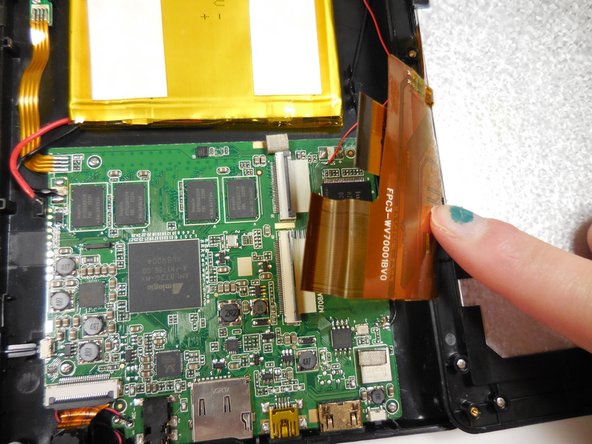
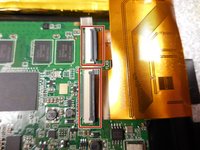
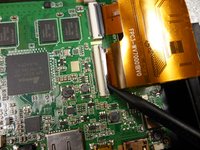
      • Disconnect the two ribbon connectors by flipping the gray tabs up with a fingernail or a spudger.

      • Remove the ribbon cables.

      询问修复机器人
      添加评论

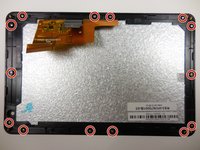
    1. Onda V701 Screen Replacement, Screen: 步骤 6 中的图像 1,3 Onda V701 Screen Replacement, Screen: 步骤 6 中的图像 2,3 Onda V701 Screen Replacement, Screen: 步骤 6 中的图像 3,3
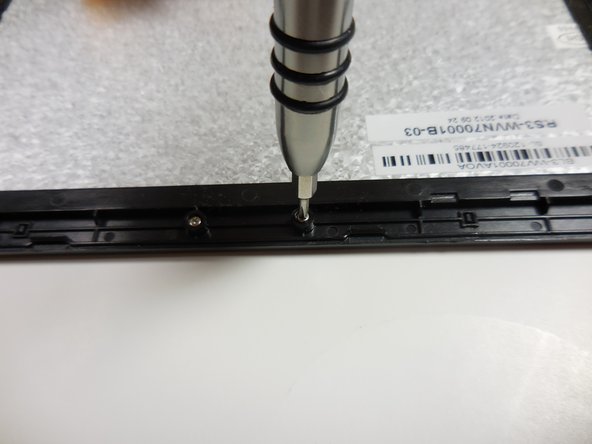
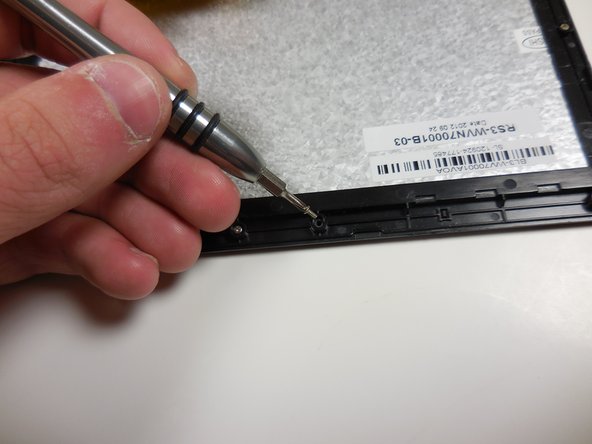
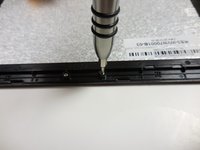
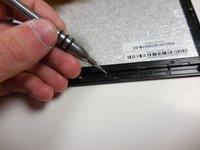
      • Remove all 14 of the 3.6mm screws using a PH00 screwdriver.

      询问修复机器人
      添加评论

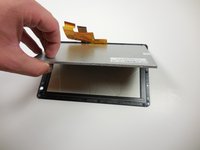
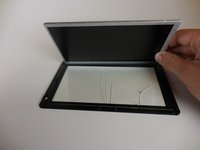
    2. Onda V701 Screen Replacement: 步骤 7 中的图像 1,3 Onda V701 Screen Replacement: 步骤 7 中的图像 2,3 Onda V701 Screen Replacement: 步骤 7 中的图像 3,3
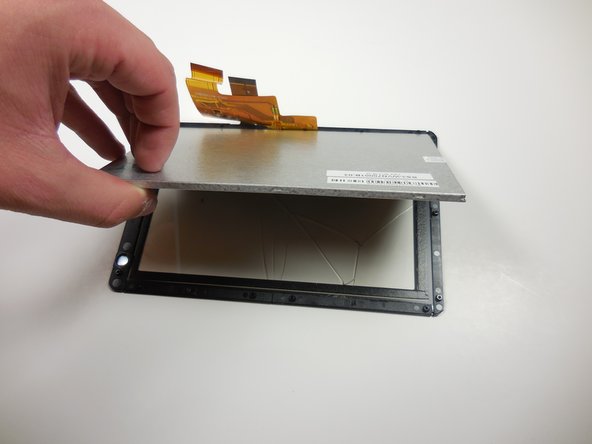
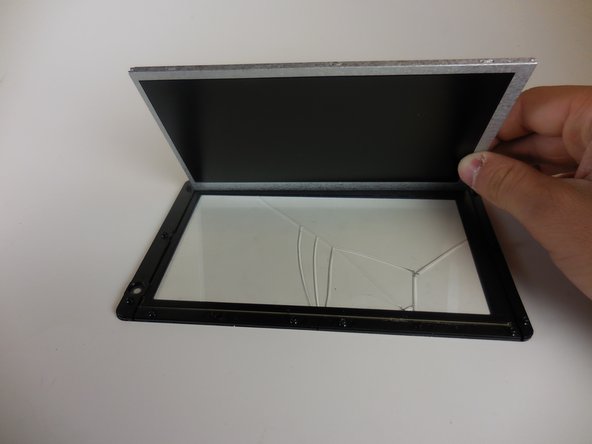
      • Gently separate the screen from the plastic border/screen holder by pulling it off with your hands.

      询问修复机器人
      添加评论

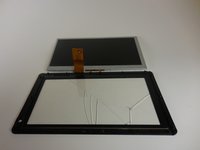
    3. Onda V701 Screen Replacement: 步骤 8 中的图像 1,3 Onda V701 Screen Replacement: 步骤 8 中的图像 2,3 Onda V701 Screen Replacement: 步骤 8 中的图像 3,3
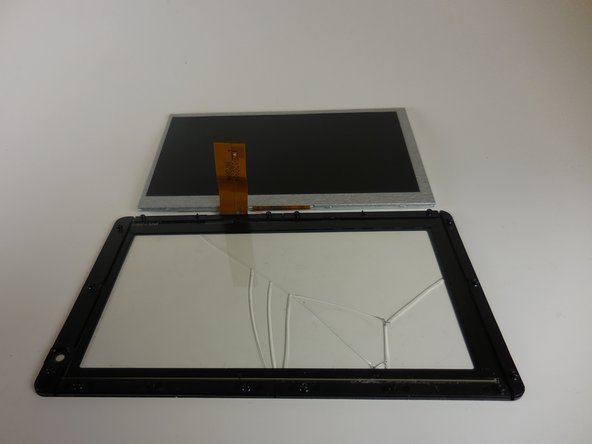
      • Remove the grey monitor from the glass screen cover by gently lifting it up.

      添加评论

结论

To reassemble your device, follow these instructions in reverse order.

取消:我没有完成这个指南。

另外一个人完成了本指南。

团队

Colorado Springs, Team 4-6, Panko Spring 2015 Colorado Springs, Team 4-6, Panko Spring 2015 的会员

UCCS-PANKO-S15S4G6

3 名成员

创作了10篇指南

1指南评论

بدي من هي الشاشة وين بلاقي

abdurrhman khrrat - 回复 分享

添加评论

浏览统计数据:

过去 24 小时: 3

过去 7 天: 9

过去 30 天: 24

总计 791