跳转到主内容
加入维修社区 - 创建账户

Olympus FE-170 Flash Assembly Replacement

你所需要的

  1. Olympus FE-170 Flash Assembly Replacement, Casing: 步骤 1 中的图像 1,2 Olympus FE-170 Flash Assembly Replacement, Casing: 步骤 1 中的图像 2,2
    • Remove the 2 exposed screws on opposite sides of the camera. Turn the screws counter-clockwise to remove.

    询问修复机器人
  2. Olympus FE-170 Flash Assembly Replacement: 步骤 2 中的图像 1,2 Olympus FE-170 Flash Assembly Replacement: 步骤 2 中的图像 2,2
    • Open the battery compartment and remove the 2 screws in the top of the opening.

    询问修复机器人
  3. Olympus FE-170 Flash Assembly Replacement: 步骤 3 中的图像 1,2 Olympus FE-170 Flash Assembly Replacement: 步骤 3 中的图像 2,2
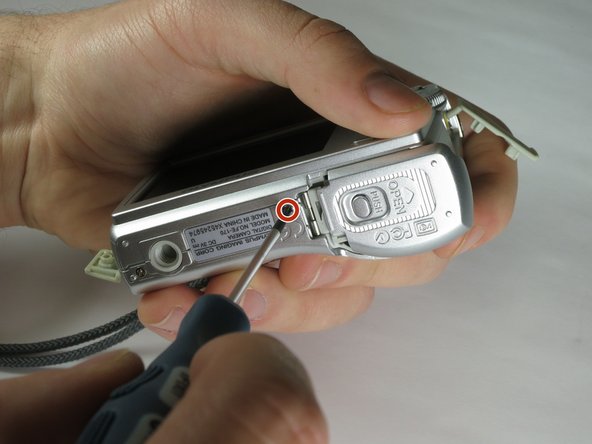
    • Remove the 2 exposed screws on the bottom of the camera.

    询问修复机器人
  4. Olympus FE-170 Flash Assembly Replacement: 步骤 4 中的图像 1,1
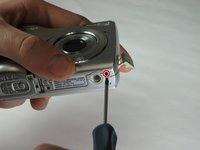
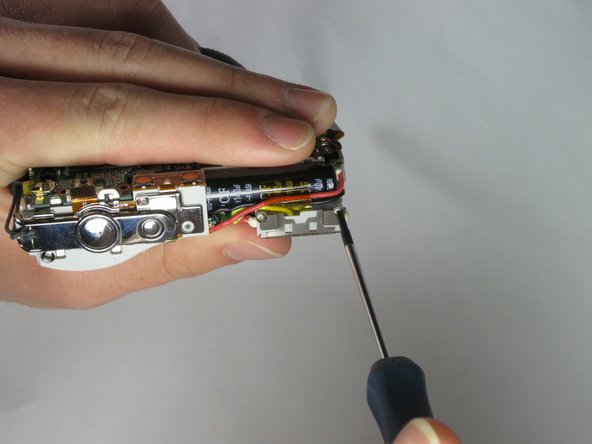
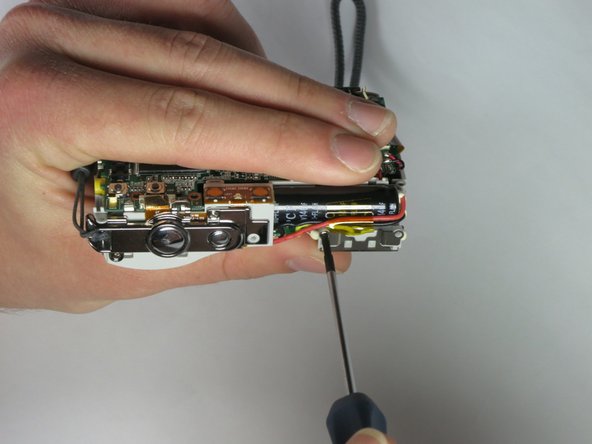
    • Uncover the mini-usb dock on the side of the camera and unscrew the screw next to the flap joint

    询问修复机器人
  5. Olympus FE-170 Flash Assembly Replacement: 步骤 5 中的图像 1,1
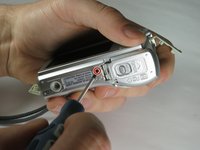
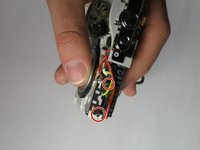
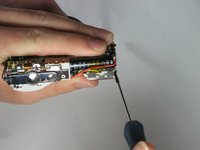
    • Uncover the video cable port on the side of the camera and remove the screw

    询问修复机器人
  6. Olympus FE-170 Flash Assembly Replacement: 步骤 6 中的图像 1,2 Olympus FE-170 Flash Assembly Replacement: 步骤 6 中的图像 2,2
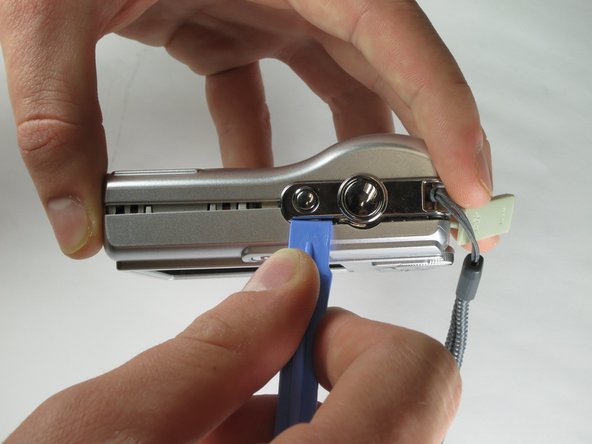
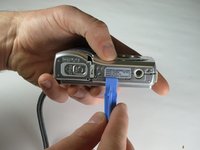
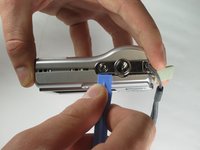
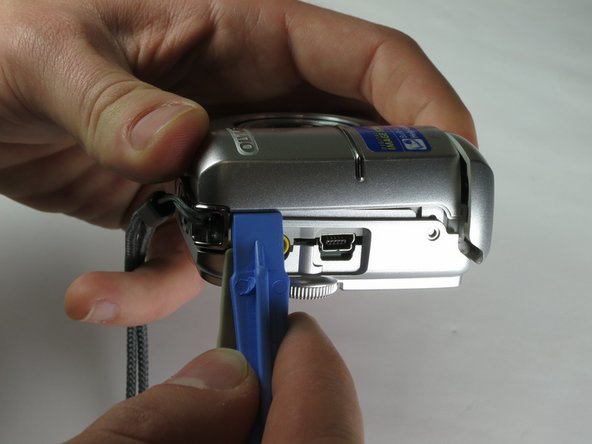
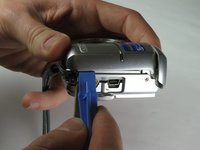
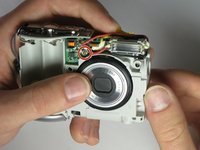
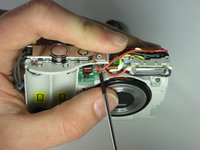
    • Carefully slip the head of the plastic opening tool under the panels by finding the crack between the panels. Lightly apply pressure in the shown places at the top and bottom of the camera.

    询问修复机器人
  7. Olympus FE-170 Flash Assembly Replacement: 步骤 7 中的图像 1,2 Olympus FE-170 Flash Assembly Replacement: 步骤 7 中的图像 2,2
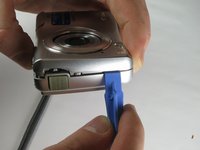
    • Loosen the panels on the sides of the camera in the shown places by slipping the plastic opening tool in the crack between the panels. Lightly apply pressure.

    询问修复机器人
  8. Olympus FE-170 Flash Assembly Replacement: 步骤 8 中的图像 1,2 Olympus FE-170 Flash Assembly Replacement: 步骤 8 中的图像 2,2
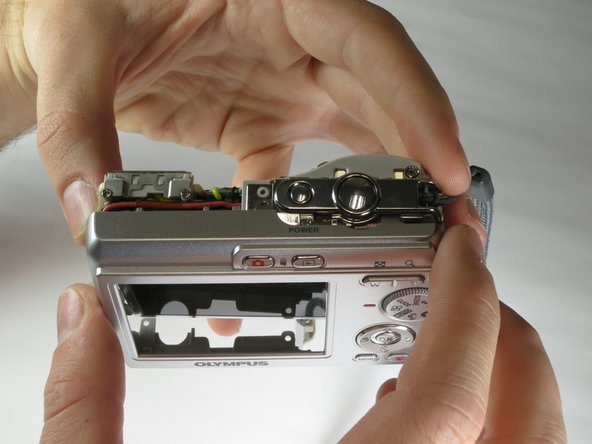
    • Ensure that the panels have been loosened. Carefully use hands to pull back and remove the panels.

    询问修复机器人
  9. Olympus FE-170 Flash Assembly Replacement, Flash Assembly: 步骤 9 中的图像 1,3 Olympus FE-170 Flash Assembly Replacement, Flash Assembly: 步骤 9 中的图像 2,3 Olympus FE-170 Flash Assembly Replacement, Flash Assembly: 步骤 9 中的图像 3,3
    • Remove the two small screws on the top of the flash itself.

    询问修复机器人
  10. Olympus FE-170 Flash Assembly Replacement: 步骤 10 中的图像 1,2 Olympus FE-170 Flash Assembly Replacement: 步骤 10 中的图像 2,2
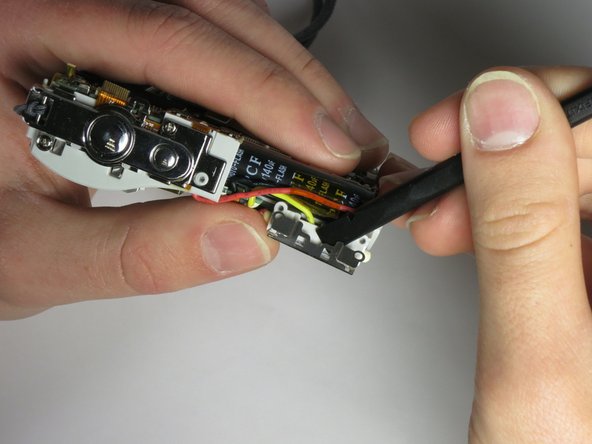
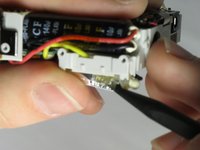
    • Use the spudger to gently pry the top of the thin metal casing around the flash loose.

    询问修复机器人
  11. Olympus FE-170 Flash Assembly Replacement: 步骤 11 中的图像 1,1
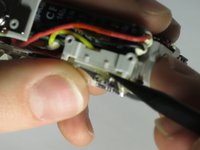
    • Use the spudger to gently pry the bottom of the thin metal casing around the flash loose.

    询问修复机器人
  12. Olympus FE-170 Flash Assembly Replacement: 步骤 12 中的图像 1,2 Olympus FE-170 Flash Assembly Replacement: 步骤 12 中的图像 2,2
    • Use your fingers to gently pull the metal casing off of the flash.

    • Remove the plastic flash diffuser by gently prying at the edges with your fingers.

    询问修复机器人
  13. Olympus FE-170 Flash Assembly Replacement: 步骤 13 中的图像 1,2 Olympus FE-170 Flash Assembly Replacement: 步骤 13 中的图像 2,2
    • Remove the screw holding the flash circuit board in place.

    询问修复机器人
  14. Olympus FE-170 Flash Assembly Replacement: 步骤 14 中的图像 1,1
    • Pull the flash-bulb sub-assembly out of its place by using the pointed end of the spudger.

    询问修复机器人
  15. Olympus FE-170 Flash Assembly Replacement: 步骤 15 中的图像 1,3 Olympus FE-170 Flash Assembly Replacement: 步骤 15 中的图像 2,3 Olympus FE-170 Flash Assembly Replacement: 步骤 15 中的图像 3,3
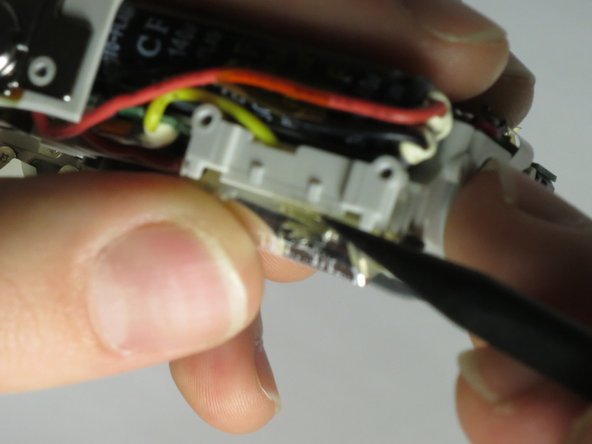
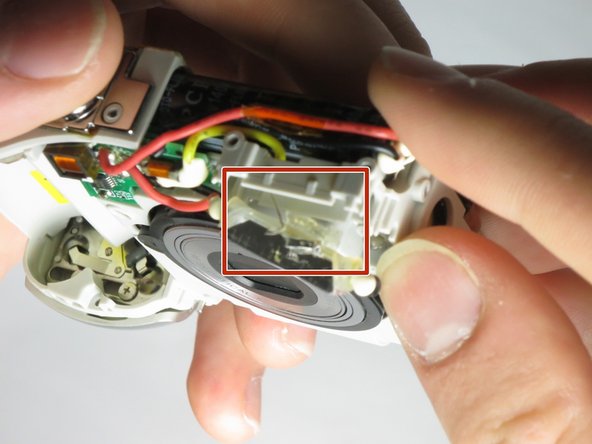
    • Use the pointed end of the spudger to pull up both layers of tape on top of the flash-bulb sub-assembly.

    • Remove the wire layered in between the two sections of tape from the flash-bulb sub-assembly.

    询问修复机器人
  16. Olympus FE-170 Flash Assembly Replacement: 步骤 16 中的图像 1,1
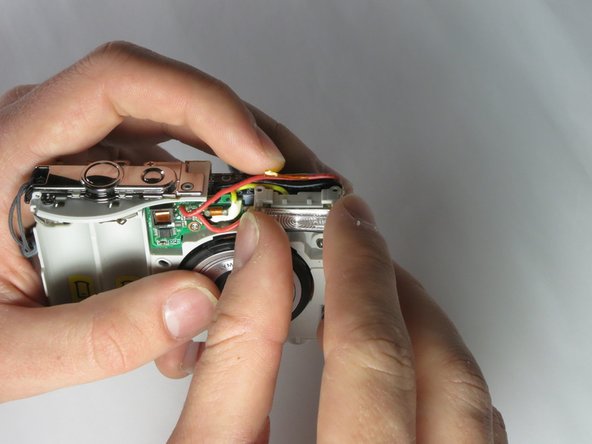
    • Pull the flash circuit board and flash-bulb sub-assembly off from the front of the camera.

    询问修复机器人
  17. Olympus FE-170 Flash Assembly Replacement: 步骤 17 中的图像 1,3 Olympus FE-170 Flash Assembly Replacement: 步骤 17 中的图像 2,3 Olympus FE-170 Flash Assembly Replacement: 步骤 17 中的图像 3,3
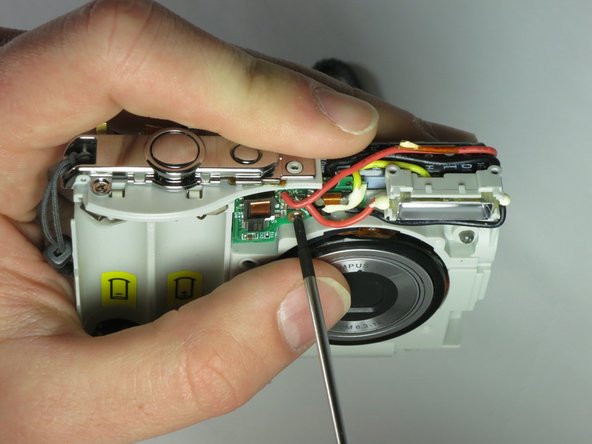
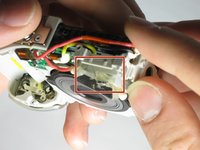
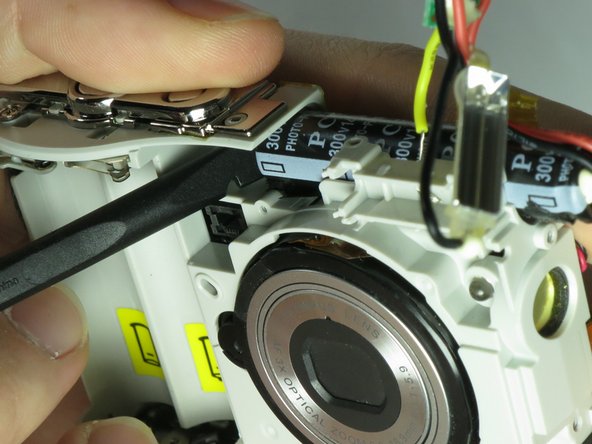
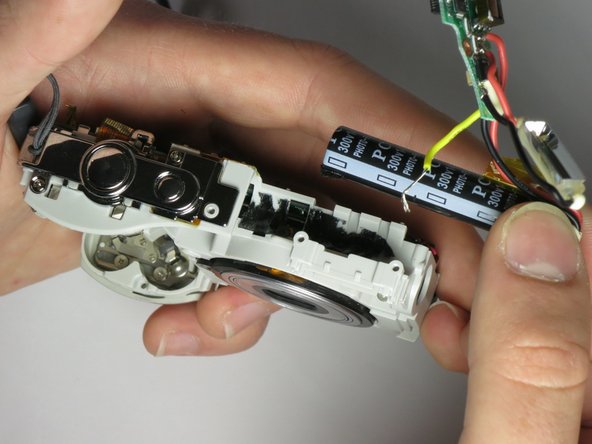
    • Use the spudger to push the black capacitor out from its slot.

    • Remove the entire flash assembly by gently pulling outward and away from the camera.

    询问修复机器人
结论

To reassemble your device, follow these instructions in reverse order.

Tyler Hartwig

于03/24/15注册

337 声望

创作了3篇指南

团队

Baylor, Team 6-4, Shaver Spring 2015 Baylor, Team 6-4, Shaver Spring 2015 的会员

BU-SHAVER-S15S6G4

3 名成员

创作了12篇指南

0指南评论

添加评论

浏览统计数据:

过去 24 小时: 1

过去 7 天: 7

过去 30 天: 48

总计 662