跳转到主内容
加入维修社区 - 创建账户

ORFELD EV-660-S222 Battery LED Board Replacement

你所需要的

  1. ORFELD EV-660-S222 Battery LED Board Replacement, Battery LED Board: 步骤 1 中的图像 1,1
    • Separate the dust cover and the motor from the vacuum body by pressing the eject button.

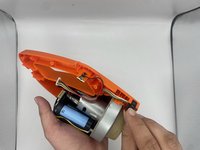
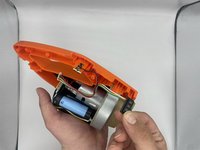
  2. ORFELD EV-660-S222 Battery LED Board Replacement: 步骤 2 中的图像 1,2 ORFELD EV-660-S222 Battery LED Board Replacement: 步骤 2 中的图像 2,2
    • Place the vacuum on its side, with the screws facing towards you.

    • Remove the 11.5 mm screws using a Phillips #1 screwdriver.

  3. ORFELD EV-660-S222 Battery LED Board Replacement: 步骤 3 中的图像 1,2 ORFELD EV-660-S222 Battery LED Board Replacement: 步骤 3 中的图像 2,2
    在这个步骤中使用的工具:
    Tweezers
    $4.99
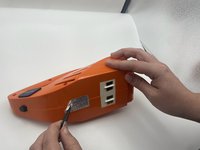
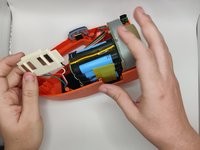
    • Using tweezers, remove the sticker connecting the two halves.

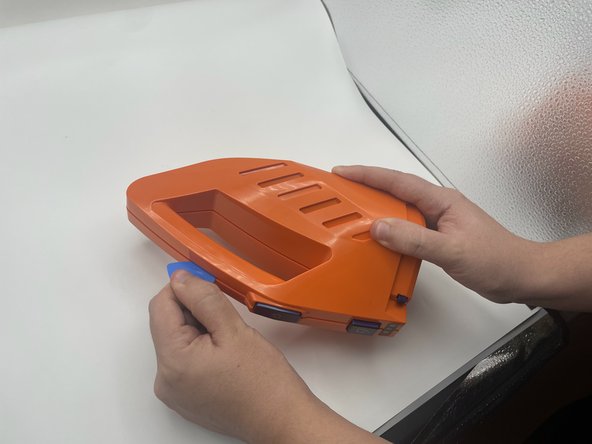
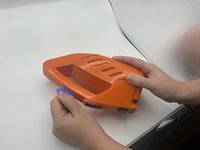
    • Use the opening pick to gently separate the top half and the bottom half of the vacuum.

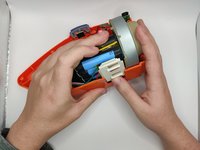
    • Press the blue buttons near the sides of the battery LEDs to remove the top half.

  4. ORFELD EV-660-S222 Battery LED Board Replacement: 步骤 4 中的图像 1,2 ORFELD EV-660-S222 Battery LED Board Replacement: 步骤 4 中的图像 2,2
    • Slide out the charging port.

  5. ORFELD EV-660-S222 Battery LED Board Replacement: 步骤 5 中的图像 1,1
    • Lift the battery slightly to reveal the pin connectors.

    • Gently disconnect the six-pin connector that connects to the power button and battery LEDs.

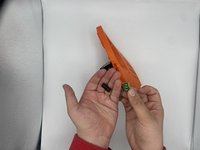
  6. ORFELD EV-660-S222 Battery LED Board Replacement: 步骤 6 中的图像 1,3 ORFELD EV-660-S222 Battery LED Board Replacement: 步骤 6 中的图像 2,3 ORFELD EV-660-S222 Battery LED Board Replacement: 步骤 6 中的图像 3,3
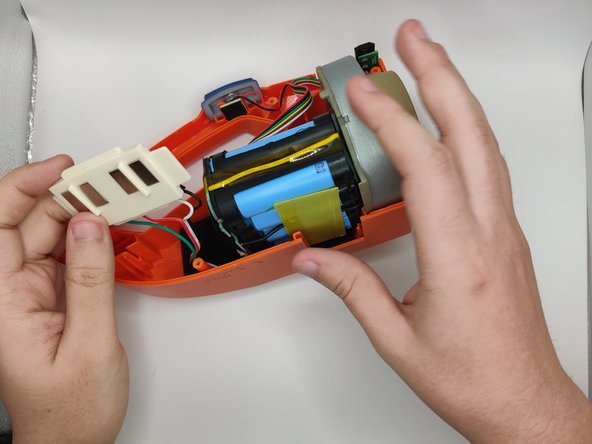
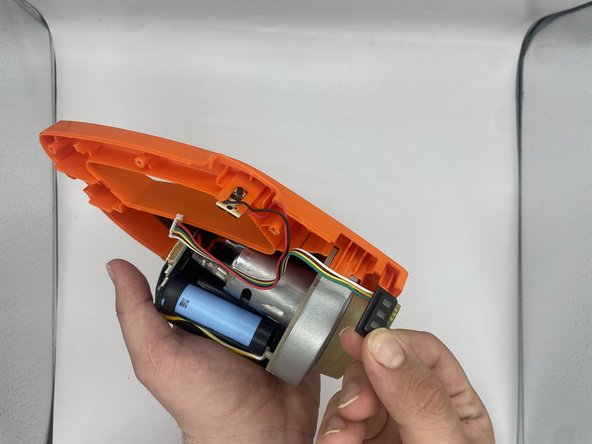
    • Slide out the battery LEDs from the compartment.

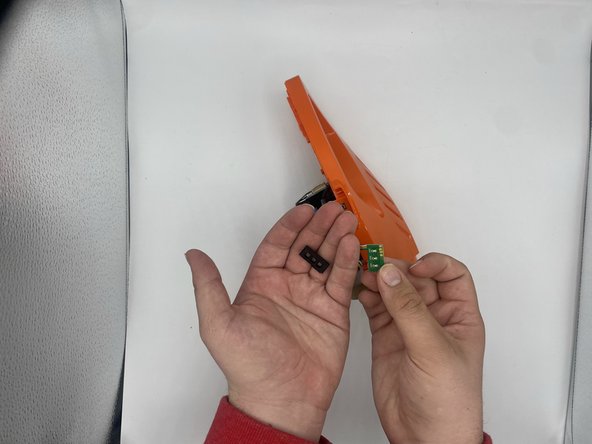
    • Remove the plastic LED cover from the LED board.

  7. ORFELD EV-660-S222 Battery LED Board Replacement: 步骤 7 中的图像 1,1
    • Desolder the LED board from the wires.

结论

To reassemble your device, follow these instructions in reverse order.

0指南评论

添加评论

浏览统计数据:

过去 24 小时: 1

过去 7 天: 15

过去 30 天: 45

总计 1,027