跳转到主内容
加入维修社区 - 创建账户

Nintendo NES Advantage Start Button Replacement

你所需要的

    1. Nintendo NES Advantage Start Button Replacement, Back Panel: 步骤 1 中的图像 1,1
      • Remove the four sticky pads from the bottom of the device.

      • If the pads are stuck, use a spudger to remove them.

      询问修复机器人

      添加评论

    2. Nintendo NES Advantage Start Button Replacement: 步骤 2 中的图像 1,2 Nintendo NES Advantage Start Button Replacement: 步骤 2 中的图像 2,2
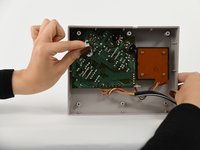
      • Remove the six 8 mm screws from the bottom of the device with a Phillips #0 screwdriver.

      • Use your hands to pull the back panel away from the controller.

      询问修复机器人

      添加评论

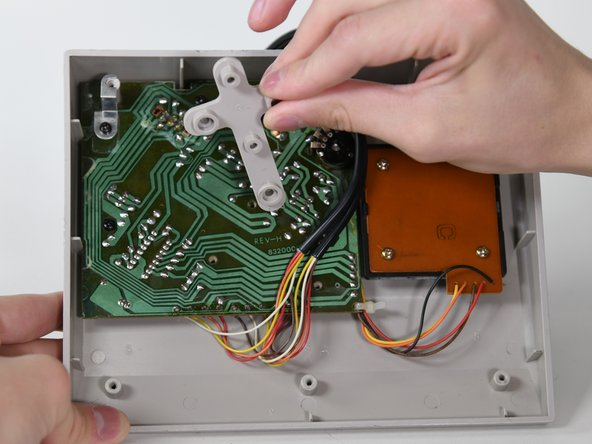
    1. Nintendo NES Advantage Start Button Replacement, Circuit Board: 步骤 3 中的图像 1,2 Nintendo NES Advantage Start Button Replacement, Circuit Board: 步骤 3 中的图像 2,2
      • Remove the three 14 mm screws from the gray cross with a Phillips #0 screwdriver.

      • Lift the gray component away from the device.

      询问修复机器人

      添加评论

    2. Nintendo NES Advantage Start Button Replacement: 步骤 4 中的图像 1,1
      • Lift up the black wire and move it to the side.

      询问修复机器人

      添加评论

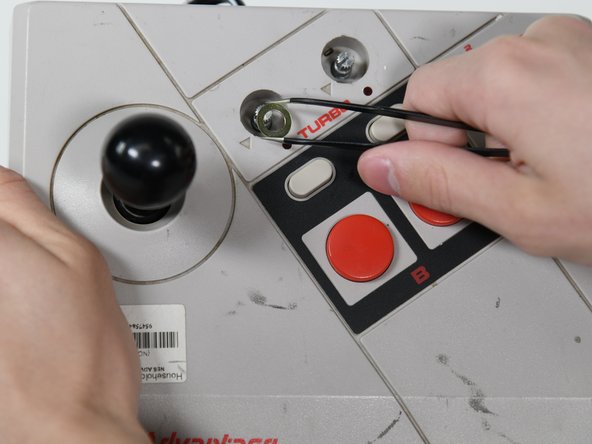
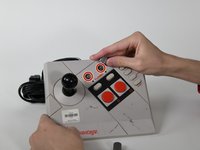
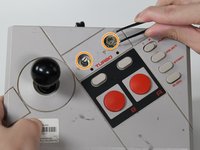
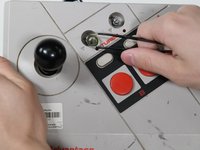
    3. Nintendo NES Advantage Start Button Replacement: 步骤 5 中的图像 1,3 Nintendo NES Advantage Start Button Replacement: 步骤 5 中的图像 2,3 Nintendo NES Advantage Start Button Replacement: 步骤 5 中的图像 3,3
      在这个步骤中使用的工具:
      Tweezers
      $4.99
      • Remove the two silver knobs on the front of the device.

      • Unscrew the two silver nuts using a flathead screwdriver.

      • Remove each silver nut and silver washer using a pair of tweezers.

      询问修复机器人

      添加评论

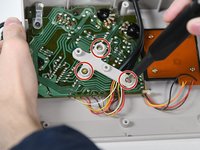
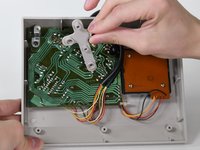
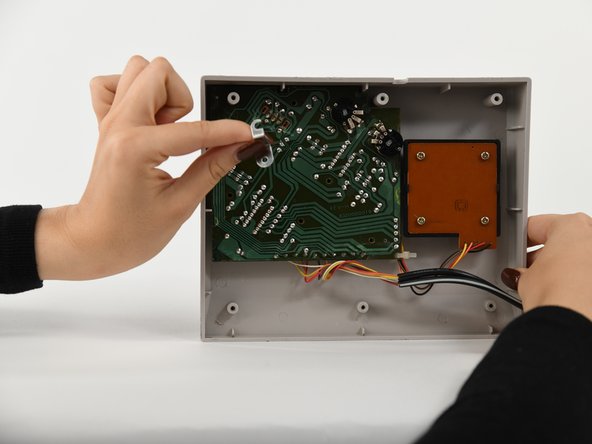
    4. Nintendo NES Advantage Start Button Replacement: 步骤 6 中的图像 1,2 Nintendo NES Advantage Start Button Replacement: 步骤 6 中的图像 2,2
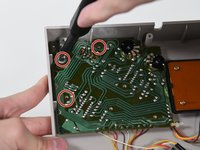
      • Remove the remaining three 8 mm screws on the circuit board with a Phillips #0 screwdriver.

      • Remove the silver bracket from the top of the circuit board.

      询问修复机器人

      添加评论

    5. Nintendo NES Advantage Start Button Replacement: 步骤 7 中的图像 1,1
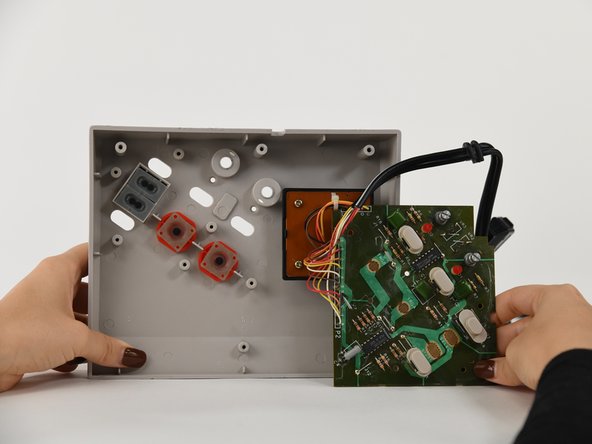
      • Remove the circuit board from the controller.

      询问修复机器人

      添加评论

    1. Nintendo NES Advantage Start Button Replacement, Start Button: 步骤 8 中的图像 1,1
      • Remove Start Button.

      询问修复机器人

      添加评论

结论

To reassemble your device, follow these instructions in reverse order.

取消:我没有完成这个指南。

Sylvia Pena

于09/06/22注册

79 声望

撰写一个指南

0指南评论

添加评论

浏览统计数据:

过去 24 小时: 0

过去 7 天: 7

过去 30 天: 22

总计 543