简介
Replace the Wi-Fi board in your 3DS so you can get back on the Nintendo eShop.
你所需要的
-
在这个步骤中使用的工具:Phillips #00 Screwdriver$5.49
-
Use a Phillips PH00 screwdriver to loosen the four screws along the top of the back cover.
-
-
-
Grab the top edge of the back cover with your opposite hand so that the cover does not fall back into place.
-
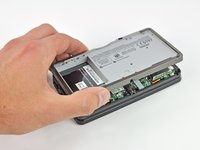
Pull the back cover up and away from the rest of the device to remove it.
-
-
-
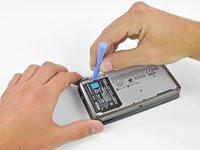
Insert a plastic opening tool into the notch in the lower case above the battery.
-
Pry the battery up with the plastic opening tool.
-
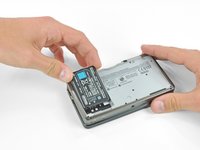
Grab the top edge of the battery and lift it out of the lower case.
-
-
-
-
Use a JIS #00 screwdriver to remove the nine 6.3 mm black screws from the lower case.
-
Use a JIS #00 screwdriver to remove the 2.4 mm silver screw above the game cartridge slot.
-
-
-
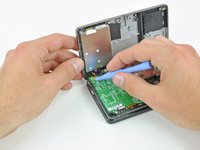
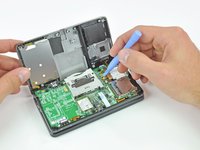
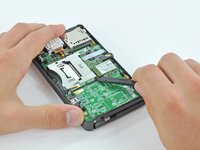
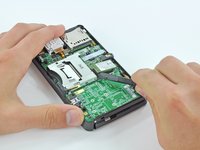
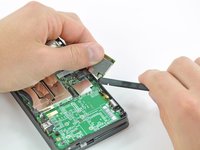
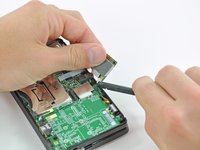
Slide the flat end of a spudger under the corner of the Wi-Fi board, and lift it away from the motherboard.
-









To reassemble your device, follow these instructions in reverse order.
17等其他人完成本指南。



8指南评论
will a 3ds xl wireless card fit within a 3ds? I am on Ebay looking to buy a replacement part but i can't find a proper replacement.
Hi David, i know this is an older guide, but you just saved me from buying a new 3DS. The wifi board had come lose in a drop, with your help i managed to reattach it and bring it back into working condition.
Thank you!
