跳转到主内容
加入维修社区 - 创建账户

Ninja Foodi SP101 Control Panel Replacement

你所需要的

  1. Ninja Foodi SP101 Control Panel Replacement, Feet: 步骤 1 中的图像 1,2 Ninja Foodi SP101 Control Panel Replacement, Feet: 步骤 1 中的图像 2,2
    • Use a TR10 screwdriver to remove the four 11mm screws holding the black lever bar in place.

  2. Ninja Foodi SP101 Control Panel Replacement: 步骤 2 中的图像 1,1
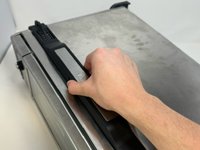
    • Remove the black lever bar.

  3. Ninja Foodi SP101 Control Panel Replacement, Side Panels: 步骤 3 中的图像 1,1
    • Use a Phillips #1 screwdriver to remove the three 8mm screws on each side of the back panel.

  4. Ninja Foodi SP101 Control Panel Replacement: 步骤 4 中的图像 1,2 Ninja Foodi SP101 Control Panel Replacement: 步骤 4 中的图像 2,2
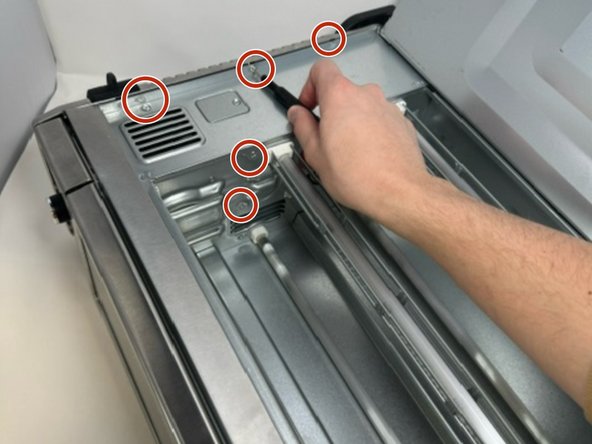
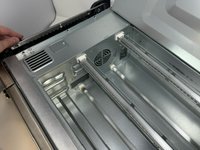
    • Flip the device upside down and open the bottom panel.

    • Remove the 3 x philips #1 screws along the top edge of the interior using a screwdriver. The Bottom 2 do not have to be removed.

  5. Ninja Foodi SP101 Control Panel Replacement: 步骤 5 中的图像 1,3 Ninja Foodi SP101 Control Panel Replacement: 步骤 5 中的图像 2,3 Ninja Foodi SP101 Control Panel Replacement: 步骤 5 中的图像 3,3
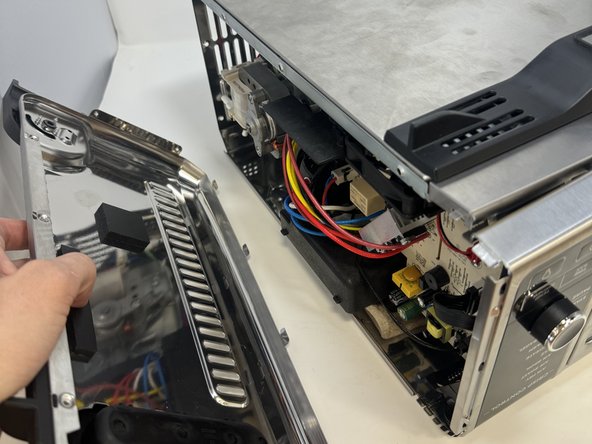
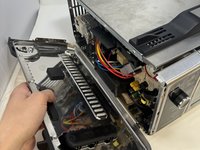
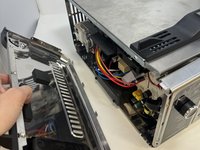
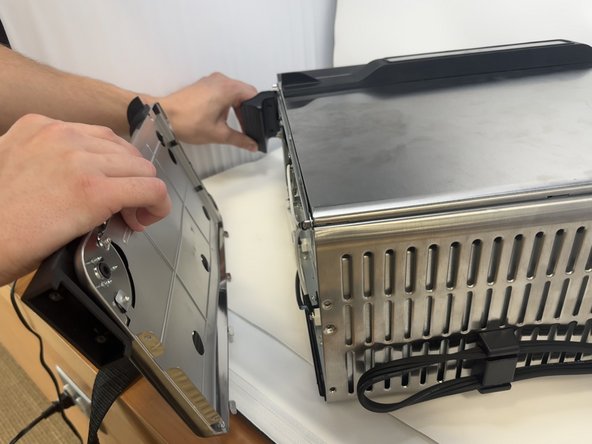
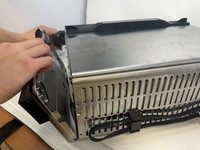
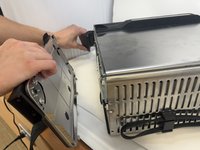
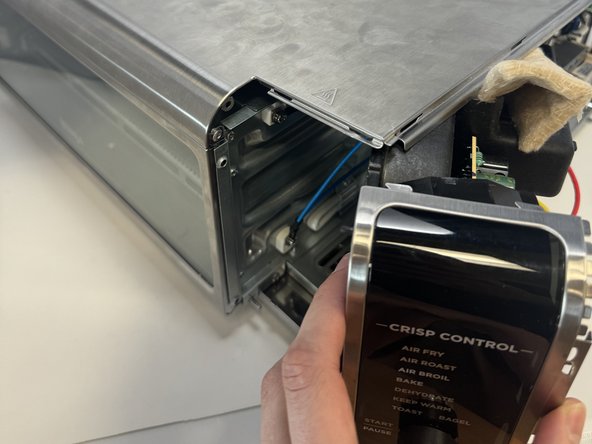
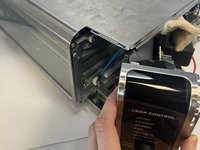
    • Remove the control side panel. To remove it, push forward towards then front control panel to release the tabs out of the main body. Fold away the side panel when the tabs have visually released from their slots in the main body.

  6. Ninja Foodi SP101 Control Panel Replacement: 步骤 6 中的图像 1,2 Ninja Foodi SP101 Control Panel Replacement: 步骤 6 中的图像 2,2
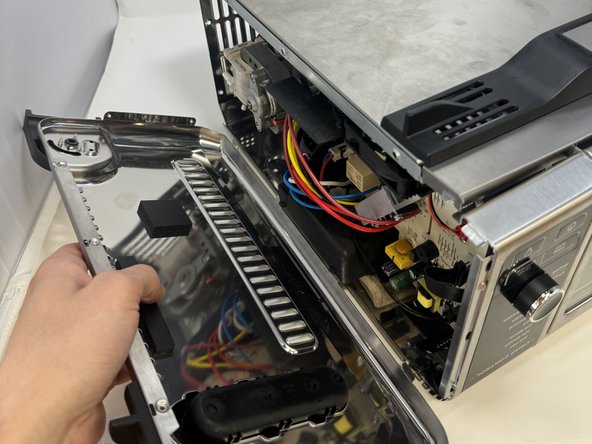
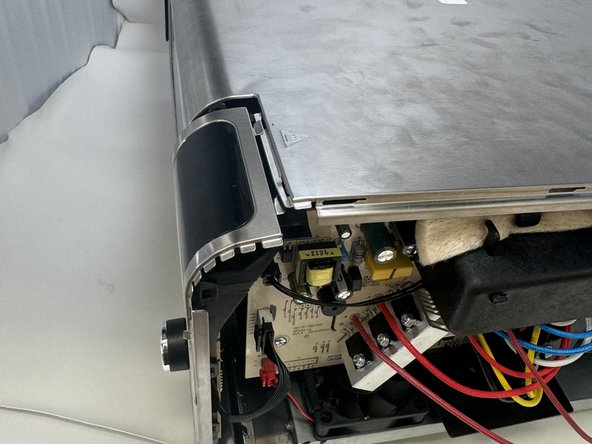
    • Lift the handle and pull the side panel out.

    • Remove the handle side panel.

  7. Ninja Foodi SP101 Control Panel Replacement, Control Panel: 步骤 7 中的图像 1,1
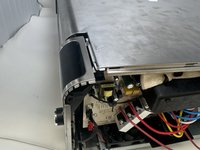
    • Remove the 10mm screw using the Phillips #1 screwdriver.

    • This screw connects the motherboard to the motor.

  8. Ninja Foodi SP101 Control Panel Replacement: 步骤 8 中的图像 1,3 Ninja Foodi SP101 Control Panel Replacement: 步骤 8 中的图像 2,3 Ninja Foodi SP101 Control Panel Replacement: 步骤 8 中的图像 3,3
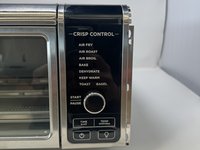
    • Locate the control panel.

    • Slide the top panel outwards and to the right.

  9. Ninja Foodi SP101 Control Panel Replacement: 步骤 9 中的图像 1,1
    • Remove the three 8 mm screws with the Phillips #1 screwdriver.

    • These are located on the control panel side that was facing inward.

  10. Ninja Foodi SP101 Control Panel Replacement: 步骤 10 中的图像 1,2 Ninja Foodi SP101 Control Panel Replacement: 步骤 10 中的图像 2,2
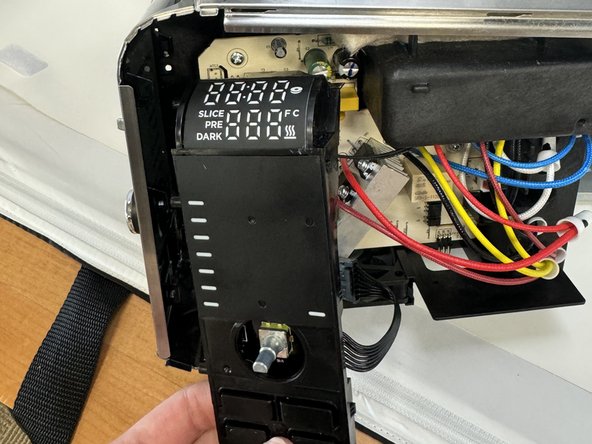
    • Unclip the wires from the motherboard.

  11. Ninja Foodi SP101 Control Panel Replacement: 步骤 11 中的图像 1,1
    • Remove the control panel.

结论

To reassemble your device, follow these instructions in reverse order.

2等其他人完成本指南。

团队

0指南评论

添加评论

浏览统计数据:

过去 24 小时: 1

过去 7 天: 21

过去 30 天: 122

总计 2,280