跳转到主内容
加入维修社区 - 创建账户

Nikon D90 Rear Display Buttons Replacement

你所需要的

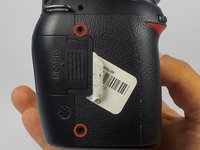
  1. Nikon D90 Rear Display Buttons Replacement, Removing Casing Screws: 步骤 1 中的图像 1,2 Nikon D90 Rear Display Buttons Replacement, Removing Casing Screws: 步骤 1 中的图像 2,2
    • Locate the screws on both sides of the camera.

    • Remove the four 6.3 mm Phillips screws using a PH00 screwdriver.

    • Be careful not to strip the screws.

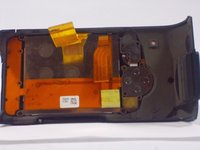
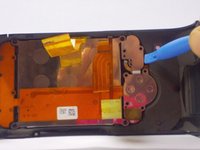
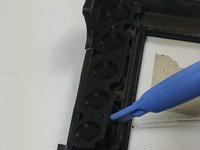
  2. Nikon D90 Rear Display Buttons Replacement, Removing the Rear Casing: 步骤 2 中的图像 1,3 Nikon D90 Rear Display Buttons Replacement, Removing the Rear Casing: 步骤 2 中的图像 2,3 Nikon D90 Rear Display Buttons Replacement, Removing the Rear Casing: 步骤 2 中的图像 3,3
    • Use a plastic opening tool to separate the rear case from the camera.

    询问修复机器人
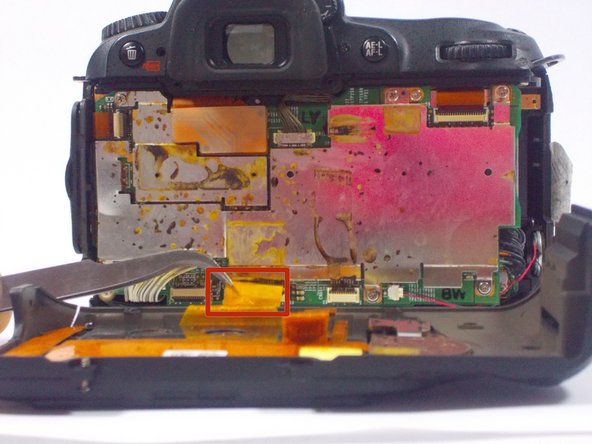
  3. Nikon D90 Rear Display Buttons Replacement, Disconnecting the Ribbon Cables: 步骤 3 中的图像 1,2 Nikon D90 Rear Display Buttons Replacement, Disconnecting the Ribbon Cables: 步骤 3 中的图像 2,2
    在这个步骤中使用的工具:
    Tweezers
    $4.99
    • After, remove the two orange ribbon connectors attached to the interior of the camera with tweezers.

    • Make sure to remove the ribbon cables carefully from the connectors to avoid damaging the camera.

    询问修复机器人
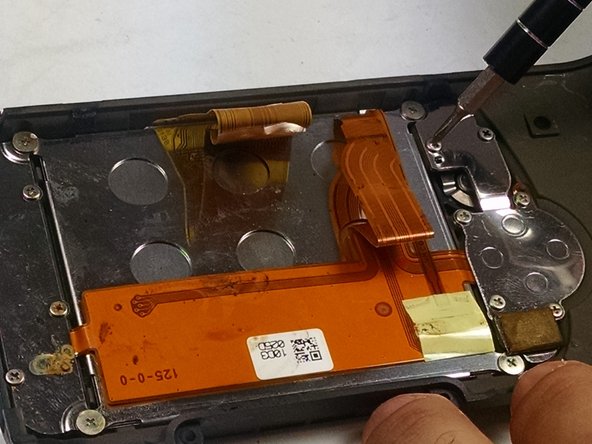
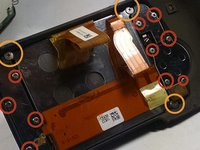
  4. Nikon D90 Rear Display Buttons Replacement, Removing the Screws from the Rear Casing: 步骤 4 中的图像 1,2 Nikon D90 Rear Display Buttons Replacement, Removing the Screws from the Rear Casing: 步骤 4 中的图像 2,2
    • Remove the screws from the back assembly with a Phillips (PH00) head screwdriver.

    • Remove the ten 5.3 mm Phillips screws.

    • Remove the three 4.3 mm Phillips screws.

    询问修复机器人
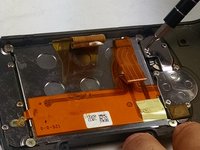
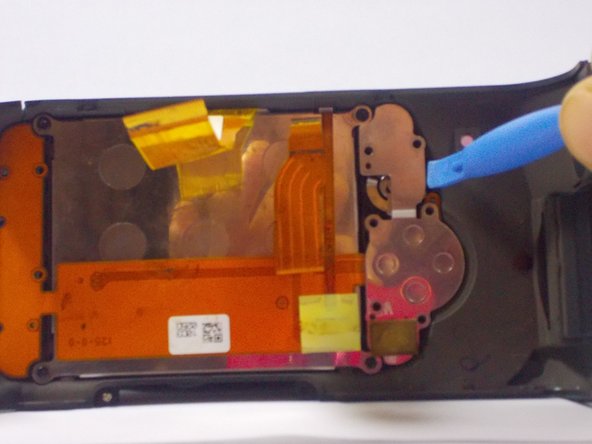
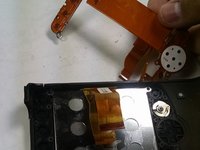
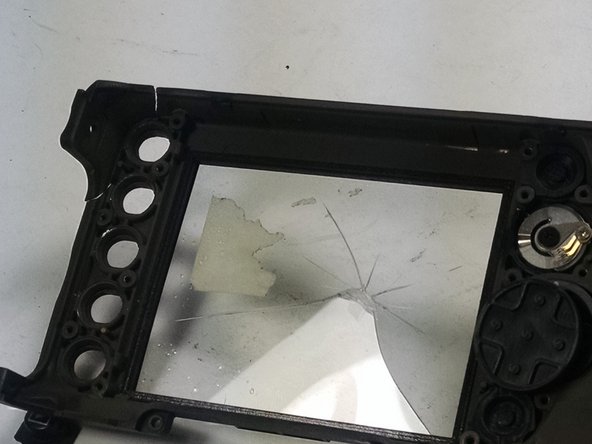
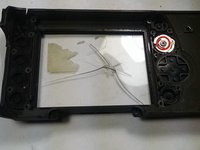
  5. Nikon D90 Rear Display Buttons Replacement, Removing the LCD and other components: 步骤 5 中的图像 1,3 Nikon D90 Rear Display Buttons Replacement, Removing the LCD and other components: 步骤 5 中的图像 2,3 Nikon D90 Rear Display Buttons Replacement, Removing the LCD and other components: 步骤 5 中的图像 3,3
    • Use a plastic opening tool to separate the LCD and metal plates from the casing.

    询问修复机器人
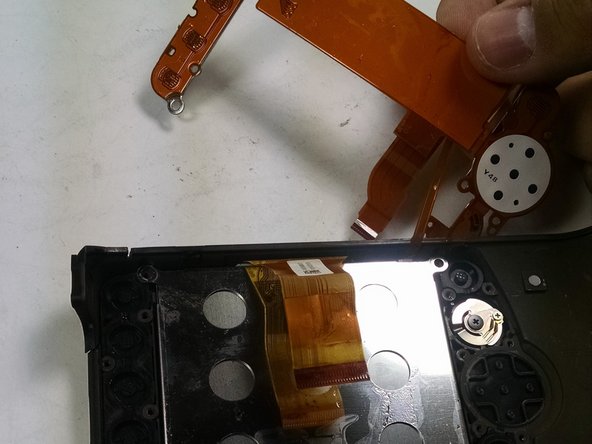
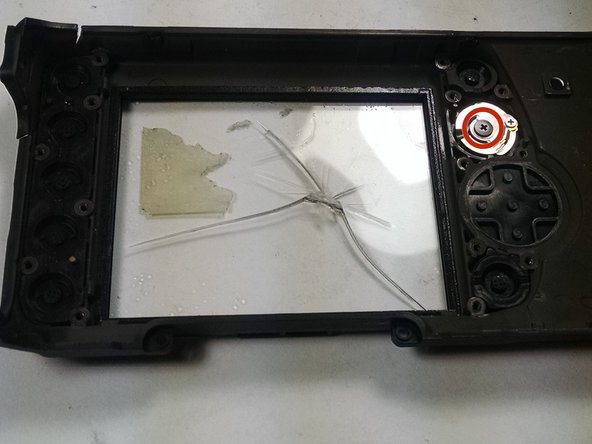
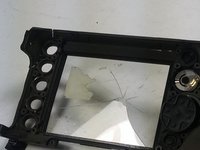
  6. Nikon D90 Rear Display Buttons Replacement, Removing the Display Buttons: 步骤 6 中的图像 1,3 Nikon D90 Rear Display Buttons Replacement, Removing the Display Buttons: 步骤 6 中的图像 2,3 Nikon D90 Rear Display Buttons Replacement, Removing the Display Buttons: 步骤 6 中的图像 3,3
    • Use a plastic opening tool to separate the buttons from the casing.

    • Remove the 4.3 mm Phillips screw from the knob using a PH00 screwdriver.

    询问修复机器人
结论

To reassemble your device, follow these instructions in reverse order.

另外一个人完成了本指南。

团队

UMass Dartmouth, Team 1-7, Duarte Fall 2014 UMass Dartmouth, Team 1-7, Duarte Fall 2014 的会员

UMASSD-DUARTE-F14S1G7

3 名成员

创作了6篇指南

0指南评论

添加评论

浏览统计数据:

过去 24 小时: 2

过去 7 天: 12

过去 30 天: 81

总计 3,147