跳转到主内容
加入维修社区 - 创建账户

Nikon 1 AW 1 Buttons Replacement

你所需要的

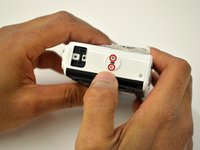
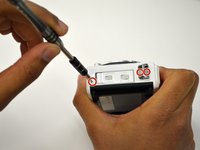
  1. Nikon 1 AW 1 Buttons Replacement, Buttons: 步骤 1 中的图像 1,3 Nikon 1 AW 1 Buttons Replacement, Buttons: 步骤 1 中的图像 2,3 Nikon 1 AW 1 Buttons Replacement, Buttons: 步骤 1 中的图像 3,3
    • Using the Phillips PH00 screwdriver, remove the six 4.0mm screws marked in red. Then remove the panel cover by lightly pulling it off.

    询问修复机器人
    添加评论

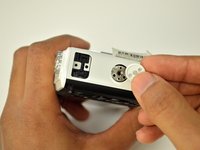
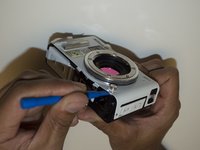
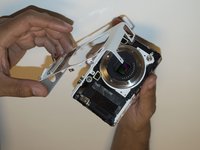
  2. Nikon 1 AW 1 Buttons Replacement: 步骤 2 中的图像 1,3 Nikon 1 AW 1 Buttons Replacement: 步骤 2 中的图像 2,3 Nikon 1 AW 1 Buttons Replacement: 步骤 2 中的图像 3,3
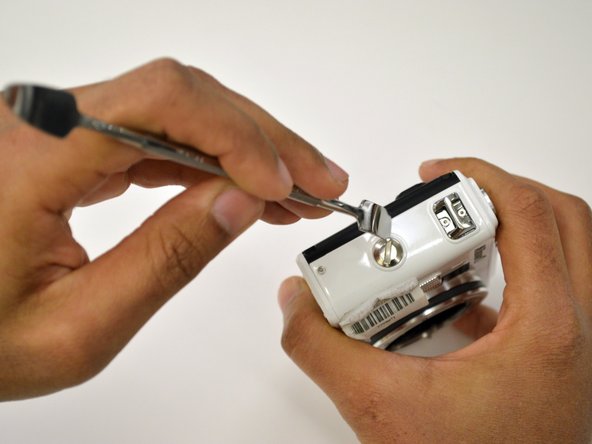
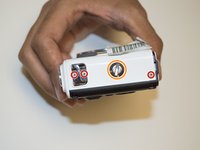
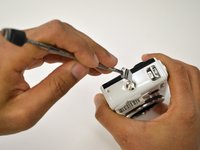
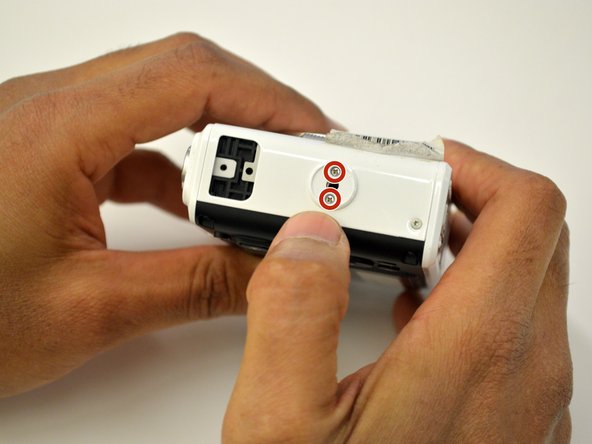
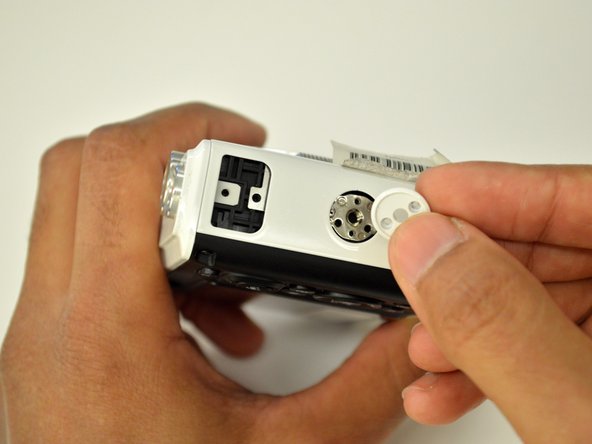
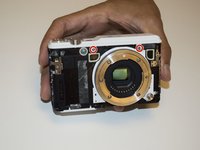
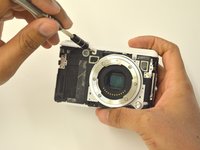
    • Using the Phillips PH00 screwdriver, remove the four 5.5mm screws in the red circles. Then use a plastic opening tool to pry off the tripod socket.

    • Remove the metal plate to have access to the 4.9mm screw under the orange circle, use the Phillips PH00 screwdriver to remove it.

    询问修复机器人
    添加评论

  3. Nikon 1 AW 1 Buttons Replacement: 步骤 3 中的图像 1,3 Nikon 1 AW 1 Buttons Replacement: 步骤 3 中的图像 2,3 Nikon 1 AW 1 Buttons Replacement: 步骤 3 中的图像 3,3
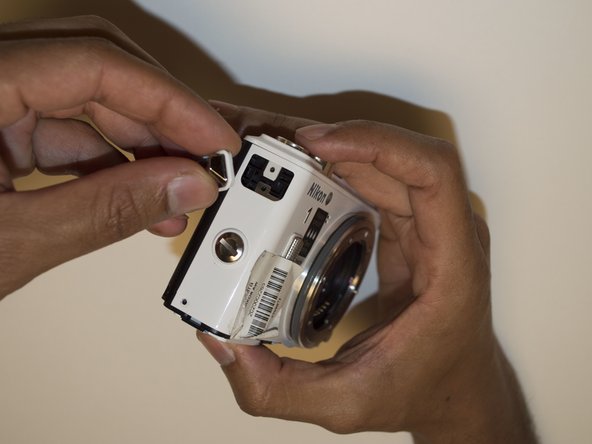
    • Using a T4 head screwdriver remove the three 5.4mm screws marked with the red circles.

    • Use a 1/4" flathead screwdriver or a flat head tool to release the grip attachment screw.

    • Remove the camera strap eyelet.

    询问修复机器人
    添加评论

  4. Nikon 1 AW 1 Buttons Replacement: 步骤 4 中的图像 1,3 Nikon 1 AW 1 Buttons Replacement: 步骤 4 中的图像 2,3 Nikon 1 AW 1 Buttons Replacement: 步骤 4 中的图像 3,3
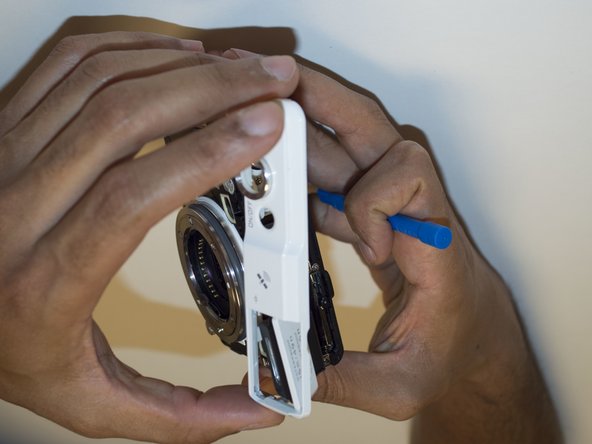
    • Remove the grip attachment screw.

    • Use a Phillips PH00 to remove the two 2.4mm screws on the grip attachment slot, then remove the slot.

    询问修复机器人
    添加评论

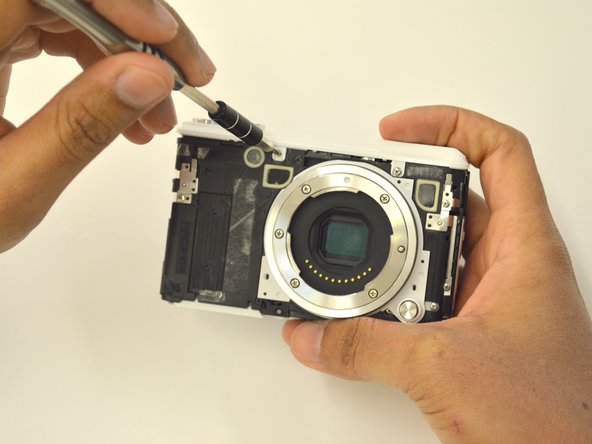
  5. Nikon 1 AW 1 Buttons Replacement: 步骤 5 中的图像 1,3 Nikon 1 AW 1 Buttons Replacement: 步骤 5 中的图像 2,3 Nikon 1 AW 1 Buttons Replacement: 步骤 5 中的图像 3,3
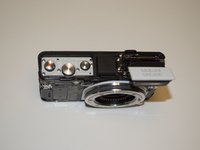
    • Use a T4 screwdriver to remove the three 5.4mm screw marked with the red circles and the eyelet strap.

    • Use a plastic opening tool to lift the front camera cover off.

    询问修复机器人
    添加评论

  6. Nikon 1 AW 1 Buttons Replacement: 步骤 6 中的图像 1,3 Nikon 1 AW 1 Buttons Replacement: 步骤 6 中的图像 2,3 Nikon 1 AW 1 Buttons Replacement: 步骤 6 中的图像 3,3
    • Use a Phillips PH00 to unscrew the two 3.5mm screws in red.

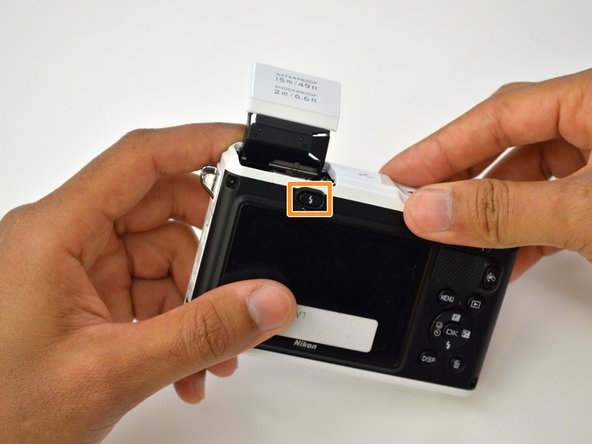
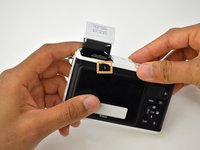
    • Press the flash pop-up button in the orange rectangle to be able to remove top cover of the camera.

    询问修复机器人

    添加评论

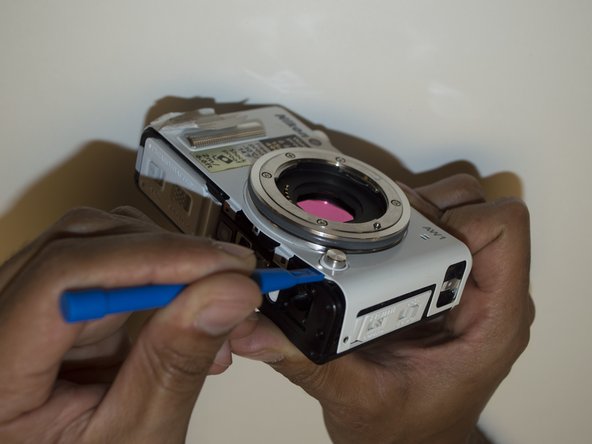
  7. Nikon 1 AW 1 Buttons Replacement: 步骤 7 中的图像 1,3 Nikon 1 AW 1 Buttons Replacement: 步骤 7 中的图像 2,3 Nikon 1 AW 1 Buttons Replacement: 步骤 7 中的图像 3,3
    • Use a plastic opening tool to lift off the top panel.

    询问修复机器人

    添加评论

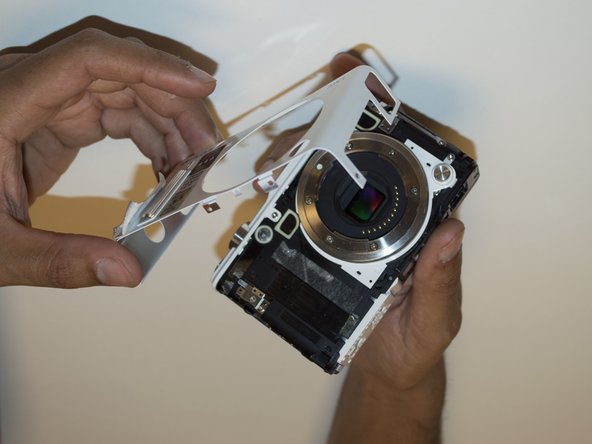
  8. Nikon 1 AW 1 Buttons Replacement: 步骤 8 中的图像 1,1
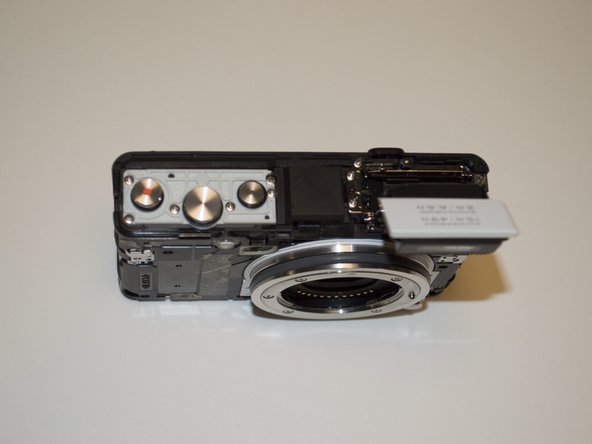
    • If you needed to replace any buttons, you may now do so by pulling them off.

    询问修复机器人

    添加评论

结论

To reassemble your device, follow these instructions in reverse order.

取消:我没有完成这个指南。

另外一个人完成了本指南。

团队

USF Tampa, Team 3-4, Sullivan Fall 2016 USF Tampa, Team 3-4, Sullivan Fall 2016 的会员

USFT-SULLIVAN-F16S3G4

4 名成员

创作了6篇指南

1指南评论

What if the flash button is not working? How will i open or fix it? Flash does not pop out

Noel Marantan - 回复 分享

添加评论

浏览统计数据:

过去 24 小时: 0

过去 7 天: 9

过去 30 天: 44

总计 1,198