此翻译由机器生成,尚未经过人工审核。 会说这种语言吗? 查看评论。

Netgear Arlo 镜头组件更换

最后更新于 2026年8月14日
浏览量: 5951
浏览统计数据:
- 过去24小时
- 3
- 过去 7 天:
- 20
- 过去 30 天:
- 84
- 总计
- 5,951
评论: 9
1 comment on steps, 8 guide comments.
Go to guide comments已完成: 0 1
暂时还没有人将本指南标记为“已完成”。你会是第一个完成的人吗?
1 人已将本指南标记为“已完成”。就是你——干得漂亮!
收藏: 0 1
暂时还没有人收藏(和订阅)本指南。你会是第一个收藏(和订阅)的人吗?
1 人收藏(并订阅)了本指南——那就是你!
特色学生指南
该指南是我们优秀学生的辛勤劳动的成果,iFixit的工作人员认为这个很酷。
简介
转到步骤 1 ↓本指南将逐步介绍如何拆卸 Netgear Arlo 中的镜头组件 PCB 板。开始本指南前,请先取出电池。
你所需要的
工具


 询问修复机器人


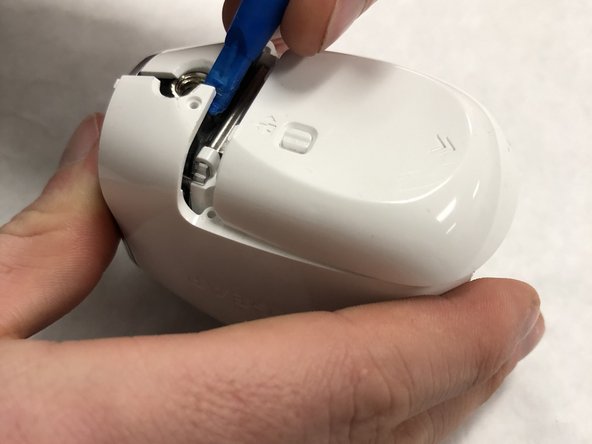

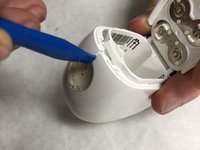
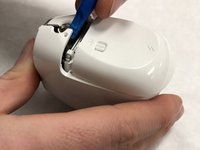
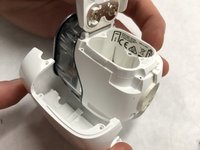

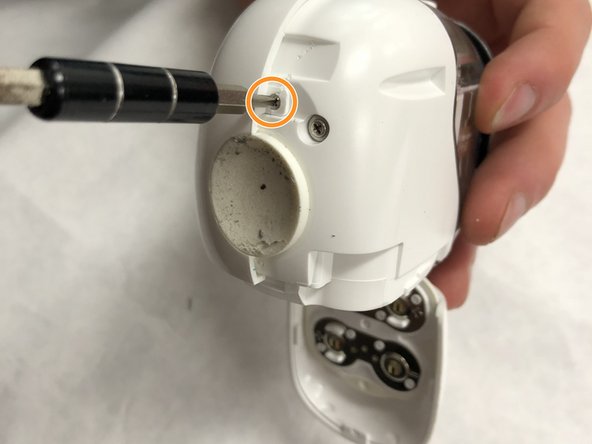
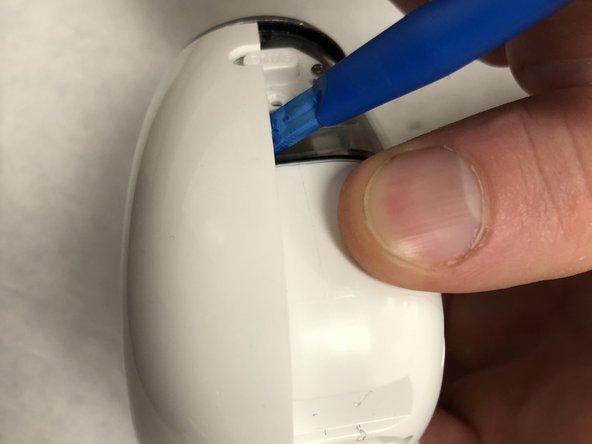
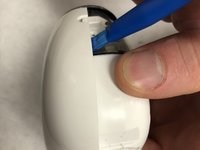


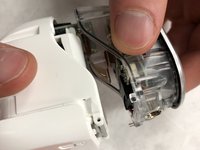
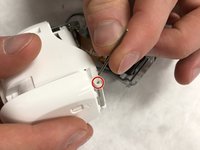

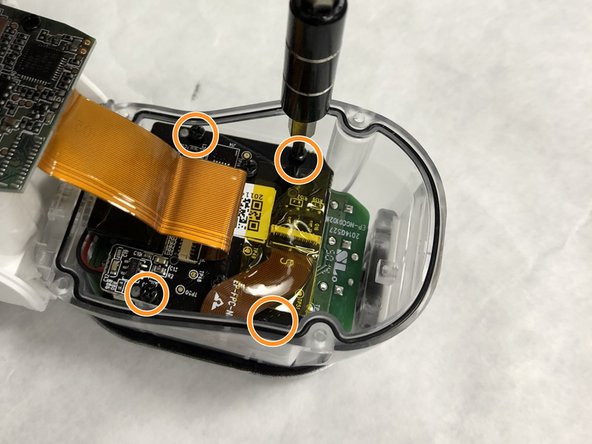
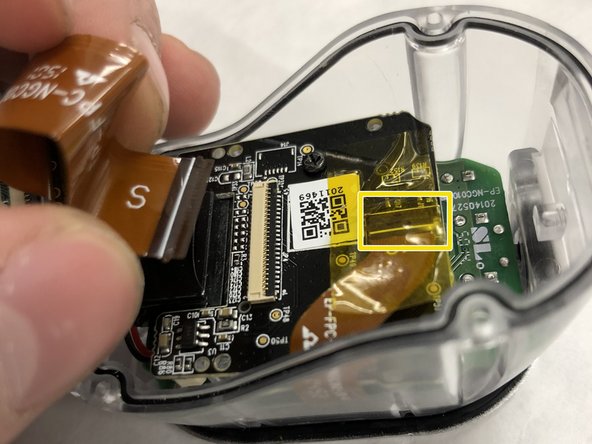
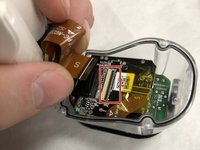
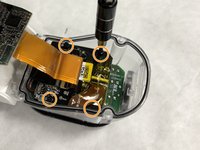
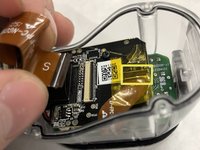

要重新组装设备,请按相反顺序执行这些说明。

团队

IUPUI, Team S1-G1, Freund Spring 2018 IUPUI, Team S1-G1, Freund Spring 2018 的会员
IUPUI-FREUND-S18S1G1
2 名成员
创作了36篇指南
8指南评论
hi I took out the battery befor it was finished downloading new firmware, now there is no connection, no blue light. Can you help or is the camer garbage?
Rune Koppang - 回复 分享
I struggled a bit with the ribbon cable connections, they need to be lifted up from the side the cable enters. They are sort of hinged like a door but lying on its side. Once it is stood up vertically, the cable will pull out. For the longer one I found it was important to lift as much of it up at once otherwise it will break if you lift one end and not the other. Once the cable is reinserted, they can just be pushed back down, same as before, supporting the full length when you do. If one comes off it is possible to push it back onto the hinge but it is very very tricky and took a while.
