跳转到主内容

Motorola Edge Plus 2020 Battery Replacement

你所需要的

  1. Motorola Edge Plus 2020 Battery Replacement, Back Cover: 步骤 1 中的图像 1,3 Motorola Edge Plus 2020 Battery Replacement, Back Cover: 步骤 1 中的图像 2,3 Motorola Edge Plus 2020 Battery Replacement, Back Cover: 步骤 1 中的图像 3,3
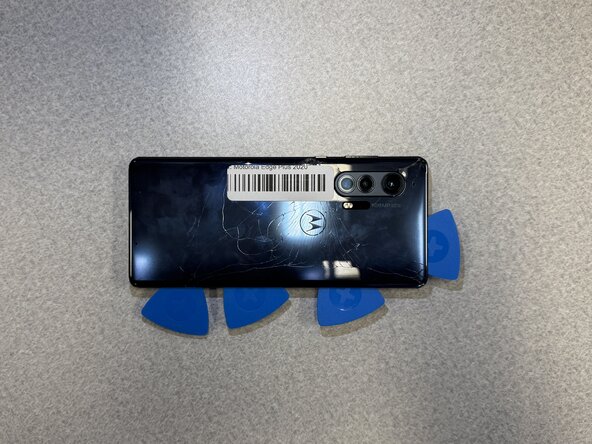
    • Use an iOpener or hair dryer to heat the perimeter of the back cover to loosen the adhesive beneath.

    • Insert the tip of an opening pick 2-3 mm into the seam between the back cover and chassis.

    • Slide the pick around the entire perimeter of the case to sever the adhesive, inserting additional opening picks periodically to prevent the back cover from resealing.

    • If the adhesive hardens as it cools, apply additional heat as needed.

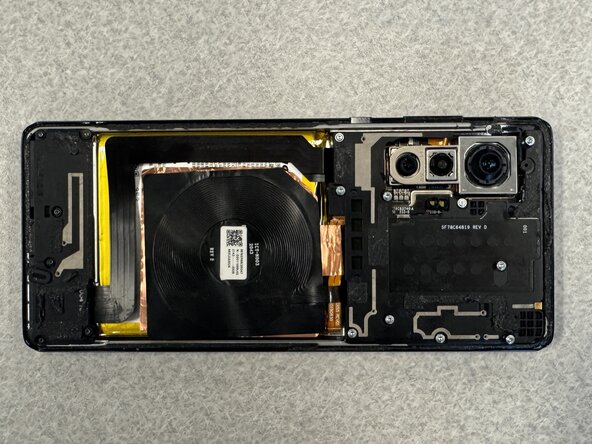
    • Remove the back cover.

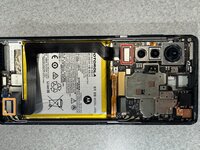
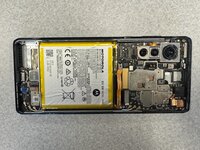
  2. Motorola Edge Plus 2020 Battery Replacement, Battery: 步骤 2 中的图像 1,3 Motorola Edge Plus 2020 Battery Replacement, Battery: 步骤 2 中的图像 2,3 Motorola Edge Plus 2020 Battery Replacement, Battery: 步骤 2 中的图像 3,3
    • Before you begin, discharge your phone battery below 25%. A charged lithium-ion battery can catch fire and/or explode if accidentally punctured.

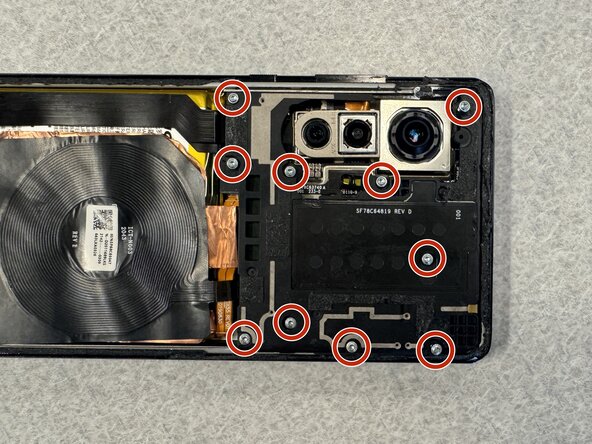
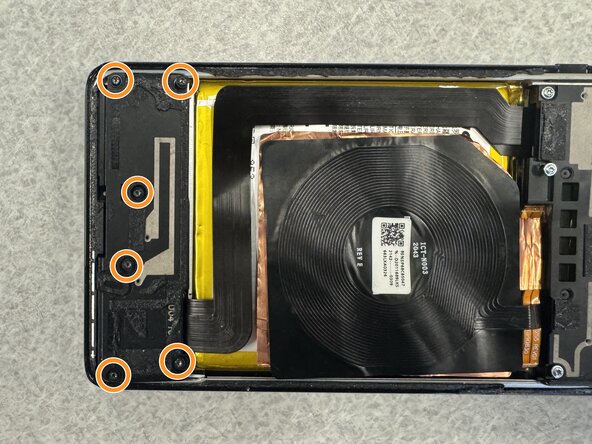
    • Remove the following T3 Torx screws:

    • Ten 6 mm silver screws

    • Six 5 mm black screws

  3. Motorola Edge Plus 2020 Battery Replacement: 步骤 3 中的图像 1,2 Motorola Edge Plus 2020 Battery Replacement: 步骤 3 中的图像 2,2
    • Remove the daughterboard and motherboard covers.

    • Disconnect and remove the wireless charging coil.

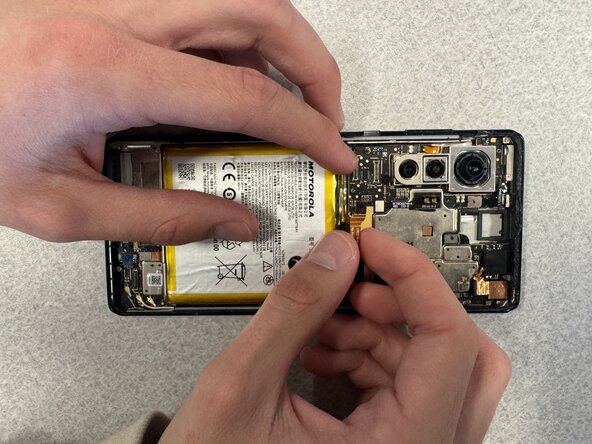
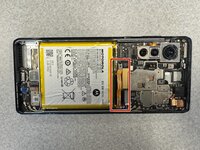
  4. Motorola Edge Plus 2020 Battery Replacement: 步骤 4 中的图像 1,2 Motorola Edge Plus 2020 Battery Replacement: 步骤 4 中的图像 2,2
    • Insert the flat edge of a spudger under the interconnect cable's motherboard press connector and lift it straight up to disconnect it.

    • Repeat for the interconnect cable's daughterboard connector.

    • Remove the internet cable.

  5. Motorola Edge Plus 2020 Battery Replacement: 步骤 5 中的图像 1,2 Motorola Edge Plus 2020 Battery Replacement: 步骤 5 中的图像 2,2
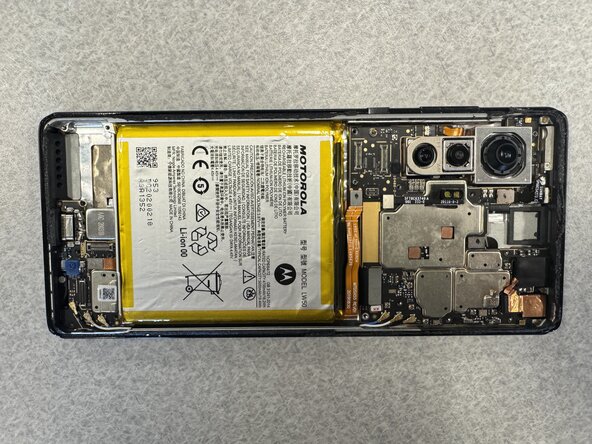
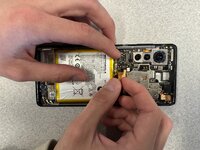
    • Use the pointed end of a spudger to lift and disconnect the battery press connector.

    • If you're completing a camera replacement guide, skip to the beginning of that procedure. It's not necessary to remove the battery.

  6. Motorola Edge Plus 2020 Battery Replacement: 步骤 6 中的图像 1,2 Motorola Edge Plus 2020 Battery Replacement: 步骤 6 中的图像 2,2
    • Apply a few drops of high-concentration isopropyl alcohol beneath the battery.

    • Tilt the phone to allow the alcohol to reach all of the adhesive.

    • Alternatively, lightly heat the battery with an iOpener or hairdryer.

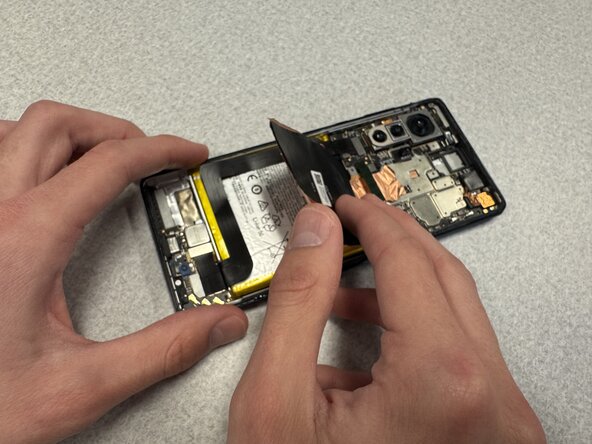
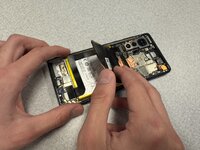
    • Insert a spudger beneath the battery and gently pry the battery up and out of the chassis.

    • Do not bend, warp, or puncture the battery.

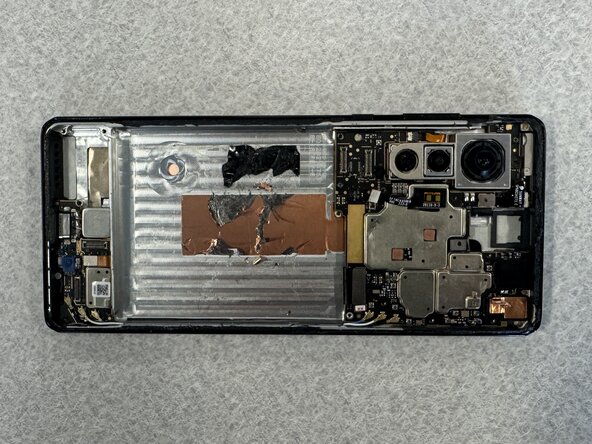
    • Remove the battery.

结论

To reassemble your device, follow the above steps in reverse order.
For optimal performance, after completing this guide, calibrate your newly installed battery.
Take your e-waste to an R2 or e-Stewards certified recycler.
Repair didn’t go as planned? Try some basic troubleshooting or ask our Answers community for help.

Stanley Trang

于01/23/25注册

121 声望

撰写一个指南

0指南评论

添加评论

浏览统计数据:

过去 24 小时: 2

过去 7 天: 7

过去 30 天: 28

总计 225