跳转到主内容
加入维修社区 - 创建账户

Miadore Classic N64 Controller Buttons Replacement

你所需要的

  1. Miadore Classic N64 Controller Buttons Replacement, Joystick: 步骤 1 中的图像 1,3 Miadore Classic N64 Controller Buttons Replacement, Joystick: 步骤 1 中的图像 2,3 Miadore Classic N64 Controller Buttons Replacement, Joystick: 步骤 1 中的图像 3,3
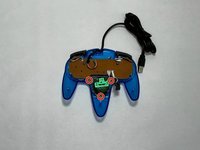
    • Use a Phillips #000 screwdriver to remove all nine 3.2 mm screws from the back of the controller.

    • Place the end of a spudger in the seam between the top and bottom of the controller to release the clips holding them together.

    • Separate the top and bottom cover of the controller.

    询问修复机器人
  2. Miadore Classic N64 Controller Buttons Replacement: 步骤 2 中的图像 1,2 Miadore Classic N64 Controller Buttons Replacement: 步骤 2 中的图像 2,2
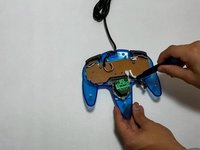
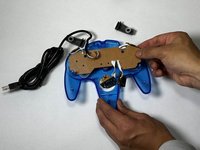
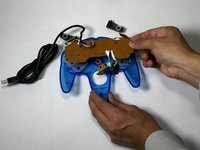
    • Remove the three 3.2 mm Phillips #000 screws holding the motherboard in place.

    • The motherboard will still be in place after the screws are removed.

    询问修复机器人
  3. Miadore Classic N64 Controller Buttons Replacement: 步骤 3 中的图像 1,3 Miadore Classic N64 Controller Buttons Replacement: 步骤 3 中的图像 2,3 Miadore Classic N64 Controller Buttons Replacement: 步骤 3 中的图像 3,3
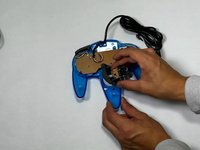
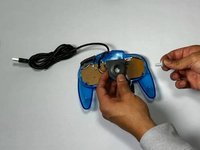
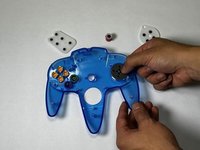
    • Remove the three 3.2 mm Phillips #000 screws holding the joystick module in place.

    • Remove the joystick module.

    询问修复机器人
  4. Miadore Classic N64 Controller Buttons Replacement: 步骤 4 中的图像 1,2 Miadore Classic N64 Controller Buttons Replacement: 步骤 4 中的图像 2,2
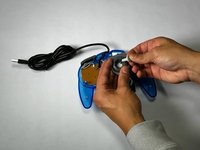
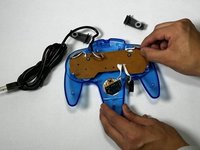
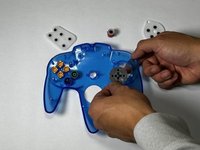
    • Remove the joystick by pulling it away from the plastic needle-like object holding it in place.

    • Replace it with a new or custom joystick.

    询问修复机器人
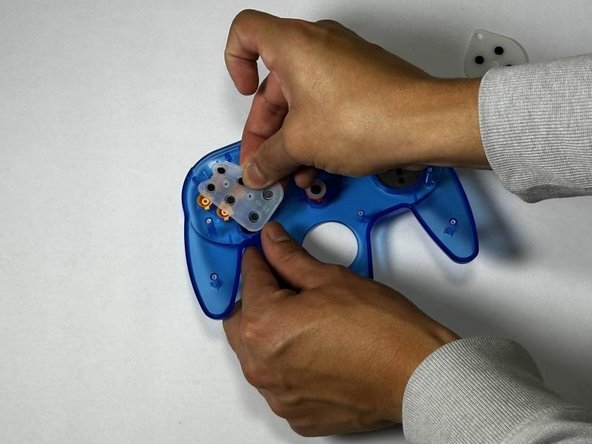
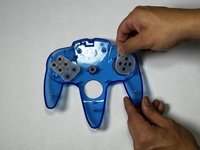
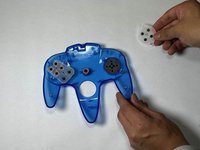
  5. Miadore Classic N64 Controller Buttons Replacement, Buttons: 步骤 5 中的图像 1,3 Miadore Classic N64 Controller Buttons Replacement, Buttons: 步骤 5 中的图像 2,3 Miadore Classic N64 Controller Buttons Replacement, Buttons: 步骤 5 中的图像 3,3
    • Remove the right and left bumper.

    • If the bumper buttons are the buttons that need to be replaced, you can stop here.

    询问修复机器人
  6. Miadore Classic N64 Controller Buttons Replacement: 步骤 6 中的图像 1,3 Miadore Classic N64 Controller Buttons Replacement: 步骤 6 中的图像 2,3 Miadore Classic N64 Controller Buttons Replacement: 步骤 6 中的图像 3,3
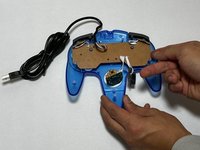
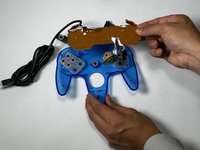
    • Pull the motherboard up with even pressure on all sides.

    • Set the motherboard to the side.

    询问修复机器人
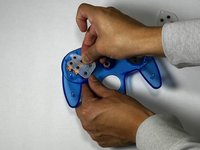
  7. Miadore Classic N64 Controller Buttons Replacement: 步骤 7 中的图像 1,3 Miadore Classic N64 Controller Buttons Replacement: 步骤 7 中的图像 2,3 Miadore Classic N64 Controller Buttons Replacement: 步骤 7 中的图像 3,3
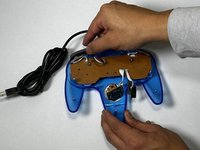
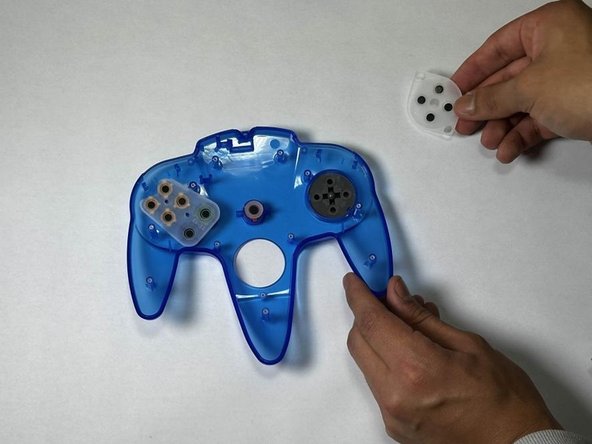
    • Remove the rubber gaskets.

    • This will reveal the buttons underneath.

    询问修复机器人
  8. Miadore Classic N64 Controller Buttons Replacement: 步骤 8 中的图像 1,2 Miadore Classic N64 Controller Buttons Replacement: 步骤 8 中的图像 2,2
    • Push up from the bottom of the controller to pop the buttons out.

    询问修复机器人
结论

To reassemble your device, follow these instructions in reverse order.

2等其他人完成本指南。

团队

CSU Los Angeles, Team 5-3, Kershman Fall 2024 CSU Los Angeles, Team 5-3, Kershman Fall 2024 的会员

CSULA-KERSHMAN-F24S5G3

5 名成员

创作了2篇指南

0指南评论

添加评论

浏览统计数据:

过去 24 小时: 0

过去 7 天: 4

过去 30 天: 23

总计 351