简介
Prereq to remove the faceplate from a Meta Quest 2 controller.
你所需要的
-
-
Use your fingers to slide the battery cover down towards the strap end of the controller.
-
Remove the battery cover.
-
-
-
Heat an iOpener and apply it to the bottom edge of the controller faceplate for a minute.
-
-
-
-
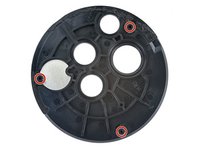
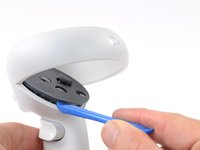
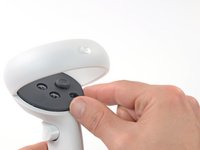
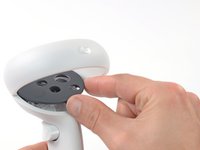
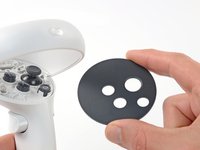
The controller faceplate is secured with adhesive and three friction pegs.
-
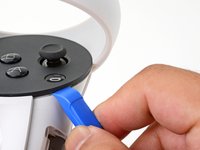
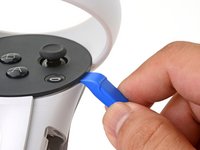
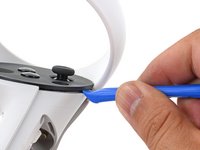
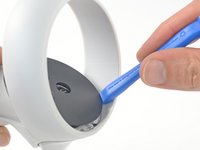
Press the edge of an opening tool into the seam between the controller faceplate and shell, near the Oculus button.
-
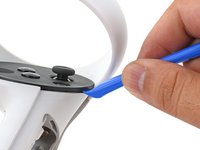
Slide the opening tool to the base of the ring shell to loosen the adhesive.
-








结论
To reassemble your device, follow these instructions in reverse order.



