跳转到主内容
加入维修社区 - 创建账户

Maze Speed Motherboard Replacement

你所需要的

    1. Maze Speed Motherboard Replacement, Motherboard: 步骤 1 中的图像 1,3 Maze Speed Motherboard Replacement, Motherboard: 步骤 1 中的图像 2,3 Maze Speed Motherboard Replacement, Motherboard: 步骤 1 中的图像 3,3
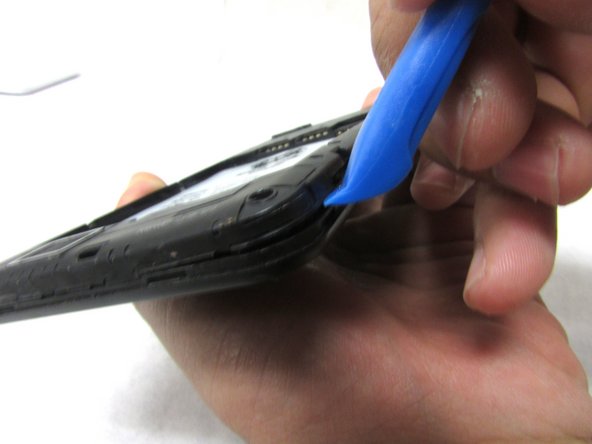
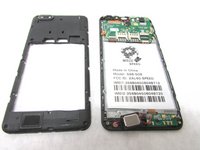
      • Remove the back cover by inserting the plastic opening tool at the bottom left corner of the device.

      添加评论

    2. Maze Speed Motherboard Replacement: 步骤 2 中的图像 1,2 Maze Speed Motherboard Replacement: 步骤 2 中的图像 2,2
      • Remove fifteen 2mm Phillips #00 screws.

      添加评论

    3. Maze Speed Motherboard Replacement: 步骤 3 中的图像 1,3 Maze Speed Motherboard Replacement: 步骤 3 中的图像 2,3 Maze Speed Motherboard Replacement: 步骤 3 中的图像 3,3
      • Lift the plastic opening tool up at the bottom left corner to create the gap.

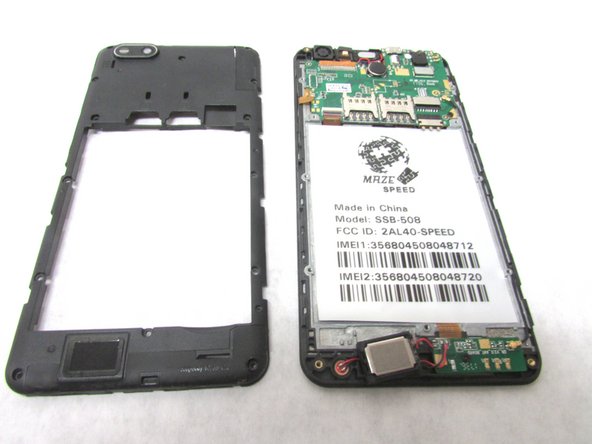
      • Repeat this through all corners to remove the internal casing.

      添加评论

    4. Maze Speed Motherboard Replacement: 步骤 4 中的图像 1,3 Maze Speed Motherboard Replacement: 步骤 4 中的图像 2,3 Maze Speed Motherboard Replacement: 步骤 4 中的图像 3,3
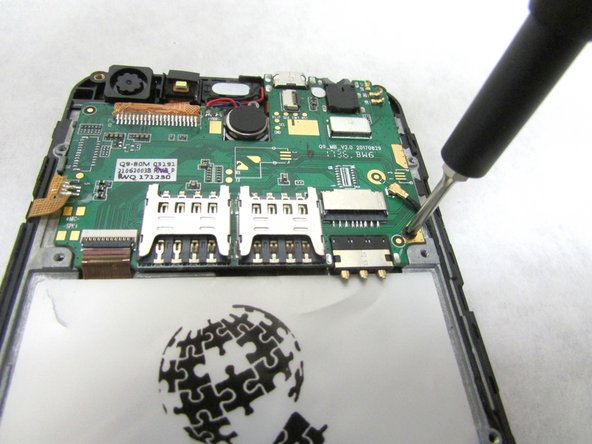
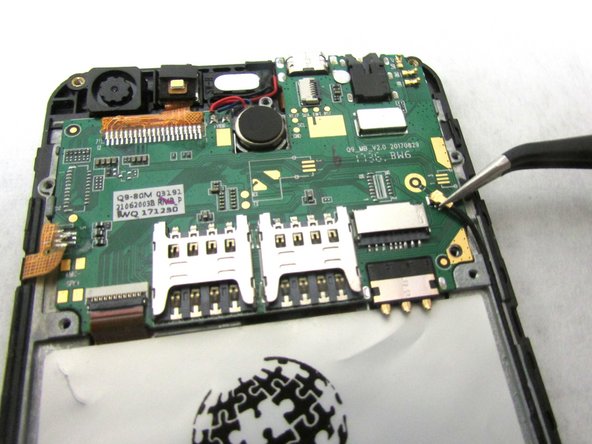
      • Unscrew the 2mm screw at the bottom right of the motherboard.

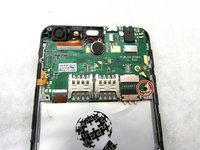
      • Remove the internal antenna casing from the motherboard.

      添加评论

    5. Maze Speed Motherboard Replacement: 步骤 5 中的图像 1,2 Maze Speed Motherboard Replacement: 步骤 5 中的图像 2,2
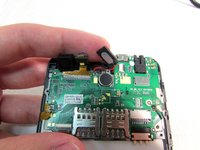
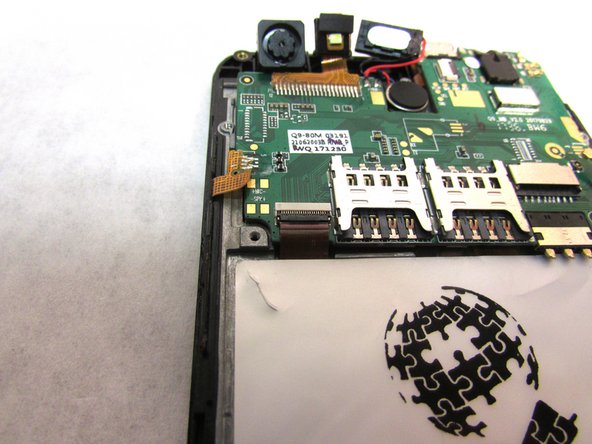
      • Unplug the speaker at the top of the motherboard.

      询问修复机器人

      添加评论

    6. Maze Speed Motherboard Replacement: 步骤 6 中的图像 1,2 Maze Speed Motherboard Replacement: 步骤 6 中的图像 2,2
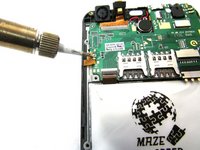
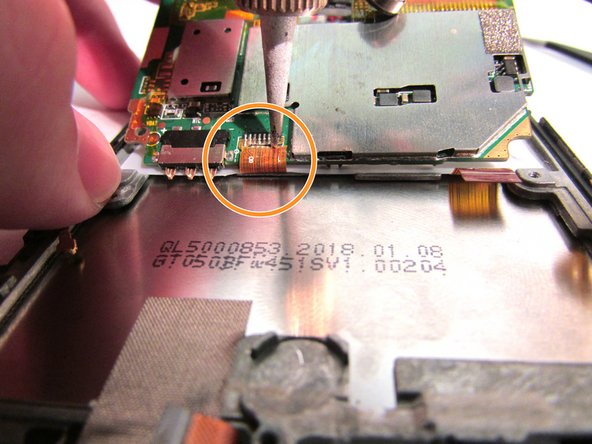
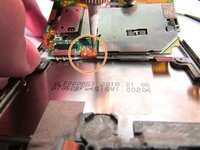
      • Desolder the gold ribbon that is connected to the motherboard at the bottom left corner.

      添加评论

    7. Maze Speed Motherboard Replacement: 步骤 7 中的图像 1,3 Maze Speed Motherboard Replacement: 步骤 7 中的图像 2,3 Maze Speed Motherboard Replacement: 步骤 7 中的图像 3,3
      在这个步骤中使用的工具:
      Tweezers
      $4.99
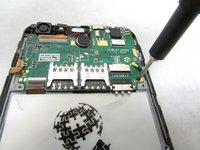
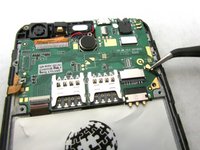
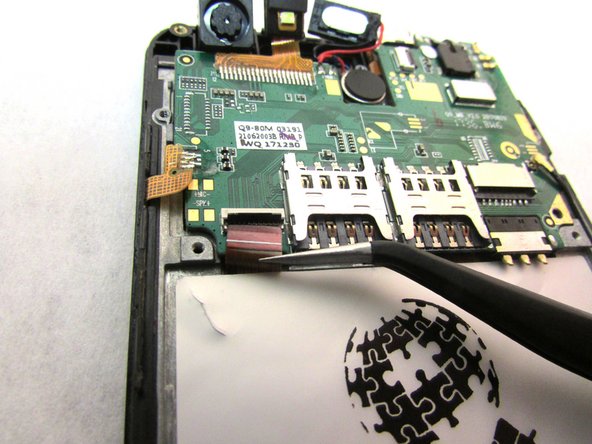
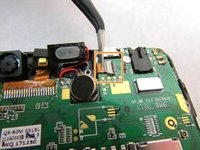
      • Use tweezers to remove cable from the ZIF connectors located at the bottom left of the motherboard.

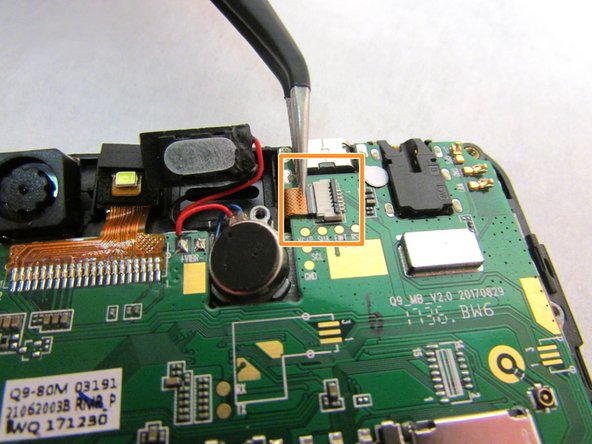
      • Use the tweezers to remove the second cable from ZIF connector located to the right of the speaker that you unplugged in step five.

      • ZIF connector stands for Zero Insertion Force. Flip the small locking tap before removing the cable.

      添加评论

    8. Maze Speed Motherboard Replacement: 步骤 8 中的图像 1,2 Maze Speed Motherboard Replacement: 步骤 8 中的图像 2,2
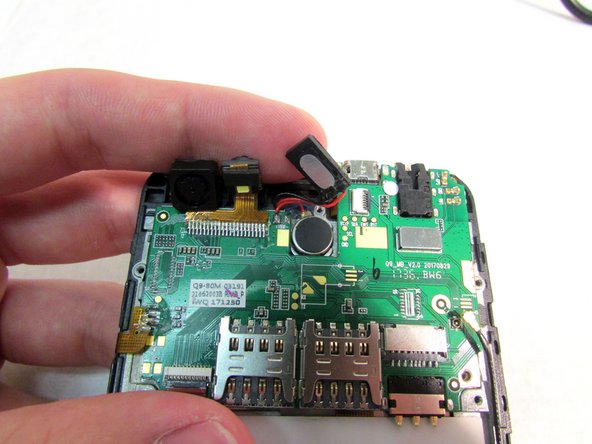
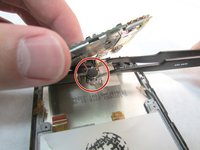
      • At this point, the motherboard should be able to be lifted up from the bottom.

      • Use the tweezers to dislodge the speaker.

      • After the speaker is dislodged, flip the motherboard up so that you can see the cable.

      • Using a soldering tool, desolder the cable from the back of the motherboard.

      添加评论

    9. Maze Speed Motherboard Replacement: 步骤 9 中的图像 1,1
      • Remove the motherboard from the back.

      添加评论

结论

You have now successfully taken out the old motherboard and replaced it with a working one. To reassemble your device, follow these instructions in reverse order.

取消:我没有完成这个指南。

另外一个人完成了本指南。

0指南评论

添加评论

浏览统计数据:

过去 24 小时: 0

过去 7 天: 5

过去 30 天: 28

总计 860