跳转到主内容
加入维修社区 - 创建账户

Mayflash Arcade Stick F300 USB Cable Replacement

你所需要的

  1. Mayflash Arcade Stick F300 USB Cable Replacement, Metal Backplate: 步骤 1 中的图像 1,3 Mayflash Arcade Stick F300 USB Cable Replacement, Metal Backplate: 步骤 1 中的图像 2,3 Mayflash Arcade Stick F300 USB Cable Replacement, Metal Backplate: 步骤 1 中的图像 3,3
    • Flip the controller upside down so that the metal panel is facing you.

    • Remove the six 11 mm screws securing the metal panel using a Phillips #2 screwdriver.

    • Once all screws are removed, lift off the panel.

  2. Mayflash Arcade Stick F300 USB Cable Replacement, USB Cable: 步骤 2 中的图像 1,2 Mayflash Arcade Stick F300 USB Cable Replacement, USB Cable: 步骤 2 中的图像 2,2
    • Remove the four 10 mm truss head screws securing the PCB to the plastic outer casing using a Phillips #1 screwdriver.

  3. Mayflash Arcade Stick F300 USB Cable Replacement: 步骤 3 中的图像 1,3 Mayflash Arcade Stick F300 USB Cable Replacement: 步骤 3 中的图像 2,3 Mayflash Arcade Stick F300 USB Cable Replacement: 步骤 3 中的图像 3,3
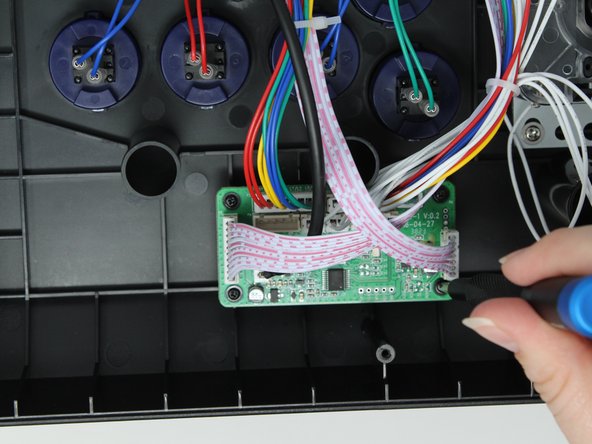
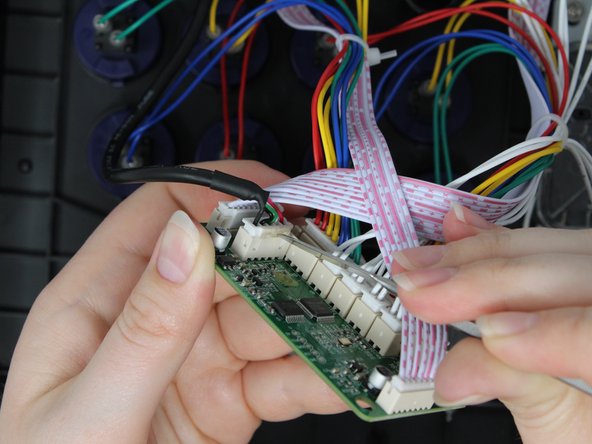
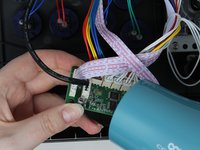
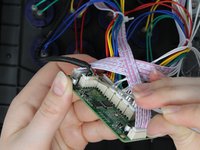
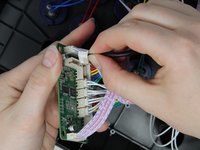
    • Use a hair dryer or heat gun to soften the glue holding the USB cable into the socket on the PCB.

    • It should take less than a minute for the glue to be soft enough to remove. Do not overheat the circuit board.

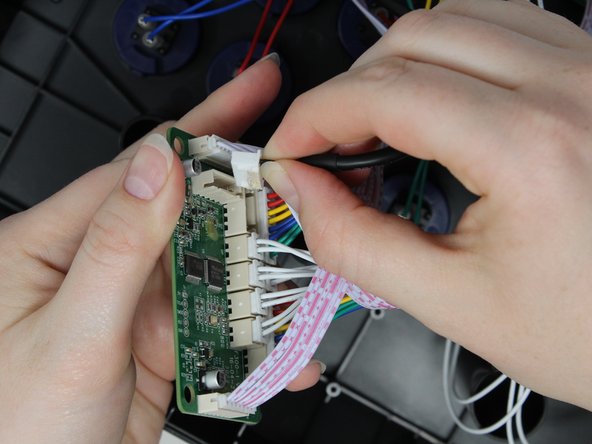
    • Use a metal spudger to gently remove the softened glue.

    • Remove the cable from the socket

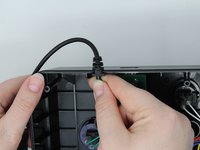
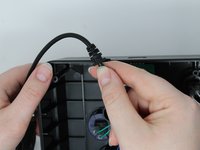
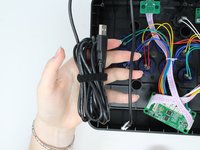
  4. Mayflash Arcade Stick F300 USB Cable Replacement: 步骤 4 中的图像 1,3 Mayflash Arcade Stick F300 USB Cable Replacement: 步骤 4 中的图像 2,3 Mayflash Arcade Stick F300 USB Cable Replacement: 步骤 4 中的图像 3,3
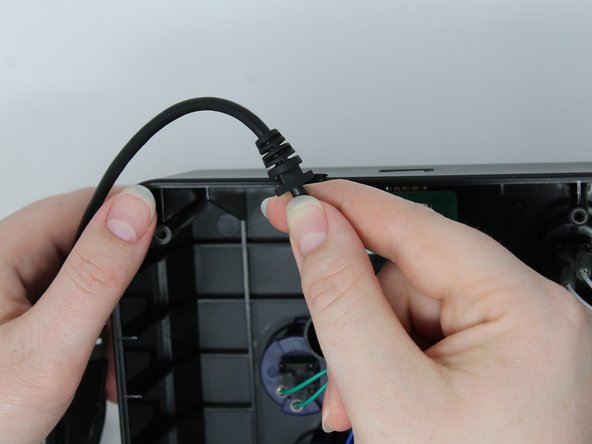
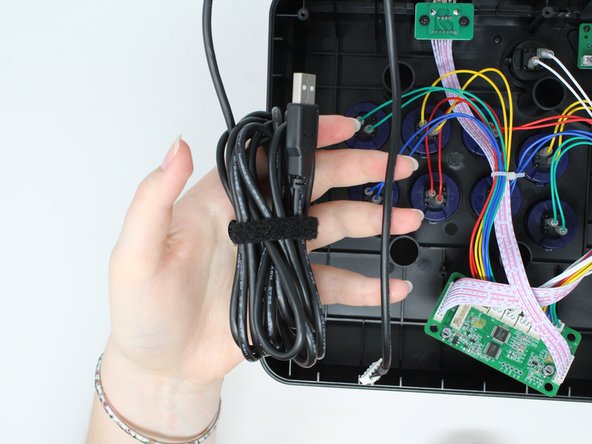
    • Slide the strain relief segment of the USB cable out of the plastic outer casing.

    • Remove the cable.

结论

To reassemble your device, follow these instructions in reverse order.

另外一个人完成了本指南。

Jess Anderson

于09/04/24注册

342 声望

创作了3篇指南

团队

0指南评论

添加评论

浏览统计数据:

过去 24 小时: 2

过去 7 天: 12

过去 30 天: 41

总计 504