跳转到主内容
加入维修社区 - 创建账户

Marshall Stanmore II Power Switch Replacement

你所需要的

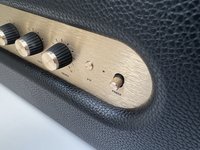
  1. Marshall Stanmore II Power Switch Replacement, Rear Panel: 步骤 1 中的图像 1,2 Marshall Stanmore II Power Switch Replacement, Rear Panel: 步骤 1 中的图像 2,2
    • Turn off the device and unplug the cable from the wall and the speaker.

    • Lay the speaker with the back panel facing up on a flat, stable work surface.

  2. Marshall Stanmore II Power Switch Replacement: 步骤 2 中的图像 1,2 Marshall Stanmore II Power Switch Replacement: 步骤 2 中的图像 2,2
    • Use a Phillips #2 screwdriver to remove the ten 20.5 mm screws that secure the rear panel to the chassis.

  3. Marshall Stanmore II Power Switch Replacement: 步骤 3 中的图像 1,2 Marshall Stanmore II Power Switch Replacement: 步骤 3 中的图像 2,2
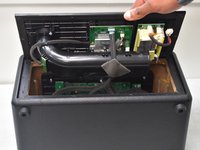
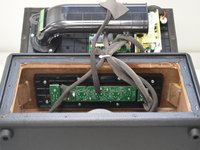
    • Carefully lift the rear panel and let it rest on an object, like a stack of books, to avoid straining the cables.

    • Do not attempt to fully remove the panel, as this will damage the connections inside.

  4. Marshall Stanmore II Power Switch Replacement, Power Switch: 步骤 4 中的图像 1,3 Marshall Stanmore II Power Switch Replacement, Power Switch: 步骤 4 中的图像 2,3 Marshall Stanmore II Power Switch Replacement, Power Switch: 步骤 4 中的图像 3,3
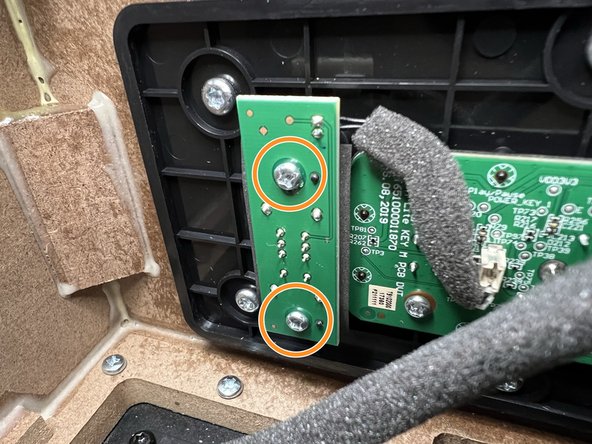
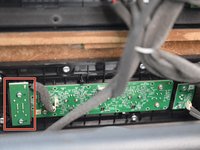
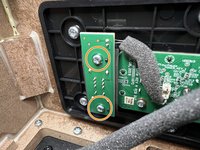
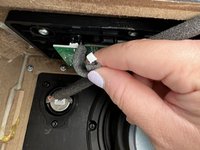
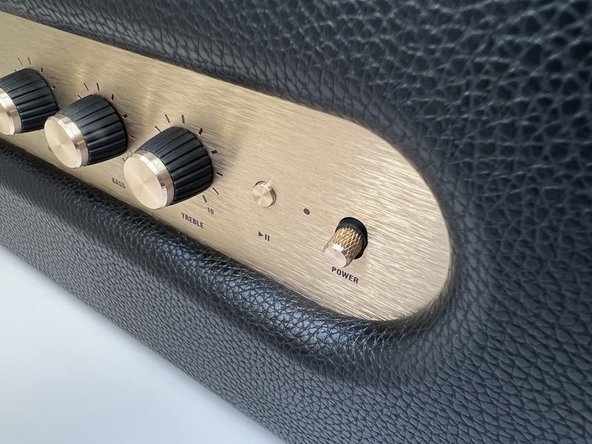
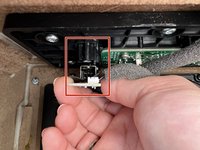
    • Locate the Power Switch PCB on the left-hand side above the subwoofer.

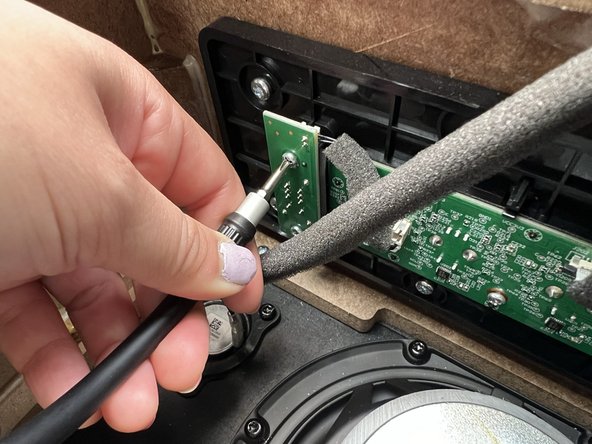
    • Use a Phillips #2 screwdriver to remove the two 10 mm screws that secure the PCB.

    • Because the space inside is somewhat cramped, consider using the iFixit 150 mm Flex Extension included in the iFixit Pro Tech Toolkit.

  5. Marshall Stanmore II Power Switch Replacement: 步骤 5 中的图像 1,2 Marshall Stanmore II Power Switch Replacement: 步骤 5 中的图像 2,2
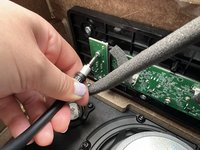
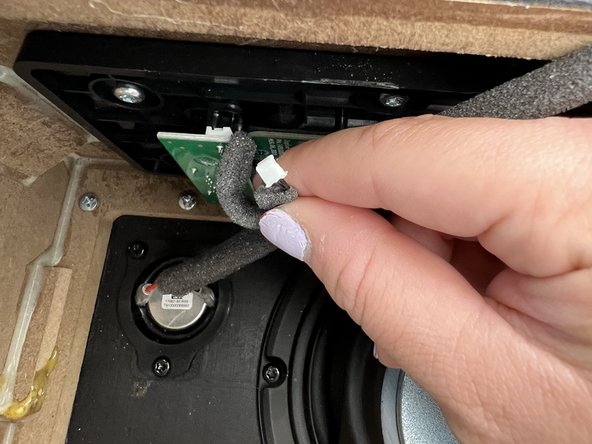
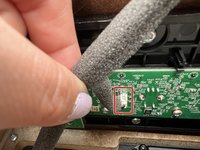
    • Locate the PCB's black wire connector and gently disconnect it.

    • Do not pull on the wires.

  6. Marshall Stanmore II Power Switch Replacement: 步骤 6 中的图像 1,3 Marshall Stanmore II Power Switch Replacement: 步骤 6 中的图像 2,3 Marshall Stanmore II Power Switch Replacement: 步骤 6 中的图像 3,3
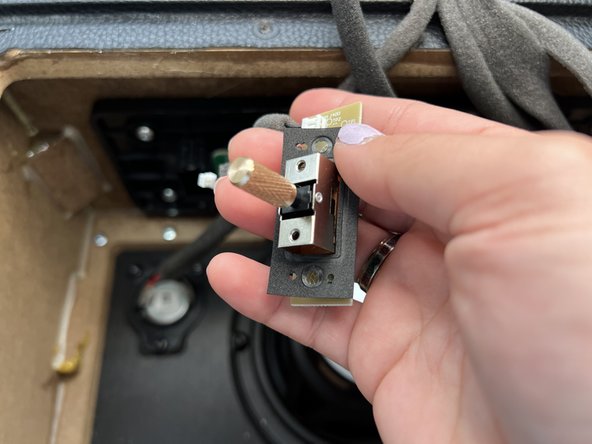
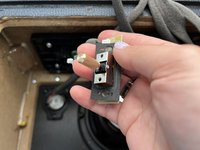
    • Pull the PCB out of the mount.

    • Take care not to damage the rubber seal surrounding the switch base as depicted in picture two.

    • Rocking the PCB back and forth while pulling may help remove the module.

结论

To reassemble your device, follow these instructions in reverse order.

3等其他人完成本指南。

3指南评论

Hellooooo very good but were did you fint the eplace the power switch ?

Fred - 回复 分享

Where can buy on /off switch ?

Choi Kee - 回复 分享

On/off switch bar is broken

Choi Kee - 回复 分享

添加评论

浏览统计数据:

过去 24 小时: 2

过去 7 天: 23

过去 30 天: 110

总计 2,388