此翻译由机器生成,尚未经过人工审核。 会说这种语言吗? 查看评论。
简介
使用本指南更换损坏的 MagSafe 直流输入板。
你所需要的

 询问修复机器人


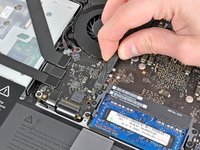
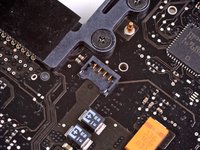
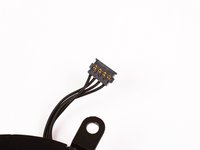


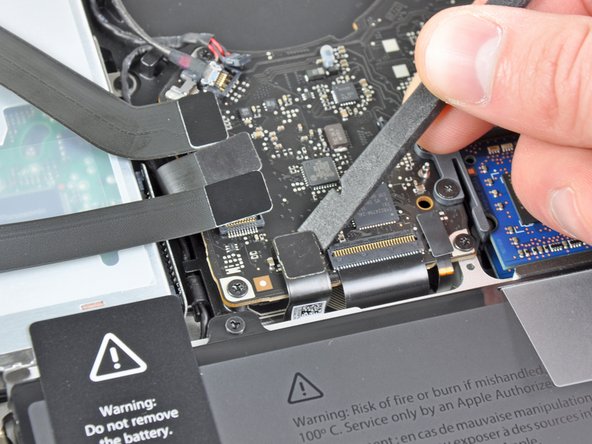
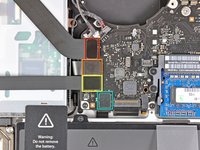
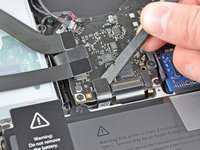


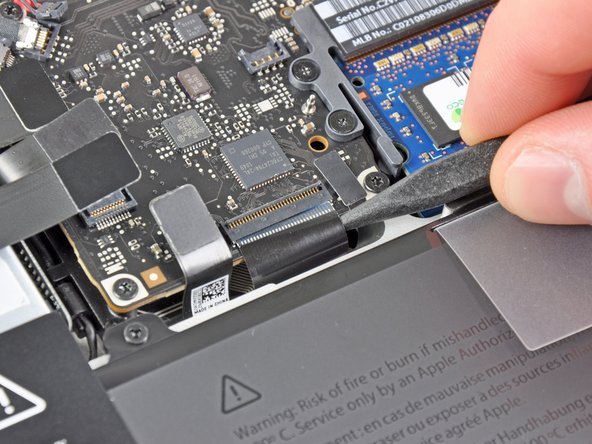
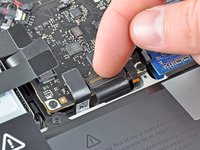
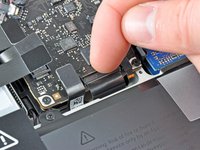
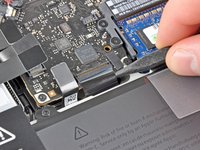


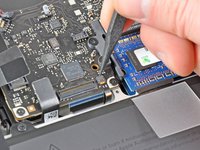
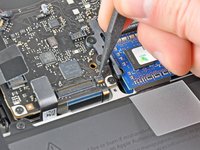
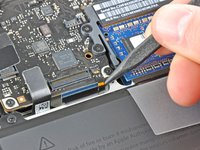


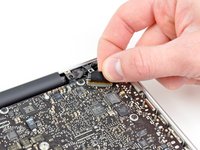
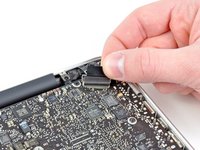
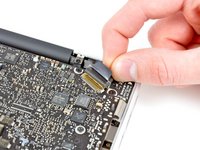


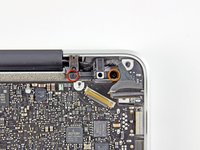
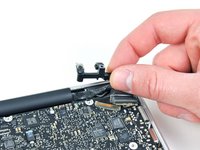


要重新组装设备,请按相反顺序执行这些说明。
130等其他人完成本指南。


12指南评论
Piece of cake, took an hour or so, but I was being extra careful. The only sticky part were the backlight cable and the keyboard ribbon cable ZIF socket, those two items I found fiddly to get re-inserted properly. Thanks for the tutorial.
Alan Gates - 回复 分享
Thankyouuuu your guide very helpfull
Here's some tips to avoid left any screw : use a transparant tape with the sticky note and write or give the code…
I ussually give 3 layer of tape and devide into several sticky note… :)
Bayu Indraa - 回复 分享
Excellent guide! My seven-year-old Macbook now charges again without me having to tighten the power cable at weird angles!
The hardest part of this repair was getting the microphone out. That thing was glued in tightly, the rubber shroud is hard to grip through, and the little wires are so delicate!
Worked like a charm! Take your time. Directions were great but some of the connections were a little fiddly. Pay close attention of exactly how the connectors come apart. For these 67 year old eyes, a magnifying glass would have been handy along with some tweezers to replace fat fingers for getting some of the connections started.
robert jones - 回复 分享
