此翻译由机器生成,尚未经过人工审核。 会说这种语言吗? 查看评论。
简介
使用本指南来更换 MacBook Air 的显示屏组件。
你所需要的
-
-
-
-
-
-
-
-
-
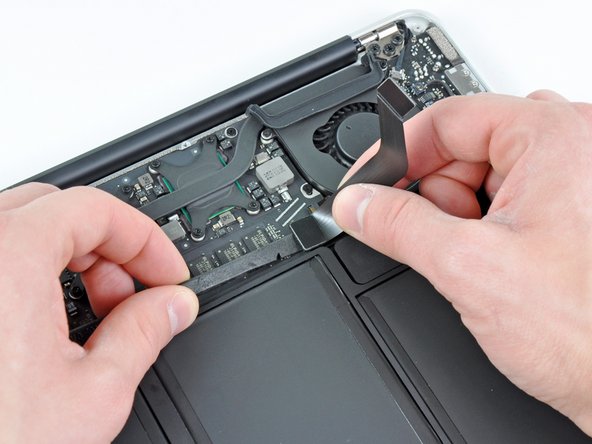
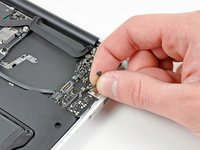
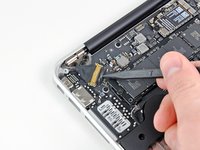
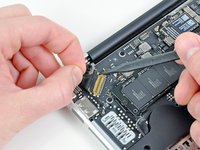
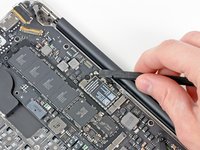
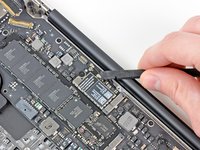
轻轻将撬棒尖端伸入贴在显示屏排线锁定翻盖上的黑色塑料片下方,使锁定翻盖向上弹起,脱离插孔。
-
在将锁定翻盖拉离插孔的同时,用撬棒尖端和手指轻轻将显示屏排线从插孔中沿 Air 边角方向抽出,将其拆下。
-
-


 询问修复机器人












要重新组装设备,请按相反顺序执行这些说明。
73等其他人完成本指南。

12指南评论
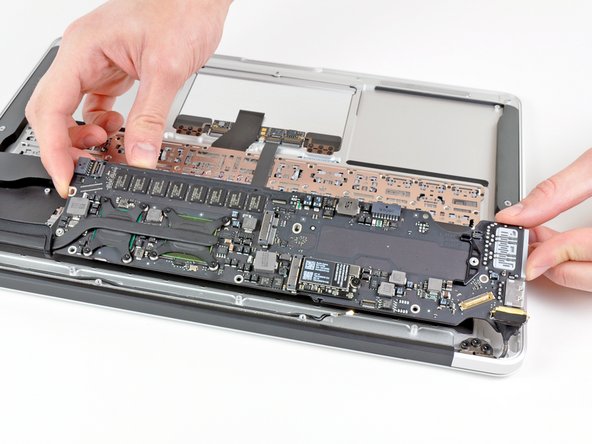
Removing the logic board is completely unnecessary and you risk damaging more components. Follow steps 1-3, 11, 20-22, 26, 30-34. Obviously be careful not to damage the board when you are actually taking the display off.
Beau is correct . It isn't necessary at all to remove the logic board. Steps 1-3, 11, 20-22, 26, 30-34 are all that needs to be done.
Excellent guide, however, I would like to note that removing the logic board is completely unnecessary. In the process of doing so, I ended up breaking my right speaker socket from the logic board. The simpler method is to just unscrew the display hinge, antenna, and isight cable, then remove and replace display.
