简介
Use this guide to replace the front USB-C ports in your Mac mini (2024).
This guide was written with a baseline M4 Mac mini. Although the internals for the M4 Pro version are slightly different, the disassembly procedure is the same.
The two front USB-C ports are combined into one part, so replacing one port means replacing both.
你所需要的
-
-
Fully shut down your Mac mini and unplug all cables from it.
-
Flip over your Mac mini and place it on a clean, flat surface to avoid scratching the chassis.
-
-
-
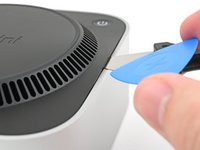
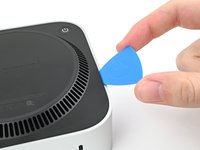
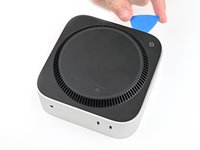
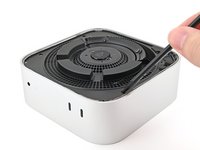
Insert a Jimmy into the gap between the bottom cover and the chassis.
-
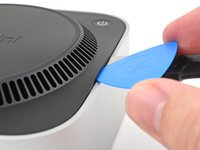
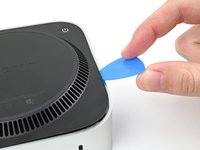
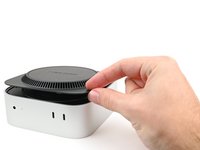
Pry up the bottom cover to create a gap.
-
Keep the Jimmy inserted under the bottom cover.
-
-
-
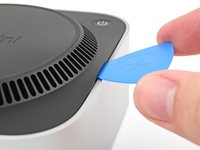
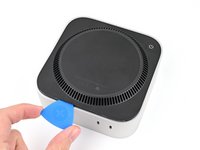
Insert an opening pick into the gap created by the Jimmy.
-
Remove the Jimmy.
-
-
-
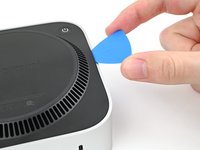
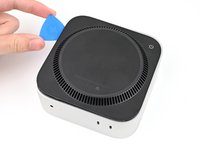
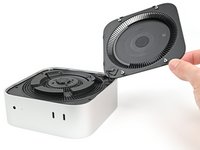
Slide the opening pick along the bottom cover until you feel it snag on a pin.
-
Twist the pick to lift the pin out of its slot.
-
-
-
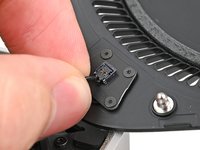
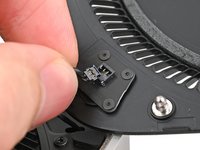
Grip the power button cable close to the head and pull it away from its socket to disconnect it.
-
-
在这个步骤中使用的工具:FixMat$31.41
-
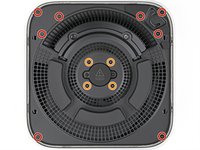
Use a T5 Torx screwdriver to remove the twelve screws securing the inner plate:
-
Eight 3.4 mm‑long screws
-
Four 2.4 mm‑long screws
-
-
-
Insert the point of a spudger into one of the clips' slots on the inner plate.
-
Pry up the inner plate enough so you can grip the edge along the same side as the headphone jack.
-
-
-
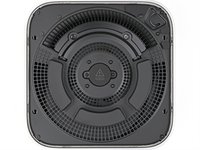
Pull the inner plate away from the chassis to slide it out from under the lip on the heat sink.
-
-
-
-
Use one hand to secure the wireless module during this step.
-
Use a Torx Plus 5IP screwdriver to remove the four 2.5 mm‑long screws securing the wireless module cover.
-
-
-
Use one hand to secure the wireless module during this step.
-
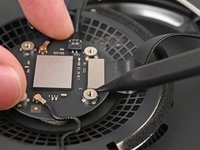
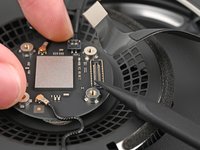
Insert the point of a spudger under one of the short edges of the wireless module press connector.
-
Pry up to disconnect the wireless module.
-
-
-
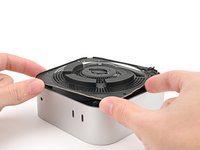
If you're following this guide to clean your fan, this is a good time to do so.
-
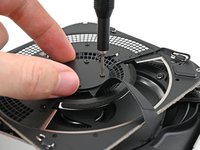
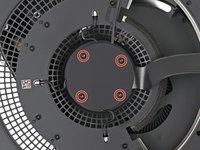
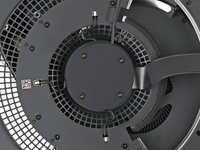
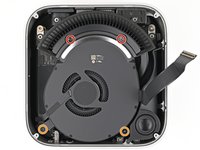
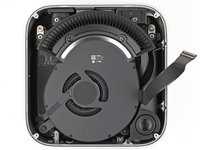
Remove the four screws securing the fan:
-
Two 2.4 mm‑long Torx Plus 3IP screws
-
Two 7.9 mm‑long Torx Plus 5IP screws
-
-
-
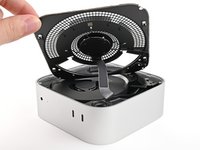
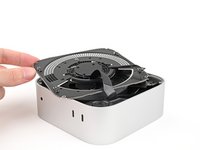
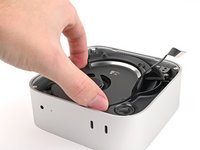
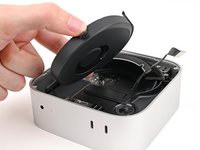
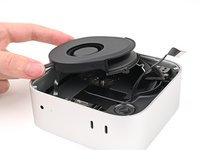
Lift the fan out of its recess in the chassis and flip it over to expose its wire and connector.
-
Let the fan rest on the chassis and heat sink.
-
-
-
Use a Torx Plus 5IP screwdriver to remove the three screws securing the speaker:
-
Two 4.1 mm‑long screws
-
One 3.7 mm‑long screw
-
-
-
Grip the speaker cable close to the head and pull it away from its socket to disconnect it.
-
-
-
Remove the four screws securing the USB-C port cover:
-
Three 2.2 mm‑long Torx Plus 3IP screws
-
One 9.2 mm‑long Torx Plus 8IP screw
-
-
-
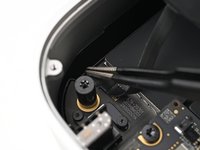
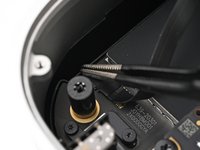
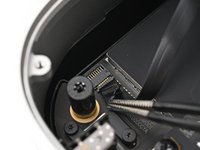
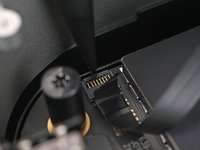
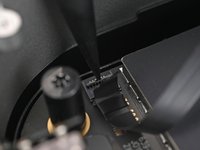
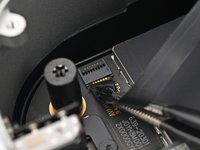
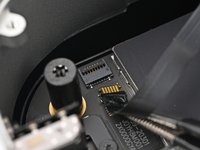
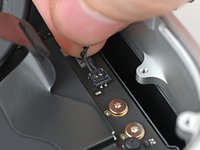
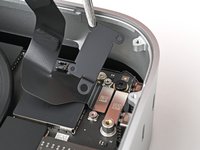
Use the point of a spudger to pry up and disconnect the front USB-C ports press connector.
-
-
-
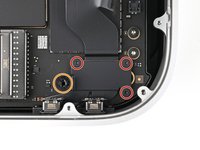
Use a Torx Plus 3IP screwdriver to remove the four 4.7 mm‑long screws securing the two front USB-C ports.
-
-
-
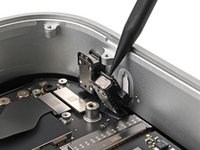
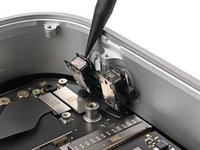
Use the point of a spudger to pry the front USB-C ports from their recesses in the chassis.
-














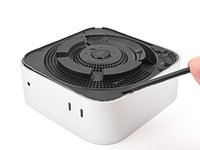
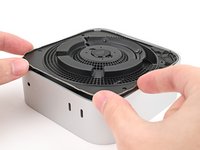


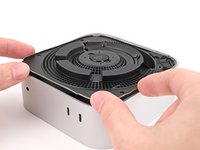
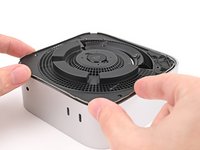




























To reassemble your device, follow these instructions in reverse order.
Take your e-waste to an R2 or e-Stewards certified recycler.
Repair didn’t go as planned? Try some basic troubleshooting, or ask our Mac mini (2024) Answers Community for help.
另外一个人完成了本指南。



