跳转到主内容
加入维修社区 - 创建账户

MSI GS66 Stealth 11UE-007 RAM Replacement

你所需要的

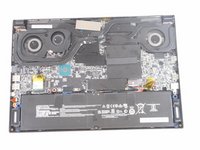
  1. MSI GS66 Stealth 11UE-007 RAM Replacement, RAM: 步骤 1 中的图像 1,1
    • Orient your laptop so that the bottom is facing up and the hinge is away from yourself.

    • Make sure to unplug device from any outlet.

    询问修复机器人

    添加评论

  2. MSI GS66 Stealth 11UE-007 RAM Replacement: 步骤 2 中的图像 1,1
    • Identify the nine screws around the perimeter. One screw will be under the factory seal sticker.

    询问修复机器人

    添加评论

  3. MSI GS66 Stealth 11UE-007 RAM Replacement: 步骤 3 中的图像 1,1
    • Remove eight 10 mm Phillips #1 screws.

    询问修复机器人

    添加评论

  4. MSI GS66 Stealth 11UE-007 RAM Replacement: 步骤 4 中的图像 1,1
    • Remove one 7 mm Philips #1 screw from the center bottom of backplate.

    询问修复机器人

    添加评论

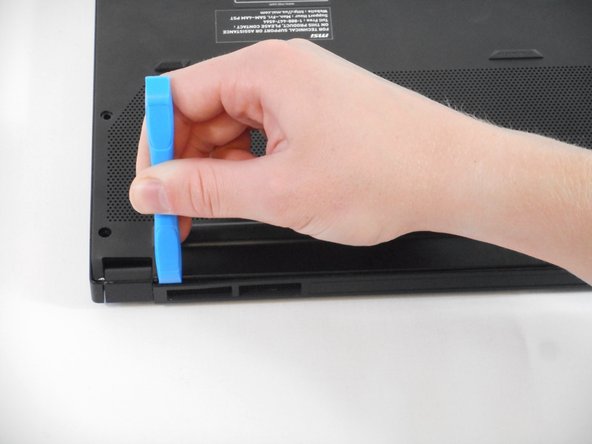
  5. MSI GS66 Stealth 11UE-007 RAM Replacement: 步骤 5 中的图像 1,3 MSI GS66 Stealth 11UE-007 RAM Replacement: 步骤 5 中的图像 2,3 MSI GS66 Stealth 11UE-007 RAM Replacement: 步骤 5 中的图像 3,3
    • Use the tip of the blue plastic opening tool to slip between the backplate and the body of the laptop at the hinge side.

    • Wiggle the blue plastic opening tool as you slide it around the perimeter of the backplate to separate is from the body of the laptop.

    询问修复机器人

    添加评论

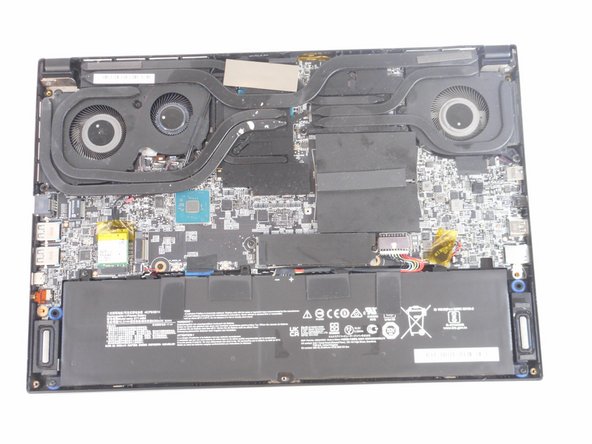
  6. MSI GS66 Stealth 11UE-007 RAM Replacement: 步骤 6 中的图像 1,2 MSI GS66 Stealth 11UE-007 RAM Replacement: 步骤 6 中的图像 2,2
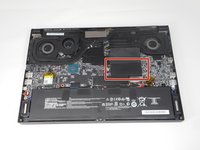
    • Lift back black plastic.

    询问修复机器人

    添加评论

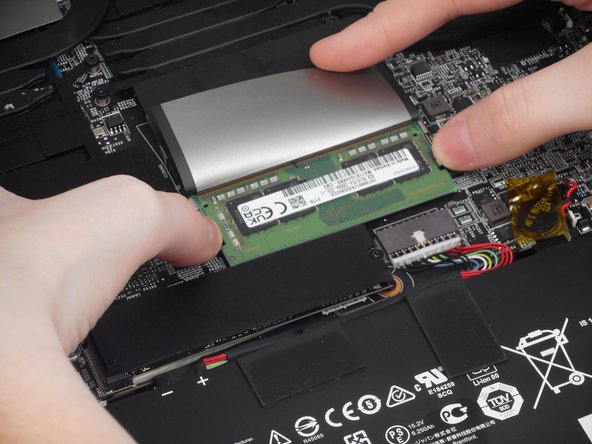
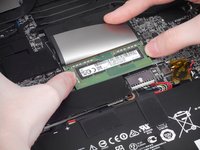
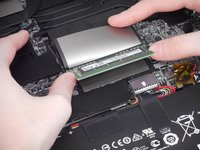
  7. MSI GS66 Stealth 11UE-007 RAM Replacement: 步骤 7 中的图像 1,2 MSI GS66 Stealth 11UE-007 RAM Replacement: 步骤 7 中的图像 2,2
    • Place both thumbs on metal tabs and apply pressure in a widening motion until RAM lifts.

    询问修复机器人

    添加评论

  8. MSI GS66 Stealth 11UE-007 RAM Replacement: 步骤 8 中的图像 1,1
    • Pull RAM straight out from the connector at the angle it lifted at.

    询问修复机器人

    添加评论

结论

To reassemble your device, follow these instructions in reverse order.

取消:我没有完成这个指南。

2等其他人完成本指南。

Alex Robinson

于09/06/23注册

1,190 声望

创作了6篇指南

团队

0指南评论

添加评论

浏览统计数据:

过去 24 小时: 0

过去 7 天: 9

过去 30 天: 43

总计 1,018