跳转到主内容
加入维修社区 - 创建账户

Logitech K750 键盘电池更换

你所需要的

    1. Logitech K750 键盘电池更换, 关闭键盘: 步骤 1 中的图像 1,1
      • 在开始之前,将键盘的电源开关拨到 OFF 位置。

      询问修复机器人

      添加评论

    2. Logitech K750 键盘电池更换, 把键盘翻过来: 步骤 2 中的图像 1,2 Logitech K750 键盘电池更换, 把键盘翻过来: 步骤 2 中的图像 2,2
      • 将整个键盘翻转过来,键朝下。

      询问修复机器人

      添加评论

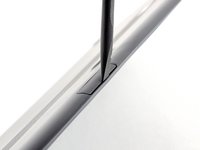
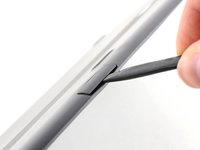
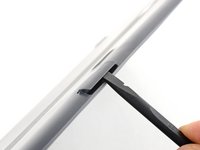
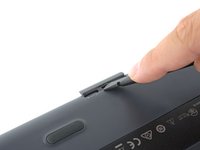
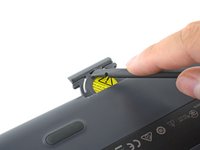
    3. Logitech K750 键盘电池更换, 撬开电池托盘: 步骤 3 中的图像 1,3 Logitech K750 键盘电池更换, 撬开电池托盘: 步骤 3 中的图像 2,3 Logitech K750 键盘电池更换, 撬开电池托盘: 步骤 3 中的图像 3,3
      • ML2032 可充电纽扣电池位于键盘后边缘的托盘中。

      • 将撬棒扁平的一端插入电池托盘和键盘顶面之间的缝隙中。

      • 向下旋转撬棒,朝向键盘顶部,开始将托盘从空腔中撬出。

      添加评论

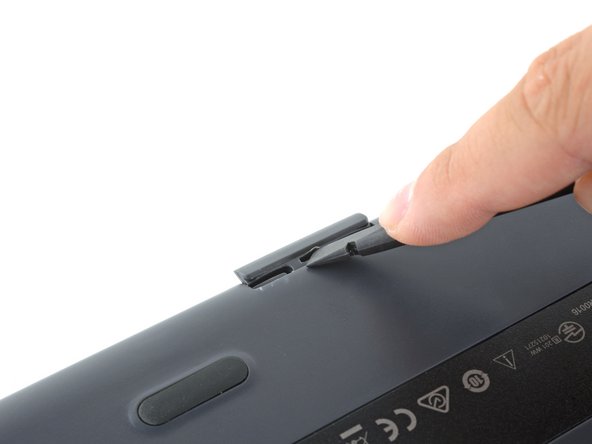
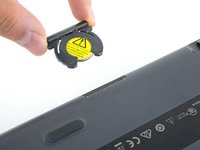
    4. Logitech K750 键盘电池更换, 取下电池托盘: 步骤 4 中的图像 1,3 Logitech K750 键盘电池更换, 取下电池托盘: 步骤 4 中的图像 2,3 Logitech K750 键盘电池更换, 取下电池托盘: 步骤 4 中的图像 3,3
      • 使用撬棒扁平的一端将电池托盘推出并远离键盘。

      • 托盘由小“耳朵”固定,可能需要很大的力才能移开。

      • 如果拆卸遇到困难,可以使用撬棒的扁平一端沿电池托盘的缝隙滑动,从另外一边将其推出。

      • 取下电池托盘。

      • 在重新组装过程中,将电池托盘用力推入插槽,直至其卡入到位。

      添加评论

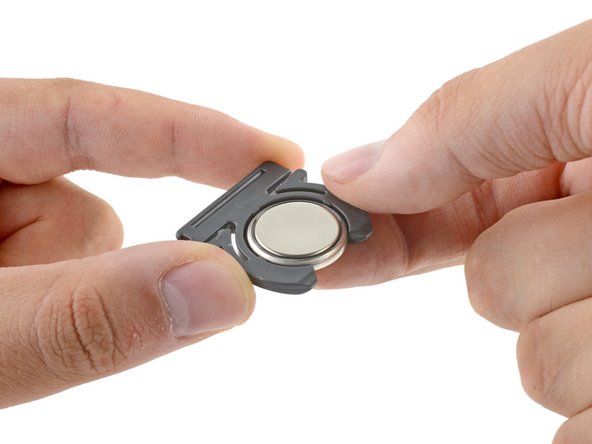
    5. Logitech K750 键盘电池更换, 移除电池: 步骤 5 中的图像 1,3 Logitech K750 键盘电池更换, 移除电池: 步骤 5 中的图像 2,3 Logitech K750 键盘电池更换, 移除电池: 步骤 5 中的图像 3,3
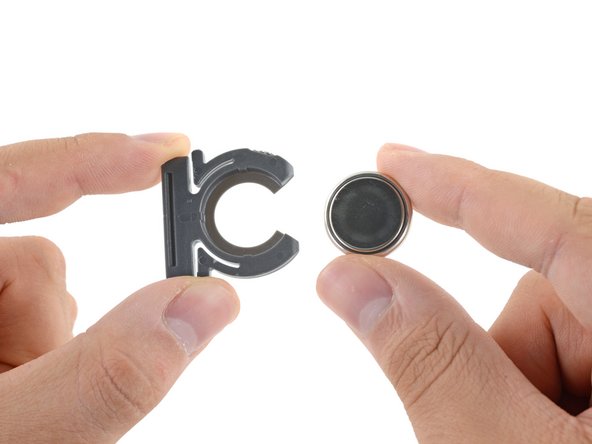
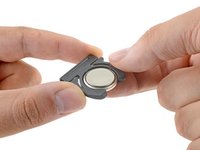
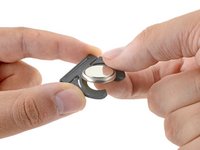
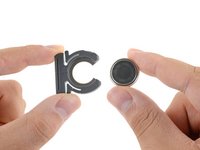
      • 将电池从托盘中推出以将其取出。

      • 请注意电池方向——它只能以一种方式运行。将电池放入托盘中,文字和“+”号朝下。

      • 只能使用可充电的 ML2032 纽扣电池作为替代电池。虽然它的大小和形状与更常见的 CR2032 相同,但 CR2032 不可充电。

      添加评论

结论

要重新组装你的设备,请按逆序执行上述步骤。

将你的电子垃圾送到 R2 或 e-Stewards 认证的回收商

维修没有按计划进行?查看我们的 [链接|https://www.ifixit.com/Answers/Device/Lo...|论坛] 以获得故障排除帮助。

取消:我没有完成这个指南。

212等其他人完成本指南。

由衷感谢以下译者:

en zh

100%

这些译者帮助我们修补全世界! 您也想加入吗?
开始翻译 ›

Carsten Frauenheim

于03/10/20注册

168,150 声望

创作了439篇指南

95指南评论

Thank you. Worked perfectly. Gained trust in this site. Lost respect for Logitech.

henry - 回复 分享

My sentiments, exactly!

Melinda Mcvay - 回复 分享

There a better way to open it

put the knife or better a screwdriver on the other side (keys upside); worked for me without damage the keyboard :D

yannick NR - 回复 分享

Thank You! That did work much better!

Matt Anderson - 回复 分享

Here is an even better method.

You can also totally prevent damage by finding a laminated biz card and cutting it into 2 one inch strips and inserting both of them into the slot on the top side (solar side) of the battery compartment.

Then get your tool ( I like small pointed scissors) and pry it out between the cards.

Very easy!

David Powers - 回复 分享

添加评论

浏览统计数据:

过去 24 小时: 21

过去 7 天: 132

过去 30 天: 735

总计 288,734