简介
Replacing the case for the Logitech G Cloud is simple and can be accomplished in three steps. You will need a wedge tool and a Phillips #00 screwdriver. Carefully read the instructions before starting to disassemble the Logitech G Cloud. You may hear loud popping noises when you remove the casing.
你所需要的
-
-
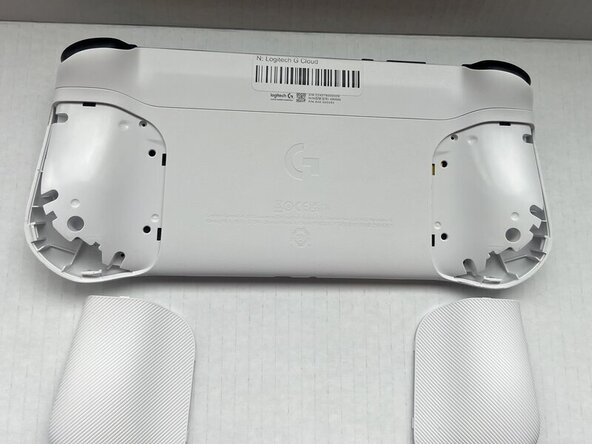
Power the device off and turn it over so the screen is face down.
-
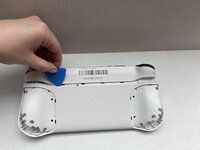
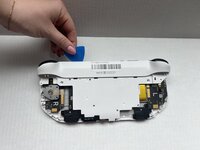
Insert an opening pick into the seam between the back plate and left handguard.
-
Pry around the entire perimeter until the handguard fully releases.
-
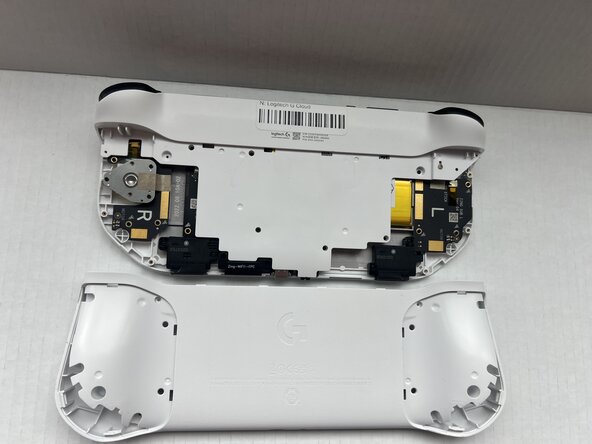
Remove the handguard.
-
Repeat the previous three bullets on the right handguard.
 询问修复机器人
-
-





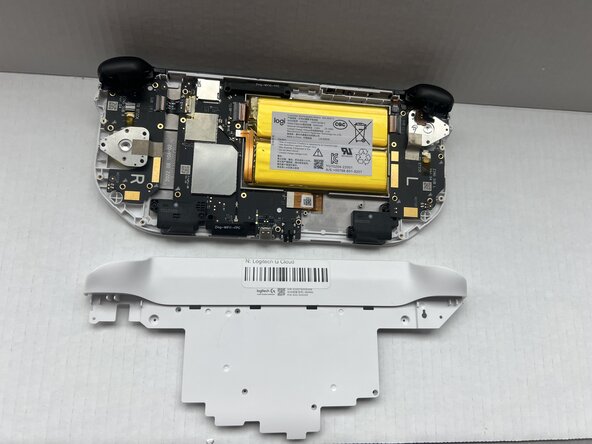
To reassemble your device, follow these instructions in reverse order.

团队

Western Carolina University, Team 1-1, Virtue Spring 2025 Western Carolina University, Team 1-1, Virtue Spring 2025 的会员
WCU-VIRTUE-S25S1G1
4 名成员
创作了6篇指南
