跳转到主内容
加入维修社区 - 创建账户

Logitech Circle Ribbon Cable Replacement

你所需要的

  1. Logitech Circle Ribbon Cable Replacement, Ribbon Cable: 步骤 1 中的图像 1,2 Logitech Circle Ribbon Cable Replacement, Ribbon Cable: 步骤 1 中的图像 2,2
    • Wedge the plastic opening tool under the black circle lens and gently pry it off.

    • The lens is only attached with sticky tape and should remove relatively easily.

    询问修复机器人

    添加评论

  2. Logitech Circle Ribbon Cable Replacement: 步骤 2 中的图像 1,2 Logitech Circle Ribbon Cable Replacement: 步骤 2 中的图像 2,2
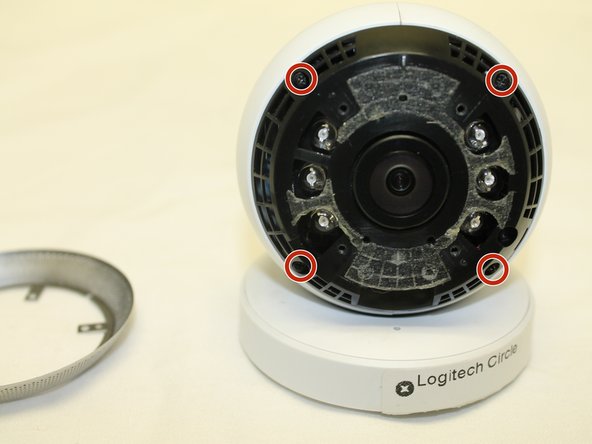
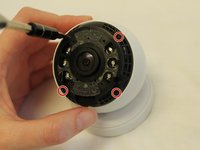
    • Remove the four 3mm Phillips #0 screws that hold down the first ring.

    询问修复机器人

    添加评论

  3. Logitech Circle Ribbon Cable Replacement: 步骤 3 中的图像 1,2 Logitech Circle Ribbon Cable Replacement: 步骤 3 中的图像 2,2
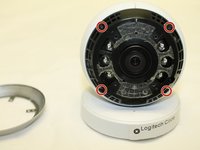
    • Remove the four 3mm Phillips #0 screws that hold down the second ring.

    询问修复机器人

    添加评论

  4. Logitech Circle Ribbon Cable Replacement: 步骤 4 中的图像 1,2 Logitech Circle Ribbon Cable Replacement: 步骤 4 中的图像 2,2
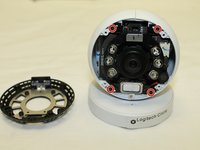
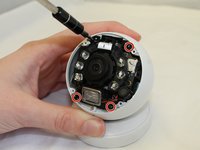
    • Remove the four 3mm Phillips #0 screws that hold down the final ring. Do not remove the lens/battery bundle yet.

    • The lens/battery bundle is attached to the base by a ribbon cable that can break, so be very careful handling the circle.

    询问修复机器人

    添加评论

  5. Logitech Circle Ribbon Cable Replacement: 步骤 5 中的图像 1,2 Logitech Circle Ribbon Cable Replacement: 步骤 5 中的图像 2,2
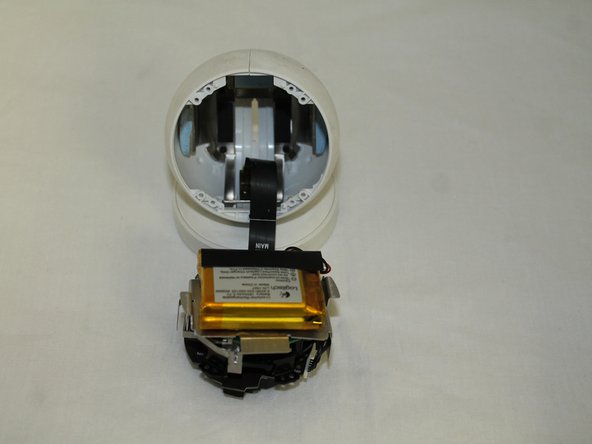
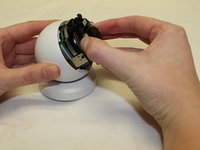
    • Gently remove the lens/battery bundle from the base of the circle, being mindful of the ribbon cable.

    询问修复机器人

    添加评论

  6. Logitech Circle Ribbon Cable Replacement: 步骤 6 中的图像 1,2 Logitech Circle Ribbon Cable Replacement: 步骤 6 中的图像 2,2
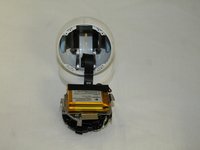
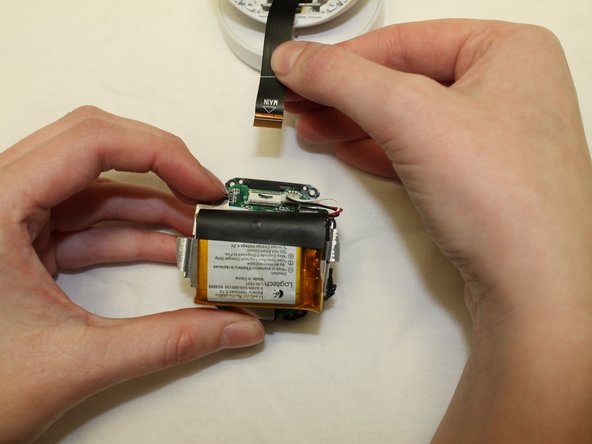
    • Gently pull the ribbon cable loose from the lens/battery bundle.

    • While this is not an entirely necessary step, it helps to ensure the ribbon cable will not break during the rest of the replacement.

    询问修复机器人

    添加评论

  7. Logitech Circle Ribbon Cable Replacement: 步骤 7 中的图像 1,3 Logitech Circle Ribbon Cable Replacement: 步骤 7 中的图像 2,3 Logitech Circle Ribbon Cable Replacement: 步骤 7 中的图像 3,3
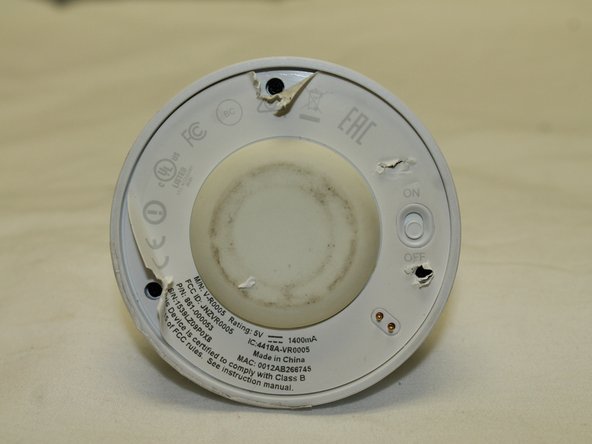
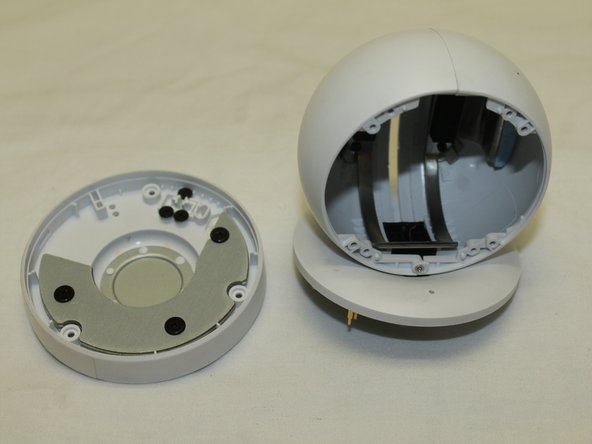
    • Once the old ribbon cable has been detached from the lens/battery bundle it's time to release the other side from the base.

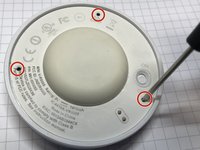
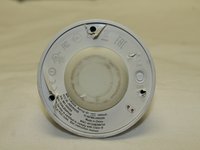
    • Locate the screws holding the base together by feeling for the soft spots underneath the manufacturer's sticker. Punch through with your screwdriver and remove the three 3mm Phillips #0 screws.

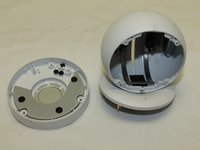
    • The two pieces of the base can now be easily pulled apart.

    询问修复机器人

    添加评论

  8. Logitech Circle Ribbon Cable Replacement: 步骤 8 中的图像 1,2 Logitech Circle Ribbon Cable Replacement: 步骤 8 中的图像 2,2
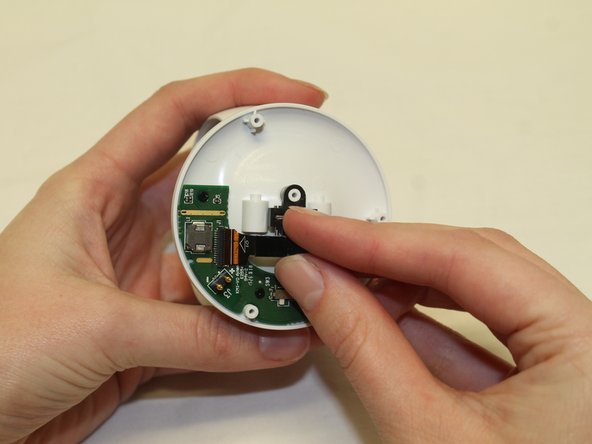
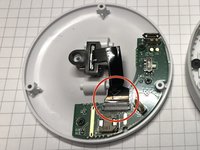
    • Gently pull the ribbon cable loose from its connection to the base.

    询问修复机器人

    添加评论

  9. Logitech Circle Ribbon Cable Replacement: 步骤 9 中的图像 1,2 Logitech Circle Ribbon Cable Replacement: 步骤 9 中的图像 2,2
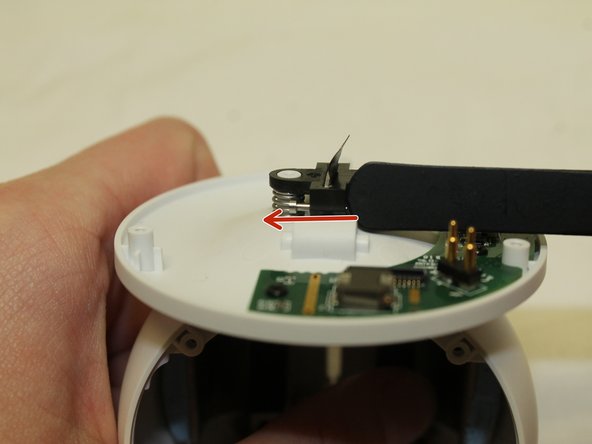
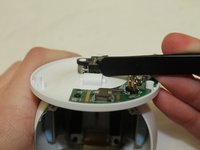
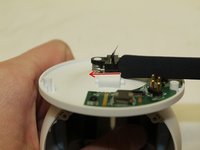
    • Slide the push pin holding the plastic connector/ribbon cable in place out on both sides.

    询问修复机器人

    添加评论

  10. Logitech Circle Ribbon Cable Replacement: 步骤 10 中的图像 1,1
    • Remove the black plastic connector and the two springs from the base of the device.

    询问修复机器人

    添加评论

  11. Logitech Circle Ribbon Cable Replacement: 步骤 11 中的图像 1,1
    • Reach inside the circle and pull the ribbon cable free from the device.

    询问修复机器人

    添加评论

结论

To reassemble your device, follow these instructions in reverse order.

取消:我没有完成这个指南。

Haley Williams

于09/28/17注册

112 声望

撰写一个指南

团队

6指南评论

where can I buy such a cable?

kersop@gmail.com

Nico Kersop - 回复 分享
The cable I received from China is not the right one. Where do you buy the correct one?

Helen - 回复 分享

Can you advise where to buy the correct cable?

Michele Ingratta - 回复 分享

I have cable has beark off. I need that cable.

Where can I find

Alican Döşlü - 回复 分享

i also need that cable

l_samin - 回复 分享

添加评论

浏览统计数据:

过去 24 小时: 1

过去 7 天: 9

过去 30 天: 44

总计 2,668