简介
使用本指南更换 2022 年款 13 英寸 MacBook Air 的逻辑板。
为了保证 触控ID 功能的正常使用,您还必须
使用与新逻辑板配对的全新 触控ID 传感器。
*** 如果您的新逻辑板没有配备配对的 触控ID 传感器,您将失去 触控ID 功能。MacBook Air 的原装 触控ID 传感器在出厂时已与逻辑板进行唯一配对——如果没有 Apple 的专业校准流程,即使是来自其他 MacBook Air 的原装 触控ID 传感器也无法正常工作。
注意: 这款笔记本电脑使用标准 Torx 和 Torx Plus (IP) 螺丝。如果您没有所有必要的 Torx Plus 螺丝刀,可以使用标准 Torx 螺丝刀代替。如果使用标准 Torx 螺丝刀,请务必持续向下用力,以免螺丝滑丝。
你所需要的
-
-
在这个步骤中使用的工具:FixMat$36.95
-
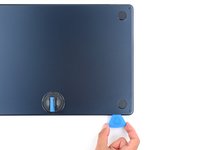
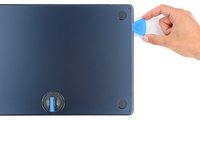
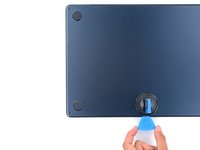
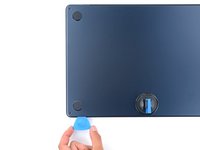
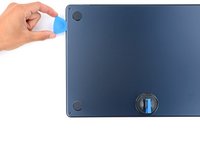
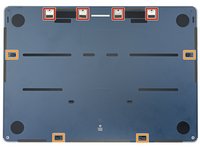
使用P5 Pentalobe螺丝刀拆卸固定小写字母的4颗6.4 mm螺钉
-
在铰链附近有短螺纹部分的两个螺钉
-
MacBook前面有两个长螺纹部分的螺丝
-
-
-
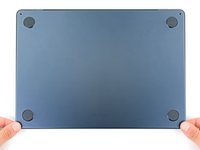
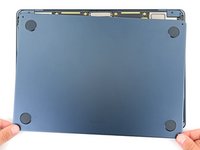
取下底部盖板。
-
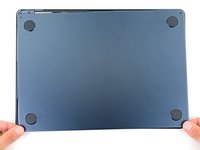
将底部盖板上的卡扣与机身框架上的卡扣对准。向下按压,同时向机身底部边缘推动盖板,使所有卡扣锁紧。在卡扣锁紧时,盖板将停止滑动。
-
当底部盖板与机身边框平齐时,沿着机身四周按压盖板,使剩余的四个卡扣固定到位。
-
-
-
-
-
-
-
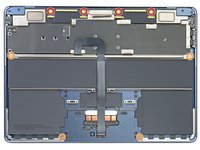
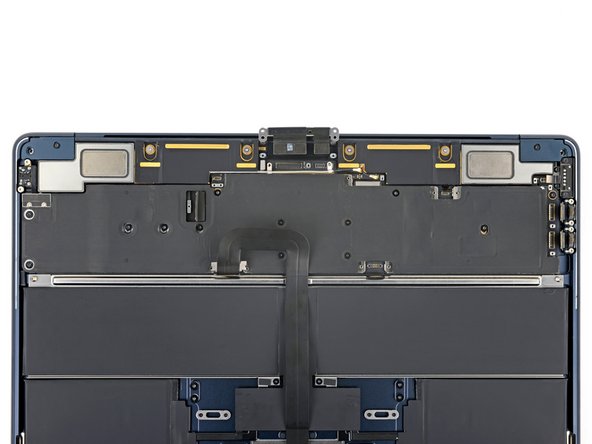
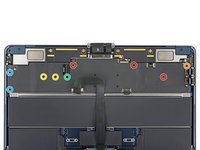
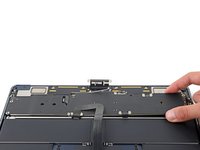
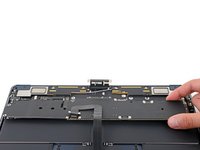
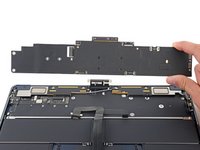
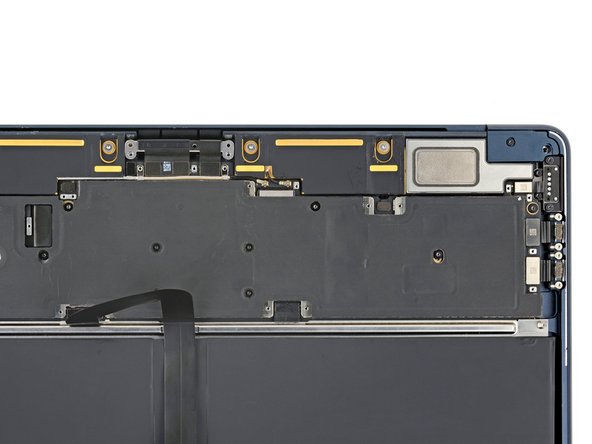
拆下固定逻辑板的九颗螺丝:
-
三颗 3.8 毫米 T5 Torx 螺丝
-
一颗 3.6 毫米 T5 Torx 螺丝
-
两颗 3.4 毫米 T5 Torx 螺丝
-
一颗 3.1 毫米 T5 Torx 螺丝
-
两颗 2.7 毫米 3IP Torx Plus 螺丝
-
-
-
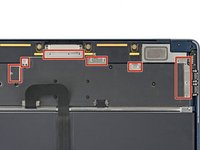
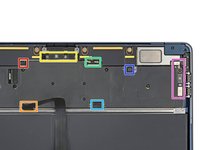
右扬声器排线
-
触控板排线
-
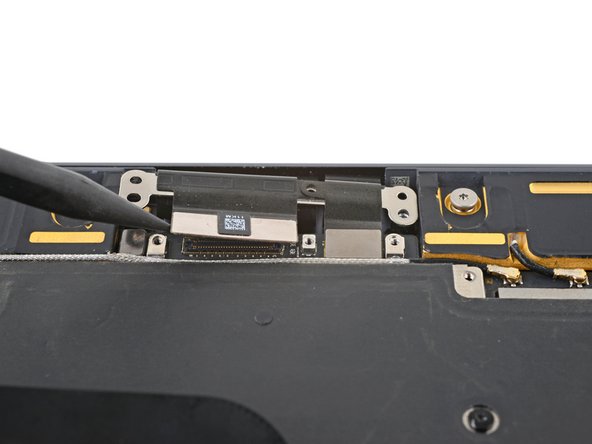
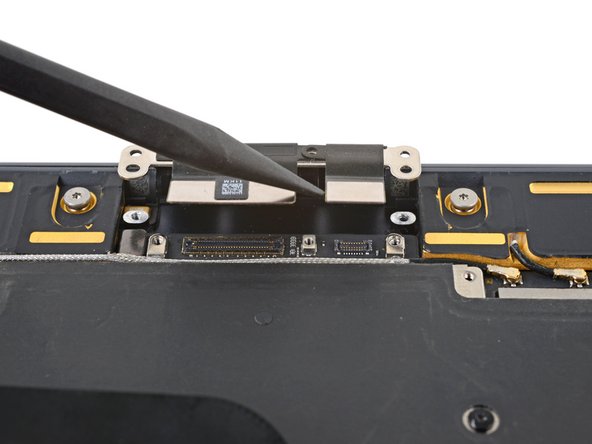
显示屏线缆和麦克风阵列排线
-
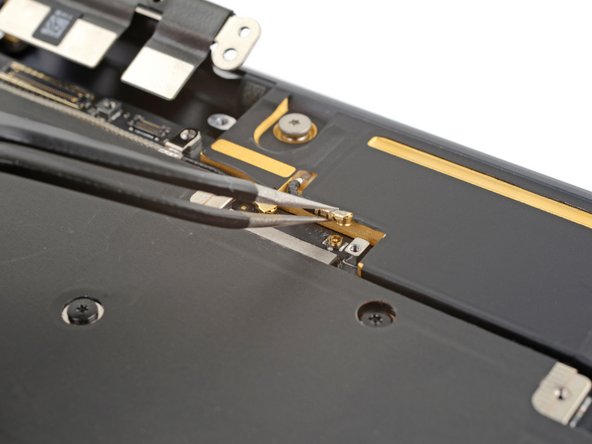
天线排线
-
电池排线
-
左扬声器排线
-
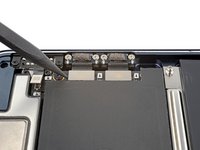
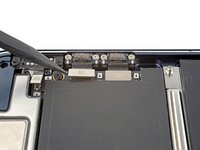
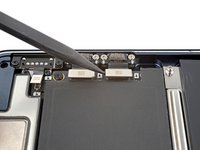
两个雷雳 / USB 4 端口 和 MagSafe 排线
-


 询问修复机器人


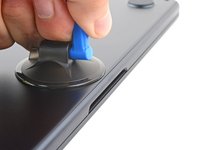
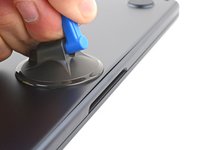
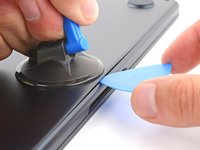


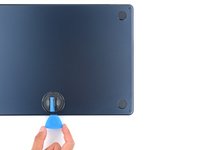






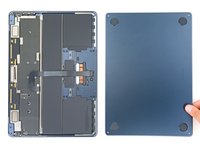


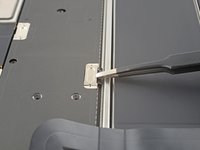
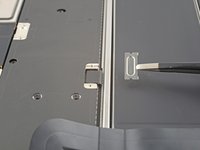


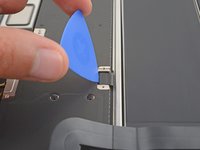
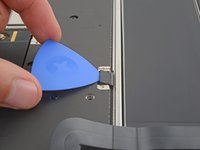


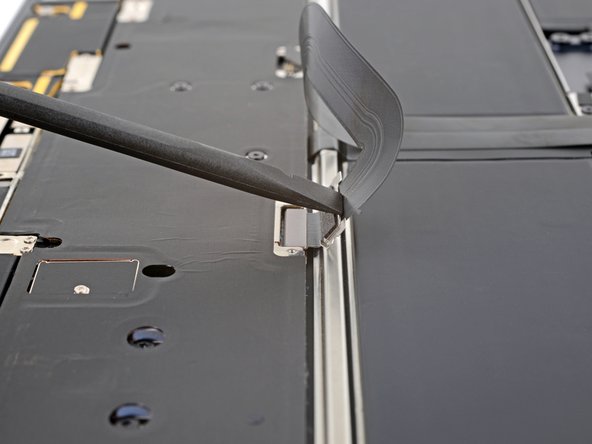
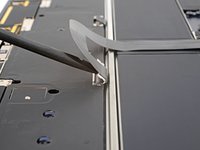
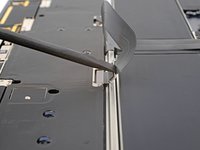


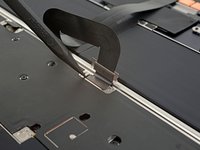
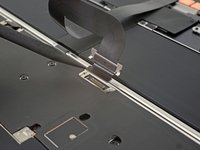


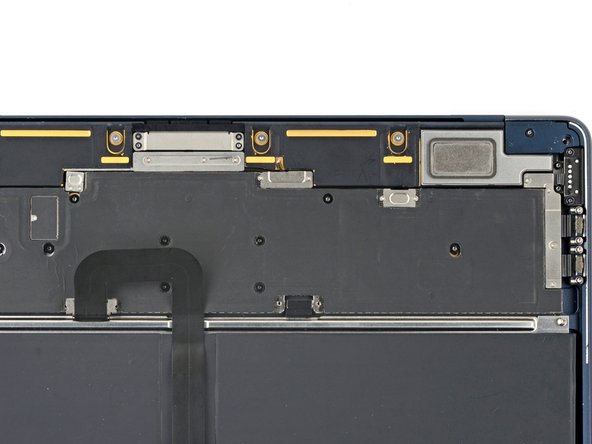
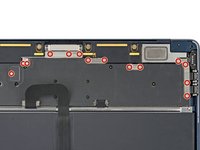
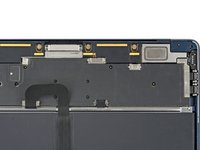


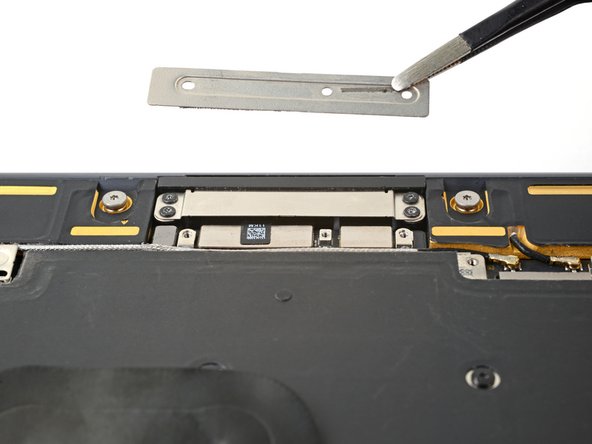


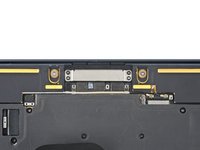

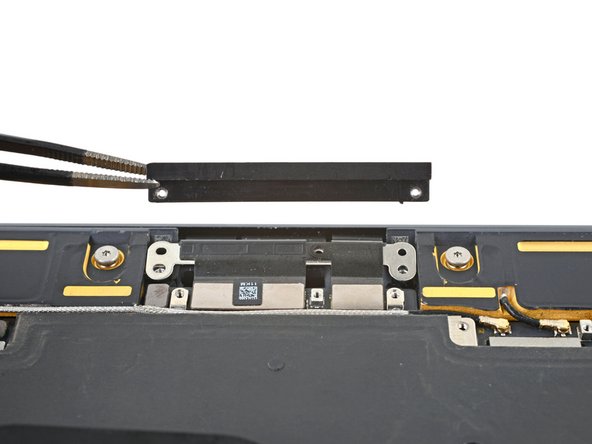




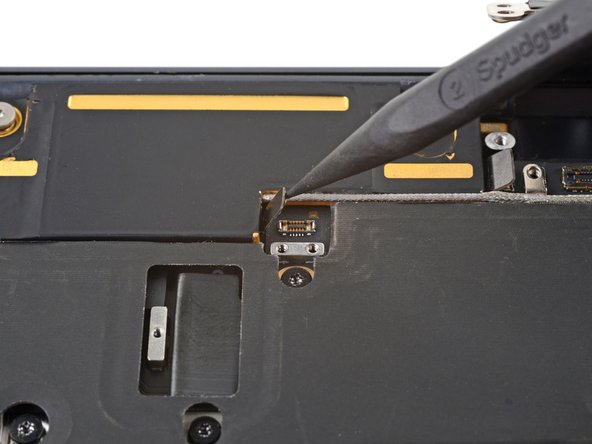

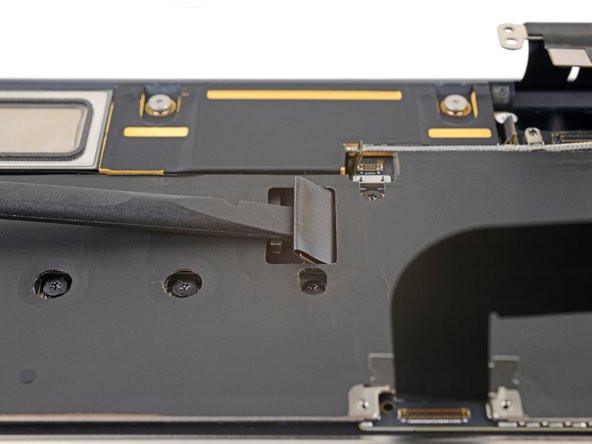

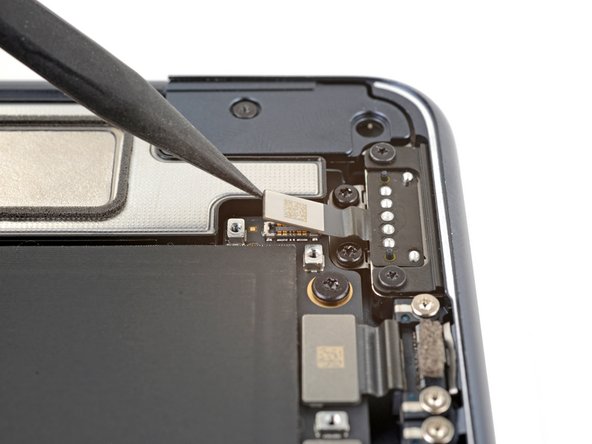
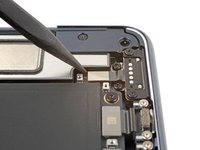
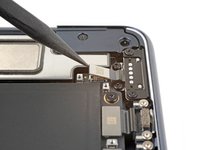

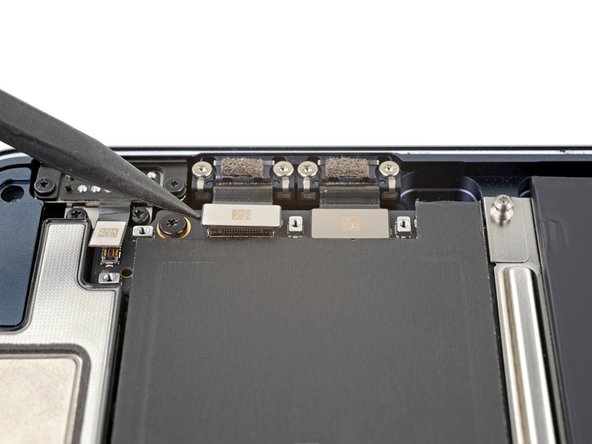
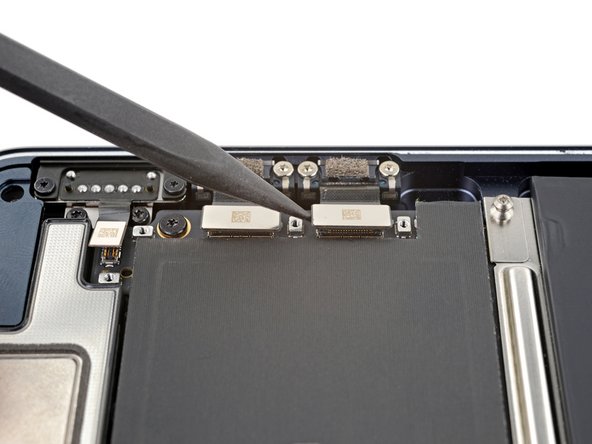

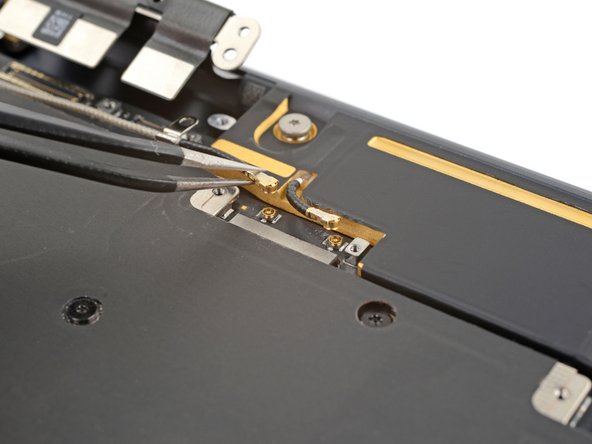
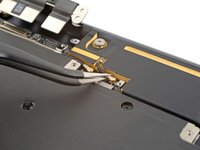
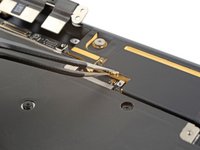
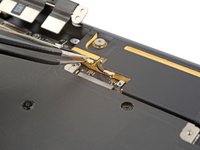



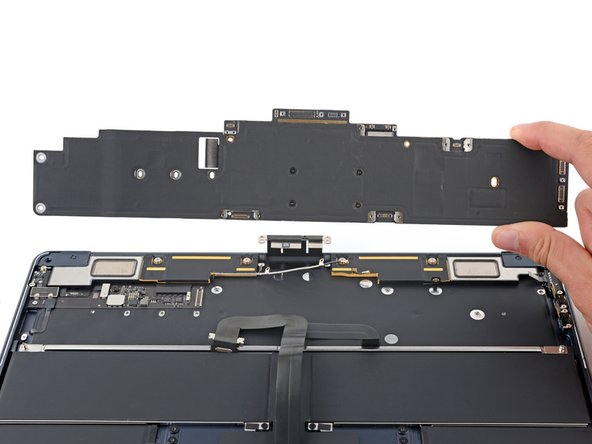

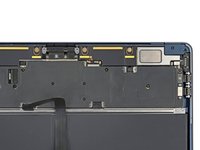
将新更换的部件与原部件进行比较——安装前,您可能需要转移剩余组件或撕掉新部件背面的粘合剂。
要重新组装您的设备,请按相反的顺序执行这些说明。
将您的电子垃圾送到 R2 or e-Stewards certified recycler
维修未按预期进行?尝试一些基本的故障排除方法,或访问我们的问答社区寻求帮助。
10等其他人完成本指南。



3指南评论
Hi,
Is it normal that after replacing logic board and Touch ID, apple diagnostic comes up with 2 errors ndk001 als001.
One of which is ambient light sensor and the other is keyboard.
Upon testing all the keys on the keyboard all keys are working including Touch ID.
And by shining a flashlight in the light sensor the screen does get brighter.
So it looks like none of the error code is correct that apple diagnostic shows.
Is this a known thing or does this only happen to me?
Peter
My 2022 Macbook Air died at 34 months. Looking back, the MBA that I had before this one lasted just a little longer before it died (39 months). So, when this one died, I bought a new 15" MBA. I decided to take a look inside the 2022 MBA and destroy the SSD before I sent it to be recycled. Found these instructions and saw the replacement parts did not mention an SSD, just a logic board. So, I assumed that all components (CPU, RAM, SSD, etc.) were on one 'part'. Followed these instructions and discovered that this is true. In any case, at age 65 with failing eyesight and trembling hands, I was able to disassemble the MBA. But I could NOT reassemble it. Trying to reattach the connectors or even get the screws back in the right places was impossible for me. Probably very challenging for a young, steady-handed newbie. Lesson learned: disposable, not repairable. These do not last, fail at about 36 months and cannot be easily fixed. So, I am 'subscribing' to the Apple MBA program at about $600/year (1800/3 years).
