跳转到主内容
加入维修社区 - 创建账户

Linksys WRT54G Casing Replacement

  1. Linksys WRT54G Casing Replacement, Antennas: 步骤 1 中的图像 1,1
    • Unfold the antennas straight away from the device.

  2. Linksys WRT54G Casing Replacement: 步骤 2 中的图像 1,3 Linksys WRT54G Casing Replacement: 步骤 2 中的图像 2,3 Linksys WRT54G Casing Replacement: 步骤 2 中的图像 3,3
    • Remove the black caps from the antennas by pulling them away from the device.

  3. Linksys WRT54G Casing Replacement: 步骤 3 中的图像 1,3 Linksys WRT54G Casing Replacement: 步骤 3 中的图像 2,3 Linksys WRT54G Casing Replacement: 步骤 3 中的图像 3,3
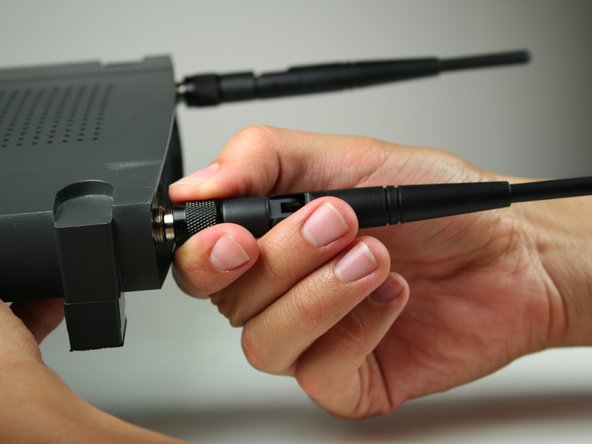
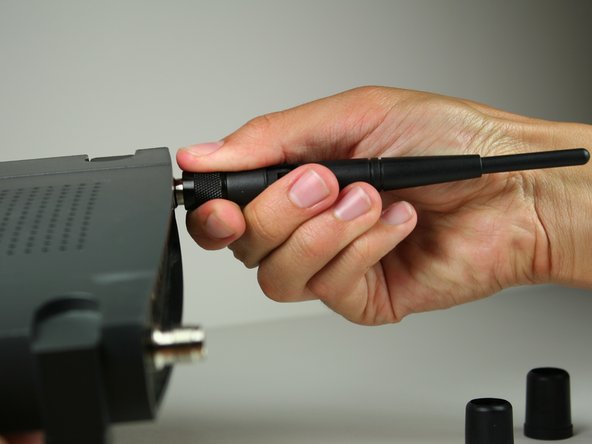
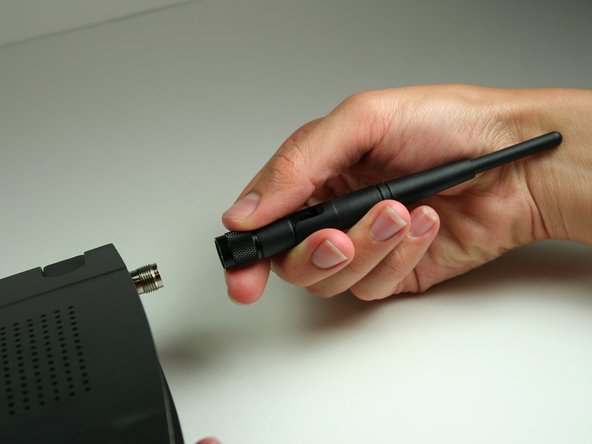
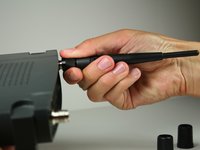
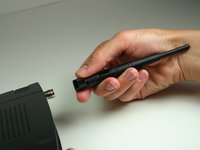
    • Unscrew each of the antennas from the wireless device.

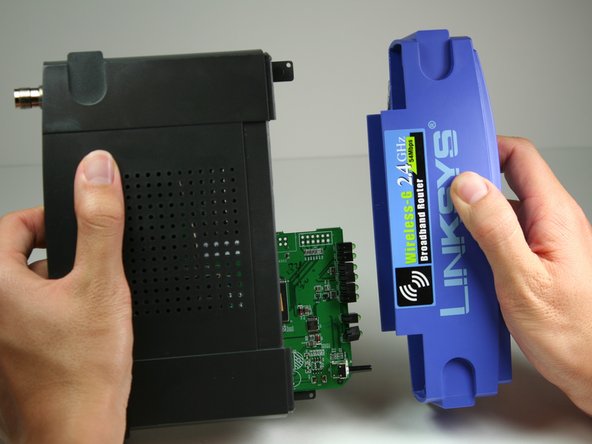
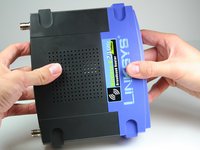
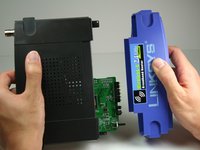
  4. Linksys WRT54G Casing Replacement, Casing: 步骤 4 中的图像 1,2 Linksys WRT54G Casing Replacement, Casing: 步骤 4 中的图像 2,2
    • Using a bit of force, remove the blue plastic case.

结论

To reassemble your device, follow these instructions in reverse order.

4等其他人完成本指南。

Nina Levine

于10/12/11注册

90 声望

撰写一个指南

团队

Cal Poly, Team 17-7, Regan Fall 2011 Cal Poly, Team 17-7, Regan Fall 2011 的会员

CPSU-REGAN-F11S17G7

4 名成员

创作了4篇指南

0指南评论

添加评论

浏览统计数据:

过去 24 小时: 3

过去 7 天: 14

过去 30 天: 41

总计 2,466