跳转到主内容
加入维修社区 - 创建账户

LG VX8700 Ear Piece Replacement

你所需要的

    1. LG VX8700 Ear Piece Replacement, Battery: 步骤 1 中的图像 1,2 LG VX8700 Ear Piece Replacement, Battery: 步骤 1 中的图像 2,2
      • Power the phone off.

      • Slide the back cover off using the release latch with your fingers to expose the battery.

      询问修复机器人

      添加评论

    2. LG VX8700 Ear Piece Replacement: 步骤 2 中的图像 1,2 LG VX8700 Ear Piece Replacement: 步骤 2 中的图像 2,2
      • Lift one side of the battery using a plastic opening tool or your fingers.

      • Carefully remove the battery and set it aside.

      • When installing the new battery, align the metal pins with those of the phone.

      询问修复机器人

      添加评论

    1. LG VX8700 Ear Piece Replacement, Front Bezel: 步骤 3 中的图像 1,1
      • Turn your phone around and open the flip phone. The screen is now facing you.

      • Locate the two grey rubber plugs on the bottom corners of the screen. These plugs cover up two screws.

      • Remove the two grey screw-covers.

      询问修复机器人

      添加评论

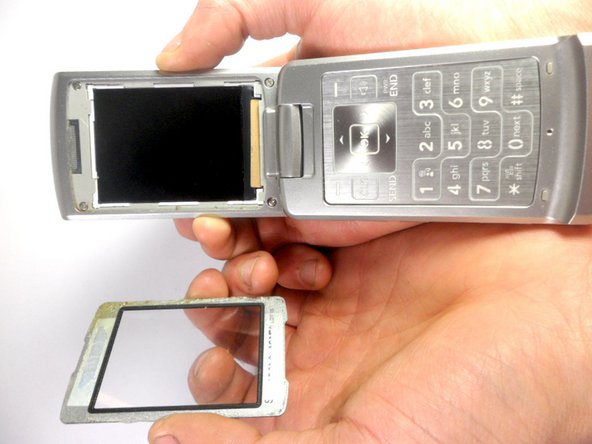
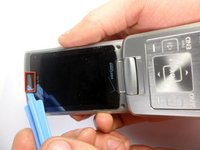
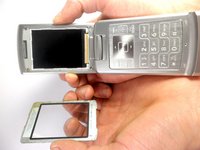
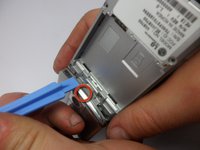
    2. LG VX8700 Ear Piece Replacement: 步骤 4 中的图像 1,2 LG VX8700 Ear Piece Replacement: 步骤 4 中的图像 2,2
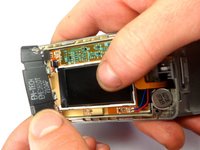
      • Use the ejection tab at the top to remove the screen.

      • There is a gap between the case and the screen near the ear piece.

      • Insert the plastic opening tool in the gap and pry up the screen.

      • The plastic screen cover is glued onto the phone. It may be difficult to pry off.

      询问修复机器人

      添加评论

    3. LG VX8700 Ear Piece Replacement: 步骤 5 中的图像 1,1
      • Unscrew the four corners of the screen using 3.21mm screws to separate the top cover of the phone.

      询问修复机器人

      添加评论

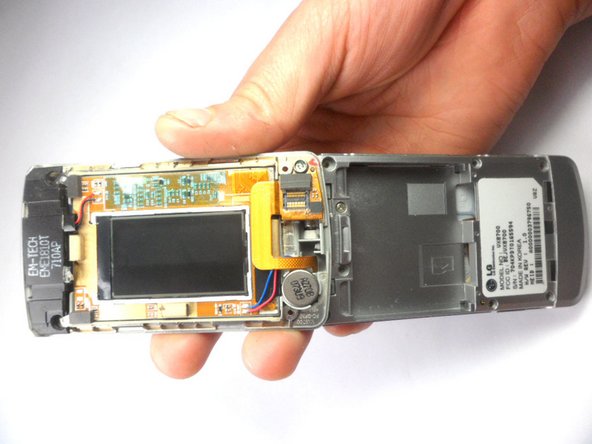
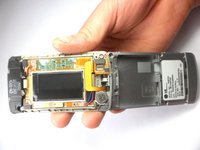
    4. LG VX8700 Ear Piece Replacement: 步骤 6 中的图像 1,2 LG VX8700 Ear Piece Replacement: 步骤 6 中的图像 2,2
      • Turn your phone around. The battery side will be facing you.

      • Insert the plastic opening tool into the groove to remove the top cover of the phone.

      • Carefully open the cover.

      询问修复机器人

      添加评论

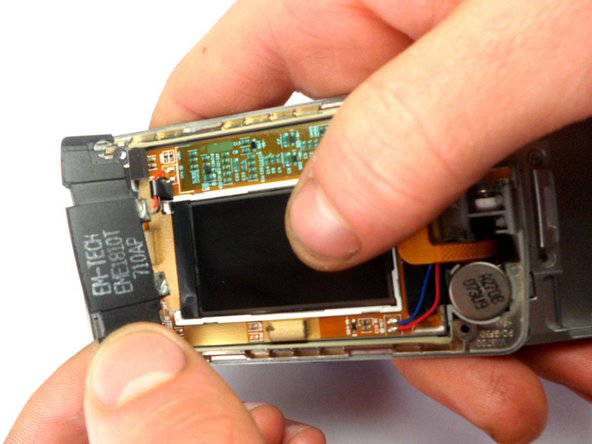
    1. LG VX8700 Ear Piece Replacement, Ear Piece: 步骤 7 中的图像 1,1
      • Locate the earpiece, which is the black component at the top with black and red wires.

      • Remove the component. Using a soldering iron, desolder the top ear piece.

      询问修复机器人

      添加评论

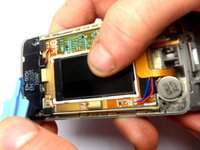
    2. LG VX8700 Ear Piece Replacement: 步骤 8 中的图像 1,2 LG VX8700 Ear Piece Replacement: 步骤 8 中的图像 2,2
      • Using the plastic opening tool, lift the earpiece to remove it from the phone.

      询问修复机器人

      添加评论

结论

To reassemble your device, follow these instructions in reverse order.

取消:我没有完成这个指南。

团队

Cal Poly, Team 8-16, Maness Winter 2012 Cal Poly, Team 8-16, Maness Winter 2012 的会员

CPSU-MANESS-W12S8G16

4 名成员

创作了63篇指南

0指南评论

添加评论

浏览统计数据:

过去 24 小时: 1

过去 7 天: 2

过去 30 天: 19

总计 1,373