跳转到主内容
加入维修社区 - 创建账户

LG VX8560 Side Key Replacement

你所需要的

  1. LG VX8560 Side Key Replacement, Battery: 步骤 1 中的图像 1,1
    • Turn the phone over so that the backside is facing up.

    询问修复机器人

    添加评论

  2. LG VX8560 Side Key Replacement: 步骤 2 中的图像 1,1
    • Push the battery cover from the indentation and slide it away from the phone to remove it.

    询问修复机器人

    添加评论

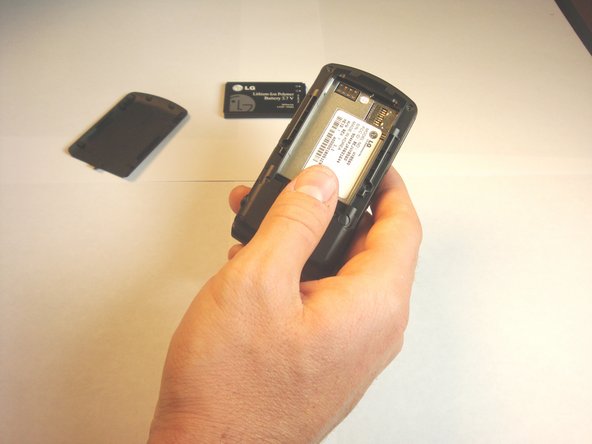
  3. LG VX8560 Side Key Replacement: 步骤 3 中的图像 1,2 LG VX8560 Side Key Replacement: 步骤 3 中的图像 2,2
    • Remove the battery from the phone.

    询问修复机器人

    添加评论

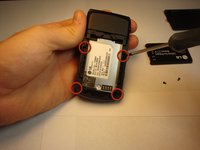
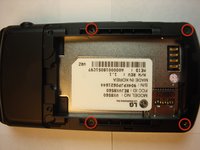
  4. LG VX8560 Side Key Replacement, Side Keys: 步骤 4 中的图像 1,2 LG VX8560 Side Key Replacement, Side Keys: 步骤 4 中的图像 2,2
    • Using a Phillips #00 screwdriver, remove all four screws that are visible along the edge of the phone

    询问修复机器人

    添加评论

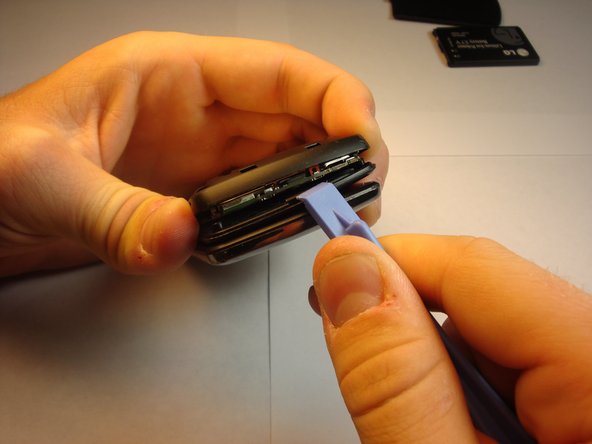
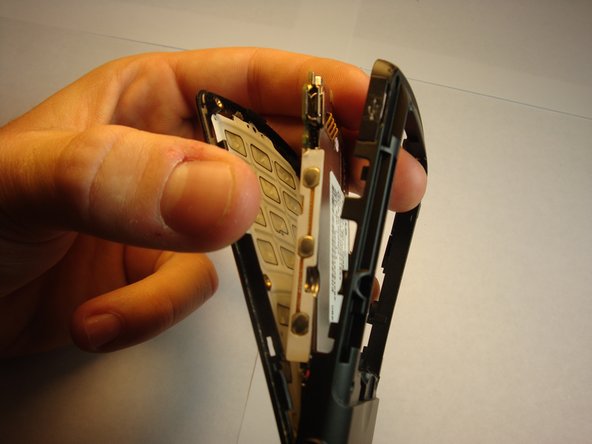
  5. LG VX8560 Side Key Replacement: 步骤 5 中的图像 1,3 LG VX8560 Side Key Replacement: 步骤 5 中的图像 2,3 LG VX8560 Side Key Replacement: 步骤 5 中的图像 3,3
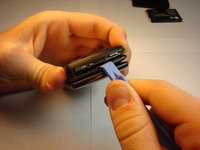
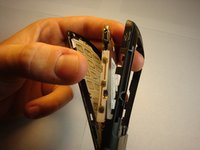
    • Find the seam between the phone’s keypad cover and back cover, and slide a plastic pry tool along the edge to gently pry the two pieces apart without completely separating them.

    • The motherboard should be visible. Do not separate the two covers. They should be held together by a screw at the axis of the phone.

    询问修复机器人

    添加评论

  6. LG VX8560 Side Key Replacement: 步骤 6 中的图像 1,2 LG VX8560 Side Key Replacement: 步骤 6 中的图像 2,2
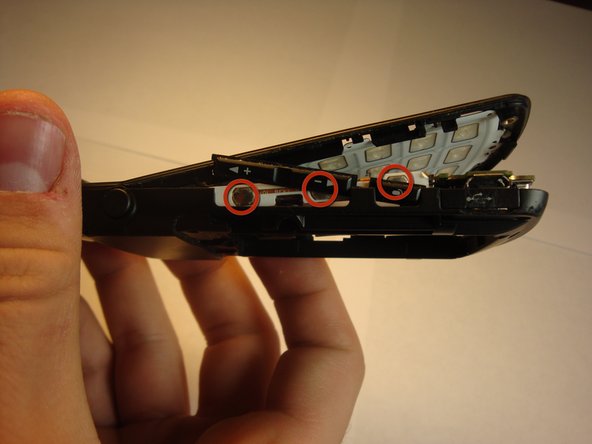
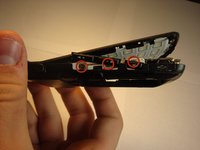
    • Place the side keys so that they are aligned with the silver circles located on the side of the motherboard.

    询问修复机器人

    添加评论

结论

To reassemble your device, follow these instructions in reverse order.

取消:我没有完成这个指南。

另外一个人完成了本指南。

Kevin

于04/18/13注册

7 声望

创作了2篇指南

团队

Cal Poly, Team 13-62, Johann Spring 2013 Cal Poly, Team 13-62, Johann Spring 2013 的会员

CPSU-JOHANN-S13S13G62

4 名成员

创作了12篇指南

0指南评论

添加评论

浏览统计数据:

过去 24 小时: 3

过去 7 天: 6

过去 30 天: 36

总计 490