跳转到主内容
加入维修社区 - 创建账户

LG VX4500 Keypad Replacement

你所需要的

  1. LG VX4500 Keypad Replacement, Battery: 步骤 1 中的图像 1,1
    • Turn the closed phone so that the back panel is facing you.

    • Press down and forward firmly on the gray tab in the middle of the phone.

  2. LG VX4500 Keypad Replacement: 步骤 2 中的图像 1,2 LG VX4500 Keypad Replacement: 步骤 2 中的图像 2,2
    • Now just lift up on the battery and remove it from the phone.

  3. LG VX4500 Keypad Replacement, Rear Cover: 步骤 3 中的图像 1,1
    • Remove the rubber grommet using a spudger.

  4. LG VX4500 Keypad Replacement: 步骤 4 中的图像 1,1
    • Be sure not to lose the screws. They are small!

    • Remove the five screws using a Phillips #00 Screwdriver.

  5. LG VX4500 Keypad Replacement: 步骤 5 中的图像 1,3 LG VX4500 Keypad Replacement: 步骤 5 中的图像 2,3 LG VX4500 Keypad Replacement: 步骤 5 中的图像 3,3
    在这个步骤中使用的工具:
    Tweezers
    $4.99
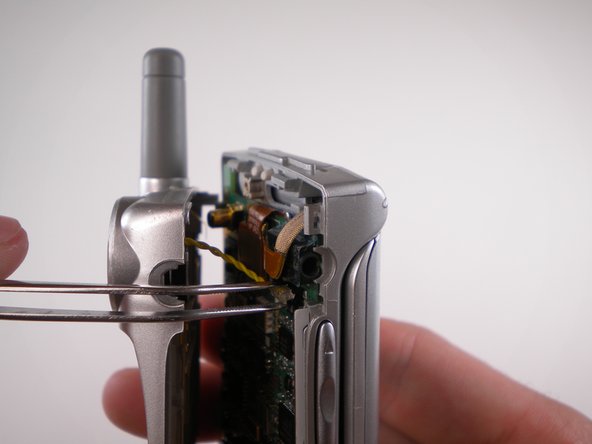
    • When removing back cover, be careful not to break the speaker wires.

    • Using an Opening Tool, carefully pry off the back cover.

    • Using tweezers, gently pull the speaker wires out.

  6. LG VX4500 Keypad Replacement: 步骤 6 中的图像 1,1
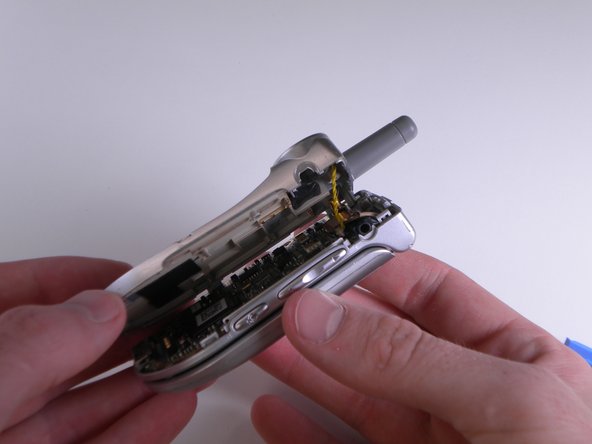
    • Separate the two halves.

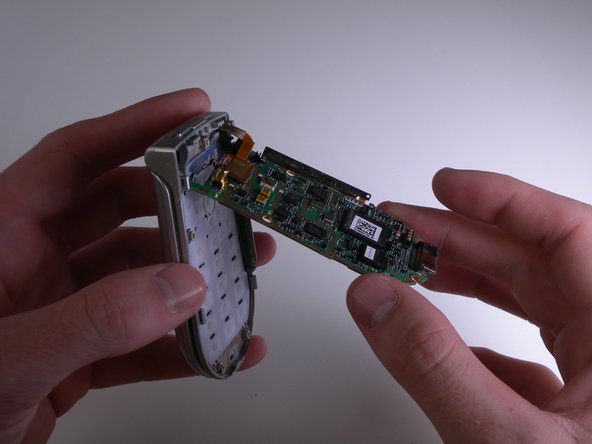
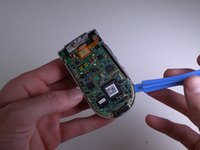
  7. LG VX4500 Keypad Replacement, Keypad: 步骤 7 中的图像 1,3 LG VX4500 Keypad Replacement, Keypad: 步骤 7 中的图像 2,3 LG VX4500 Keypad Replacement, Keypad: 步骤 7 中的图像 3,3
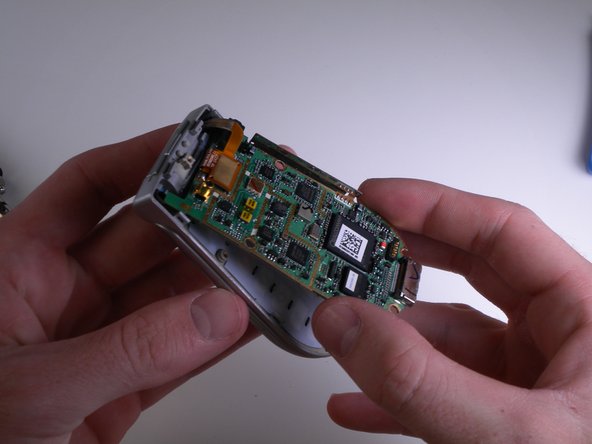
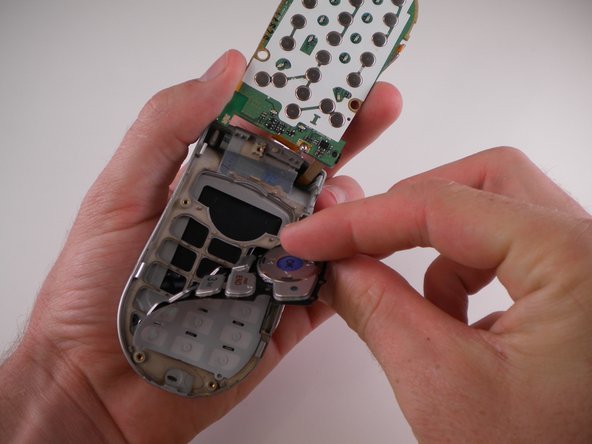
    • Carefully pry and lift up on the logic board using an iPod Opening Tool.

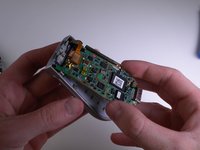
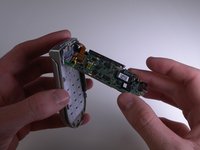
  8. LG VX4500 Keypad Replacement: 步骤 8 中的图像 1,1
    • Carefully flip the logic board up and out of the way.

  9. LG VX4500 Keypad Replacement: 步骤 9 中的图像 1,3 LG VX4500 Keypad Replacement: 步骤 9 中的图像 2,3 LG VX4500 Keypad Replacement: 步骤 9 中的图像 3,3
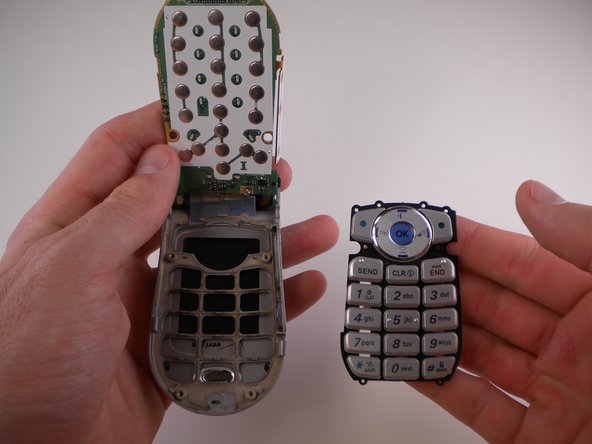
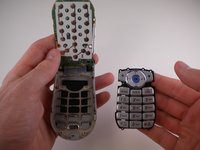
    • Use an iPod Opening Tool to lift up on the keypad and pull it out.

结论

To reassemble your device, follow these instructions in reverse order.

团队

Cal Poly, Team 25-88, Amido Spring 2010 Cal Poly, Team 25-88, Amido Spring 2010 的会员

CPSU-AMIDO-S10S25G88

4 名成员

创作了19篇指南

0指南评论

添加评论

浏览统计数据:

过去 24 小时: 1

过去 7 天: 10

过去 30 天: 47

总计 1,222