跳转到主内容
加入维修社区 - 创建账户

LG Tribute HD Button Replacement

你所需要的

  1. LG Tribute HD Button Replacement, Battery and SD Card: 步骤 1 中的图像 1,2 LG Tribute HD Button Replacement, Battery and SD Card: 步骤 1 中的图像 2,2
    • Insert a fingernail, or plastic opening tool, into the cutout on the back cover and pry outward to remove.

    询问修复机器人
  2. LG Tribute HD Button Replacement: 步骤 2 中的图像 1,2 LG Tribute HD Button Replacement: 步骤 2 中的图像 2,2
    • Pull the battery out of the phone.

    • Remove the SD Card by sliding the card out as shown.

    询问修复机器人
  3. LG Tribute HD Button Replacement, Volume & Power Buttons: 步骤 3 中的图像 1,2 LG Tribute HD Button Replacement, Volume & Power Buttons: 步骤 3 中的图像 2,2
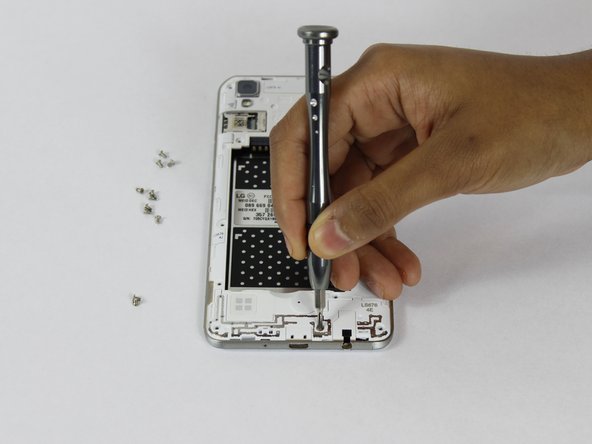
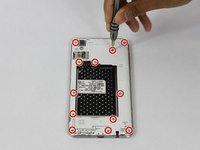
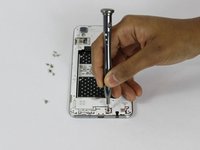
    • Remove the twelve 2mm JIS #00 screws from the mid-frame.

    询问修复机器人
  4. LG Tribute HD Button Replacement: 步骤 4 中的图像 1,3 LG Tribute HD Button Replacement: 步骤 4 中的图像 2,3 LG Tribute HD Button Replacement: 步骤 4 中的图像 3,3
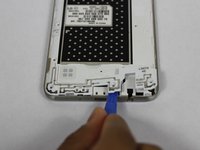
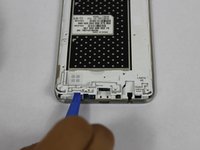
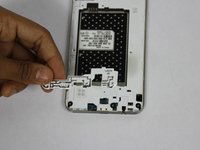
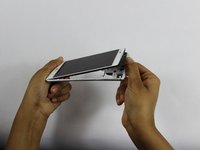
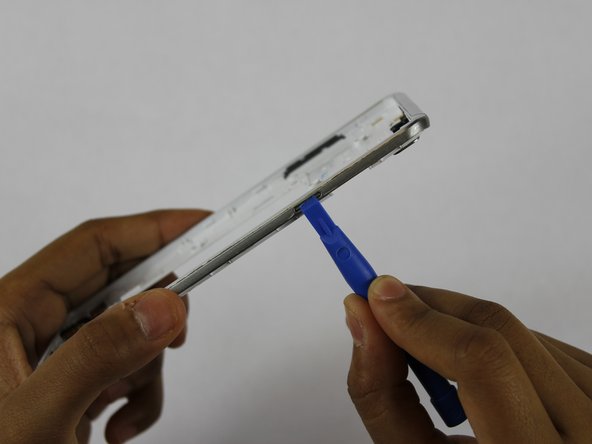
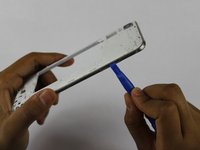
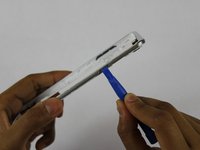
    • Using a plastic opening tool, remove the antenna extender from the mid-frame.

    询问修复机器人
  5. LG Tribute HD Button Replacement: 步骤 5 中的图像 1,2 LG Tribute HD Button Replacement: 步骤 5 中的图像 2,2
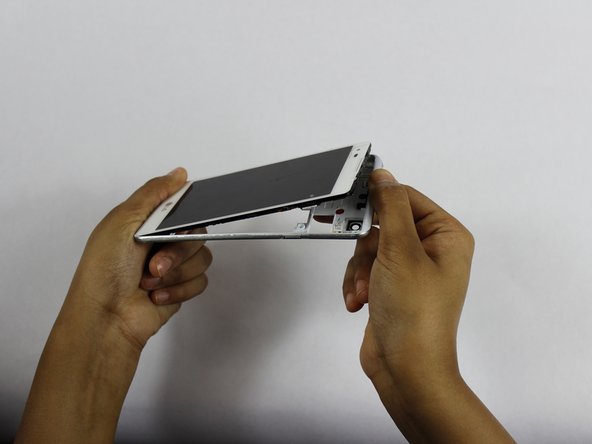
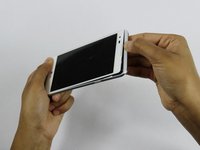
    • Using your fingers, remove the mid-frame.

    询问修复机器人
  6. LG Tribute HD Button Replacement: 步骤 6 中的图像 1,2 LG Tribute HD Button Replacement: 步骤 6 中的图像 2,2
    • Use a plastic opening tool to remove the buttons by pushing them in until they pop through.

    询问修复机器人
结论

To reassemble your device, follow these instructions in reverse order.

另外一个人完成了本指南。

Dhruv Patel

于02/14/18注册

273 声望

创作了2篇指南

团队

USF Tampa, Team S1-G3, Nance Spring 2018 USF Tampa, Team S1-G3, Nance Spring 2018 的会员

USFT-NANCE-S18S1G3

4 名成员

创作了24篇指南

1指南评论

Thanks man. It worked!

Elijah Montgomery - 回复 分享

添加评论

浏览统计数据:

过去 24 小时: 0

过去 7 天: 4

过去 30 天: 44

总计 913