跳转到主内容
加入维修社区 - 创建账户

LG Rebel Motherboard Replacement

你所需要的

    1. LG Rebel Motherboard Replacement, Motherboard: 步骤 1 中的图像 1,2 LG Rebel Motherboard Replacement, Motherboard: 步骤 1 中的图像 2,2
      • Insert the plastic opening tool into the small groove on the side of the phone.

      • Remove the back cover with the plastic opening tool.

      询问修复机器人

      添加评论

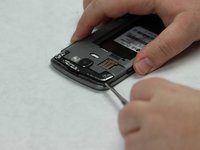
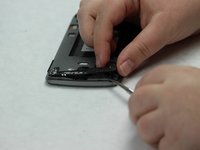
    2. LG Rebel Motherboard Replacement: 步骤 2 中的图像 1,3 LG Rebel Motherboard Replacement: 步骤 2 中的图像 2,3 LG Rebel Motherboard Replacement: 步骤 2 中的图像 3,3
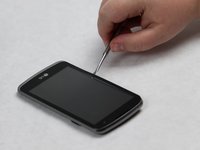
      • Insert the metal spudger into the small groove on the back of the phone.

      • Lift and remove the black plastic covering with the metal spudger.

      询问修复机器人

      添加评论

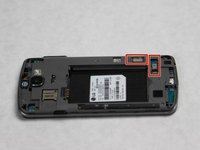
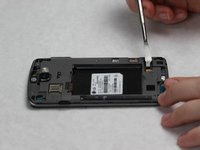
    3. LG Rebel Motherboard Replacement: 步骤 3 中的图像 1,2 LG Rebel Motherboard Replacement: 步骤 3 中的图像 2,2
      • Use the metal spudger to lift the remaining black plastic cover pieces.

      询问修复机器人

      添加评论

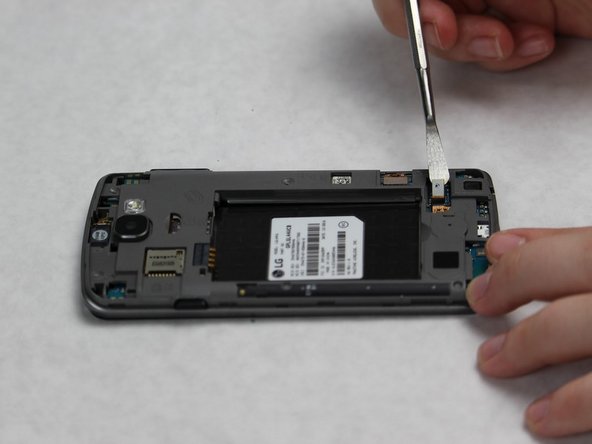
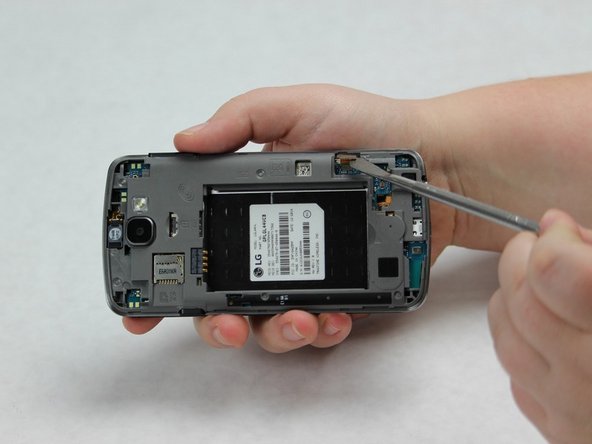
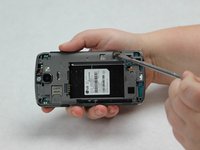
    4. LG Rebel Motherboard Replacement: 步骤 4 中的图像 1,3 LG Rebel Motherboard Replacement: 步骤 4 中的图像 2,3 LG Rebel Motherboard Replacement: 步骤 4 中的图像 3,3
      • Use the metal spudger to lift and disconnect the two connective pieces on the back of the phone.

      询问修复机器人

      添加评论

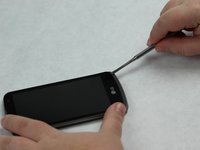
    5. LG Rebel Motherboard Replacement: 步骤 5 中的图像 1,3 LG Rebel Motherboard Replacement: 步骤 5 中的图像 2,3 LG Rebel Motherboard Replacement: 步骤 5 中的图像 3,3
      • Flip the phone, so that the screen is facing upwards.

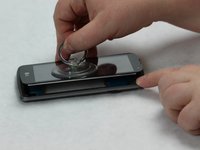
      • Slide the metal spudger along the perimeter of the phone in order to break the entire seal.

      • Use the suction cup to lift and remove the screen.

      询问修复机器人

      添加评论

    6. LG Rebel Motherboard Replacement: 步骤 6 中的图像 1,2 LG Rebel Motherboard Replacement: 步骤 6 中的图像 2,2
      • Use the metal spudger to slide the black bumper out from the bottom of the phone.

      询问修复机器人

      添加评论

    7. LG Rebel Motherboard Replacement: 步骤 7 中的图像 1,3 LG Rebel Motherboard Replacement: 步骤 7 中的图像 2,3 LG Rebel Motherboard Replacement: 步骤 7 中的图像 3,3
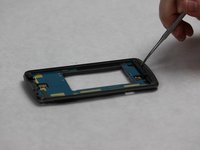
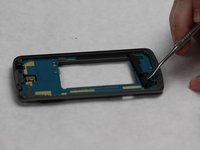
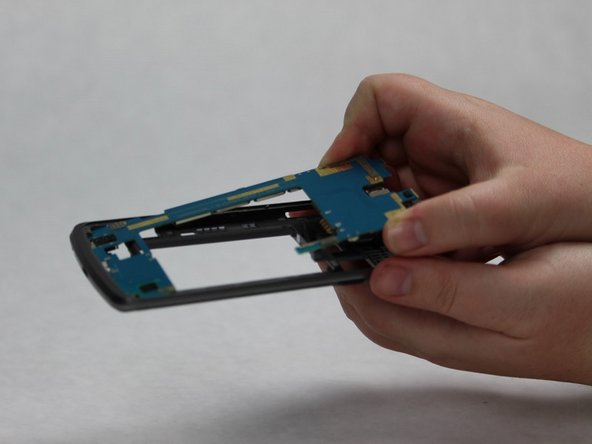
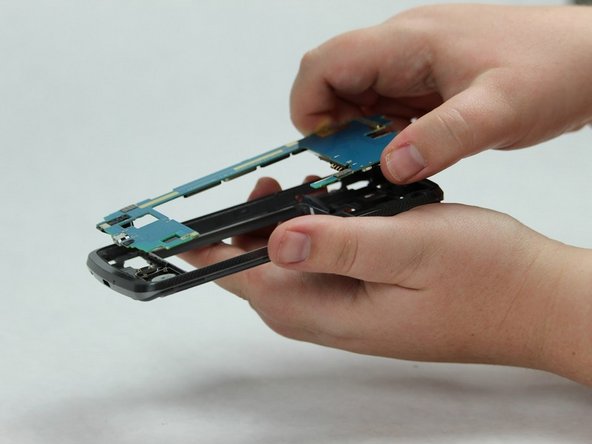
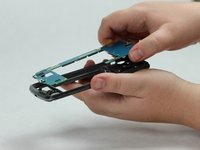
      • Use the metal spudger to carefully loosen the motherboard from the body of the phone.

      • Slowly slide the motherboard out of the body of the phone.

      • Remove the motherboard.

      询问修复机器人

      添加评论

结论

To reassemble your device, follow these instructions in reverse order.

取消:我没有完成这个指南。

2等其他人完成本指南。

1指南评论

First time tearing apart a phone. His instructions are spot on. Pretty easy phone though.

Bruce Simmons - 回复 分享

添加评论

浏览统计数据:

过去 24 小时: 1

过去 7 天: 7

过去 30 天: 49

总计 1,945