简介
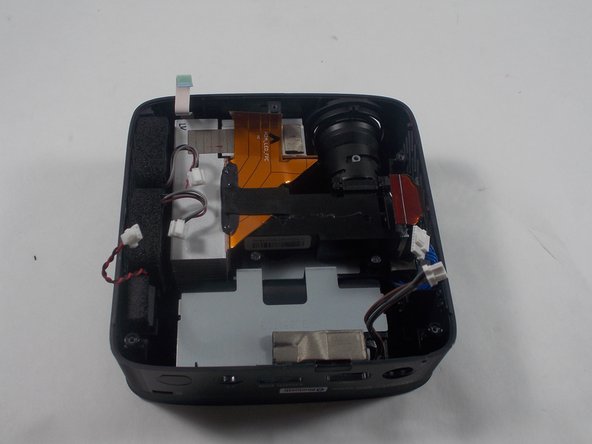
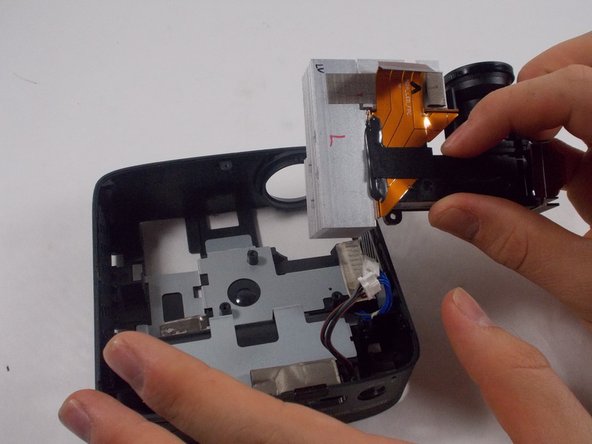
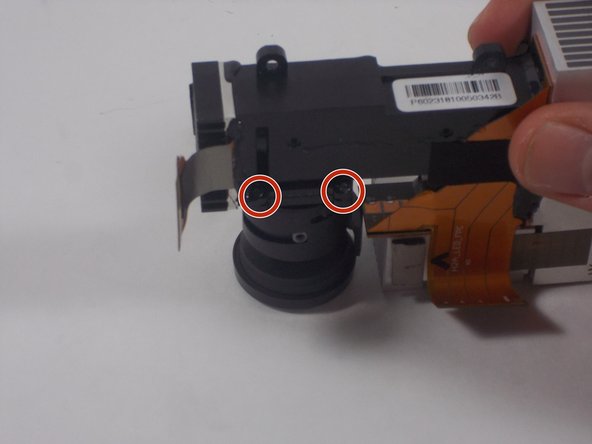
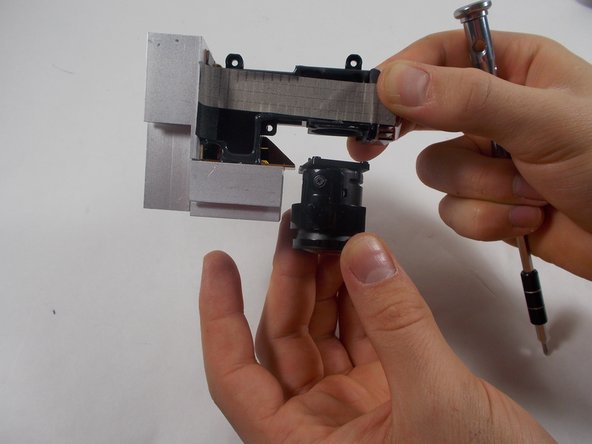
The LG Cinebeam's (Model# PH150B) lens projects the image. If it is damaged or cracked, the image will be fuzzy or warped. This guide will help you replace the lens.
The lens is responsible for projecting the image. Before replacing it, inspect the lens carefully to see if any cracks are visible or any grease or dirt is piled up. It's a good idea to clean the lens with glass cleaner and check if the image is still unclear before replacing it.
Since the lens is made of glass, it is possible to crack or break, so use caution while removing it and putting in a new one.
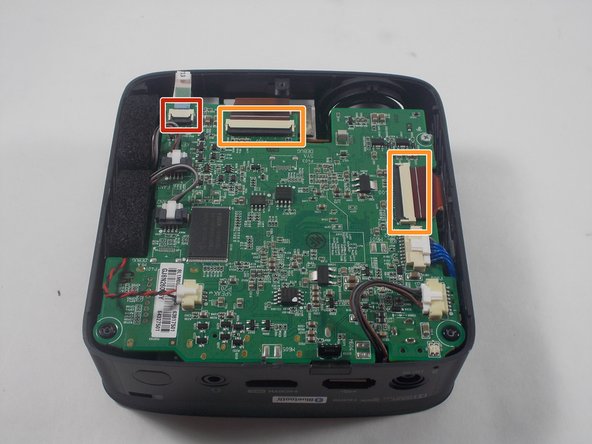
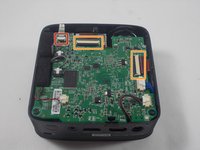
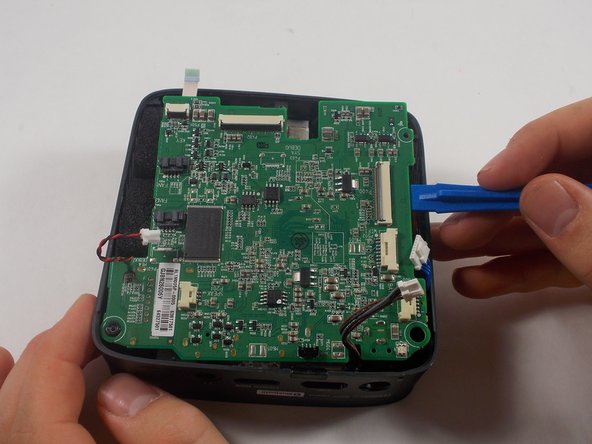
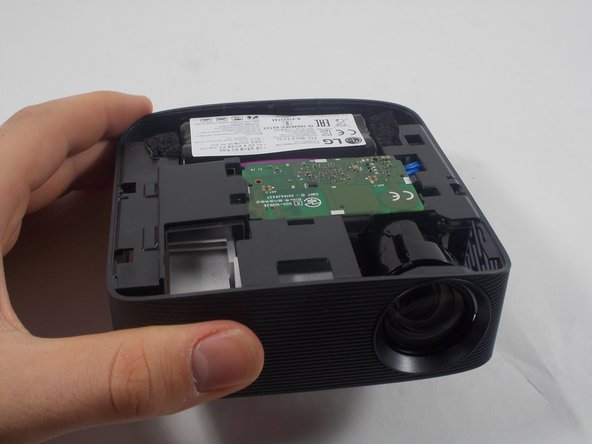
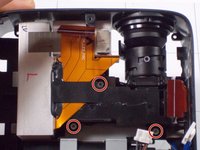
You will have to remove the motherboard to access the lens. While removing it, make sure to use caution while replacing the ribbon cables as they could rip.
Before beginning, make sure to power off the projector completely and disconnect from any external power source.
你所需要的
-
-
-
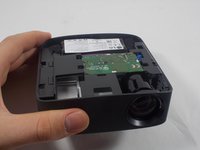
Remove three 6 mm screws on the bottom plate with a Phillips #00 screwdriver.
 询问修复机器人
-
-
-
-
-
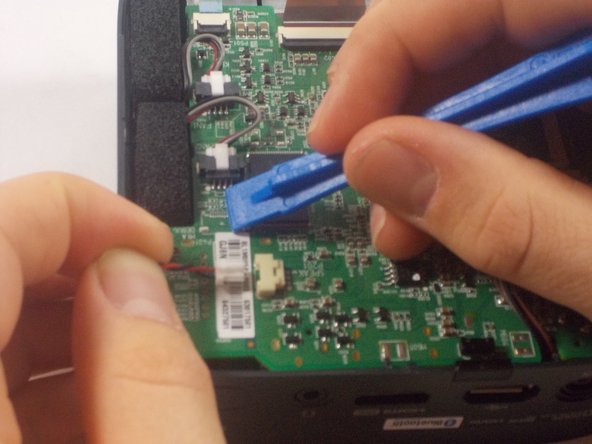
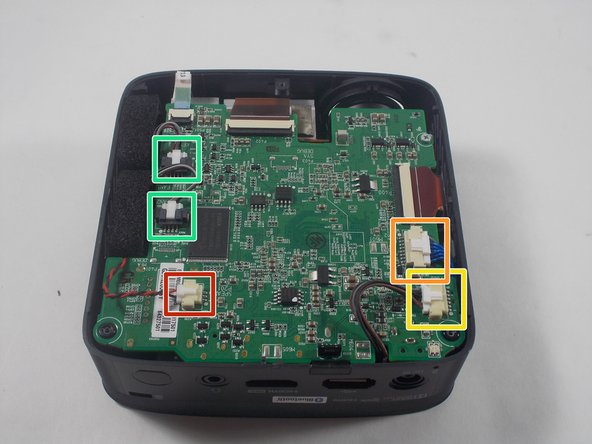
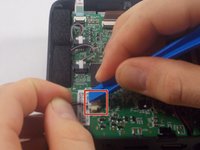
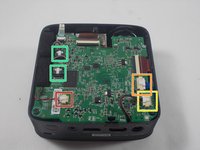
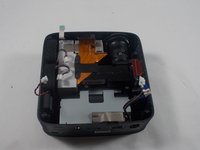
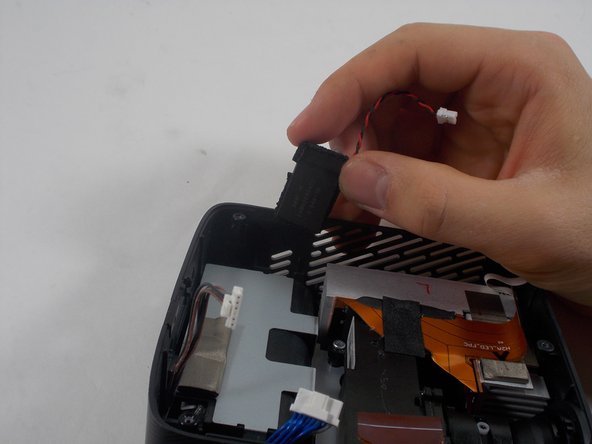
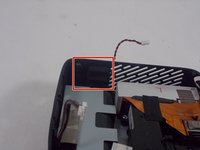
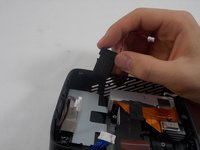
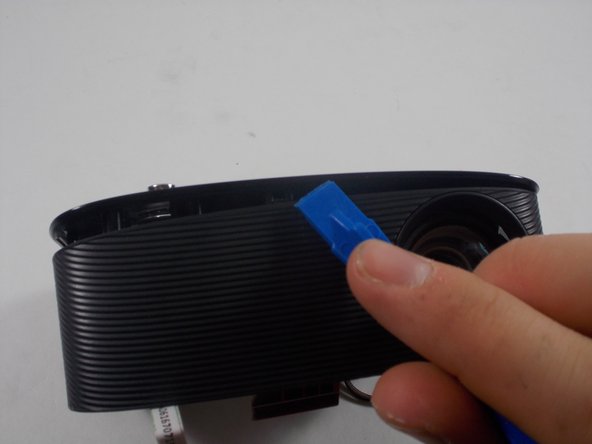
Using an iFixit opening tool, press down the lever on the top of the minilock connector for the speaker and pull the plug out gently.
-
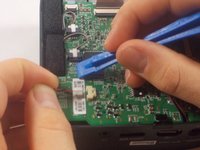
Repeat this process to remove the WiFi/Bluetooth card connector.
-
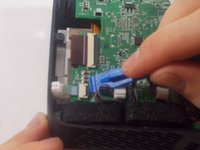
Remove the battery connector.
-
Remove the fan connectors.
-
-
-
-
-








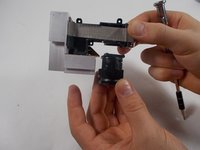
To reassemble your device, follow these instructions in reverse order.

团队

UMass Dartmouth, Team 1-5, Botvin Spring 2022 UMass Dartmouth, Team 1-5, Botvin Spring 2022 的会员
UMASSD-BOTVIN-S22S1G5
3 名成员
创作了18篇指南
