简介
The buttons on the Justin Bieber Concert Microphone allow the user to the choose between the two programmed songs and add concert noise. The user will know if the button is broken if the button does not perform as intended. Such as not being being able to stop the song or not being able to add the concert noise.
你所需要的
-
-
在这个步骤中使用的工具:Flathead 1.5 mm Screwdriver$1.99
-
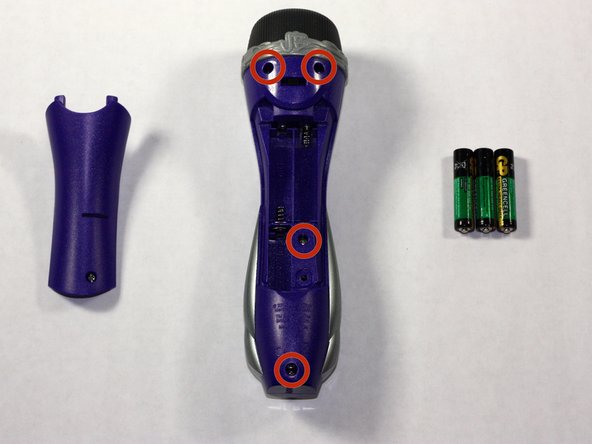
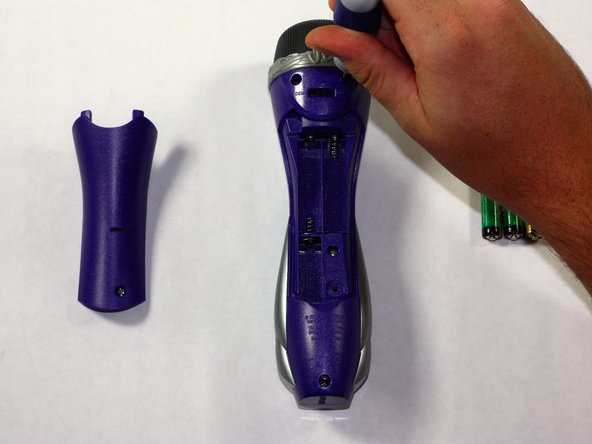
Remove the back panel of the device by unscrewing the single #8 11.6 mm Flathead screw on the back of the device.
 询问修复机器人
-
-
-
-
Unscrew the other 4, #8 11.6 mm Phillips Head screws to remove the entire back half of the device.
-
Pull apart the device once screws are loose, splitting the device in half.
-
-
-
Keeping all wires connected to their attachments, place the front half of the device face down.
-
-
-
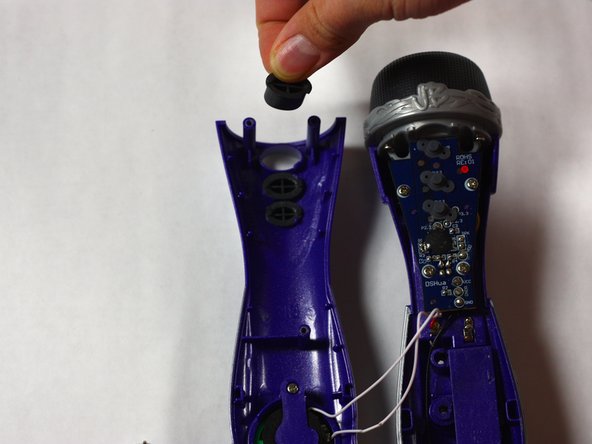
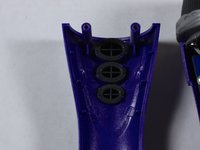
Remove the buttons by pushing them out from the front of the device. Clean or replace them as needed and place them back into the appropriate slots.
-
-




To reassemble your device, follow these instructions in reverse order.

团队

Baylor, Team 4-1, Williams Fall 2014 Baylor, Team 4-1, Williams Fall 2014 的会员
BU-WILLIAMS-F14S4G1
3 名成员
创作了13篇指南
