简介
This guide will show you how to safely remove and replace the battery in your JBL Grip speaker. You may need to perform this repair if your speaker no longer holds a charge, powers off unexpectedly, or fails to turn on.
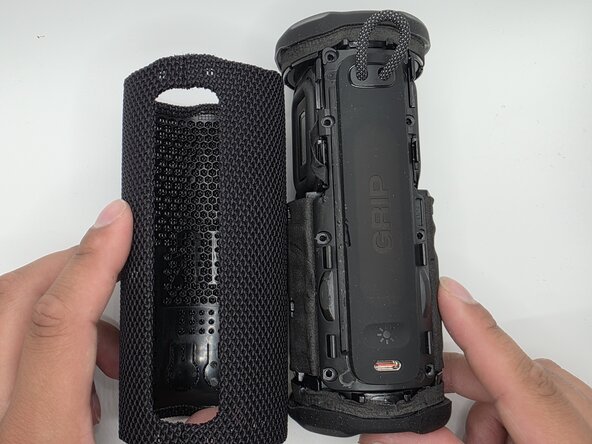
The battery is located inside the device and requires removing the outer case and internal components to access it. During this process, you will disconnect delicate cables and remove several screws, so handle all components carefully to avoid damage.
你所需要的
-
-
-
-
Remove the eight 6mm screws securing the panel with a Phillips #2 screwdriver.
-
-
-


 询问修复机器人



To reassemble your device, follow these instructions in reverse order.

团队

University of North Texas, Team 1-4, Kilpatrick Spring 2026 University of North Texas, Team 1-4, Kilpatrick Spring 2026 的会员
UNT-KILPATRICK-S26S1G4
5 名成员
创作了18篇指南
