跳转到主内容
加入维修社区 - 创建账户

InFocus Screenplay 4805 Motherboard Replacement

你所需要的

    1. InFocus Screenplay 4805 Motherboard Replacement, Top Panel: 步骤 1 中的图像 1,3 InFocus Screenplay 4805 Motherboard Replacement, Top Panel: 步骤 1 中的图像 2,3 InFocus Screenplay 4805 Motherboard Replacement, Top Panel: 步骤 1 中的图像 3,3
      • Flip the projector on its back.

      • Use the Phillips #2 screwdriver to remove the (4) four 2 cm gold screws.

      • Use the Phillips #2 screwdriver to remove the (3) three 1 cm silver screws.

      询问修复机器人

      添加评论

    2. InFocus Screenplay 4805 Motherboard Replacement: 步骤 2 中的图像 1,2 InFocus Screenplay 4805 Motherboard Replacement: 步骤 2 中的图像 2,2
      • Turn the projector, facing the back cable board towards you.

      • Using the Phillips #0 screwdriver, remove the (3) three 1.0 cm silver screws on the back panel.

      • Gently take off back cable panel.

      询问修复机器人

      添加评论

    3. InFocus Screenplay 4805 Motherboard Replacement: 步骤 3 中的图像 1,3 InFocus Screenplay 4805 Motherboard Replacement: 步骤 3 中的图像 2,3 InFocus Screenplay 4805 Motherboard Replacement: 步骤 3 中的图像 3,3
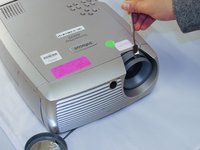
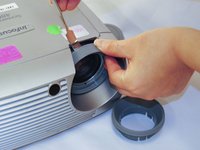
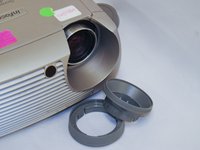
      • Turn the projector so the front side with the lens is facing you.

      • Gently pry the both of the grey lens rings using the metal spudger.

      询问修复机器人

      添加评论

    4. InFocus Screenplay 4805 Motherboard Replacement: 步骤 4 中的图像 1,1
      • Now that the screws have been removed, proceed with the removal of the outer panel.

      • Gently remove the front lens panel.

      • Be forewarned, the panel will resist. Be careful not to break the lens.

      添加评论

    5. InFocus Screenplay 4805 Motherboard Replacement: 步骤 5 中的图像 1,1
      • Being careful not to pull the wires inside the projector, gently lift the top panel off the projector.

      • Rest the lid behind the projector so the insides are exposed and undamaged.

      询问修复机器人

      添加评论

    1. InFocus Screenplay 4805 Motherboard Replacement, Motherboard: 步骤 6 中的图像 1,3 InFocus Screenplay 4805 Motherboard Replacement, Motherboard: 步骤 6 中的图像 2,3 InFocus Screenplay 4805 Motherboard Replacement, Motherboard: 步骤 6 中的图像 3,3
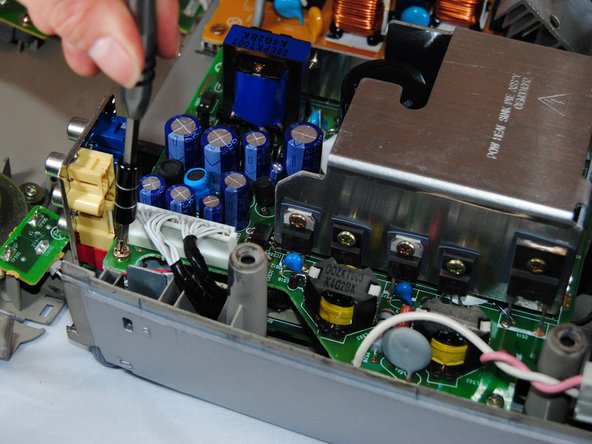
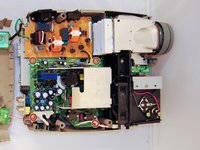
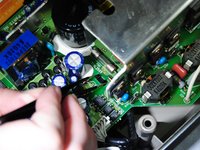
      • Using the Phillips #1 screwdriver, remove the (4) four 1.5 cm screws on each of the four corners of the motherboard cover.

      • Remove the white tab connected to the light bulb.

      询问修复机器人

      添加评论

    2. InFocus Screenplay 4805 Motherboard Replacement: 步骤 7 中的图像 1,3 InFocus Screenplay 4805 Motherboard Replacement: 步骤 7 中的图像 2,3 InFocus Screenplay 4805 Motherboard Replacement: 步骤 7 中的图像 3,3
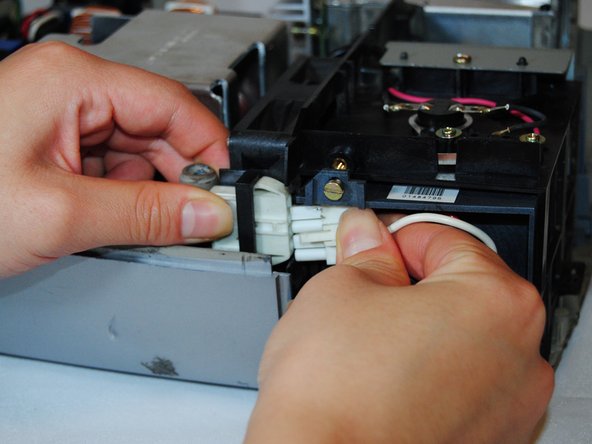
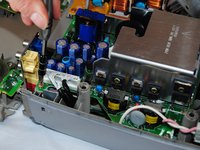
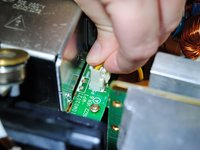
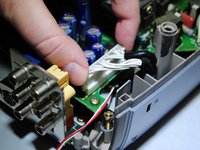
      • Gently pull the white tab on the right side of the silver power housing by pinching each side of it.

      • Pinch the two black tabs on the inside of the cover to remove.

      • Gently pull on the long white tab to remove it.

      询问修复机器人

      添加评论

结论

To reassemble your device, follow these instructions in reverse order.

取消:我没有完成这个指南。

0指南评论

添加评论

浏览统计数据:

过去 24 小时: 1

过去 7 天: 4

过去 30 天: 22

总计 689