跳转到主内容
加入维修社区 - 创建账户

Huawei Pronto LTE Battery Replacement

你所需要的

  1. Huawei Pronto LTE Battery Replacement, Battery: 步骤 1 中的图像 1,2 Huawei Pronto LTE Battery Replacement, Battery: 步骤 1 中的图像 2,2
    • Remove the back cover of your Huawei Pronto LTE using an opening tool.

    • Lift the back cover off of the device after the four corners are unlatched.

  2. Huawei Pronto LTE Battery Replacement: 步骤 2 中的图像 1,3 Huawei Pronto LTE Battery Replacement: 步骤 2 中的图像 2,3 Huawei Pronto LTE Battery Replacement: 步骤 2 中的图像 3,3
    • Remove the 15 screws on the back of the device using a Phillips #000 screwdriver.

    • Hold the device in place while you are doing this step.

    • Lift the inner cover gently by using a spudger.

  3. Huawei Pronto LTE Battery Replacement: 步骤 3 中的图像 1,3 Huawei Pronto LTE Battery Replacement: 步骤 3 中的图像 2,3 Huawei Pronto LTE Battery Replacement: 步骤 3 中的图像 3,3
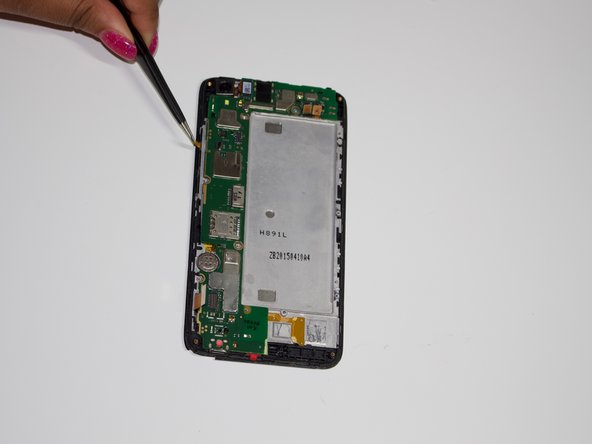
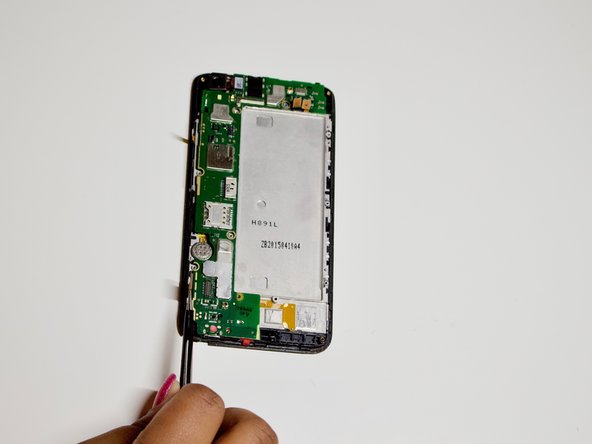
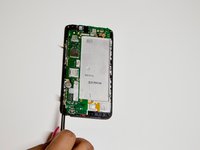
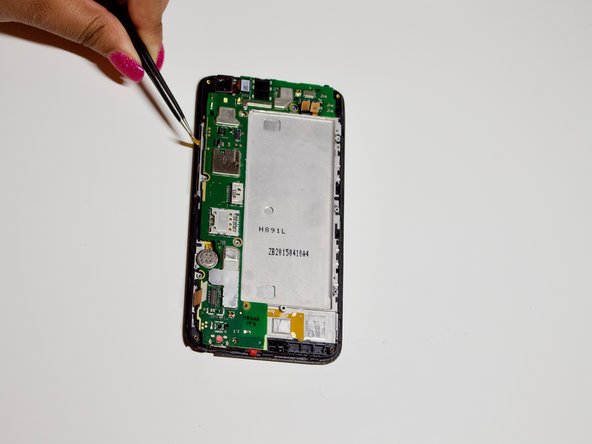
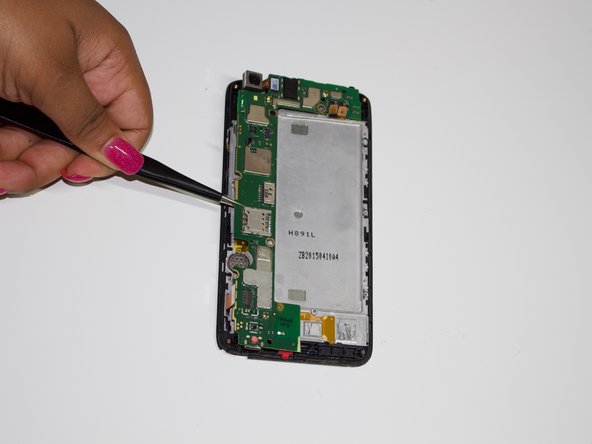
    • Detach the yellow latches along the sides to remove the motherboard.

  4. Huawei Pronto LTE Battery Replacement: 步骤 4 中的图像 1,3 Huawei Pronto LTE Battery Replacement: 步骤 4 中的图像 2,3 Huawei Pronto LTE Battery Replacement: 步骤 4 中的图像 3,3
    在这个步骤中使用的工具:
    Tweezers
    $4.99
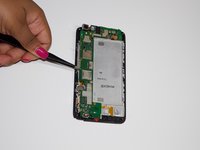
    • Ensure that all latches are detached and that there are no extra screws to avoid damaging the motherboard.

    • Use tweezers to gently remove the motherboard from the device.

  5. Huawei Pronto LTE Battery Replacement: 步骤 5 中的图像 1,3 Huawei Pronto LTE Battery Replacement: 步骤 5 中的图像 2,3 Huawei Pronto LTE Battery Replacement: 步骤 5 中的图像 3,3
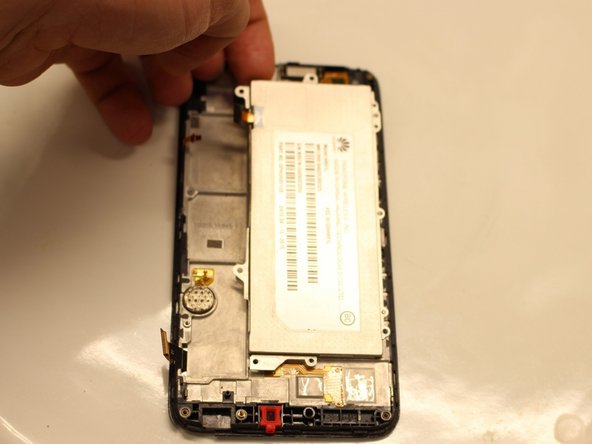
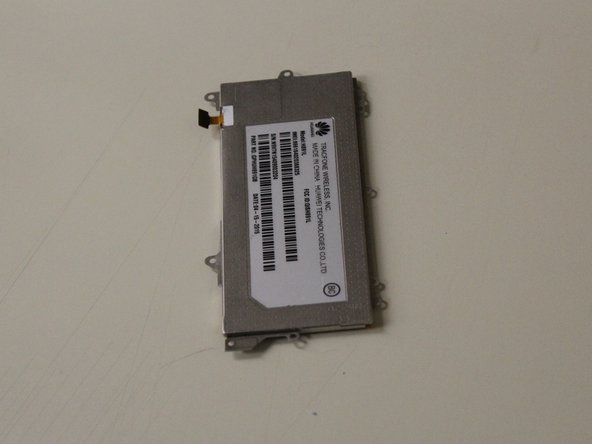
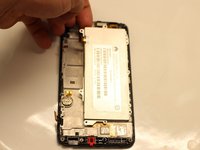
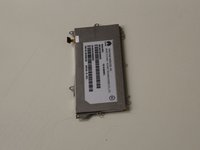
    • The battery should be revealed once the motherboard is removed.

    • Lift the battery from the top left corner.

结论

To reassemble your device, follow these instructions in reverse order.

Crystal Edwards

于09/21/18注册

450 声望

创作了3篇指南

0指南评论

添加评论

浏览统计数据:

过去 24 小时: 0

过去 7 天: 9

过去 30 天: 27

总计 1,041