简介
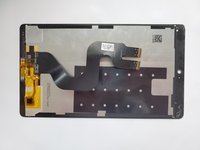
This guide is about how to replace the Display assembly of Huawei MediaPad M3. Removing the display is a prerequisite of removing or displacing many other parts such as the front camera, the motherboard, and the rear camera. It is an 8.40 inch touchscreen with a resolution of 2560*1600 pixels at a pixel density of 359 pixels per inch. The display itself is thin and fragile; therefore all steps should be followed carefully.
你所需要的
-
-
-
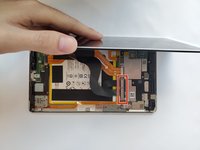
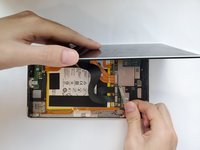
Use a heat gun to heat the display. It may take up to 30 seconds.
-
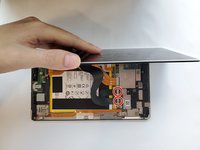
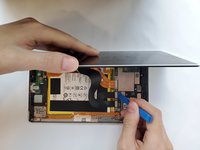
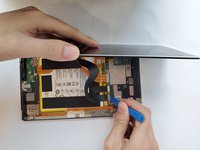
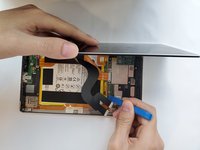
Slide in the opening picks to the four corners of the tablet and peel off the display carefully.
 询问修复机器人
-
-
-






To reassemble your device, follow these instructions in reverse order.
3等其他人完成本指南。

团队

Duke University Pratt School of Engineering, Team S5-G2, Matos-Garner Fall 2019 Duke University Pratt School of Engineering, Team S5-G2, Matos-Garner Fall 2019 的会员
DUKEPSE-MATOS-GARNER-F19S5G2
5 名成员
创作了4篇指南
