简介
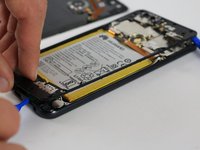
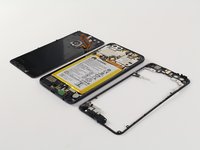
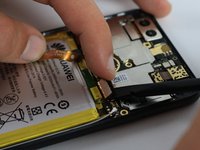
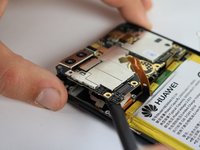
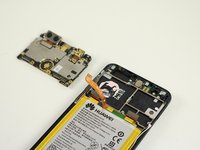
This guide details how to remove the battery from the Huawei Honor 8.
你所需要的
-
-
-
Using a heat gun or hairdryer, apply heat approximately three inches above the glass panel to warm up the adhesive around the outside edge of the phone.
 询问修复机器人
-
-
-
Using a Phillips PH00 screwdriver, remove the eight silver Phillips 3.5 mm screws circled in red.
-
Using a Phillips PH00 screwdriver, remove the six black Phillips 4.0 mm screws circled in orange.
-
Using a Phillips PH00 screwdriver, remove the single silver 3.0 mm Phillips screw circled in yellow.
-
Using the Phillips PH00 screwdriver tip, gently scratch away the white stickers outlined in green circles to expose hidden screws.
-
Using a Phillips PH00 screwdriver, remove the two black Phillips 4.0 mm screws circled in green.
-
-
-
-
-
Holding the phone so that the cameras are at the top, locate the small hole on the top right edge of the device.
-
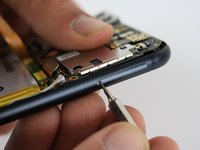
Using the 0.8 mm Sim Eject tool, push down on the small hole to release the Sim Card tray.
-
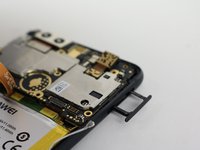
Gently pull out the Sim Card tray and set it aside.
-
-
-
-
-
-
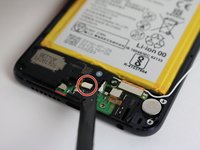
Using a spudger, pry off the small connection between the speaker and phone body located near the bottom of the device circled in red.
-
Gently pry up a corner of the speaker using a spudger.
-
Lift the speaker up and out of the phone body.
-
-


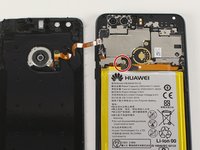
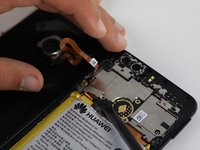
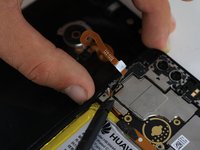


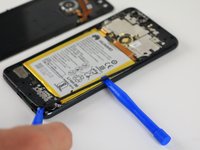


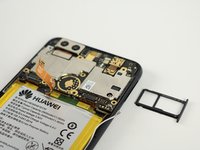


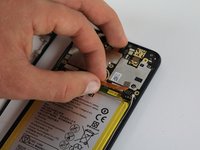
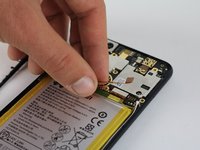


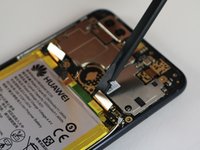




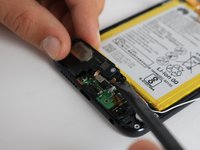


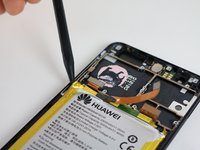
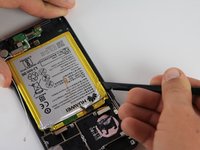


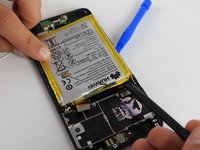
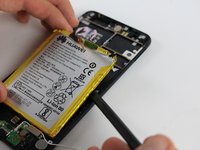
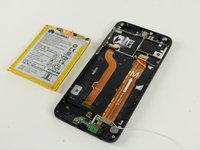
To reassemble your device, follow these instructions in reverse order.
42等其他人完成本指南。

团队

Cal Poly, Team S18-G2, Forte Fall 2017 Cal Poly, Team S18-G2, Forte Fall 2017 的会员
CPSU-FORTE-F17S18G2
4 名成员
创作了37篇指南
24指南评论
Where are the battery installation and reassembly instructions?
Nate Gardner - 回复 分享
Just go back in reverse order, Einstein
I replaced the battery on my Huawei Honor 8 and after power up it doesn’t see the SIM card. There’s no way to install the sim card tray backwards or put the SIM card in wrong. Any ideas?
