简介
Here, we will show you how to take apart the camera to reach the keys and clean them.
你所需要的
-
-
-
First, we need to get inside the camera. Refer to the lens cleaning guide for steps on how to remove the front panel.
 询问修复机器人
-
-
-
-
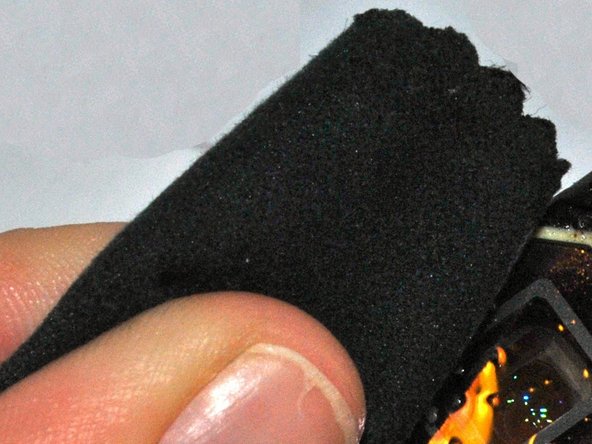
Remove the keys and clean using solution and a soft cloth. If the keys are damaged, you will need to replace them. You can purchase parts for your camera on Olympus's website.
-
-


结论
To reassemble your device, follow these instructions in reverse order.

团队

University of Kentucky Louisville, Team 1-3, Rountree Winter 2015 University of Kentucky Louisville, Team 1-3, Rountree Winter 2015 的会员
LOUISVILLE-ROUNTREE-W15S1G3
3 名成员
创作了36篇指南
