此翻译由机器生成,尚未经过人工审核。 会说这种语言吗? 查看评论。

在iMac(英特尔处理器,21.5英寸,EMC 2428版本)上安装双硬盘套件

最后更新于 2026年10月5日
浏览量: 33万
浏览统计数据:
- 过去24小时
- 20
- 过去 7 天:
- 115
- 过去 30 天:
- 455
- 总计
- 332,783
评论: 206
133 comments on steps, 73 guide comments.
Go to guide comments已完成: 275 276
275 人已将本指南标记为“已完成”。你会是下一个完成的人吗?
276 人已将本指南标记为“已完成”。包括你——干的漂亮!
收藏: 198 199
198 人已收藏(并订阅)本指南。你会是下一个吗?
199 人收藏(并订阅)了本指南——这其中包括你!
特色指南
iFixit的工作人员认为该指南特别酷。
简介
转到步骤 1 ↓这个指南会帮助您在您的21.5英寸iMac上安装第二块2.5英寸SATA接口的机械或者固态硬盘。需要注意的是,本指南仅适用于2011年中期EMC 2428版本的iMac。
Youtube视频:
你所需要的
修复工具包
本套装包含完成指南所需的所有零件和工具。

配件

工具


视频概述
-
-
-
將任何連接於iMac上的電源線與設備從裝置上拔下
-
將桌面清理乾淨,並將iMac螢幕朝桌面平放
-
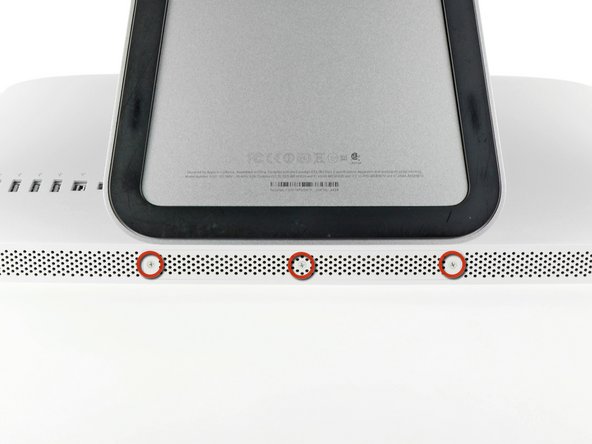
拧松将维修孔盖固定到iMac底部边缘的三颗十字螺钉。
-
取下保護蓋板。
 询问修复机器人
-
-
-
-
-
-
-
-
-


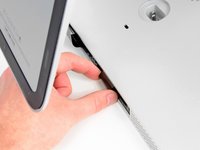
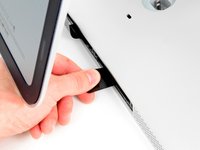
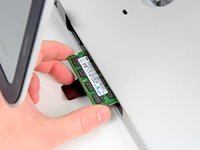


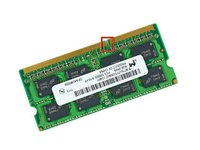
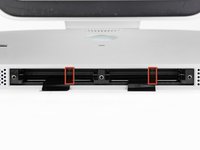
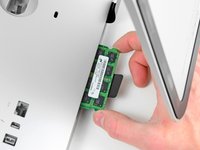


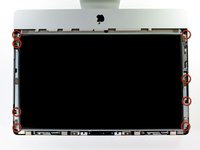
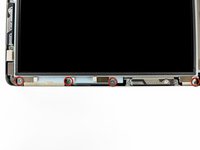
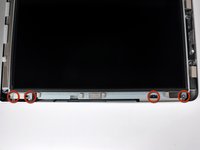


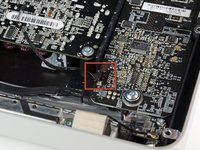
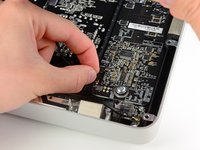

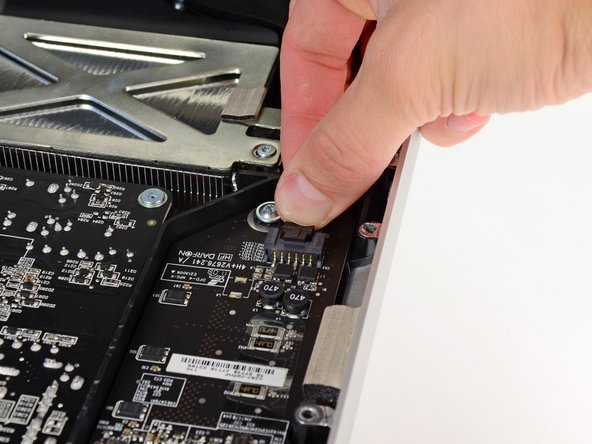
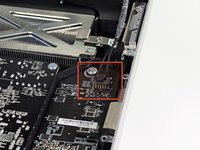
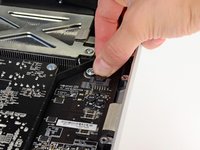


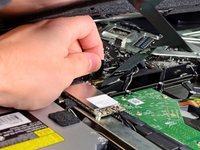
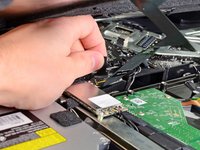
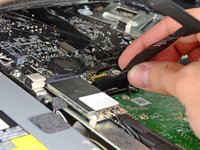


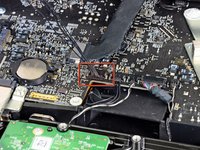
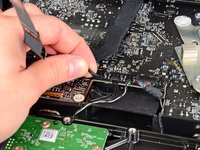


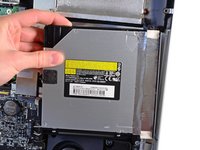
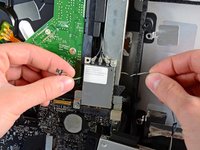


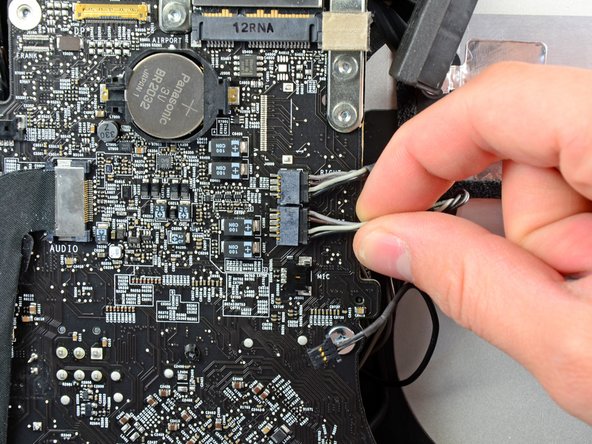
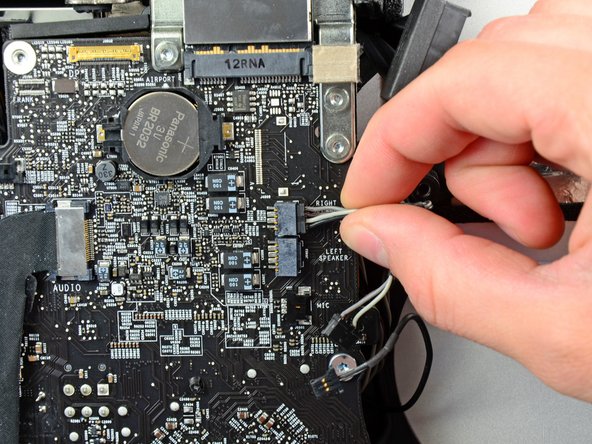
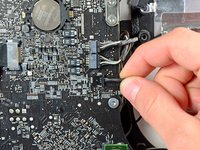
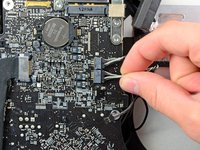
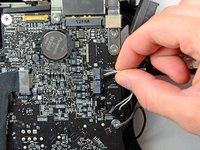

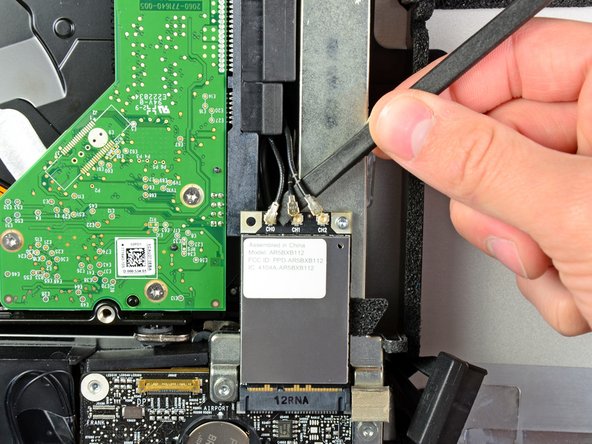
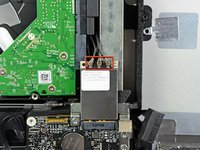
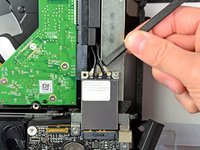


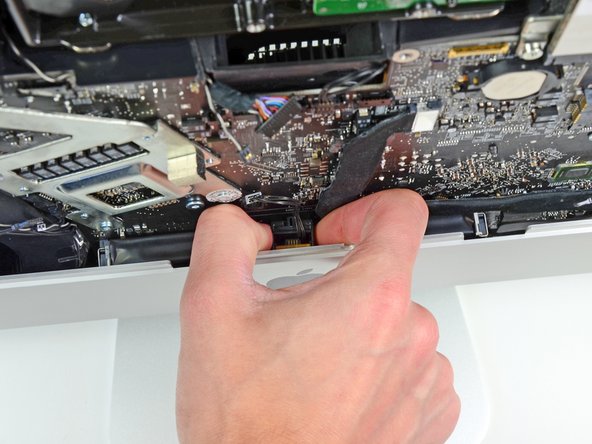
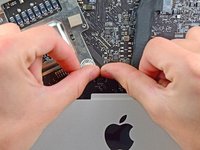
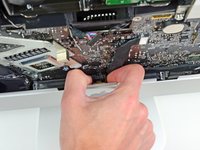

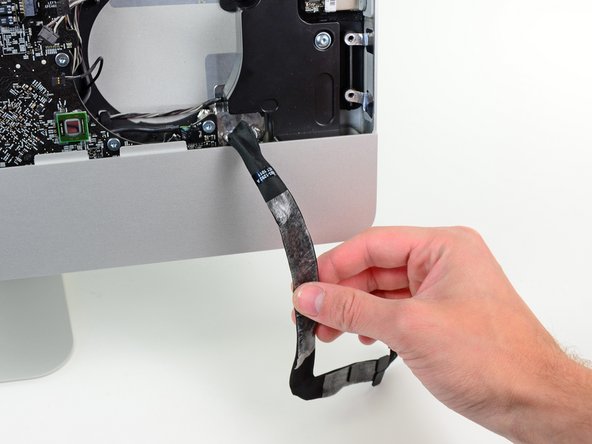
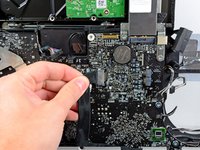


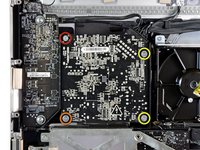
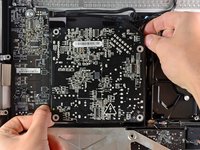

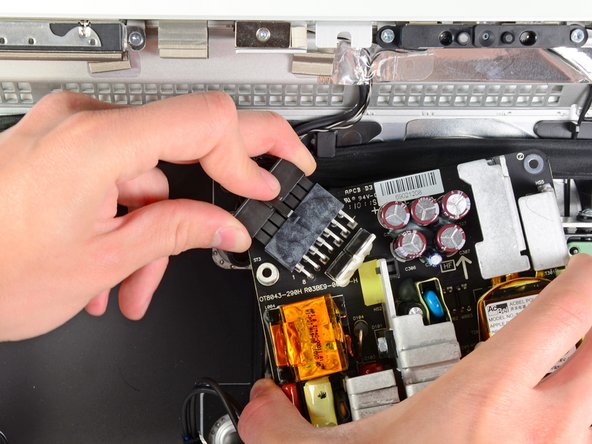
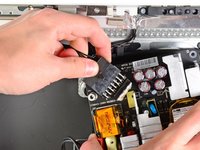


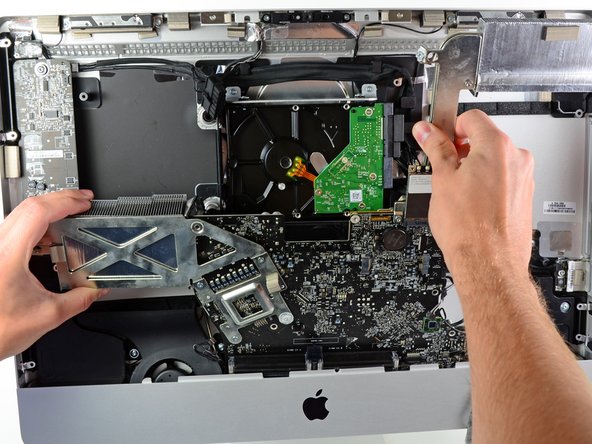
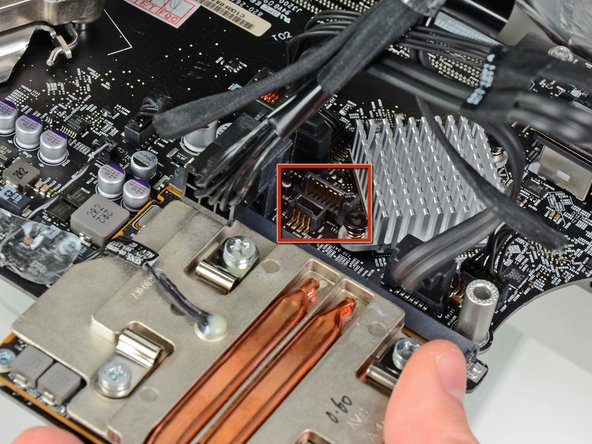


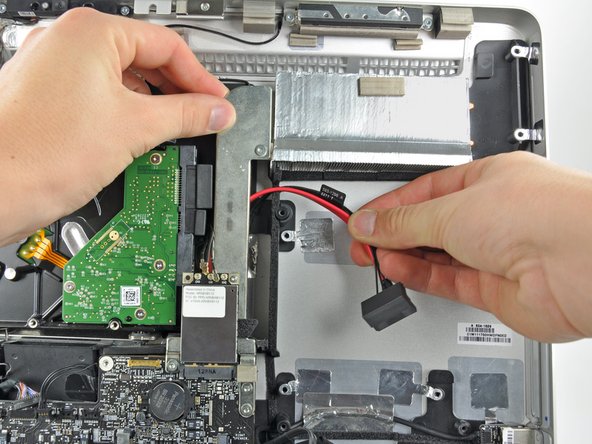


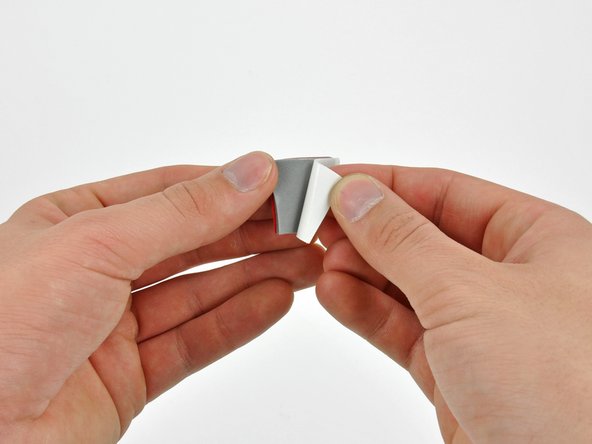
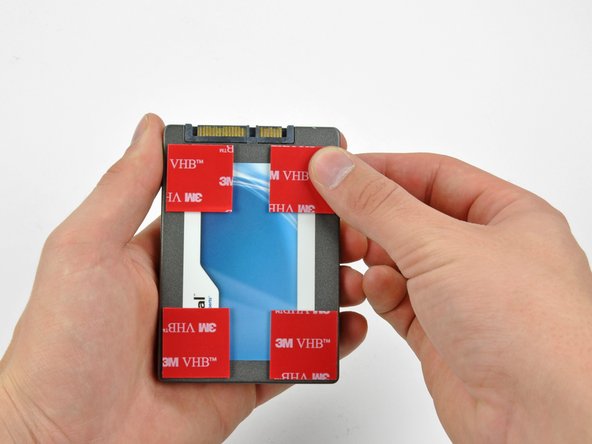


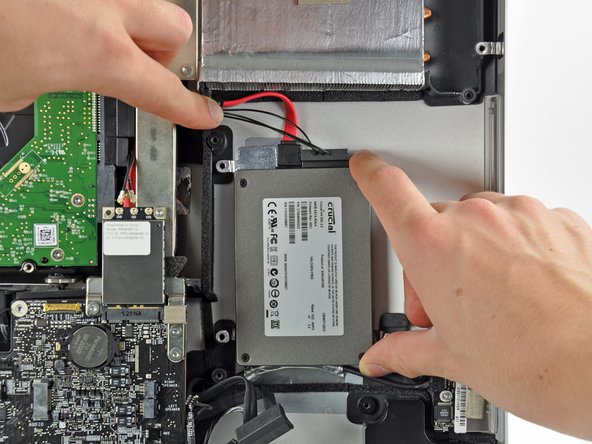
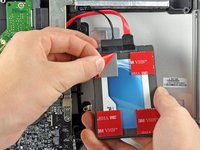
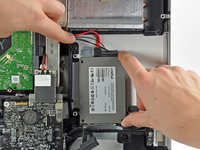
如果您需要重新装好您的设备,请从第33步开始按相反步骤操作。
275等其他人完成本指南。


73指南评论
It should be noted to anyone doing this that RAM should be removed first. When you get towards the end things go bad if your RAM is still in there and you start moving the mainboard around.
You are correct. I followed the ifixit guide on youtube and it was not mentioned to remove the RAMs. But in fact the RAMs should be removed in order to pull the logic board.
Seconded ... remove ram first! Spent more time reinstalling main board than anything else.
Added bigger HDD as well as SSD. Buy HDD Fan Control to fix fan speed.
A curse on Jobs & Apple for making it this tedious to add SSD & HDD.
Cudos to ifixit!
Did it, my imac is extreamly speedy now with the ssd compared with the origional hdd.
Tool me about two hours to do, had to have my brother help me when i was removing the logic board and screen.
Found that the logic board was extreamly hard to remove.
Good tip is to selotape the cables before removing / inserting the logic board as i traped my microphone connector underneath. Luckely i could reach it with a pair of tweesers.
Over all glad i did it.
