简介
Welcome to my comprehensive guide on troubleshooting and repairing backlight LED issues in your SHARP LC-55Q7530U TV. This guide helps you fix the common issue of a black TV screen or a TV screen rapidly turning on and off. By following clear, step-by-step instructions, you'll learn to diagnose backlight problems, disassemble your TV, identify faulty components, and perform replacements.
This guide has a moderate difficulty level, making it accessible to individuals with basic electronics knowledge.
你所需要的
-
-
-
Use a Phillips #1 screwdriver to remove the screws and gently pry off the cover using your fingers.
-
Carefully unplug the wires from their connectors.
-
With all screws and wires detached, lift the speaker unit gently out of its spot, holding it from the sides or bottom to prevent any damage.
-
-
-
-
To disassemble the on/off button, remove the surrounding panel or cover, then unscrew any screws holding the button in place. Carefully disconnect any wires or connectors; this will allow you to separate the button from the device.
-
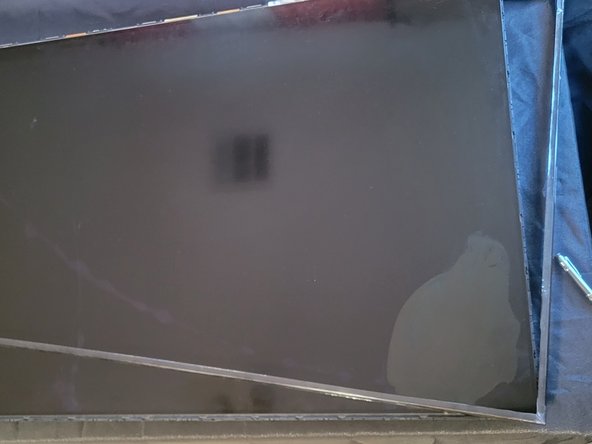
To remove the LCD screen, attach suction cups to opposite ends, apply even pressure, and gently lift the screen from the device. Ensure careful handling to avoid damage.
-
-
-
Wipe the LCD screen clean with the microfiber cloth to ensure a good grip. Firmly press a suction cup onto the center of the screen, eliminating air bubbles to create a seal. Apply gentle, even pressure to lift the screen slightly.
-
If resistance is encountered, gently wiggle the suction cup to create a gap. Carefully move the suction cup or use your fingers to widen the gap, maintaining gentle, even pressure. Continue lifting the screen, moving the suction cup around the edges, until it is completely detached.
-
-
-
Look for burnt-out LEDs, which might appear dark or black. If you find faulty LEDs, they need to be replaced.
-
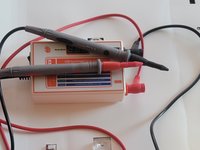
Use a multimeter or backlight tester to test the voltage output of the LED driver board. If the voltage is incorrect, the LED driver board might be faulty and needs replacement.
-


 询问修复机器人


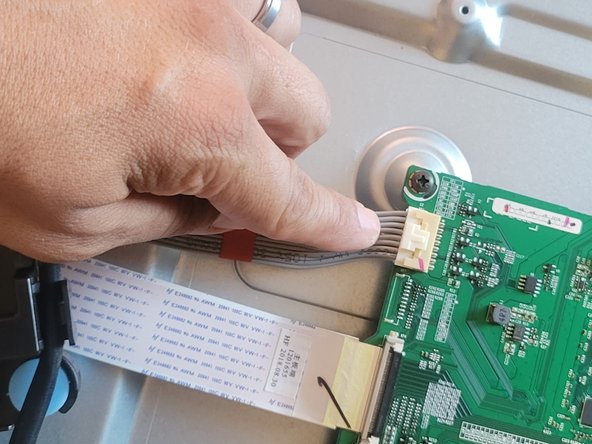
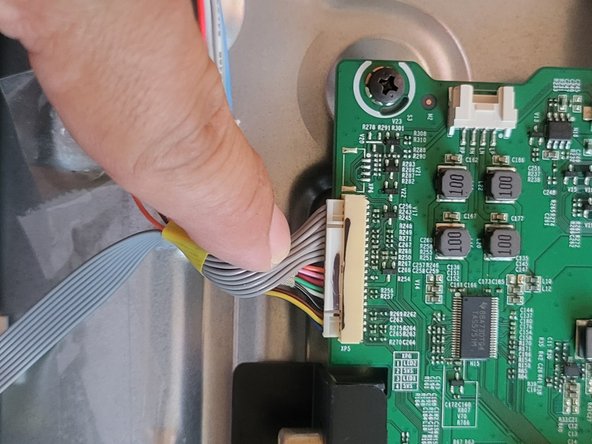



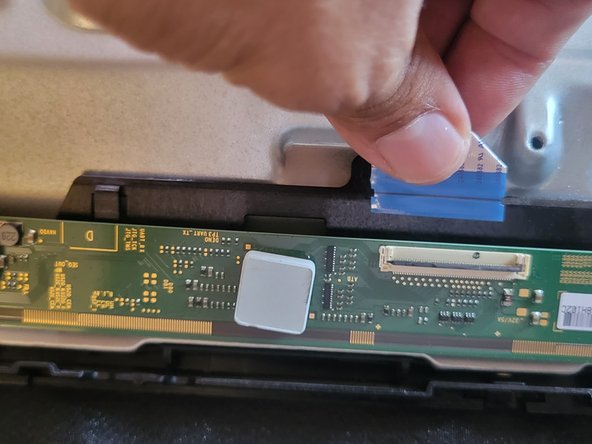


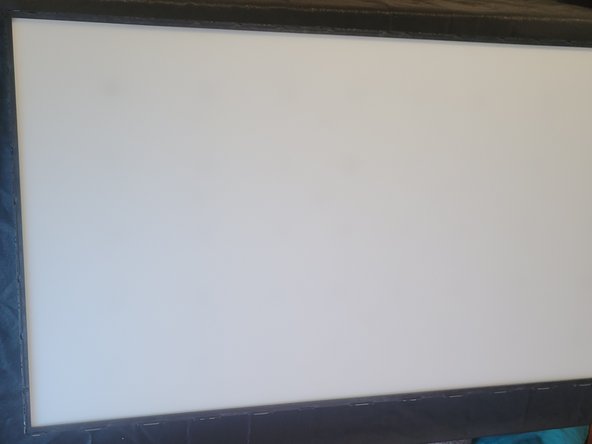
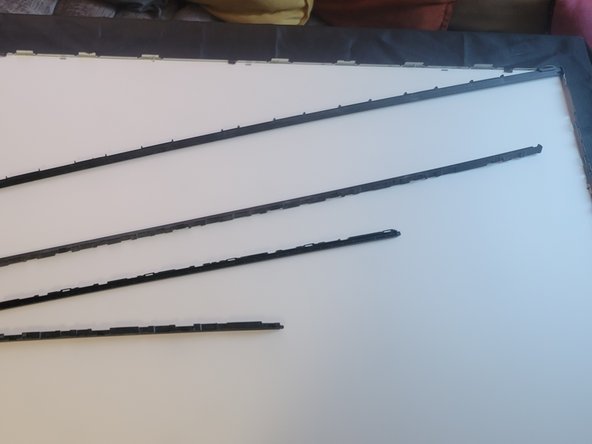


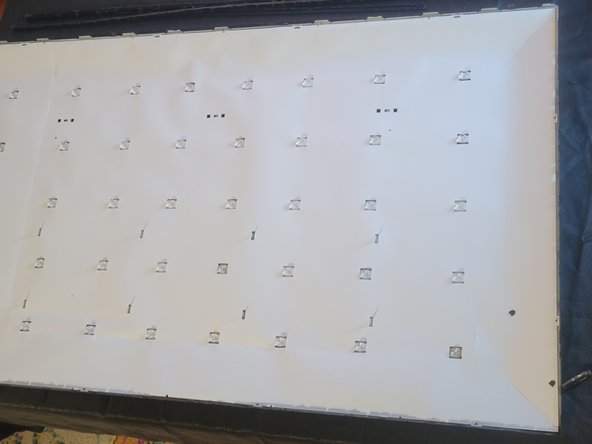
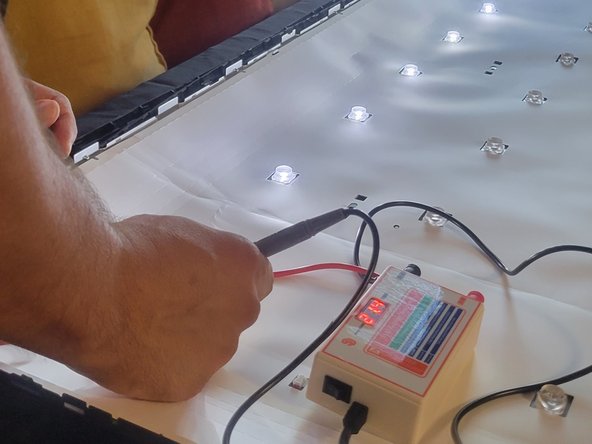


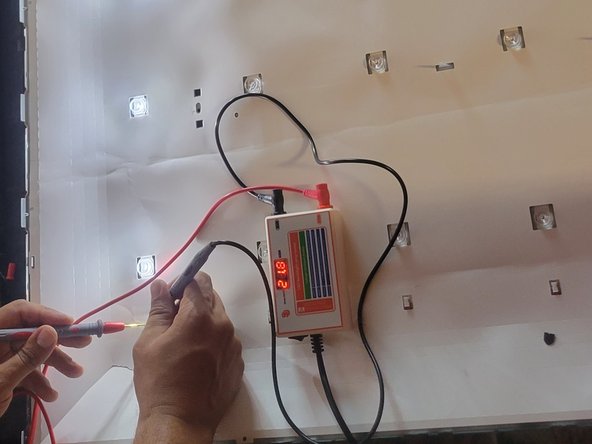


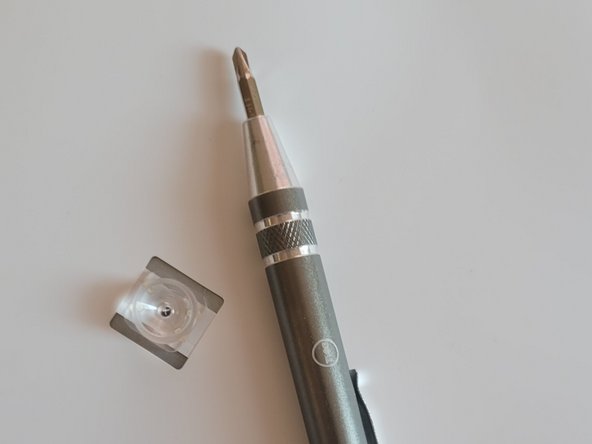
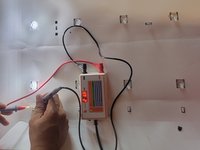


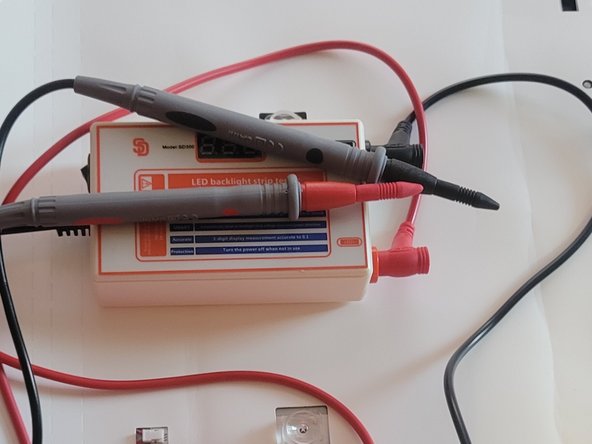


Repairing your TV's backlight LED issues is entirely achievable with the right guidance and tools. In this process, we've covered essential steps from diagnosing the problem to safely disassembling the TV and identifying faulty components. By using a systematic approach and being meticulous in handling both the hardware and electronic components, you can successfully address backlight problems.
另外一个人完成了本指南。

团队

Austin Community College, Team 22-9, Watkins Fall 2023 Austin Community College, Team 22-9, Watkins Fall 2023 的会员
AUSTINCC-WATKINS-F23S22G9
1 名成员
创作了2篇指南
1指南评论
I have this same TV model LC-55Q7530U which went out a week ago. The TV suddenly has no video or sound; the sharp logo can be seen faintly when turned off and on. I have serviced TCL tv's that had the same issue only showing the faint logo seen when shinning a flashlight on the screen. This was usually a fix starting with replacing the mainboard and solved the issue. My question to anyone that may have performed the backlight replacement did it solve the issue; also did you see the sharp logo prior the service? I am just tinkering with this TV before possible discarding it since a replacement has already been purchased. I don't mind opening and checking the backlights but also don't want to chance losing money on purchasing other parts.
