跳转到主内容
加入维修社区 - 创建账户

Hover-1 Horizon Power Button Replacement

你所需要的

  1. Hover-1 Horizon Power Button Replacement, Base Plate: 步骤 1 中的图像 1,2 Hover-1 Horizon Power Button Replacement, Base Plate: 步骤 1 中的图像 2,2
    • Remove the six 12mm Phillips #2 screws holding the base plate.

    询问修复机器人

    添加评论

  2. Hover-1 Horizon Power Button Replacement: 步骤 2 中的图像 1,2 Hover-1 Horizon Power Button Replacement: 步骤 2 中的图像 2,2
    • Remove the two 11mm Phillips #1 screws that hold the base plate to the body.

    询问修复机器人

    添加评论

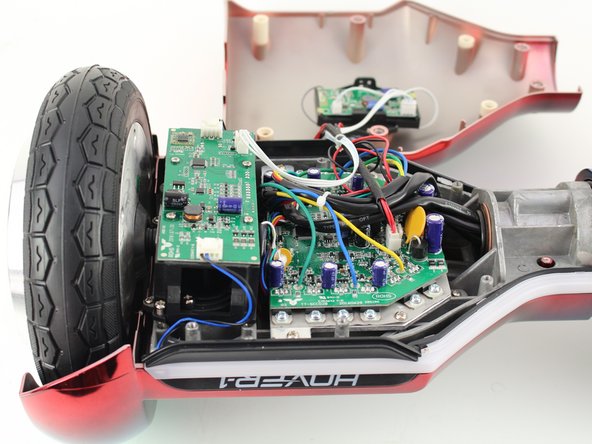
  3. Hover-1 Horizon Power Button Replacement: 步骤 3 中的图像 1,3 Hover-1 Horizon Power Button Replacement: 步骤 3 中的图像 2,3 Hover-1 Horizon Power Button Replacement: 步骤 3 中的图像 3,3
    • Remove the base plate by lifting it up.

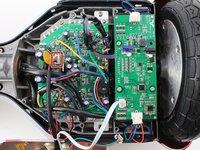
    • The base plate is connected to the body with wires. The wires are long enough to set the base plate to the side.

    询问修复机器人

    添加评论

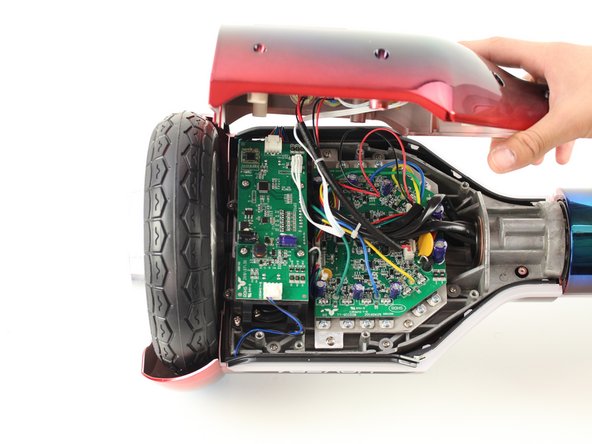
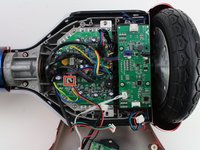
  4. Hover-1 Horizon Power Button Replacement, Power Button: 步骤 4 中的图像 1,1
    • Reorient the Hover-1 Horizon so the base plate opens towards you.

    询问修复机器人

    添加评论

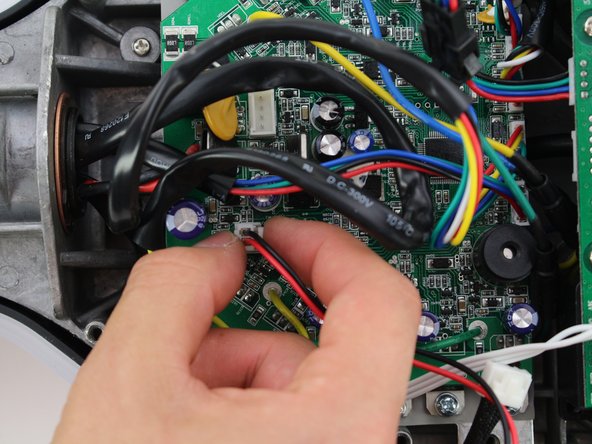
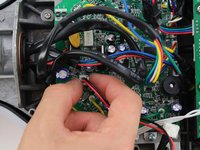
  5. Hover-1 Horizon Power Button Replacement: 步骤 5 中的图像 1,3 Hover-1 Horizon Power Button Replacement: 步骤 5 中的图像 2,3 Hover-1 Horizon Power Button Replacement: 步骤 5 中的图像 3,3
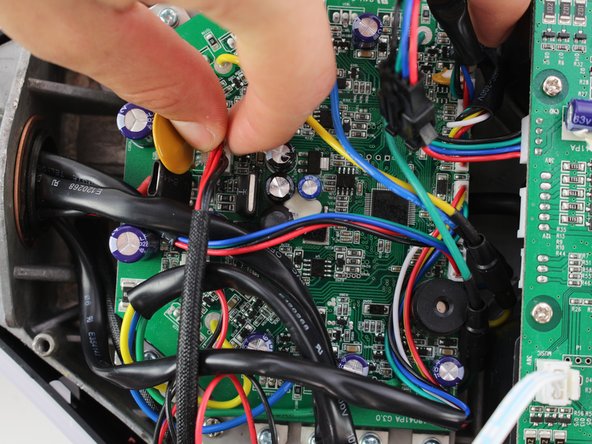
    • Remove the connector by squeezing the tab and lifting up.

    询问修复机器人

    添加评论

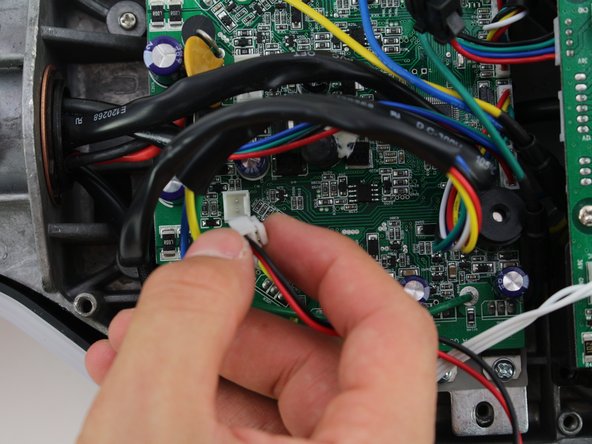
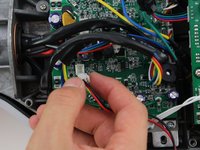
  6. Hover-1 Horizon Power Button Replacement: 步骤 6 中的图像 1,3 Hover-1 Horizon Power Button Replacement: 步骤 6 中的图像 2,3 Hover-1 Horizon Power Button Replacement: 步骤 6 中的图像 3,3
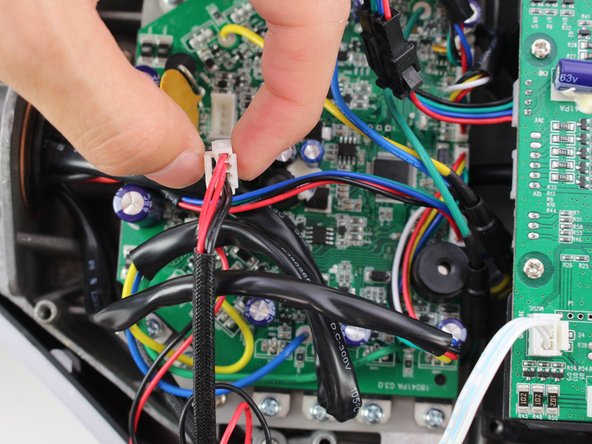
    • Remove the second connector by squeezing the tab and pulling up.

    询问修复机器人

    添加评论

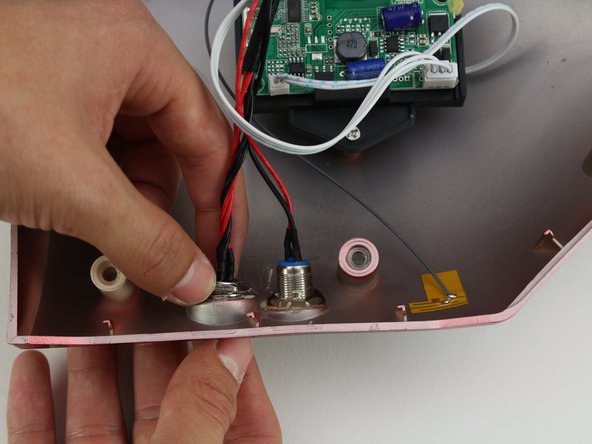
  7. Hover-1 Horizon Power Button Replacement: 步骤 7 中的图像 1,3 Hover-1 Horizon Power Button Replacement: 步骤 7 中的图像 2,3 Hover-1 Horizon Power Button Replacement: 步骤 7 中的图像 3,3
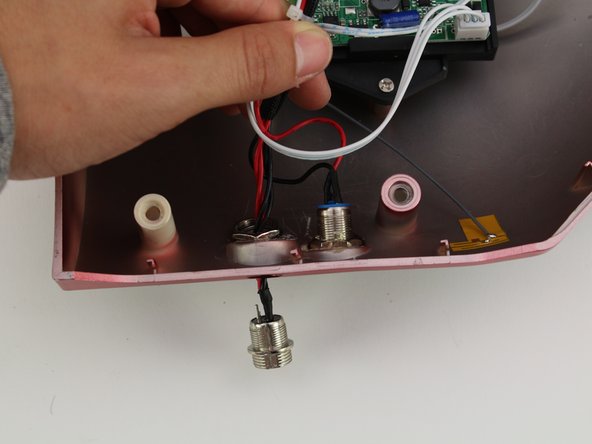
    • Unscrew the power button by holding the front and twisting the back nut counter-clockwise.

    • Push the power button through the base plate to remove.

    • A hot air gun may need to be used to remove the adhesive connecting the base plate to the power button.

    询问修复机器人

    添加评论

结论

To reassemble your device, follow these instructions in reverse order.

取消:我没有完成这个指南。

Christina Fong

于10/08/18注册

165 声望

撰写一个指南

团队

Cal Poly, Team S13-G6, White Fall 2018 Cal Poly, Team S13-G6, White Fall 2018 的会员

CPSU-WHITE-F18S13G6

4 名成员

创作了6篇指南

0指南评论

添加评论

浏览统计数据:

过去 24 小时: 0

过去 7 天: 3

过去 30 天: 28

总计 844