跳转到主内容
加入维修社区 - 创建账户

Hitachi CP-X440 Lens Replacement

你所需要的

  1. Hitachi CP-X440 Lens Replacement, Motherboard: 步骤 1 中的图像 1,1
    • Turn the projector upside down so the bottom is facing up.

    • Using a Phillips #1 screwdriver remove the six black 2 mm screws.

    • The screws are deep in the holes, so be careful when removing them as they can easily fall off the screwdriver tip.

  2. Hitachi CP-X440 Lens Replacement: 步骤 2 中的图像 1,2 Hitachi CP-X440 Lens Replacement: 步骤 2 中的图像 2,2
    • Flip the projector right-side up and navigate to the back panel.

    • Remove the three black 10 mm screws on the back panel with a Phillips #1 screwdriver.

    • Remove the two silver 10 mm screws on the power switch panel with a Phillips #1 screwdriver.

  3. Hitachi CP-X440 Lens Replacement: 步骤 3 中的图像 1,2 Hitachi CP-X440 Lens Replacement: 步骤 3 中的图像 2,2
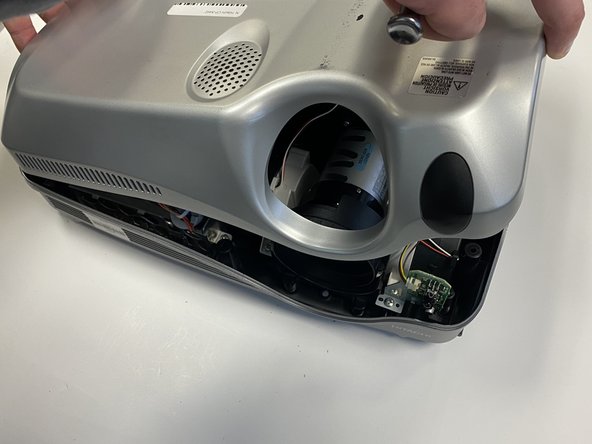
    • Now turn the projector so the front is facing you.

    • Gently remove the lid from the bottom of the projector so the green circuit board is exposed.

  4. Hitachi CP-X440 Lens Replacement: 步骤 4 中的图像 1,2 Hitachi CP-X440 Lens Replacement: 步骤 4 中的图像 2,2
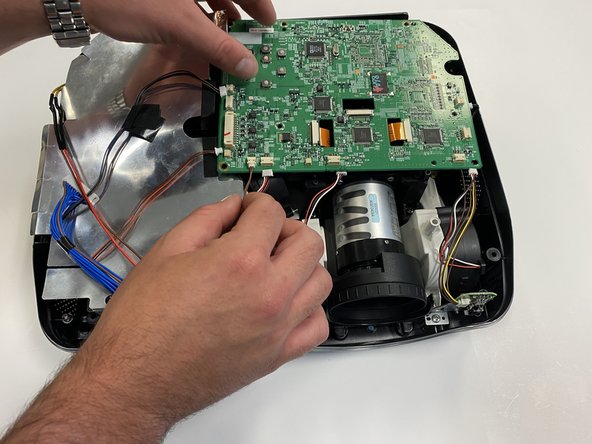
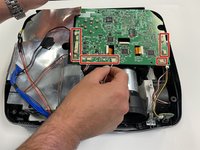
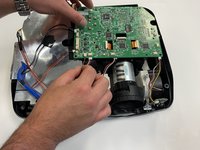
    • Gently remove the cables from their white connectors on the circuit board.

  5. Hitachi CP-X440 Lens Replacement: 步骤 5 中的图像 1,1
    • Gently pull out the three orange ribbons from their white connectors on the circuit board.

    • You can use a spudger tool to pry them out of place.

  6. Hitachi CP-X440 Lens Replacement: 步骤 6 中的图像 1,1
    • Remove the five silver 5 mm screws on the circuit board with a Phillips #2 screwdriver.

  7. Hitachi CP-X440 Lens Replacement: 步骤 7 中的图像 1,1
    • Remove the motherboard so the projector is exposed.

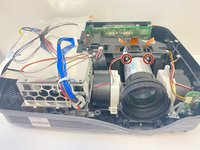
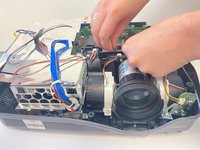
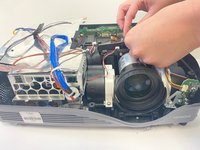
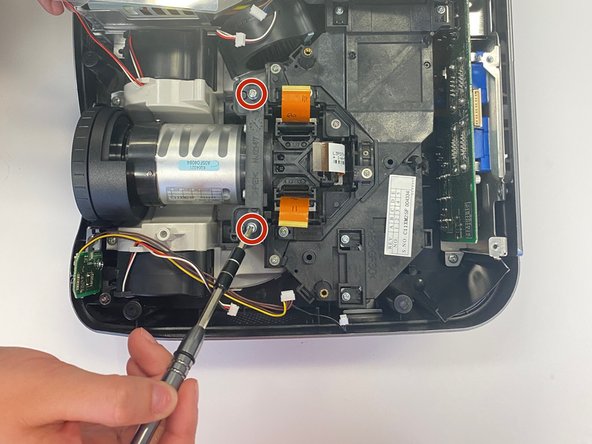
  8. Hitachi CP-X440 Lens Replacement, Lens: 步骤 8 中的图像 1,3 Hitachi CP-X440 Lens Replacement, Lens: 步骤 8 中的图像 2,3 Hitachi CP-X440 Lens Replacement, Lens: 步骤 8 中的图像 3,3
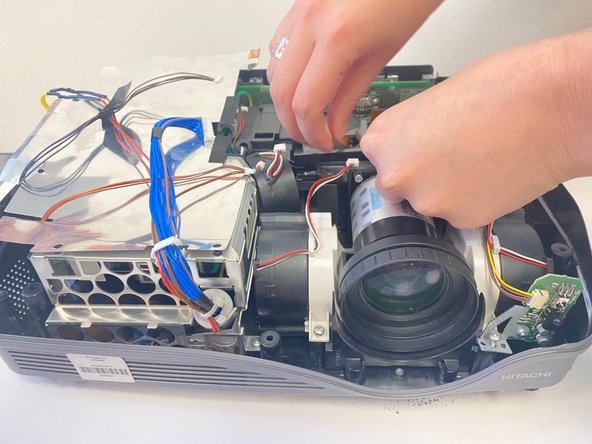
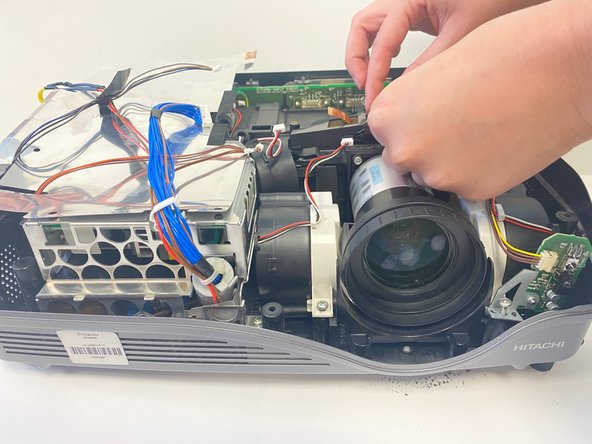
    • As you look at the the device overhead, you will see three pieces of orange ribbon.

    • Attached to the orange ribbon will be a stabilizer over the lamp.

    • On each side, unscrew the two 1 cm screws with a Phillips #0 Screwdriver.

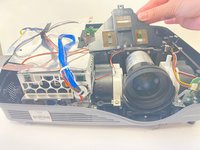
    • Then remove the piece holding the orange ribbons, called the stabilizer from this point on.

  9. Hitachi CP-X440 Lens Replacement: 步骤 9 中的图像 1,3 Hitachi CP-X440 Lens Replacement: 步骤 9 中的图像 2,3 Hitachi CP-X440 Lens Replacement: 步骤 9 中的图像 3,3
    • Once the stabilizer is removed, set it to the side.

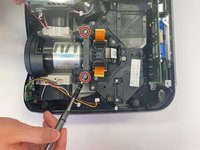
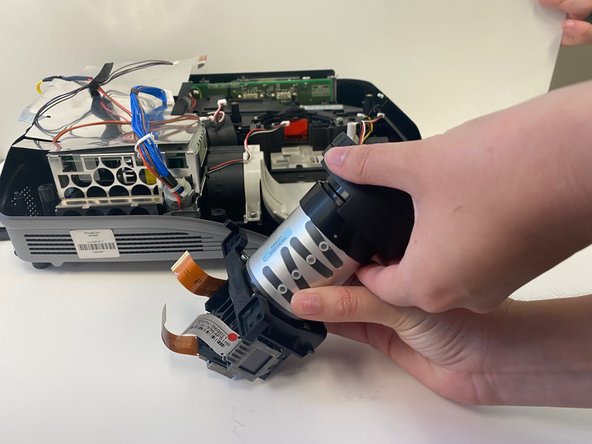
    • Use a Phillips #0 screwdriver to remove the two 1 cm screws on both sides of the lens.

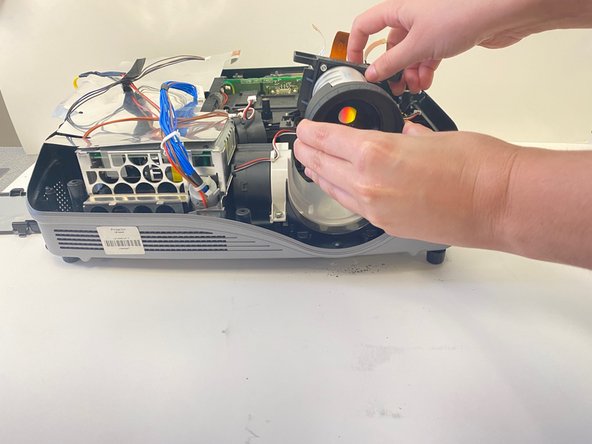
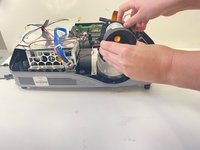
    • The lens element should be easily lifted out of the device.

  10. Hitachi CP-X440 Lens Replacement: 步骤 10 中的图像 1,2 Hitachi CP-X440 Lens Replacement: 步骤 10 中的图像 2,2
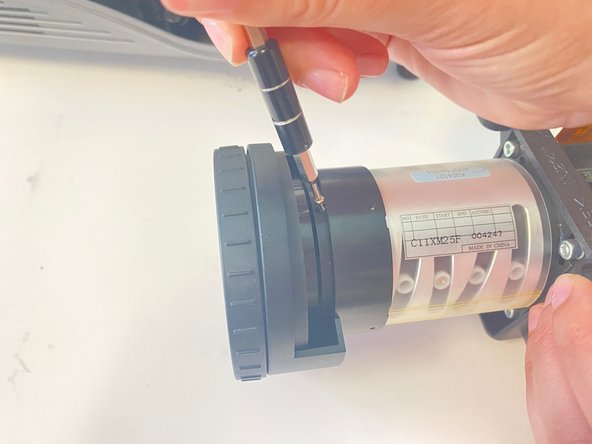
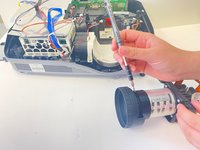
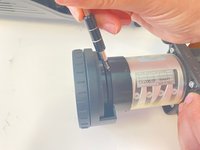
    • Once the lens element is safely removed, you will see 4 tiny 1/2 centimeter screws surrounding the lens.

    • Use a Phillips #000 screwdriver to unscrew each screw. This will allow you to easily remove the lens.

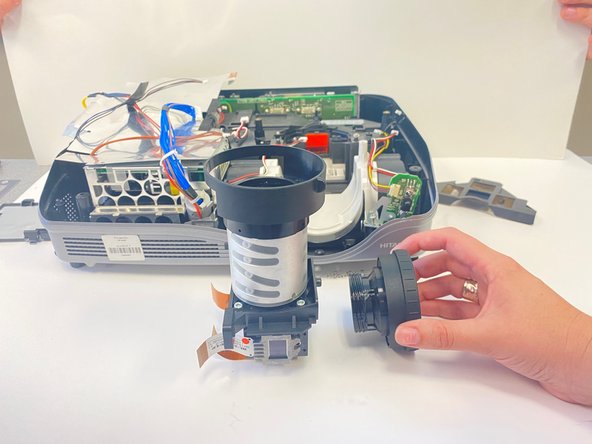
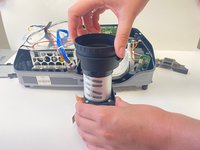
  11. Hitachi CP-X440 Lens Replacement: 步骤 11 中的图像 1,3 Hitachi CP-X440 Lens Replacement: 步骤 11 中的图像 2,3 Hitachi CP-X440 Lens Replacement: 步骤 11 中的图像 3,3
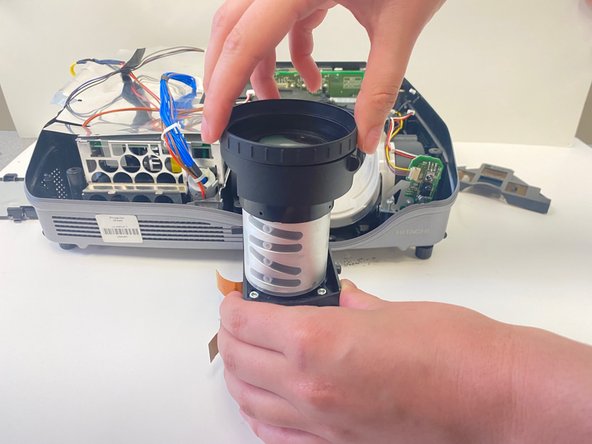
    • Once the lens is safely removed, turn it face up.

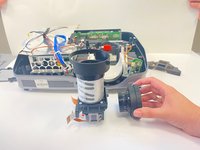
  12. Hitachi CP-X440 Lens Replacement: 步骤 12 中的图像 1,2 Hitachi CP-X440 Lens Replacement: 步骤 12 中的图像 2,2
    • Begin to gently unscrew the lens by hand, being mindful of light pressure.

    • After a few turns, the lens should be easily removed.

结论

To reassemble your device, follow these instructions in reverse order.

0指南评论

添加评论

浏览统计数据:

过去 24 小时: 1

过去 7 天: 6

过去 30 天: 16

总计 289