跳转到主内容
加入维修社区 - 创建账户

HTC Thunderbolt Volume Buttons Replacement

你所需要的

  1. HTC Thunderbolt Volume Buttons Replacement, Rear Panel: 步骤 1 中的图像 1,1
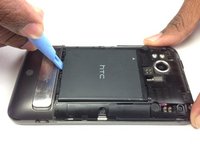
    • Insert the plastic opening tool into the top of the Thunderbolt near the power button.

    • Gently pry up on the rear panel around the edges until it is loose.

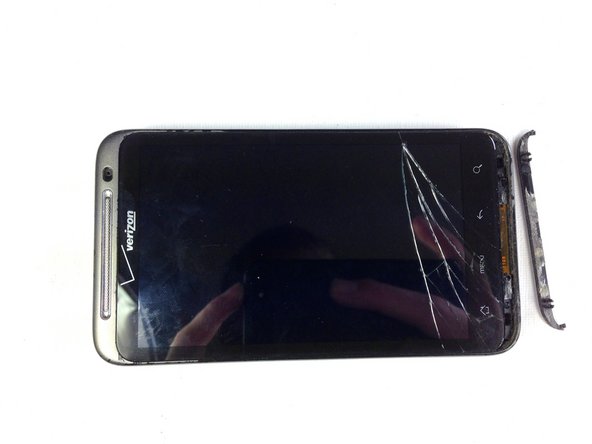
    询问修复机器人

    添加评论

  2. HTC Thunderbolt Volume Buttons Replacement: 步骤 2 中的图像 1,1
    • Lift and remove the rear panel.

    询问修复机器人

    添加评论

  3. HTC Thunderbolt Volume Buttons Replacement, Battery: 步骤 3 中的图像 1,2 HTC Thunderbolt Volume Buttons Replacement, Battery: 步骤 3 中的图像 2,2
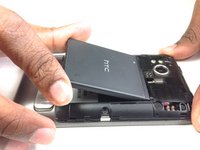
    • Using the plastic opening tool, lift up the battery from the bottom near the kickstand.

    • Remove the battery from the inner frame.

    询问修复机器人

    添加评论

  4. HTC Thunderbolt Volume Buttons Replacement, MicroSD Card: 步骤 4 中的图像 1,2 HTC Thunderbolt Volume Buttons Replacement, MicroSD Card: 步骤 4 中的图像 2,2
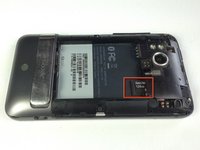
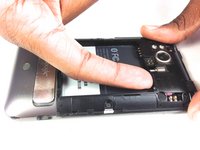
    • Use your finger to push the MicroSD card in towards the top of the phone, allowing it to be released from the casing.

    询问修复机器人

    添加评论

  5. HTC Thunderbolt Volume Buttons Replacement: 步骤 5 中的图像 1,1
    在这个步骤中使用的工具:
    Tweezers
    $4.99
    • Use tweezers to grab onto the MicroSD card and carefully remove it from the casing.

    询问修复机器人

    添加评论

  6. HTC Thunderbolt Volume Buttons Replacement, Rear Frame: 步骤 6 中的图像 1,1
    • Remove the six Phillips screws from the perimeter of the rear frame.

    • By removing the screw with the "void" sticker on it, your Thunderbolt will no longer be covered under warranty.

    询问修复机器人

    添加评论

  7. HTC Thunderbolt Volume Buttons Replacement: 步骤 7 中的图像 1,2 HTC Thunderbolt Volume Buttons Replacement: 步骤 7 中的图像 2,2
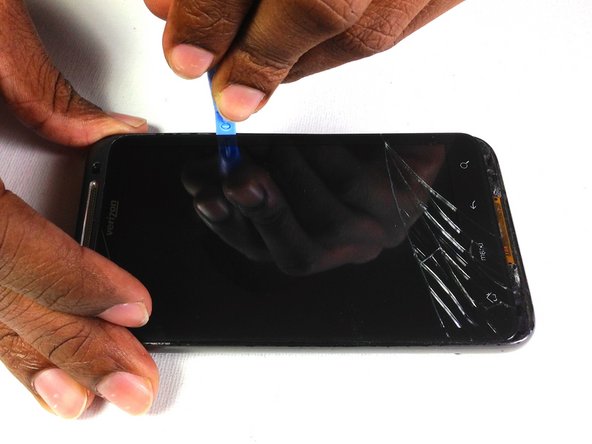
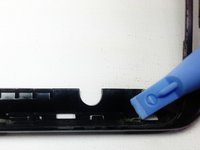
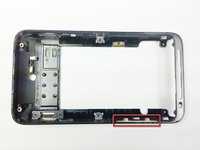
    • Insert the plastic opening tool into the bottom of the phone underneath the soft keys.

    • Gently pry up on the plastic cover by sliding the plastic opening tool across the bottom of the phone.

    • Remove the plastic cover.

    • The plastic cover will have adhesive on it making it difficult to remove.

    询问修复机器人

    添加评论

  8. HTC Thunderbolt Volume Buttons Replacement: 步骤 8 中的图像 1,1
    • Remove the two Phillips screws where the plastic cover was.

    询问修复机器人

    添加评论

  9. HTC Thunderbolt Volume Buttons Replacement: 步骤 9 中的图像 1,2 HTC Thunderbolt Volume Buttons Replacement: 步骤 9 中的图像 2,2
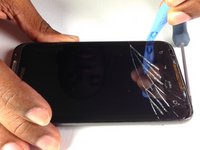
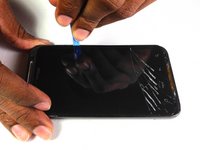
    • Insert the plastic opening tool in between the screen and the frame on the side of the phone.

    • Slowly slide the the plastic opening tool along the side of the phone until the screen begins to separate from the frame.

    • Do the same for the opposite side of the phone.

    询问修复机器人

    添加评论

  10. HTC Thunderbolt Volume Buttons Replacement: 步骤 10 中的图像 1,3 HTC Thunderbolt Volume Buttons Replacement: 步骤 10 中的图像 2,3 HTC Thunderbolt Volume Buttons Replacement: 步骤 10 中的图像 3,3
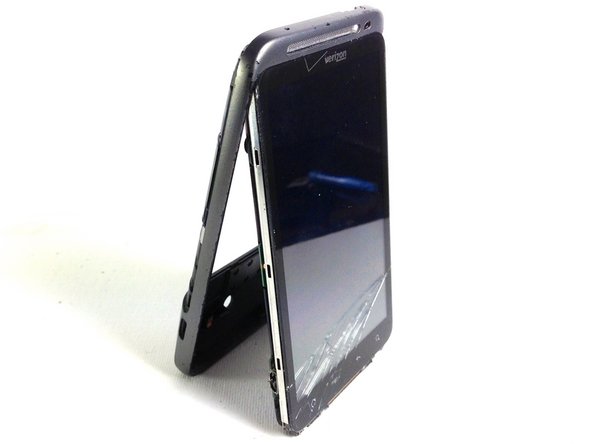
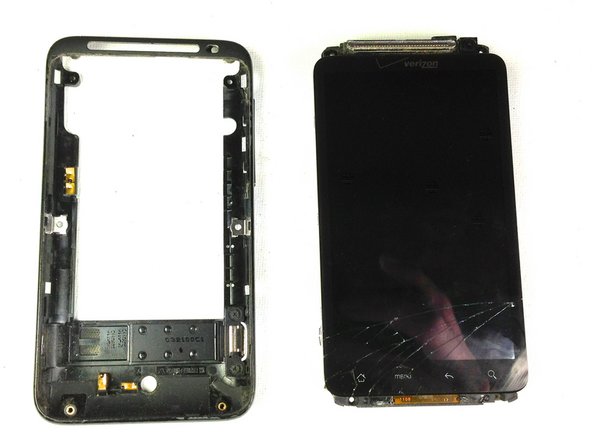
    • Carefully separate the screen and phone from the rear frame, starting from the bottom.

    • Gently pull down on the phone and screen to fully separate it from the rear frame.

    询问修复机器人

    添加评论

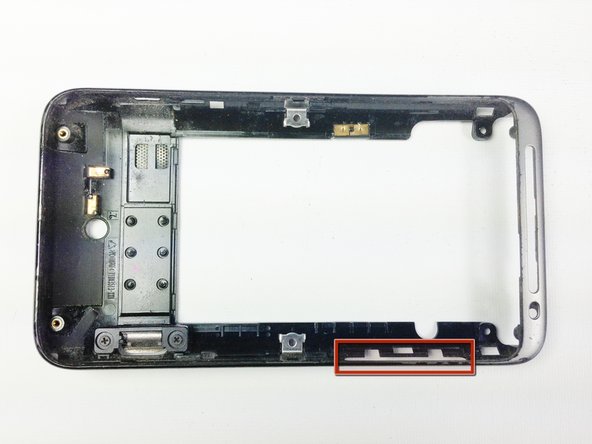
  11. HTC Thunderbolt Volume Buttons Replacement, Volume Buttons: 步骤 11 中的图像 1,1
    • Locate the side volume buttons

    询问修复机器人

    添加评论

  12. HTC Thunderbolt Volume Buttons Replacement: 步骤 12 中的图像 1,2 HTC Thunderbolt Volume Buttons Replacement: 步骤 12 中的图像 2,2
    • Use a pry tool to lift the buttons out of the case

    询问修复机器人

    添加评论

结论

To reassemble your device, follow these instructions in reverse order.

取消:我没有完成这个指南。

Vanessa

于01/18/13注册

60 声望

创作了4篇指南

团队

Cal Poly, Team 19-45, Regan Winter 2013 Cal Poly, Team 19-45, Regan Winter 2013 的会员

CPSU-REGAN-W13S19G45

4 名成员

创作了24篇指南

0指南评论

添加评论

浏览统计数据:

过去 24 小时: 1

过去 7 天: 9

过去 30 天: 45

总计 920