简介
This guide will teach you how to replace/install the LCD.
你所需要的
-
-
-
Place the device on a flat surface with the headphone outlet/jack facing away from you.
-
Place one of your fingers on the opposite corner of the headphone outlet/jack where there is a sliver of space. Be sure not to touch the front screen.
 询问修复机器人
-
-
-
Once the cover is off, lay the device on a flat surface with the screen facing downward. Use one hand to hold the device in place with the half-moon gap facing away from you [marked].
-
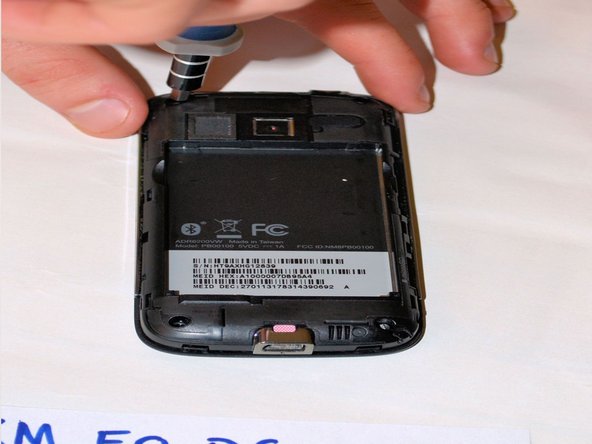
The square piece in the center of the phone is the battery. With your free hand, stick one of your fingers in the marked gap. Pull gently upwards towards you to remove.
-
-
-
-
-
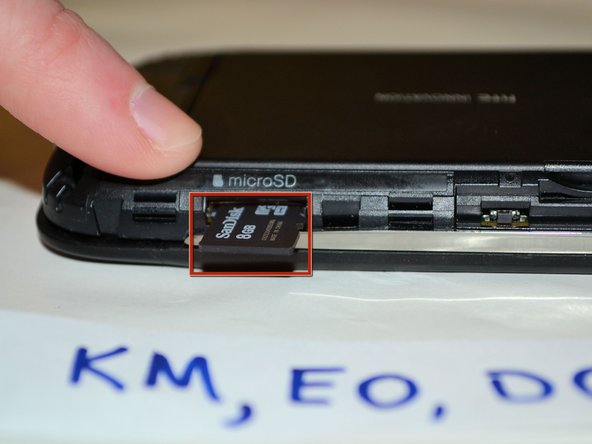
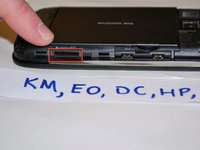
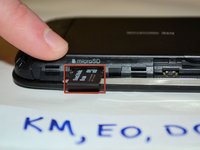
At the lower right hand corner of the phone use one hand to hold the device in place and use your finger to push the micro SD card inwards until you hear a "click" sound and it pops out.
-
If that method is difficult, use the plastic opening tool or spudger to push the micro SD card inwards and it will make a "click" sound and pop out.
-
-
-
-
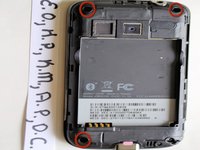
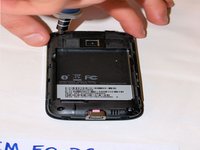
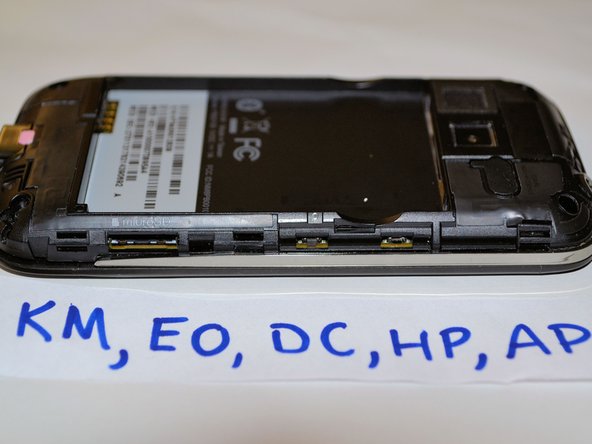
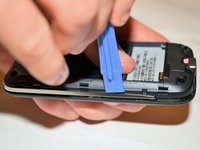
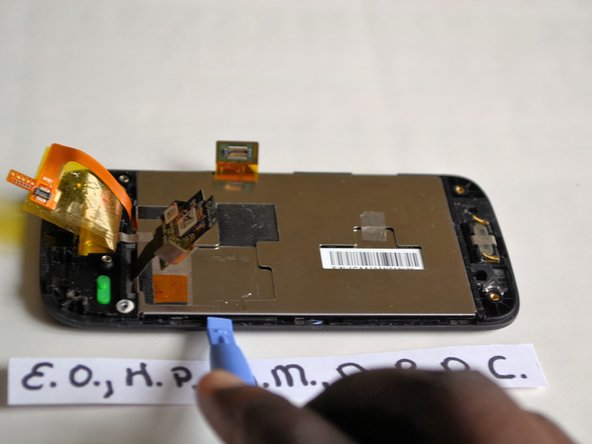
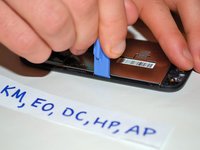
Use the plastic opening tool and place it in the gap by the chrome bezels which are located on both sides of the device. Pull the plastic opening tool to pry plastic case apart. Start prying open the device and work around the seam of the phone in a clockwise direction.
-
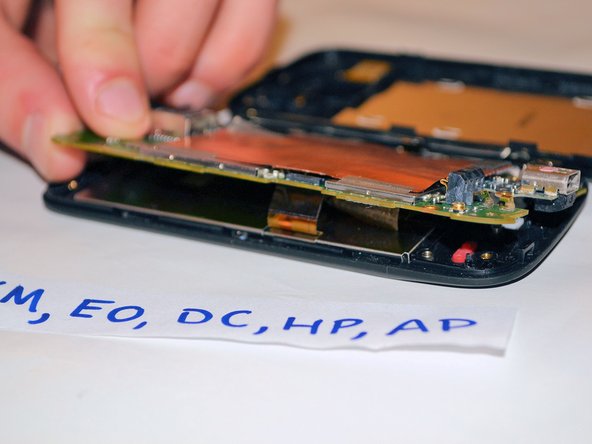
Remove the midframe.
-
-
-
-
-
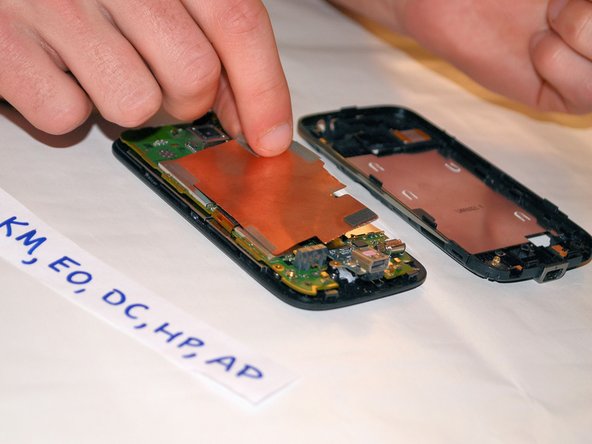
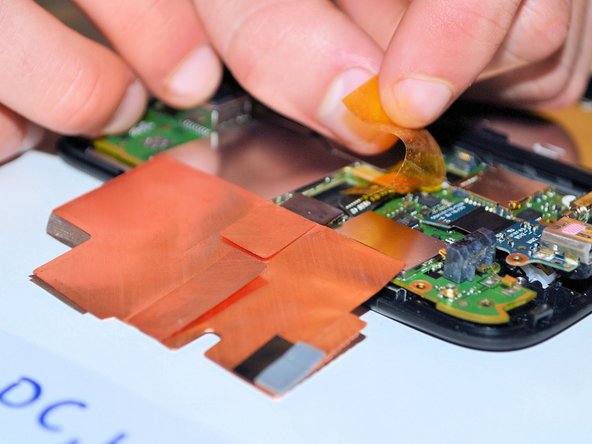
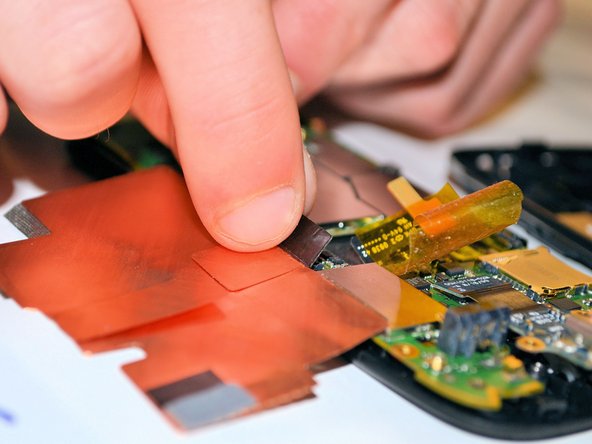
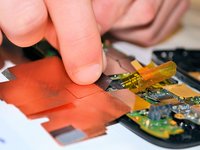
With one hand holding the device in place, use your free hand to flip open the RF shield.
-
Peel the three pieces of silver metallic tape off of the logic board.
-
Do not peel off the two pieces of tape, that are located on the straightest edge of the RF shield closest to the edge of the phone.
-
-
-
-
在这个步骤中使用的工具:Tweezers$4.99
-
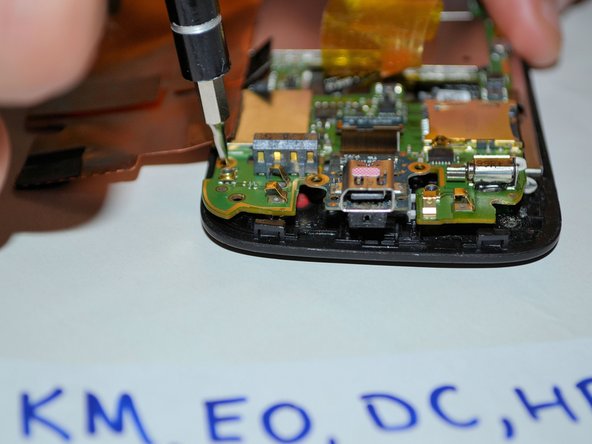
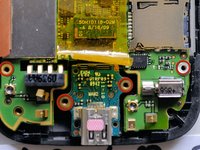
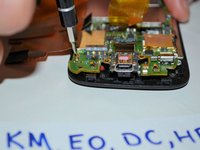
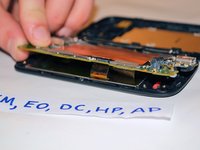
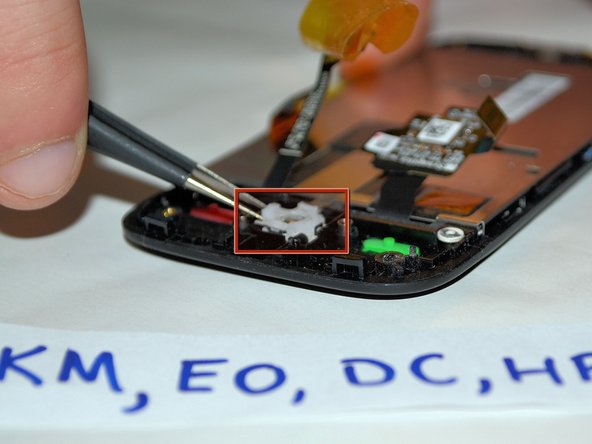
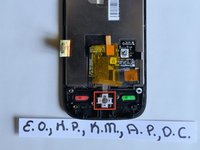
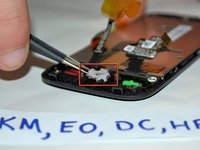
Use tweezers to grab the white sides of the trackball bracket and remove from the phone.
-
If this method is unsuccessful then place the device over your hand (with the screen facing downward). Make sure that the trackball is positioned directly over your hand. Now turn the device over carefully and the trackball will fall out. That will be the only thing that is loose so make sure that you are able to catch the trackball when it falls.
-
-
-




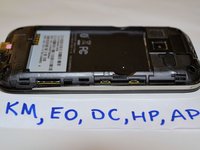







To reassemble your device, follow these instructions in reverse order.
另外一个人完成了本指南。

团队

SUNY Cortland, Team 1-2, Getto Spring 2013 SUNY Cortland, Team 1-2, Getto Spring 2013 的会员
SUNYCORT-GETTO-S13S1G2
5 名成员
创作了42篇指南
