跳转到主内容
加入维修社区 - 创建账户

HP Mini 311 Keyboard Replacement

你所需要的

  1. HP Mini 311 Keyboard Replacement, Battery: 步骤 1 中的图像 1,3 HP Mini 311 Keyboard Replacement, Battery: 步骤 1 中的图像 2,3 HP Mini 311 Keyboard Replacement, Battery: 步骤 1 中的图像 3,3
    • Lay the laptop on a flat surface, bottom side up and slide the two battery release latches toward the outside of the case.

    询问修复机器人

    添加评论

  2. HP Mini 311 Keyboard Replacement: 步骤 2 中的图像 1,2 HP Mini 311 Keyboard Replacement: 步骤 2 中的图像 2,2
    • Slide the battery away from the device to remove.

    询问修复机器人

    添加评论

  3. HP Mini 311 Keyboard Replacement, Memory Shield: 步骤 3 中的图像 1,1
    • With the device still in a bottom side up position, proceed to unscrew the two 4.8mm Phillips 00 screws from the memory shield.

    • The screws will remain in the shied.

    询问修复机器人

    添加评论

  4. HP Mini 311 Keyboard Replacement: 步骤 4 中的图像 1,2 HP Mini 311 Keyboard Replacement: 步骤 4 中的图像 2,2
    • Lift the memory shield up and remove from the laptop.

    询问修复机器人

    添加评论

  5. HP Mini 311 Keyboard Replacement, Hard Drive: 步骤 5 中的图像 1,3 HP Mini 311 Keyboard Replacement, Hard Drive: 步骤 5 中的图像 2,3 HP Mini 311 Keyboard Replacement, Hard Drive: 步骤 5 中的图像 3,3
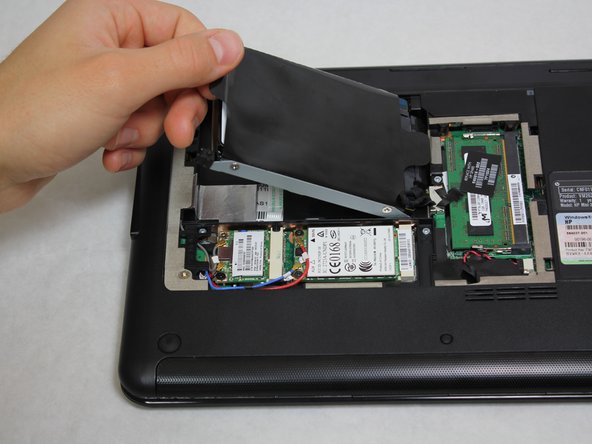
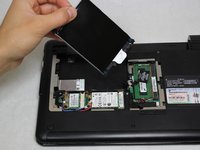
    • Grab the left black, plastic tab and carefully pull upward.

    • Be sure to pull carefully. Pulling too forcefully may damage the tab.

    询问修复机器人

    添加评论

  6. HP Mini 311 Keyboard Replacement: 步骤 6 中的图像 1,3 HP Mini 311 Keyboard Replacement: 步骤 6 中的图像 2,3 HP Mini 311 Keyboard Replacement: 步骤 6 中的图像 3,3
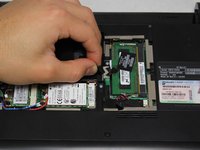
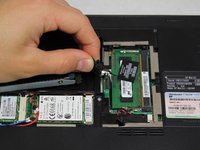
    • Grab a hold of the wire connecting the hard drive and the device.

    • Pull upward, perpendicular to the surface of the laptop, releasing the connector tethering the hard drive to the motherboard.

    询问修复机器人

    添加评论

  7. HP Mini 311 Keyboard Replacement, Keyboard: 步骤 7 中的图像 1,1
    • Unscrew the four Phillip 00 5.6 mm screws located around the wireless card and RAM.

    询问修复机器人

    添加评论

  8. HP Mini 311 Keyboard Replacement: 步骤 8 中的图像 1,1
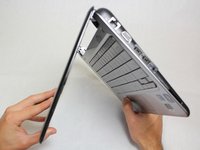
    • Open the laptop so that the screen and front of the keyboard are both facing the ground.

    • Push on the opening on the back side of the device until the keyboard partially pops out.

    • This opening is located where the original hard drive was set.

    询问修复机器人

    添加评论

  9. HP Mini 311 Keyboard Replacement: 步骤 9 中的图像 1,3 HP Mini 311 Keyboard Replacement: 步骤 9 中的图像 2,3 HP Mini 311 Keyboard Replacement: 步骤 9 中的图像 3,3
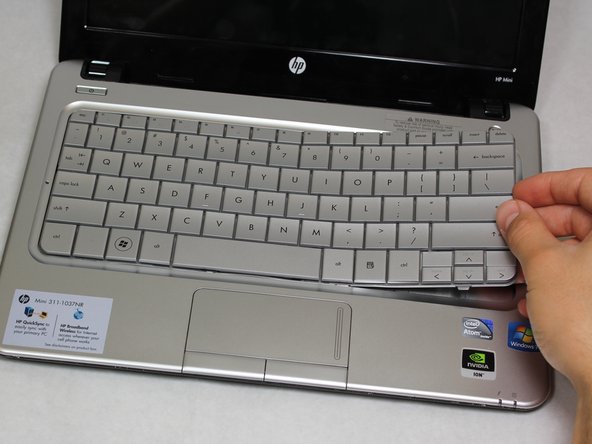
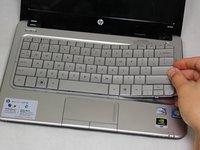
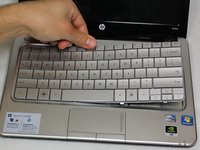
    • Flip the device around and orient it so that the screen and keyboard are facing you.

    • Starting at the right side, work your way towards the left end and remove the keyboard by unhinging the latches attaching it to the base of the device.

    • The right side of the keyboard should be unattached.

    • Be gentle and patient. You don't want to pull the entire keyboard at once, but rather pull by sections.

    询问修复机器人

    添加评论

  10. HP Mini 311 Keyboard Replacement: 步骤 10 中的图像 1,3 HP Mini 311 Keyboard Replacement: 步骤 10 中的图像 2,3 HP Mini 311 Keyboard Replacement: 步骤 10 中的图像 3,3
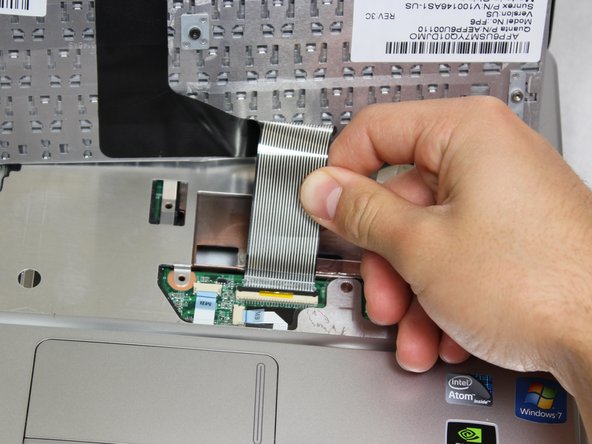
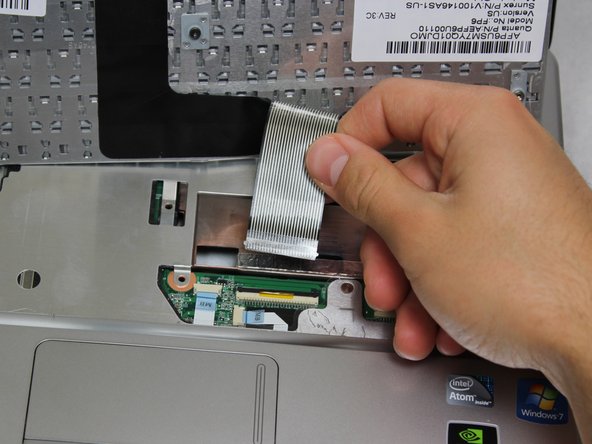
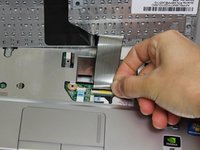
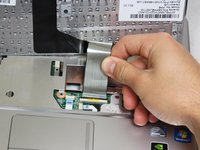
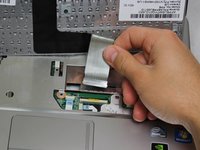
    • Carefully pull the ribbon cable connecting the keyboard and the laptop to remove from the device.

    询问修复机器人

    添加评论

结论

To reassemble your device, follow these instructions in reverse order.

取消:我没有完成这个指南。

4等其他人完成本指南。

团队

Cal Poly, Team 20-4, Maness Winter 2013 Cal Poly, Team 20-4, Maness Winter 2013 的会员

CPSU-MANESS-W13S20G4

4 名成员

创作了10篇指南

0指南评论

添加评论

浏览统计数据:

过去 24 小时: 2

过去 7 天: 10

过去 30 天: 37

总计 2,956